





The Burning Crusade runs on client version 2.4.3, and it is the version almost every TBC private server is built on. This page lists WoW TBC addons made for that client, covering questing in Outlands, raiding, and Arena PvP.
Why TBC needs addons
The Burning Crusade added flying mounts, Arena, and a second continent’s worth of quests and dungeons, but the 2.4.3 interface itself did not grow much beyond the vanilla UI. There is still no in-game damage meter, no quest tracker on the map, and no way to see an opponent’s cooldowns during an Arena match without a dedicated frame. Addons cover these gaps without changing how the expansion plays.
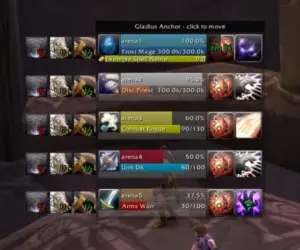
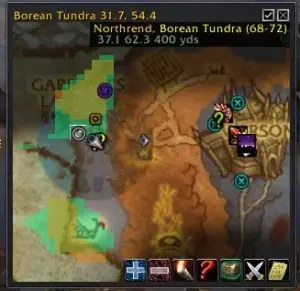
Because TBC introduced flying and Arena on top of the old engine, several addons from this era exist specifically to handle those additions, such as Gladius for Arena unit frames or Carbonite for map and coordinate tracking across two continents. Pick addons built for 2.4.3 specifically, since anything made for a later client will not load correctly.
Addon categories on this page
The addons here are grouped by function, so you can filter by what you need instead of scrolling through the full list:
- Quest helpers that mark quest givers and objectives on the map
- Boss encounter addons with timers and cast alerts
- Damage meters and combat trackers
- Bag and inventory organizers
- Auction house tools for pricing and scanning
- Arena and battleground unit frames
- Full UI replacements and action bar mods
Use the filters at the top of this page to narrow the list by category, server, or update date.
Popular addons for TBC 2.4.3
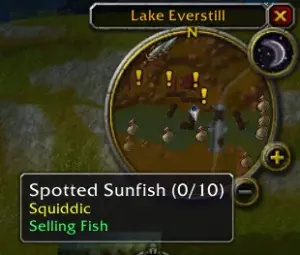
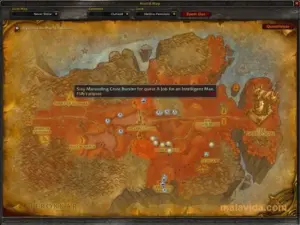
Questie adds a quest tracker to the map, showing quest givers, objectives, and turn-ins across both Azeroth and Outlands.
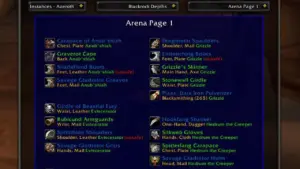
AtlasLoot Enhanced lists the loot tables for TBC dungeons and raids, including Karazhan, Tempest Keep, and Black Temple, along with item stats and drop sources.
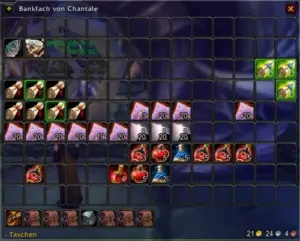
Bagnon combines your bags and bank into a single window and adds search and sorting.
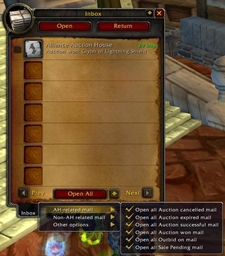
Auctionator speeds up buying and selling at the auction house with saved searches and price history.
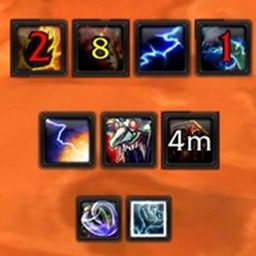
Deadly Boss Mods gives you boss encounter timers, alerts, and warnings for raid mechanics from Karazhan through Sunwell Plateau.
ElvUI replaces the default interface with a single, configurable UI covering unit frames, action bars, and chat.
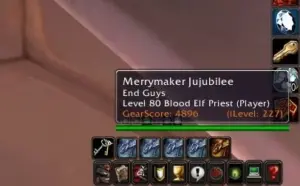
Gladius shows enemy unit frames in Arena matches, including their cooldowns and buffs, which the default UI does not display.
How to install TBC addons
- Download the addon as a .zip file from its page on Warperia.
- Extract it with 7-Zip, WinRAR, or the extractor built into Windows.
- Open your WoW installation folder, then Interface, then AddOns.
- Move the extracted folder into AddOns. The folder containing the .toc file needs to sit directly inside AddOns, not nested inside another folder.
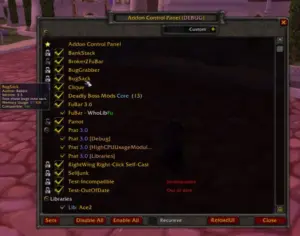
- Start the game and click the AddOns button on the character selection screen to confirm the addon is enabled.
Some private servers block addons last updated for a different client version. If an addon does not appear after installing it, tick “Load out of date AddOns” on the same screen.
Installing addons with the Warperia app
The Warperia desktop app installs addons directly into your AddOns folder and checks for updates automatically, so you do not need to download zip files or extract them by hand. It supports TBC 2.4.3 along with the other expansions listed on this site.
Keeping addons up to date
TBC addons still get updated by their authors, either to fix bugs or to add support for server-side patches. An outdated addon is one of the most common causes of Lua errors on login, so if something breaks after a server update, check this page or the app for a newer version before assuming the addon is broken for good.
Frequently asked questions
Do TBC addons work on every private server?
Most do, since they are built against the 2.4.3 client itself rather than a specific server. A few addons are made or patched for one server’s custom content. These are labeled on their addon page.
Can I use Vanilla or WotLK addons on TBC?
No. Addons built for a different expansion use a different API version and will not load on 2.4.3. Look for addons that list 2.4.3 or TBC as their supported client, which is the case for everything on this page.
Why do I get a Lua error after logging in?
This usually means an addon is out of date for the current client or server patch, or that two addons are conflicting with each other. Disable your addons one at a time to find which one is causing the error, then check for an updated version.