
SyntaxError UI
Profile Details
Profile ID:
29568
Uploaded:
Nov 16, 2026
Updated:
Nov 21, 2026
Installs:
22,833
Website:
Source Link
Theme & Expansion
Roles
Resolution
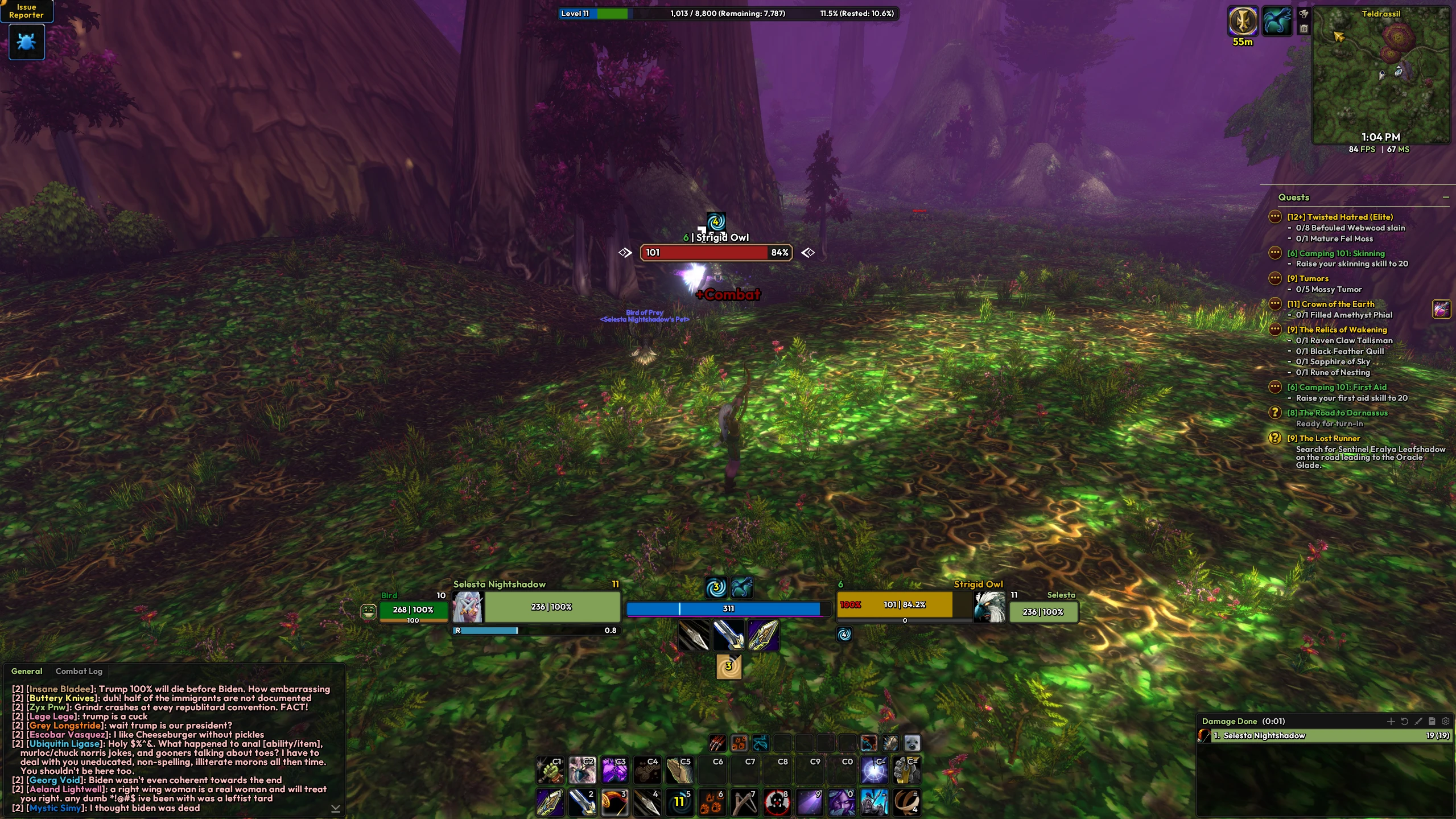
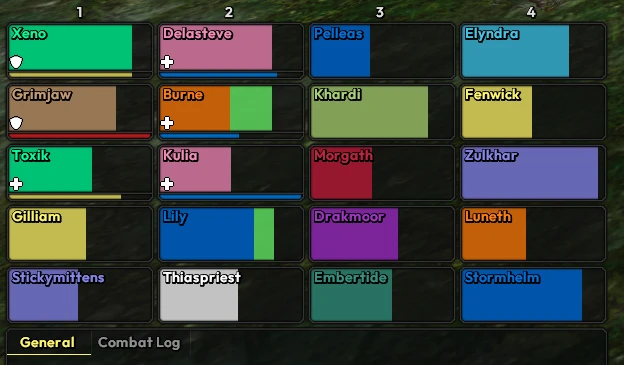
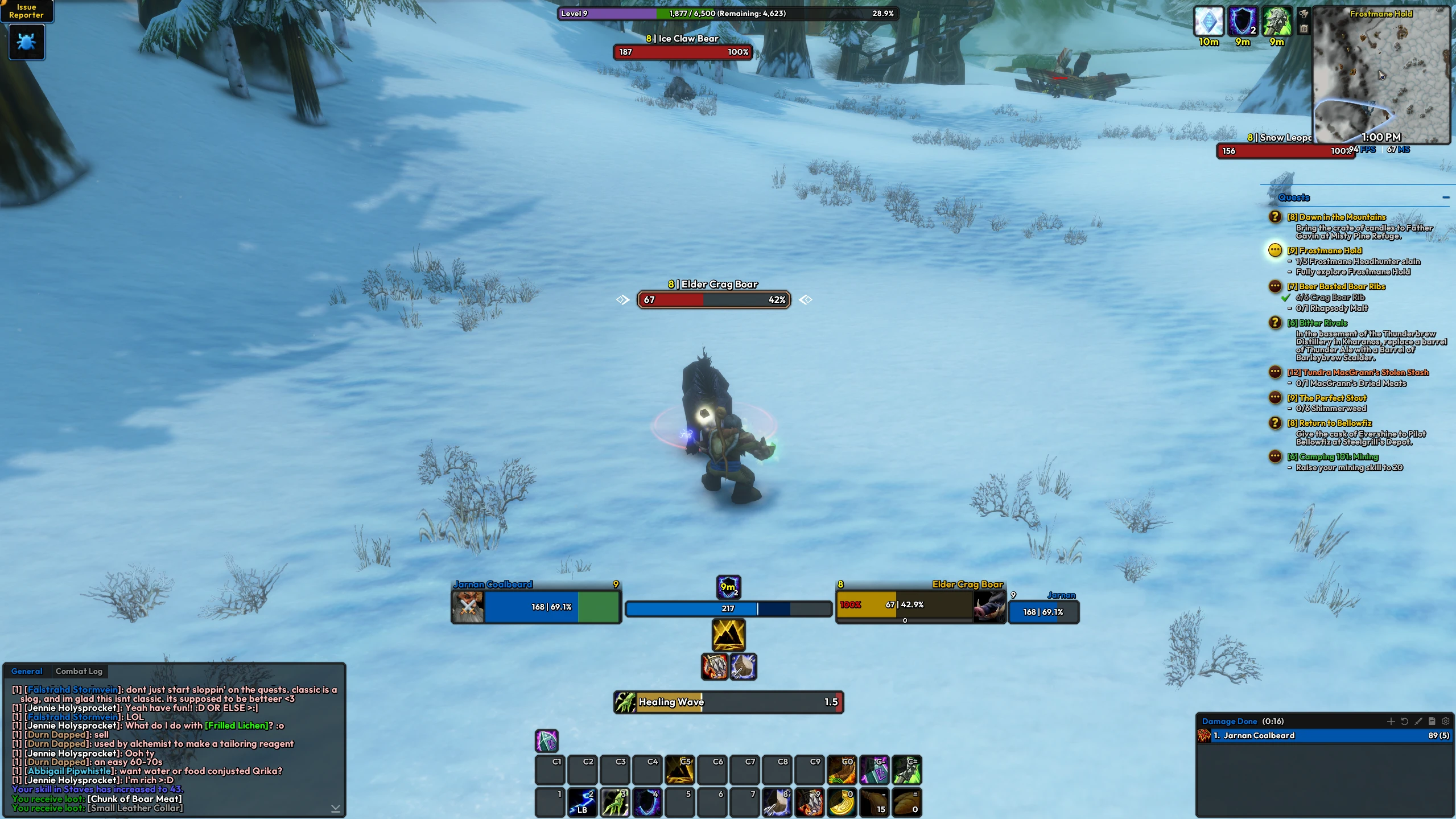
This preset is now fully launch ready (Also works on Retail!), with all features implemented. Leave a comment or drop by the EUI Discord if you have any issues or requests.EUI Discord member Yuki has made an addon to skin the majority of remaining EUI elements (as well as several other addons) to match this preset, linked below.Uggrukor has released a healer version of this preset and is available here on the website, just search for "SyntaxError UI" and you'll see it.Databars need to be enabled for this layout as I used some of them in creative ways to dress up the player/target frames.Font addon has been released (Wago + Curseforge link below) and the preset is now defaulting to the font shown in previews. If you don't like the font, you can always change back to "Expressway" under "Global Settings -> Fonts".Updated 11/21 (v2):
-Raid/Party debuff filtering set to "all" as a few important debuffs were missing
-All notification sounds are off by default (AuraBuff Reminder & Chat), sorry about that!
-Blizzard micro menu replaced with a persistent EUI one that is anchored to the quest log
-Swing timer anchoring fixed when all 3 swing timers are displayed
-Various minor adjustments throughout
-(v2) Fixed inconsistent content scale with the Bags/Hearth/Durability/Gold databar
Code
How to install
1 Copy the entire code string shown above.
2 Open World of Warcraft and open the EllesmereUI settings in the chat to open the EllesmereUI settings.
3 In the EllesmereUI window, go to Profiles → Import Profile.
4 Paste the code string into the box.
5 Click Import to apply the profile.