

Forever | Not Vanilla, but Cookies & Cream.
Profile Details
Profile ID:
29580
Uploaded:
Nov 16, 2026
Updated:
Nov 18, 2026
Installs:
37,372
Website:
Source Link
Theme & Expansion
Roles
Content
Resolution
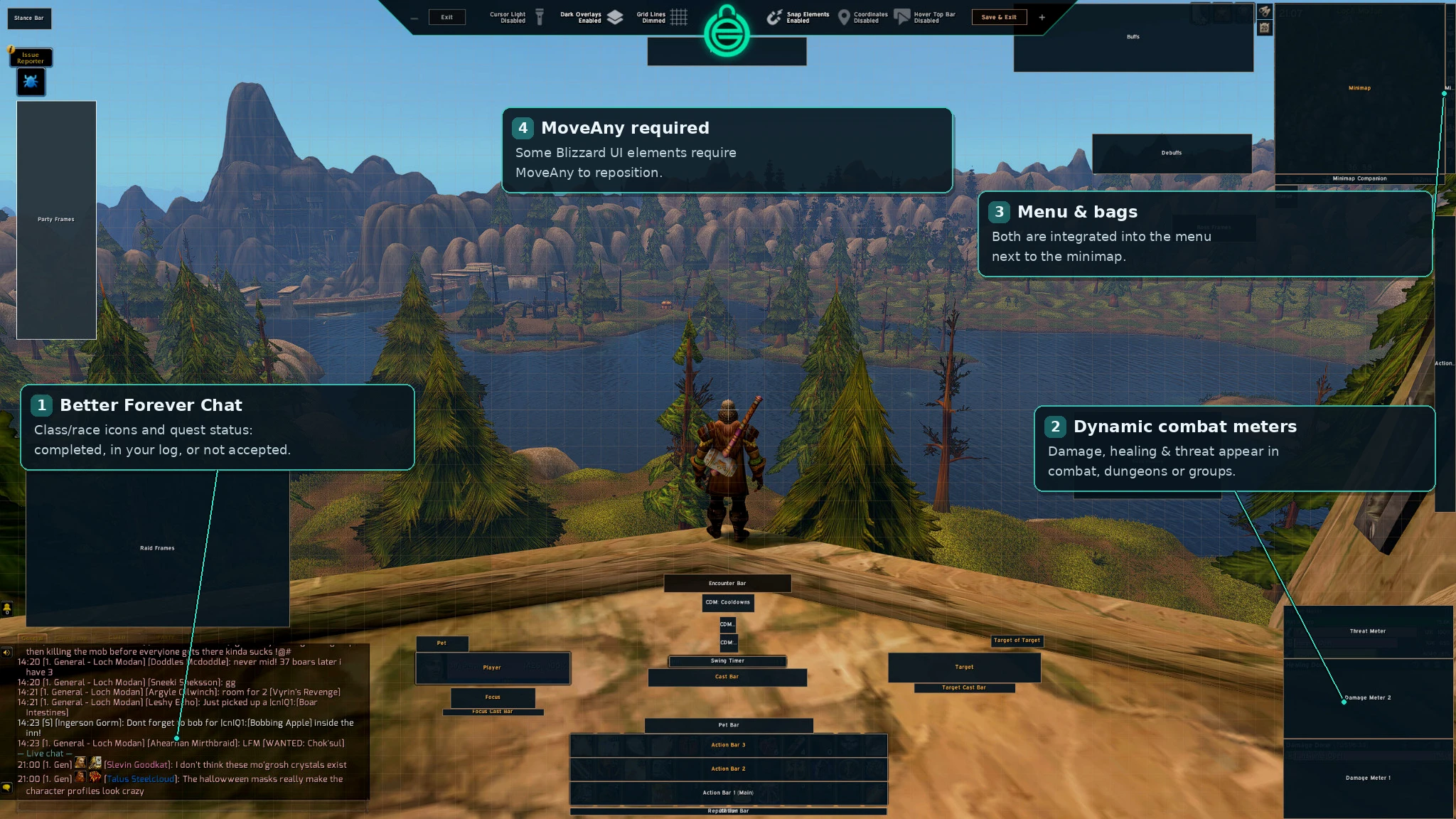
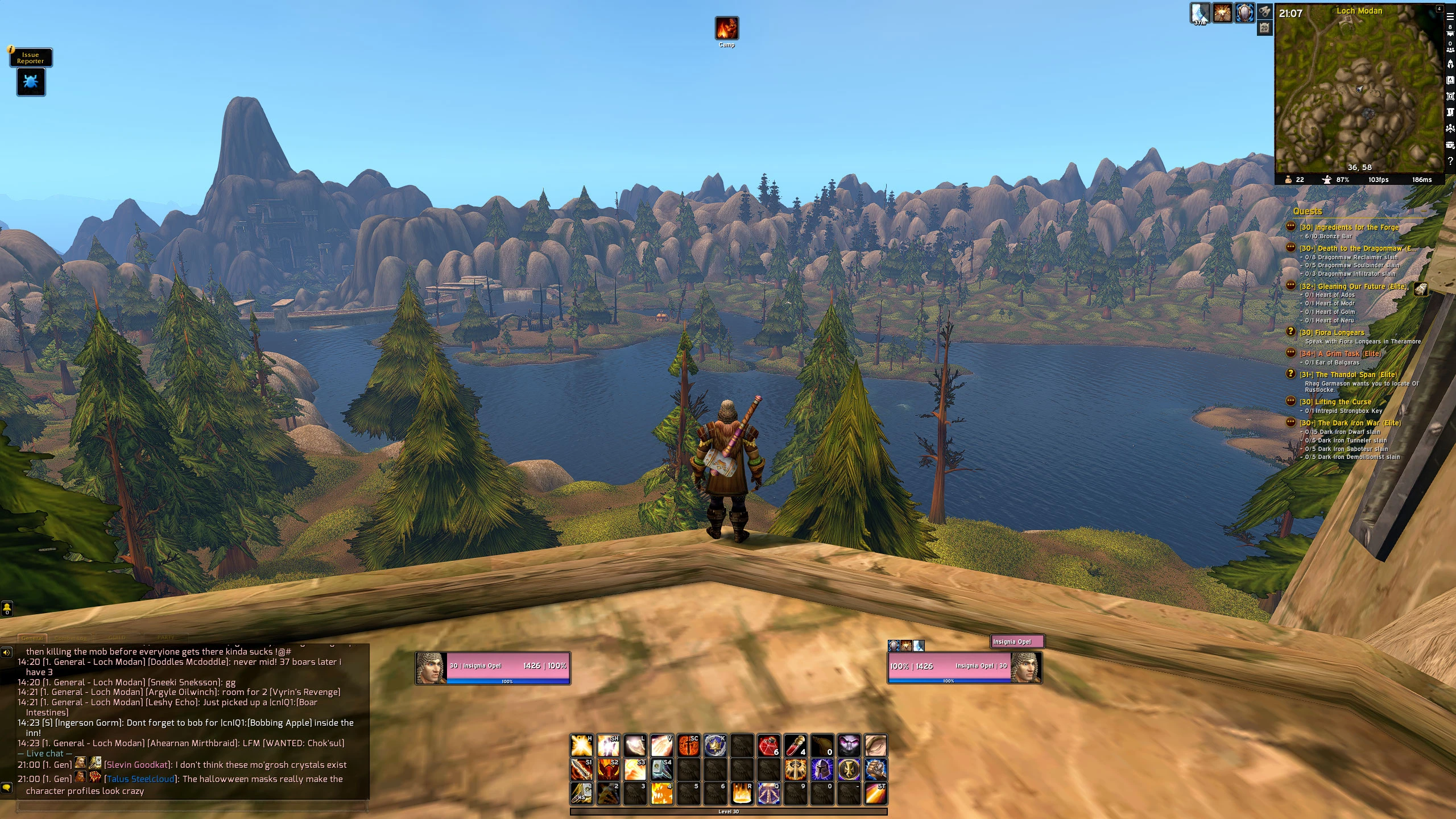
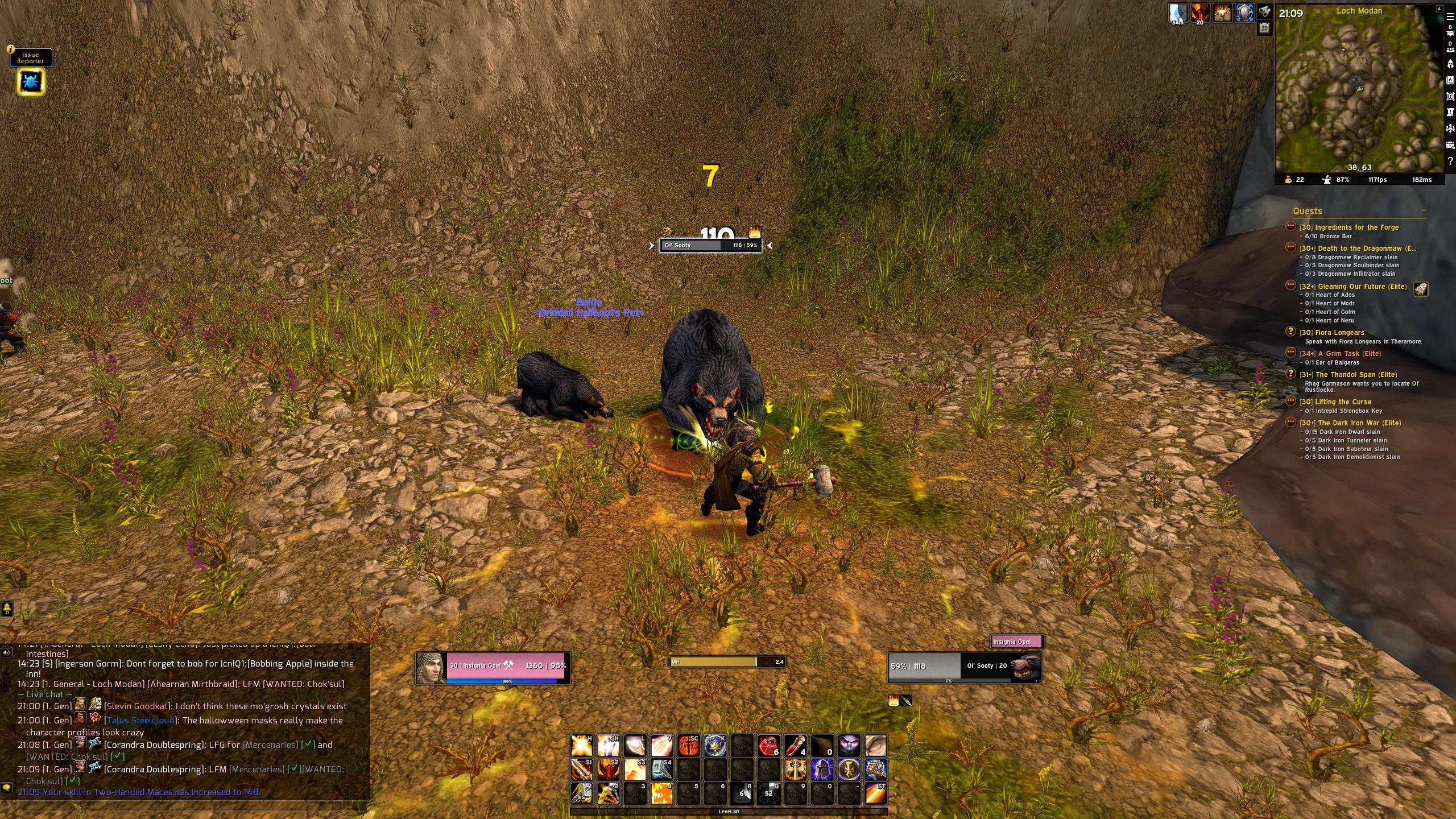
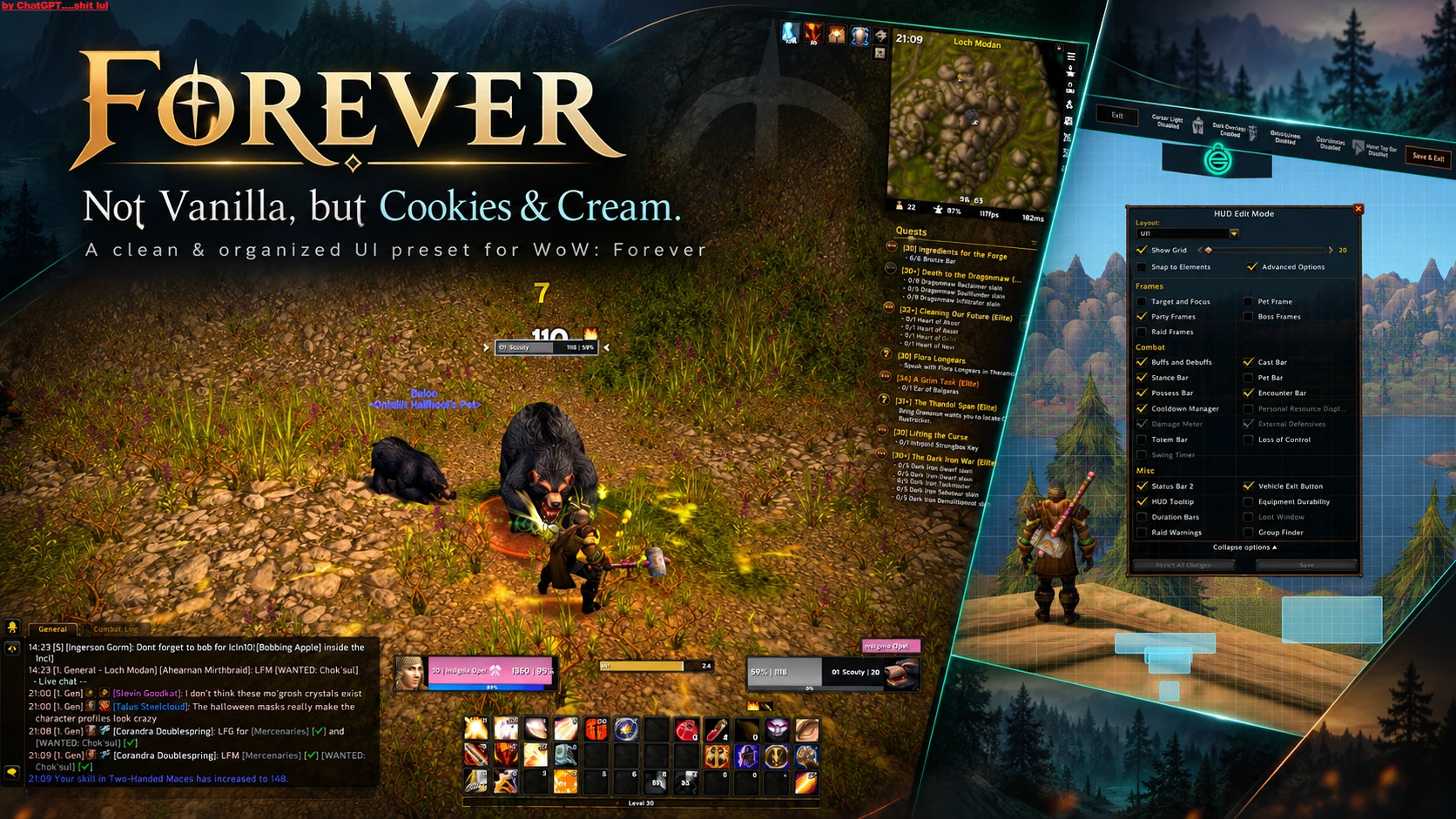
A little Vanilla, a little extra flavor. My personal WoW: Forever UI preset combines the classic WoW feel with a clean, organized layout.Centered action bars, player and target frames on either side, chat on the left, and damage meters on the right—with plenty of room in the middle to enjoy the world.Classic at heart, cookies & cream on top.Optimized for 2K (1440p) resolutionRECOMMENDED ADDONS:For the best experience, I recommend using the following addons alongside EllesmereUI:Chat: Better Forever ChatBags: BagnonQuest Tracker: QuestieMovable UI Elements: MoveAnyQuality of Life: OpenMap, Dungeon Journal, NodeSight Sparkles, LFG ForeverTo avoid conflicts and overlapping UI elements, disable the following modules in the EllesmereUI configuration:Chat → Replaced by Better Forever ChatBags → Replaced by BagnonQuest Tracker → Replaced by QuestieThese modules are intentionally disabled in my setup. Make sure to turn them OFF when using the recommended addons!UPDATE V4 – CHANGELOGReplaced the Blizzard XP bar with EllesmereUI XP barHidden Blizzard Bags and MicroMenuMoved Bags and MicroMenu access to the MinimapSwitched back to Bagnon for inventory managementMinor UI tweaks and visual improvementsADDITIONAL NOTESDesigned and adjusted for 2560×1440 resolutionSome UI elements may require manual adjustments depending on your resolutionScreenshots powered by ChatGPT... 😀
Code
How to install
1 Copy the entire code string shown above.
2 Open World of Warcraft and open the EllesmereUI settings in the chat to open the EllesmereUI settings.
3 In the EllesmereUI window, go to Profiles → Import Profile.
4 Paste the code string into the box.
5 Click Import to apply the profile.