







The Bronzebeard realm is Ascension’s classic+ take on the Original 9 Classes, built on the same Wrath of the Lich King 3.3.5a client Ascension has always used. Since Bronzebeard adds new talents, mystic enchantments, and years of custom content on top of a familiar class system, the right addons matter as much here as they do on any other WotLK-based server.
What makes Bronzebeard different
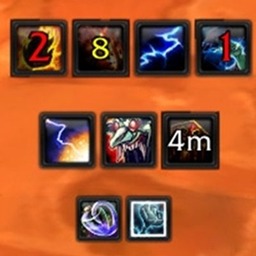
Unlike Ascension’s classless realms, Bronzebeard keeps you locked into a single class for the life of your character, choosing from Warrior, Mage, Rogue, Hunter, Shaman, Warlock, Priest, Paladin, or Druid. On top of that base, Ascension layers new race and class combinations, deeper talent trees, and mystic enchantments that let you pick up abilities from outside your usual tree. That extra depth is where a well-chosen addon list starts to pay off, especially for tracking cooldowns, buffs, and enchantment procs that did not exist in original Vanilla.
Addon categories worth setting up first
A few categories cover most of what you will want on Bronzebeard:
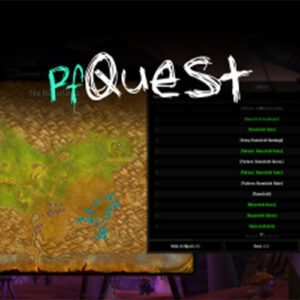
- Quest helpers like Questie or pfQuest, for a client that otherwise gives you no map markers
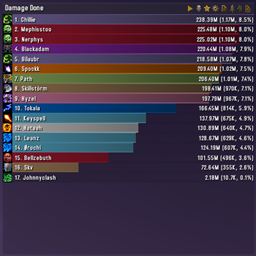
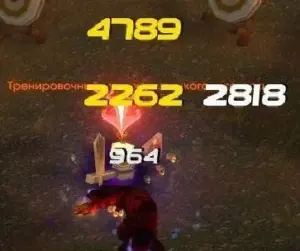
- Damage and boss encounter tools such as Details! Damage Meter and AtlasLoot, useful once you start grouping for dungeons or raids
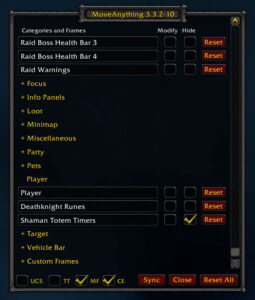
- Unit frame and action bar replacements like Bartender 4, for fitting mystic enchantment cooldowns onto your bars cleanly
- Bag and inventory addons such as Bagnon, since Bronzebeard’s expanded item pool fills bags fast
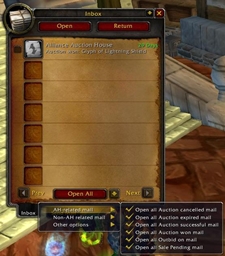
- Auction house tools like Auctionator, for managing gold across a much larger item database than original Vanilla had
You can browse the full, filterable list above and sort by category, popularity, or update date.
Installing addons on Bronzebeard
Ascension’s own launcher includes a built-in addon manager under Addons, where you can select and install several popular options with one click. Anything downloaded from Warperia instead needs to go into your Interface/AddOns folder inside the Ascension client directory. If you would rather skip manual folder management altogether, the Warperia desktop app installs and updates your addons automatically and keeps them in sync as new versions come out.
Frequently asked questions
Do WotLK addons work on Bronzebeard without changes?
Most addons built for the 3.3.5a client work as-is, since Bronzebeard runs on that same client version. Anything that hardcodes assumptions about talent trees or class abilities may need an update to fully account for Bronzebeard’s new enchantment system.
Can I use the same addons on Bronzebeard and Ascension’s other realms?
Yes. Addons are tied to the client version rather than a specific realm, so the same install works whether you are playing Bronzebeard, Classless, or Conquest of Azeroth.
Do addons need updating after Ascension patches?
Occasionally. Ascension updates its custom content on its own schedule, and an addon that reads item or ability data directly can break until its author pushes an update. Checking Warperia periodically, or letting the desktop app handle updates, keeps this from becoming a problem.