










Legion runs on client version 7.3.5, and it is the version almost every Legion private server is built on. This page lists WoW Legion addons made for that client, covering Mythic+ dungeons, Artifact Weapons, and World Quests across the Broken Isles and Argus.
Why Legion needs addons
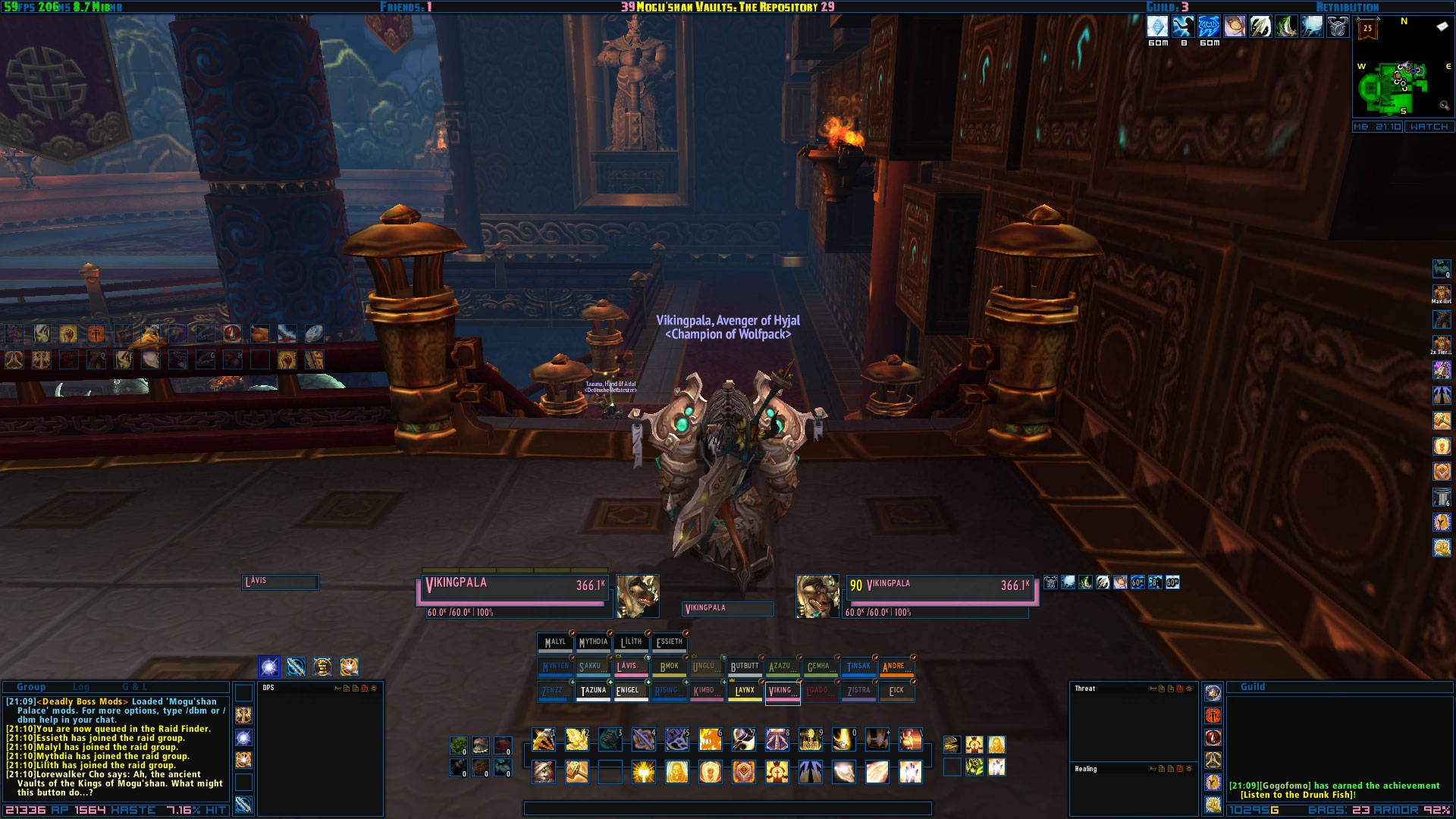
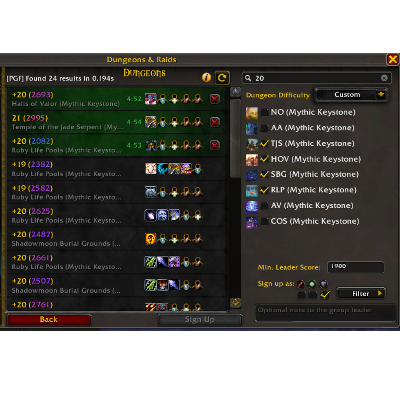
Legion introduced World Quests, Artifact Power, and Mythic+ scaling, and the base UI shows only the minimum needed to track any of it. There is no built-in damage meter, the default World Quest panel does not filter by reward type, and keystone timers are not visible without opening the dungeon journal. Addons cover these gaps without changing how the expansion plays.
Because Mythic+ and World Quests are central to Legion’s endgame, several addons from this era exist specifically to track them, such as World Quest Tracker for daily objectives or Plater for nameplate customization during pulls. Pick addons built for 7.3.5 specifically, since anything made for a later client will not load correctly.
Addon categories on this page
The addons here are grouped by function, so you can filter by what you need instead of scrolling through the full list:
- Boss encounter addons with timers and cast alerts
- Damage and healing meters
- World Quest and map tracking tools
- Bag and inventory organizers
- Nameplate and unit frame replacements
- Rare and treasure spawn trackers
- Action bar mods and buff and cooldown displays
Use the filters at the top of this page to narrow the list by category, server, or update date.
Popular addons for Legion 7.3.5
Details! Damage Meter tracks damage, healing, and threat during fights and breaks the numbers down by ability, so raid and Mythic+ groups can see who needs to adjust their rotation.
Deadly Boss Mods gives you boss encounter timers, alerts, and warnings for raid mechanics from Emerald Nightmare through Antorus.
World Quest Tracker adds filters and reward previews to the World Quest panel, so you can plan your dailies across the Broken Isles without opening each one individually.
Plater Nameplates replaces the default nameplates with a customizable version that supports scripts and visual alerts for casts and debuffs.
WeakAuras displays custom visual and sound alerts based on buffs, cooldowns, Artifact Power procs, or combat events. Warperia also has a library of ready-made WeakAuras profiles for different classes and specs.
RareScanner alerts you when a rare mob, event, or treasure is nearby, marking it on your minimap.
Bartender4 replaces the default action bars and lets you resize, reposition, and hide them individually.
How to install Legion addons
- Download the addon as a .zip file from its page on Warperia.
- Extract it with 7-Zip, WinRAR, or the extractor built into Windows.
- Open your WoW installation folder, then Interface, then AddOns.
- Move the extracted folder into AddOns. The folder containing the .toc file needs to sit directly inside AddOns, not nested inside another folder.
- Start the game and click the AddOns button on the character selection screen to confirm the addon is enabled.
Some private servers block addons last updated for a different client version. If an addon does not appear after installing it, tick “Load out of date AddOns” on the same screen.
Installing addons with the Warperia app
The Warperia desktop app installs addons directly into your AddOns folder and checks for updates automatically, so you do not need to download zip files or extract them by hand. It supports Legion 7.3.5 along with the other expansions listed on this site.
Keeping addons up to date
Legion addons still get updated by their authors, either to fix bugs or to add support for server-side patches. An outdated addon is one of the most common causes of Lua errors on login, so if something breaks after a server update, check this page or the app for a newer version before assuming the addon is broken for good.
Frequently asked questions
Do Legion addons work on every private server?
Most do, since they are built against the 7.3.5 client itself rather than a specific server. A few addons are made or patched for one server’s custom content. These are labeled on their addon page.
Can I use MoP or BfA addons on Legion?
No. Addons built for a different expansion use a different API version and will not load on 7.3.5. Look for addons that list 7.3.5 or Legion as their supported client, which is the case for everything on this page.
Why do I get a Lua error after logging in?
This usually means an addon is out of date for the current client or server patch, or that two addons are conflicting with each other. Disable your addons one at a time to find which one is causing the error, then check for an updated version.