

Twitch Emotes v2 (Backport)
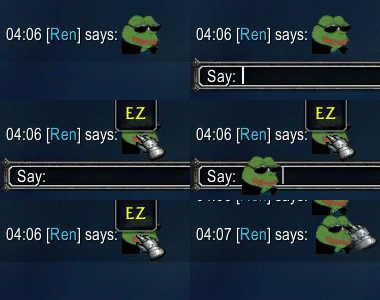
Backport of Twitch Emotes v2 By ren9790 for Legion (7.3.5 client) with Animated Emotes
Details
Expansion
 Legion
 Categories
Developers

Having issues?
Twitch Emotes
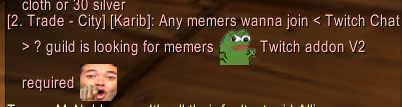
Shows Twitch emotes in your chat by typing them as you would into Twitch.
Simply type peepoHappy and peepoHappy will be in your chat, no Kapp.
Features
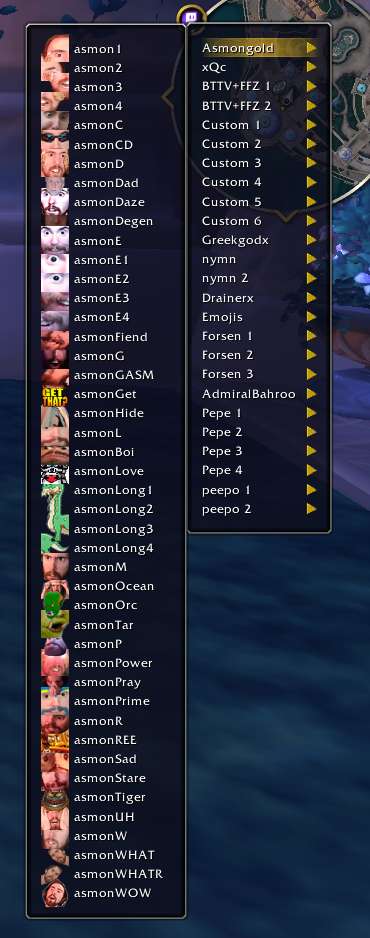
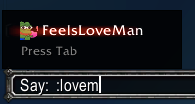
There's a minimap dropdown that has a preview of some emotes, but typing an emote as you would on Twitch or Discord with a colon ":" prefix will create a dropdown in your chat that has access to all emotes in the AddOn. This works by using Tab and Shift-Tab to rotate through options, hit colon again to select, or Enter for quick send.
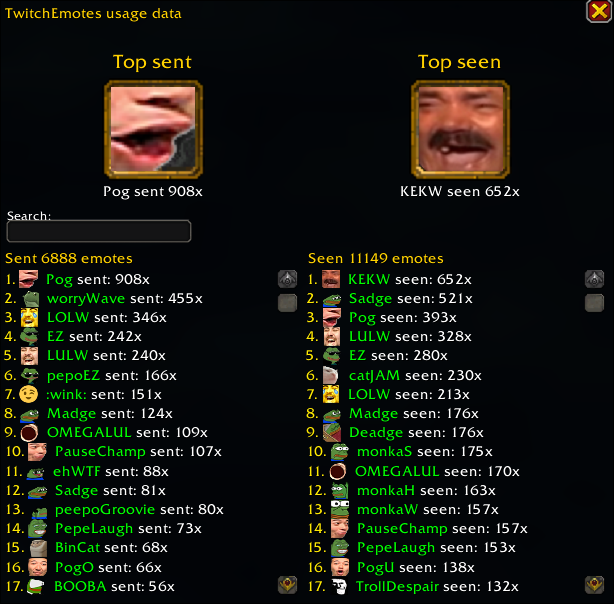
Shift-clicking the minimap also opens a statistics page, where you can see your most used and viewed emotes.
If you see an emote you like and are curious what it was, you can hover over an emote to see its name or shift-click to repost it in your chat.
Important
- If you experience issues in WIM, disable emoji in WIM.
- This addon does not access the Twitch API and thus emotes have to be added manually.
Note
- If you experience flickering on animated emotes when chat is fading out, sadly my monke ahh didn't find a way to fix it yet kekw.(It also happens on retail version but way less frequent)
- Possible future updates on GitHub.
Fixed Whisper Window Freezes
Main Variation

You must be logged in to leave a comment.