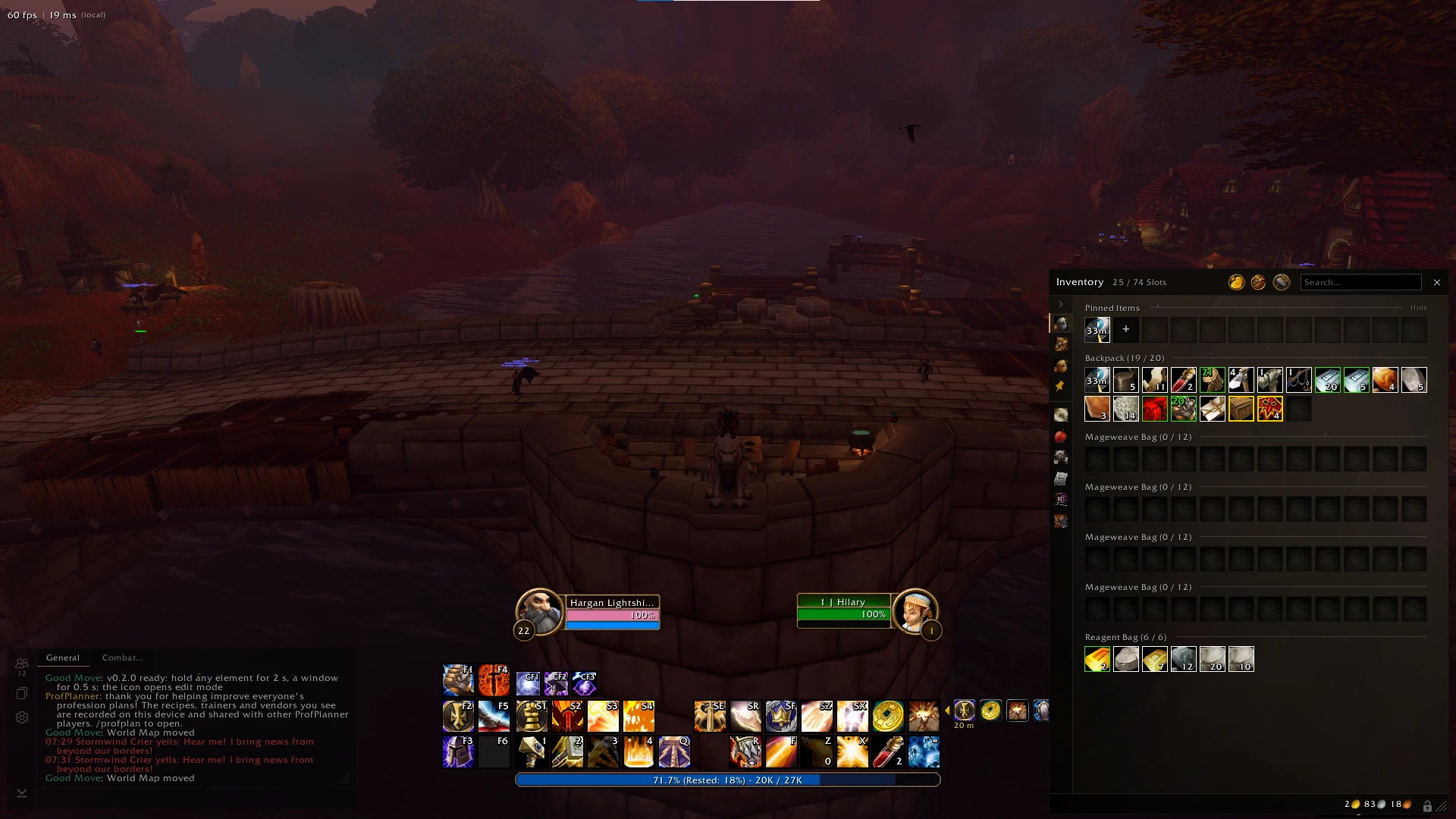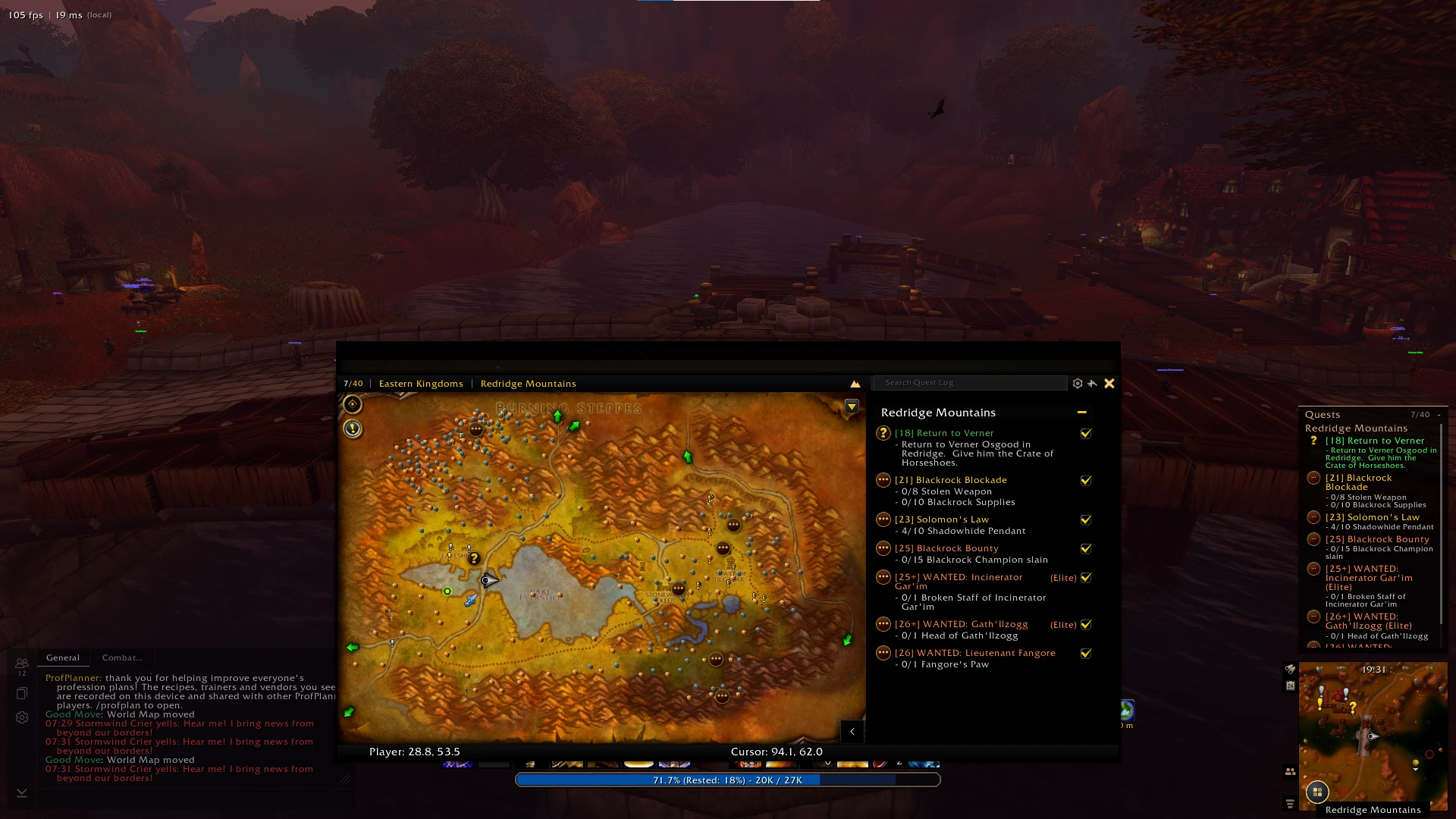
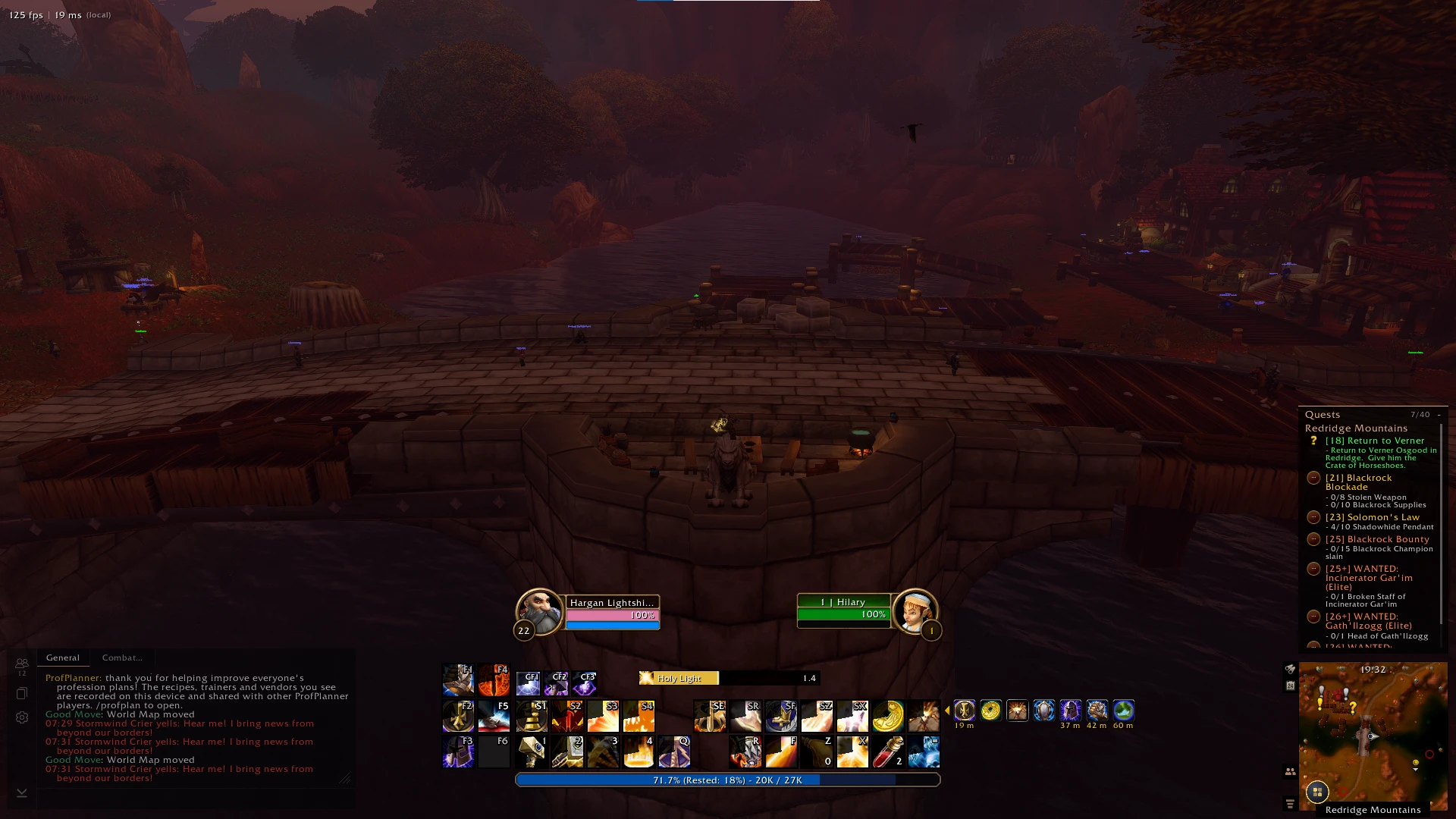


SpaceyHUD – 1080p – Centered
Profile Details
Profile ID:
30184
Uploaded:
Nov 26, 2026
Updated:
Nov 26, 2026
Installs:
Less than 100
Website:
Source Link
Theme & Expansion
Roles
Content
Resolution
My personal set up whilst leveling Paladin. Works for Hunter too as I'm also leveling an alt, should be fine for most other classes with minimal tweaks.Not much else to it, clean set up with minimal horizontal space taken. (I play a lot of MOBAs)Any issues or suggestions feel free to lmk (: __spacey. for issues, if it gets downloads I'll make a little server.[Menu & Bag bar are top left, set to show on hover. these can be hidden entirely or moved at your convenience]- Addon List -
Auctionator
Auctionator: Price History & Trends
DungeonJournal
EllesmereUI
Forever Loot SparklesForever ULTIMATE Graphics [ Settings /fug balanced. Then /console ResampleAlwaysSharpen 1. Play around with this number between 0.1-0.9 if the antialiasing looks weird this is just what works for me ]GatherMate2 + SimpleRoutes for GatherMate2
GatherMate2_Data (Retail & Forever)
Good Addons: Addon Manager, Minimap Button Bag & Addon Lists
Good Move UI: Move Anything - Frame Mover & Edit Mode for Unit Frames, Action Bars, Windows
Leatrix Maps
Leatrix Plus
Leatrix Sounds
Lightbound (Disable for none Paladin)
Profession Planner – Cheapest Profession Leveling
Questie
QuestieDB
What's That For?
What's Training?Thanks for reading
Code
How to install
1 Copy the entire code string shown above.
2 Open World of Warcraft and open the EllesmereUI settings in the chat to open the EllesmereUI settings.
3 In the EllesmereUI window, go to Profiles → Import Profile.
4 Paste the code string into the box.
5 Click Import to apply the profile.