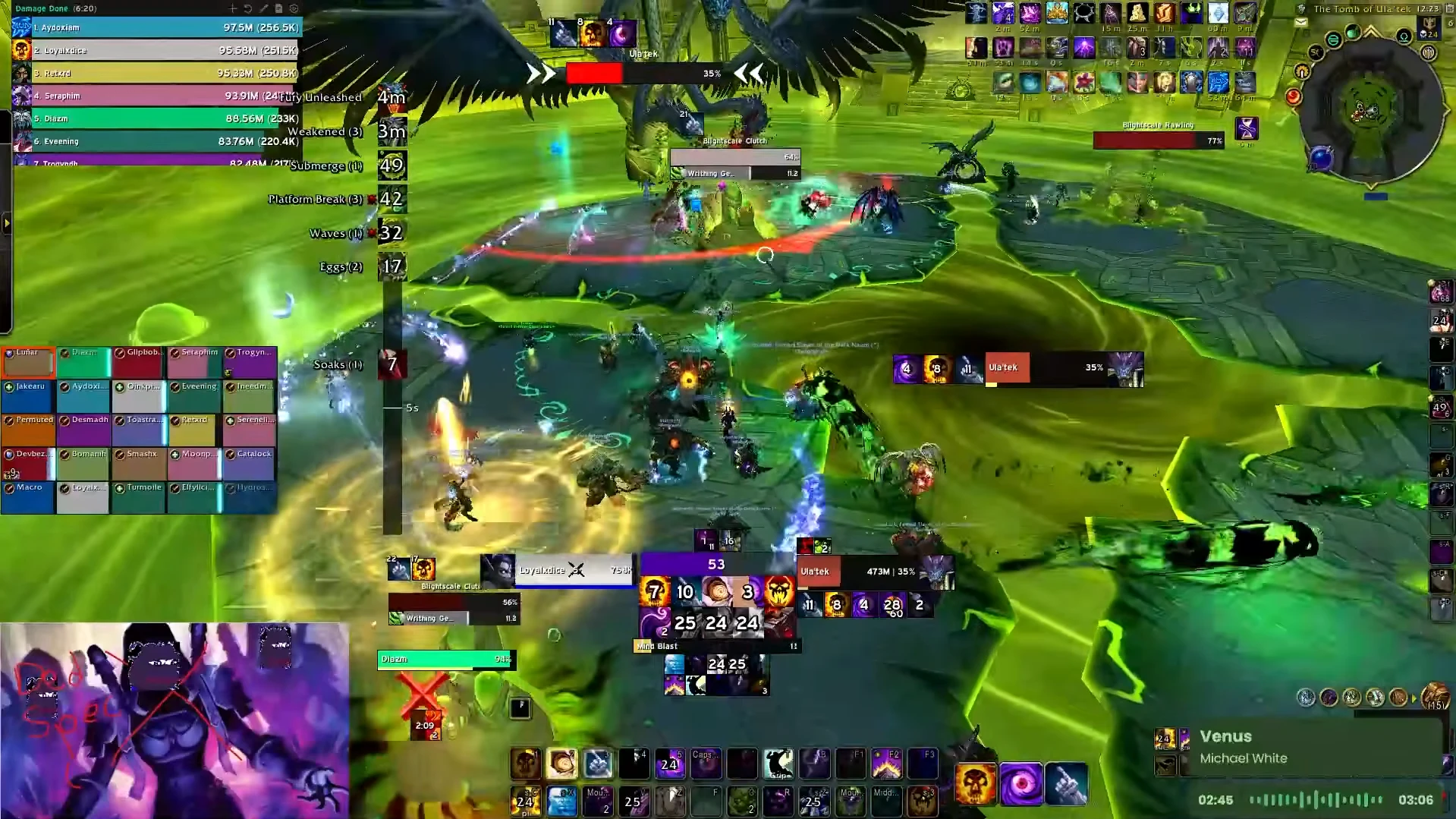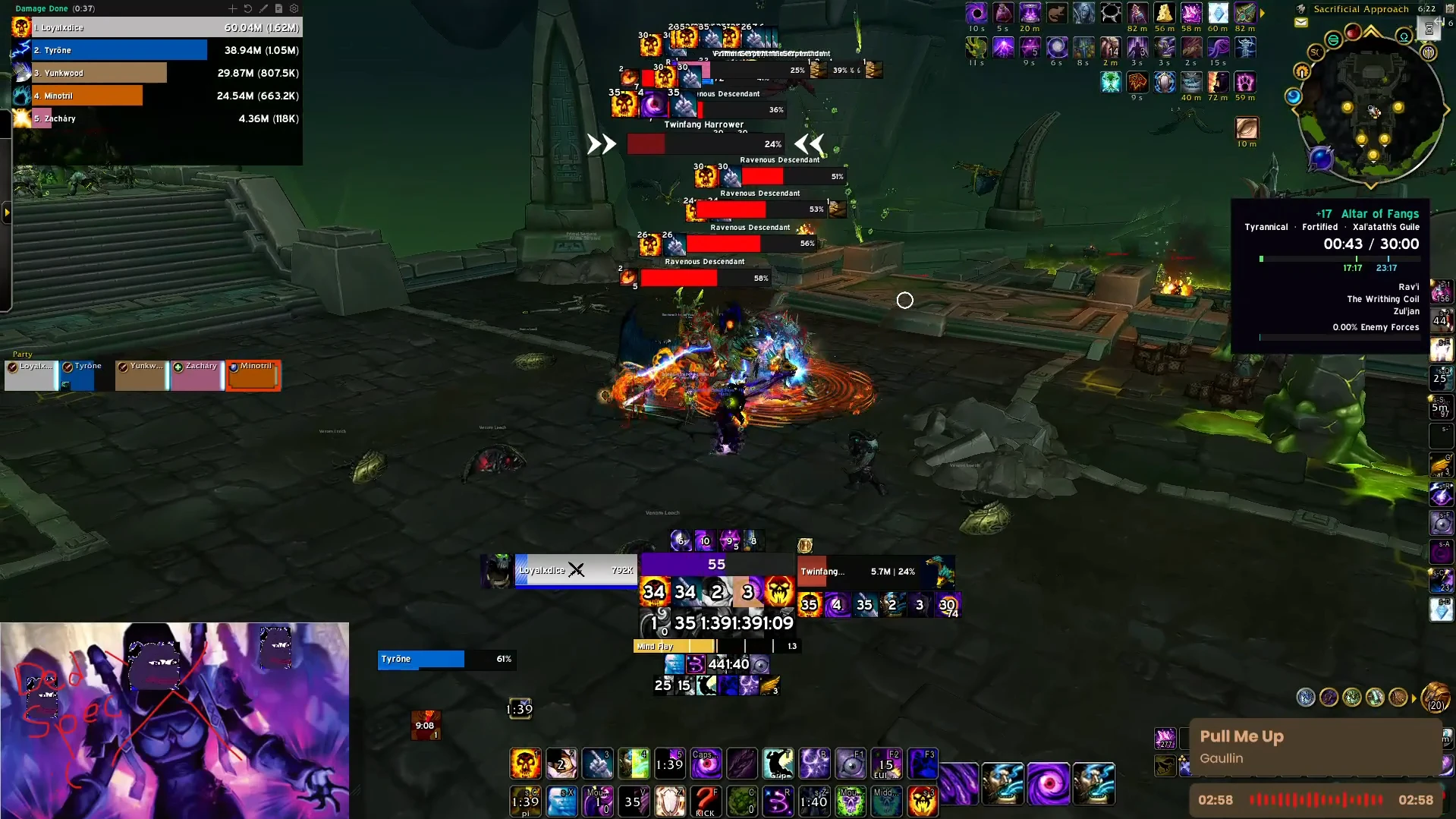


LoyalxDice Shadow Priest UI
Profile Details
Profile ID:
29649
Uploaded:
Nov 16, 2026
Updated:
Nov 16, 2026
Installs:
760
Website:
Source Link
Theme & Expansion
Roles
Content
Resolution
My Spriest ui you'll see on my streams and YouTube. Has some Blizzard Default settings (raid frames, objective tracker, and action bars)
Code
How to install
1 Copy the entire code string shown above.
2 Open World of Warcraft and open the EllesmereUI settings in the chat to open the EllesmereUI settings.
3 In the EllesmereUI window, go to Profiles → Import Profile.
4 Paste the code string into the box.
5 Click Import to apply the profile.