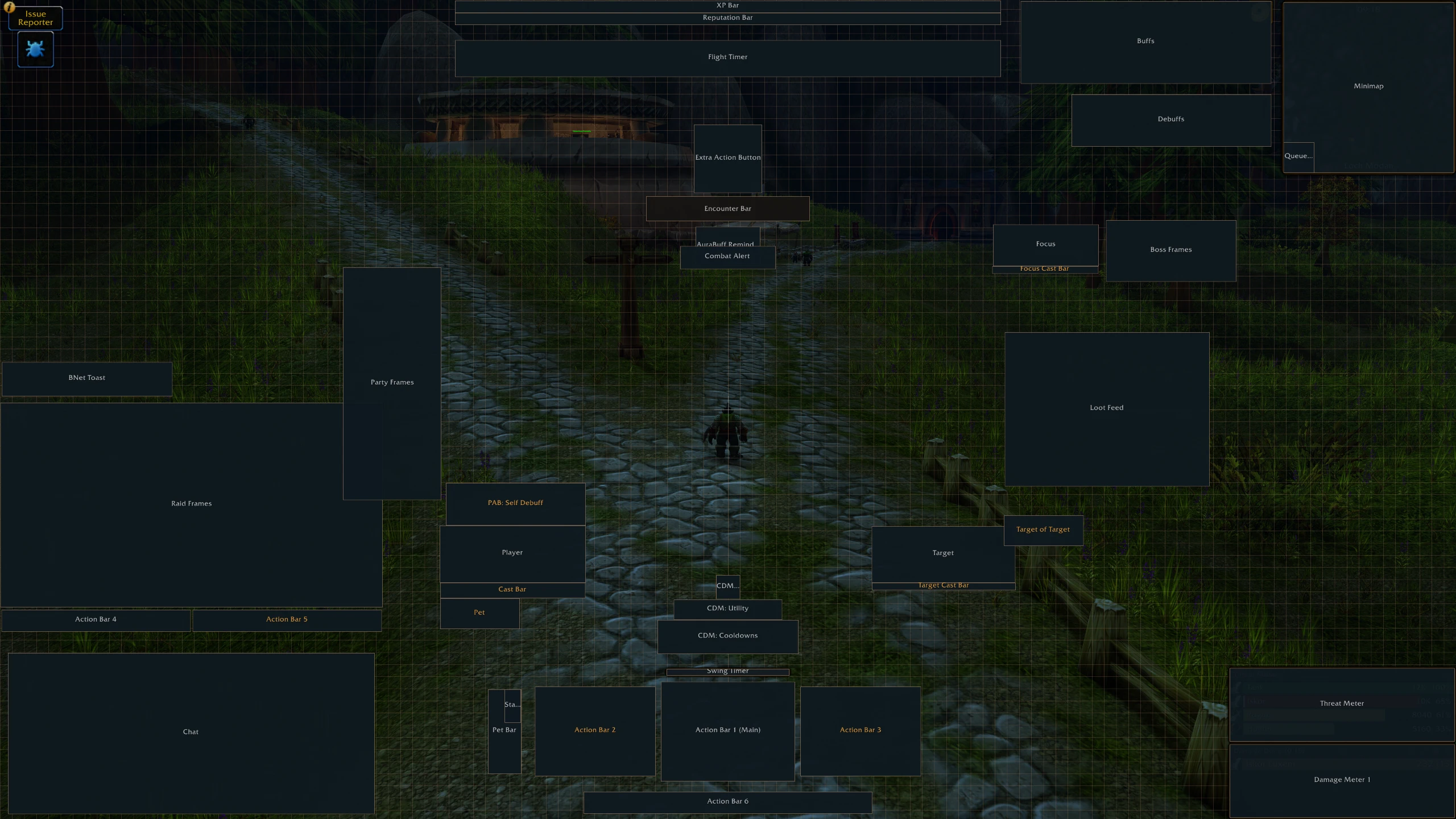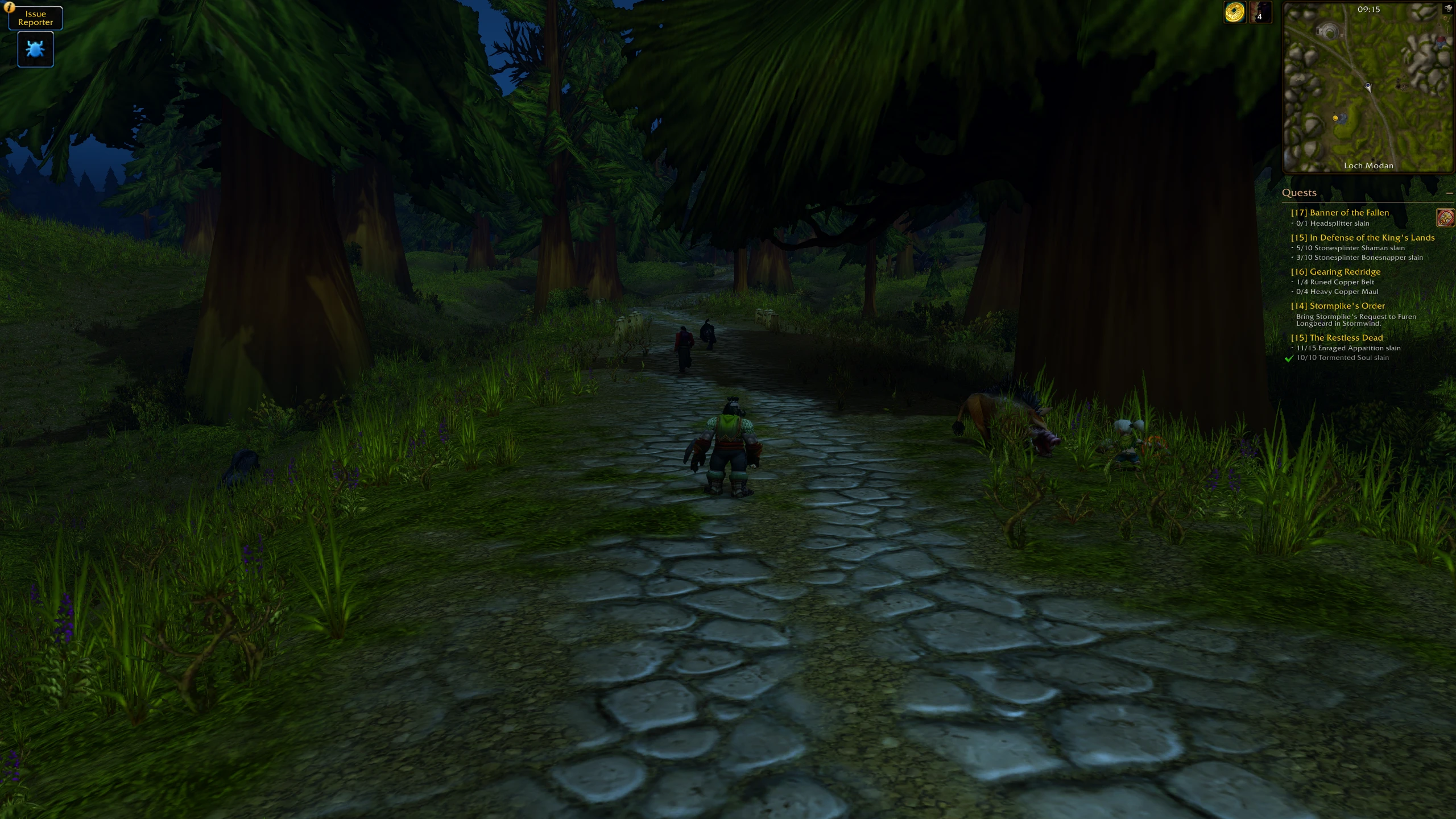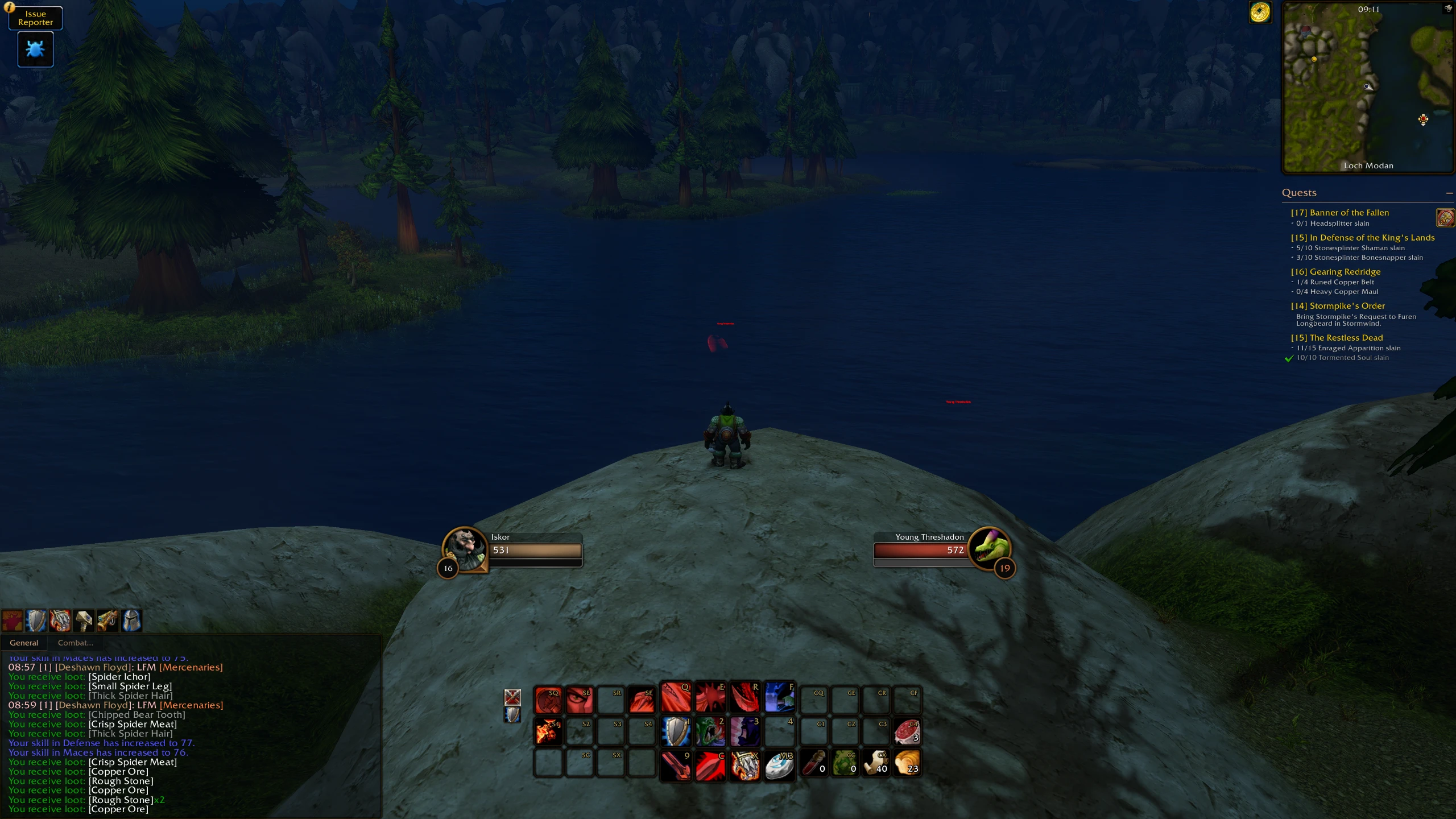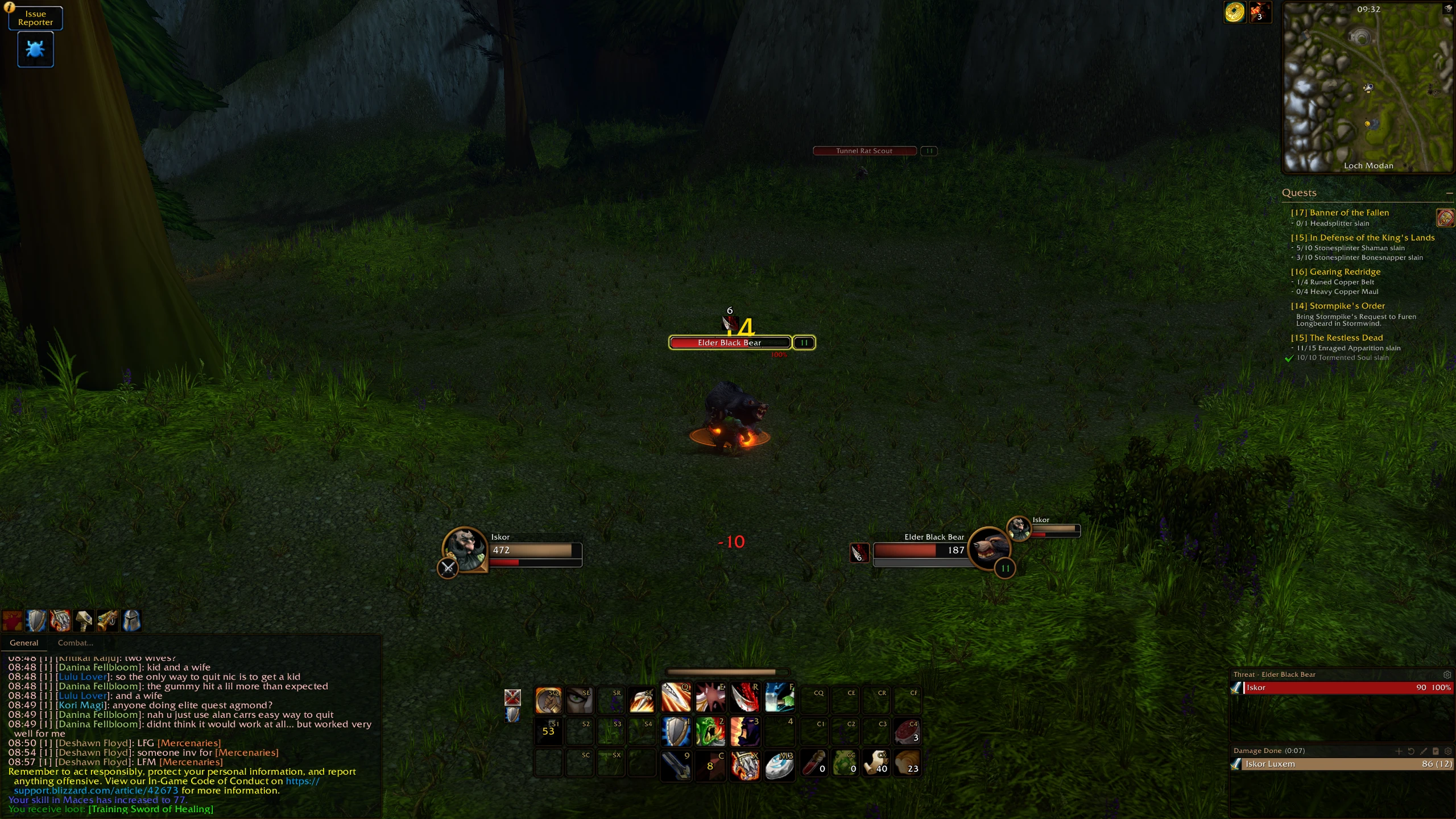


Forever-Modern 4k Template for all
Profile Details
Profile ID:
29541
Uploaded:
Nov 16, 2026
Updated:
Nov 16, 2026
Installs:
1,428
Website:
Source Link
Theme & Expansion
Roles
Content
Resolution
The goal is having an immersive UI while still offering all the functionality when needed.
Most of the UI comes online when targeting someone or in fight.This should serve as 4k template that can be further adapted as needed, I have not tested it on 1080p or Ultrawide but think that simple adjustments on position should all be possible easily.
>No CDM changes done as of yetI used Ellesmere UI with adapted Borders that aim for the WoW-Forever Bronze aesthetic where the default Forever Style wasn't enough.(I hope we get a future update that separates the player and target buff/debuff options from the unit frames. That way, I could run the Forever look while keeping Ellesmere's icon options, which was the only part of the layout I couldn't get quite right.)
Code
How to install
1 Copy the entire code string shown above.
2 Open World of Warcraft and open the EllesmereUI settings in the chat to open the EllesmereUI settings.
3 In the EllesmereUI window, go to Profiles → Import Profile.
4 Paste the code string into the box.
5 Click Import to apply the profile.