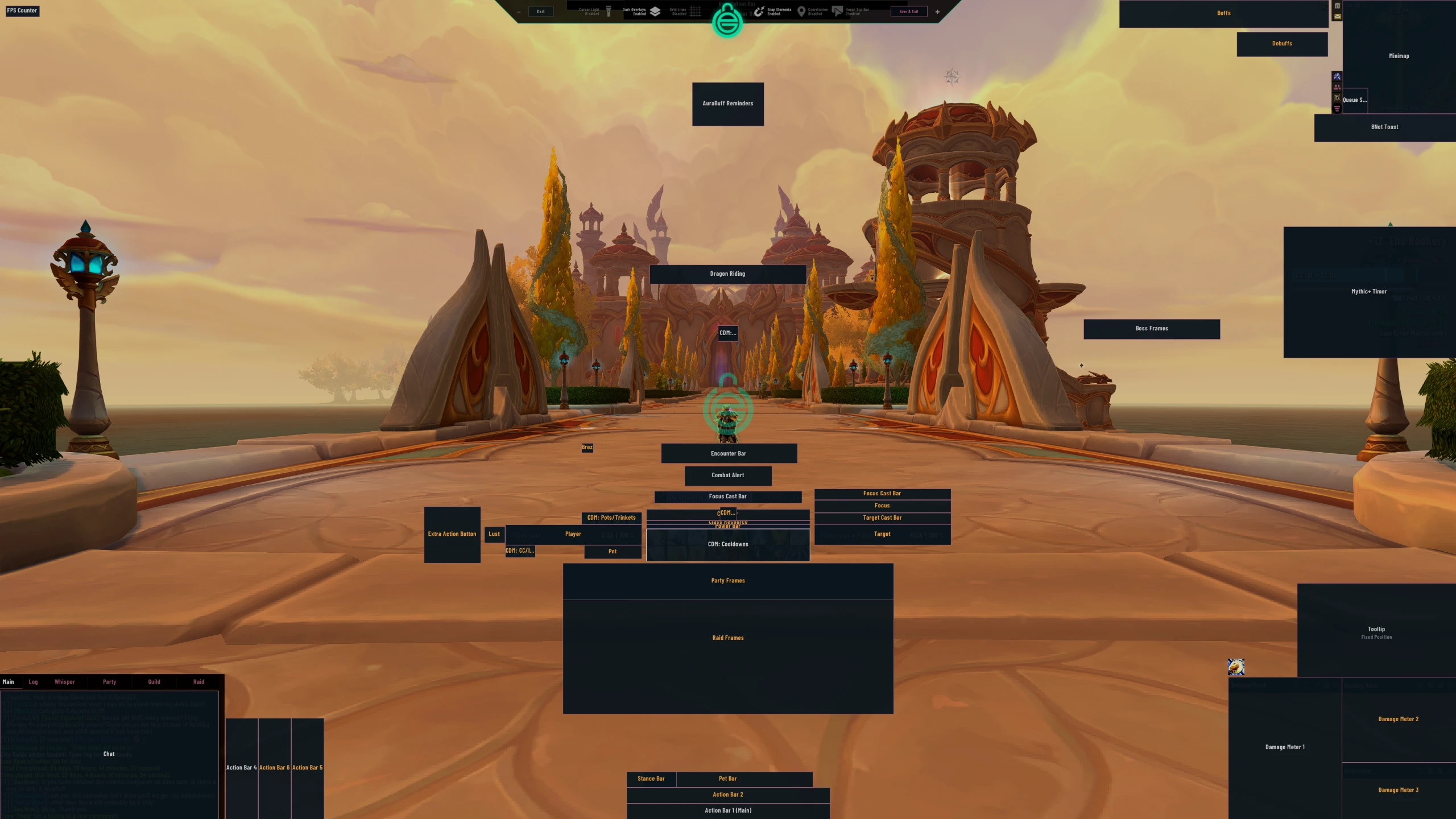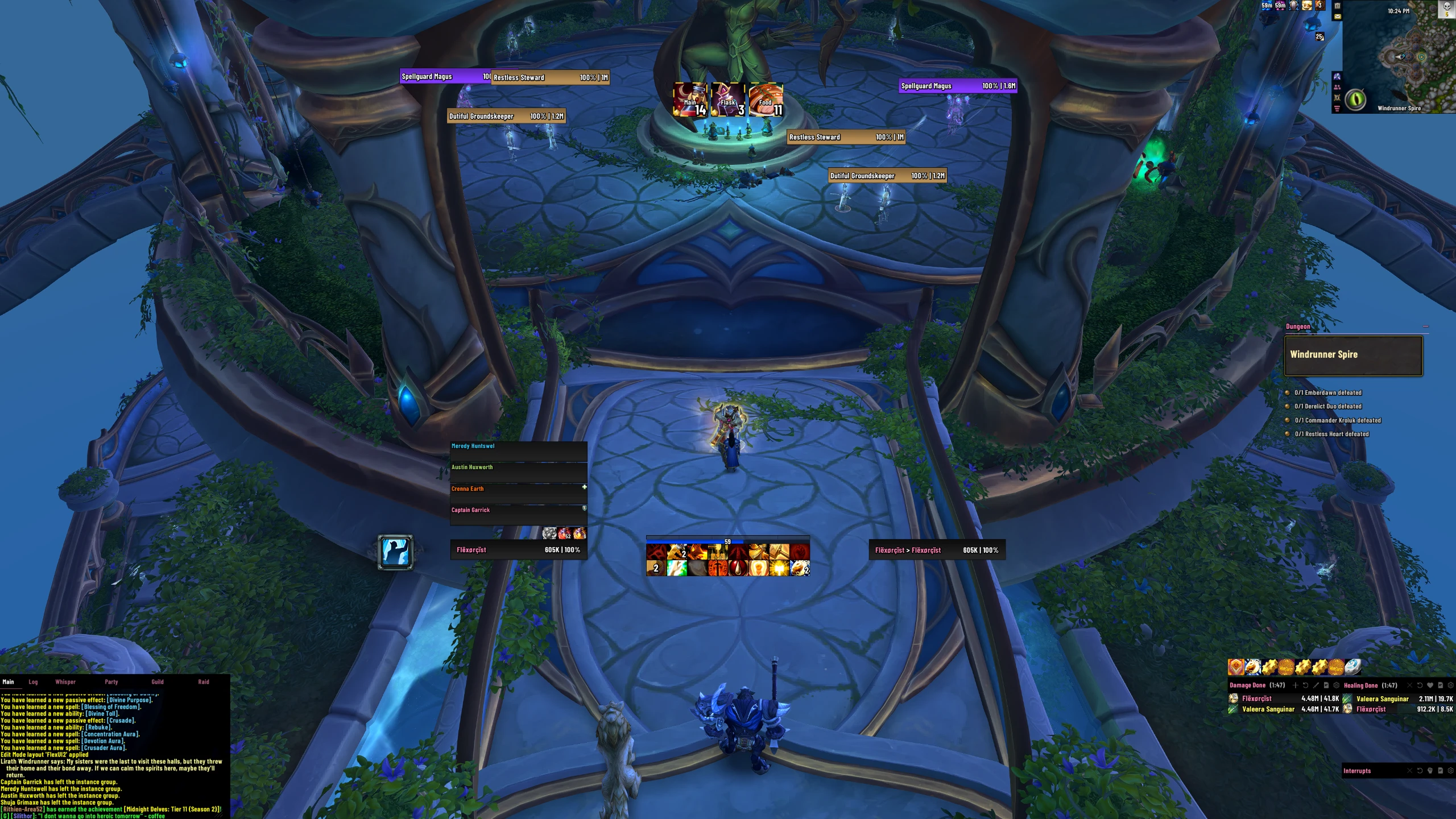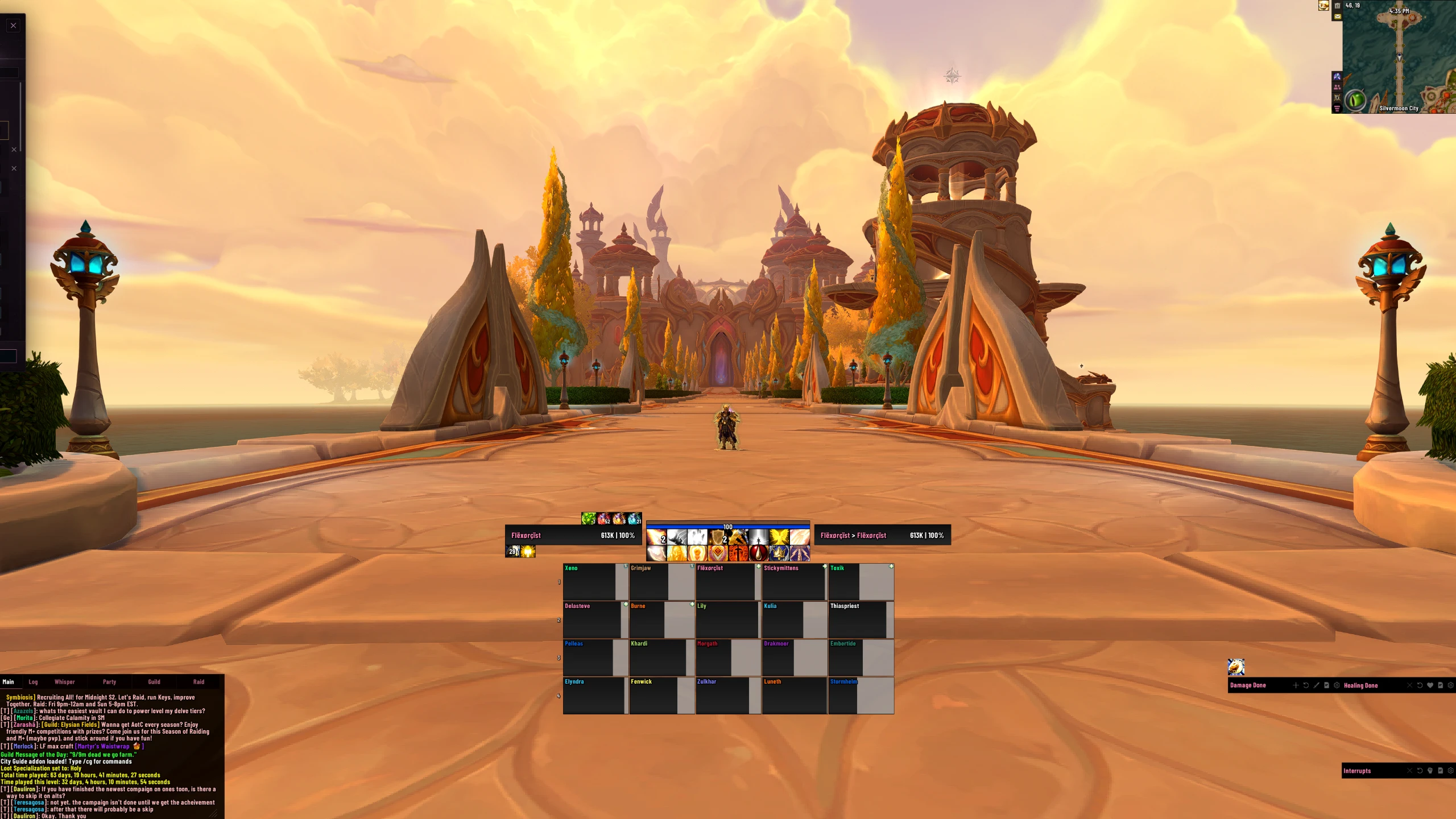


FlexUI | Dark Mode | All Classes | Raid | PvP | M+
Profile Details
Profile ID:
29741
Uploaded:
Nov 16, 2026
Updated:
Nov 16, 2026
Installs:
Less than 100
Website:
Source Link
Theme & Expansion
Roles
Resolution
FlexUI is a complete, minimalistic World of Warcraft UI setup designed to keep important information easy to see without covering your screen in unnecessary clutter. The goal is a clean, modern interface that works well in Mythic+, raid progression, and everyday gameplay while still leaving room for customization.This package is built around strong visual consistency, clear cooldown tracking, readable unit frames, and quick access to the information you need during combat.FeaturesWorks on ALL resolutions, minor tweaks may be needed
Designed for high level CE, M+ and PvP gameplay
Auto switching Healer/DPS layouts
Clean and organized layout
Designed for both Mythic+ and raiding
Clear cooldown, buff, and resource tracking
Minimal visual clutter during combat
Consistent icon, font, border, and texture styling
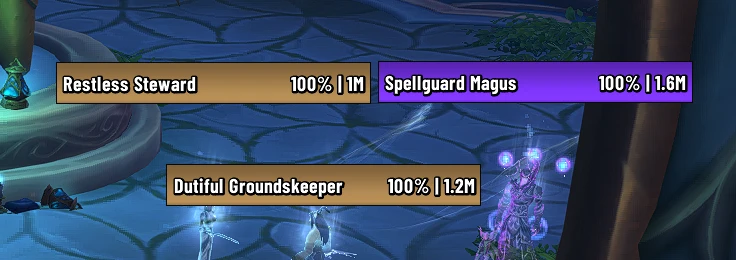
Easy-to-read player, target, and party/raid information
Optimized primarily around healing and competitive PvE and PvP
Customizable for other classes, specs, and screen sizes
Adjust scaling, positioning, and personal settings as needed for your resolution.
Some elements may require minor repositioning depending on your monitor resolution, UI scale, class, or preferred raid-frame size.Updates and SupportI will continue updating the UI as addons change and as I make improvements to my own setup. Check the Wago page for updated imports, addon requirements, known issues, and additional installation notes.Important Disclaimer*I do not claim ownership of the addons used in this package, and I am not the developer of those addons. The individual addons were created and maintained by their respective authors and are available through platforms such as CurseForge, WoWUp, and Wago.This page provides my personal profiles, layouts, settings, and configuration choices for those addons. Please support the original addon developers and refer to their official pages for addon-specific troubleshooting, bug reports, and documentation.*
Code
How to install
1 Copy the entire code string shown above.
2 Open World of Warcraft and open the EllesmereUI settings in the chat to open the EllesmereUI settings.
3 In the EllesmereUI window, go to Profiles → Import Profile.
4 Paste the code string into the box.
5 Click Import to apply the profile.