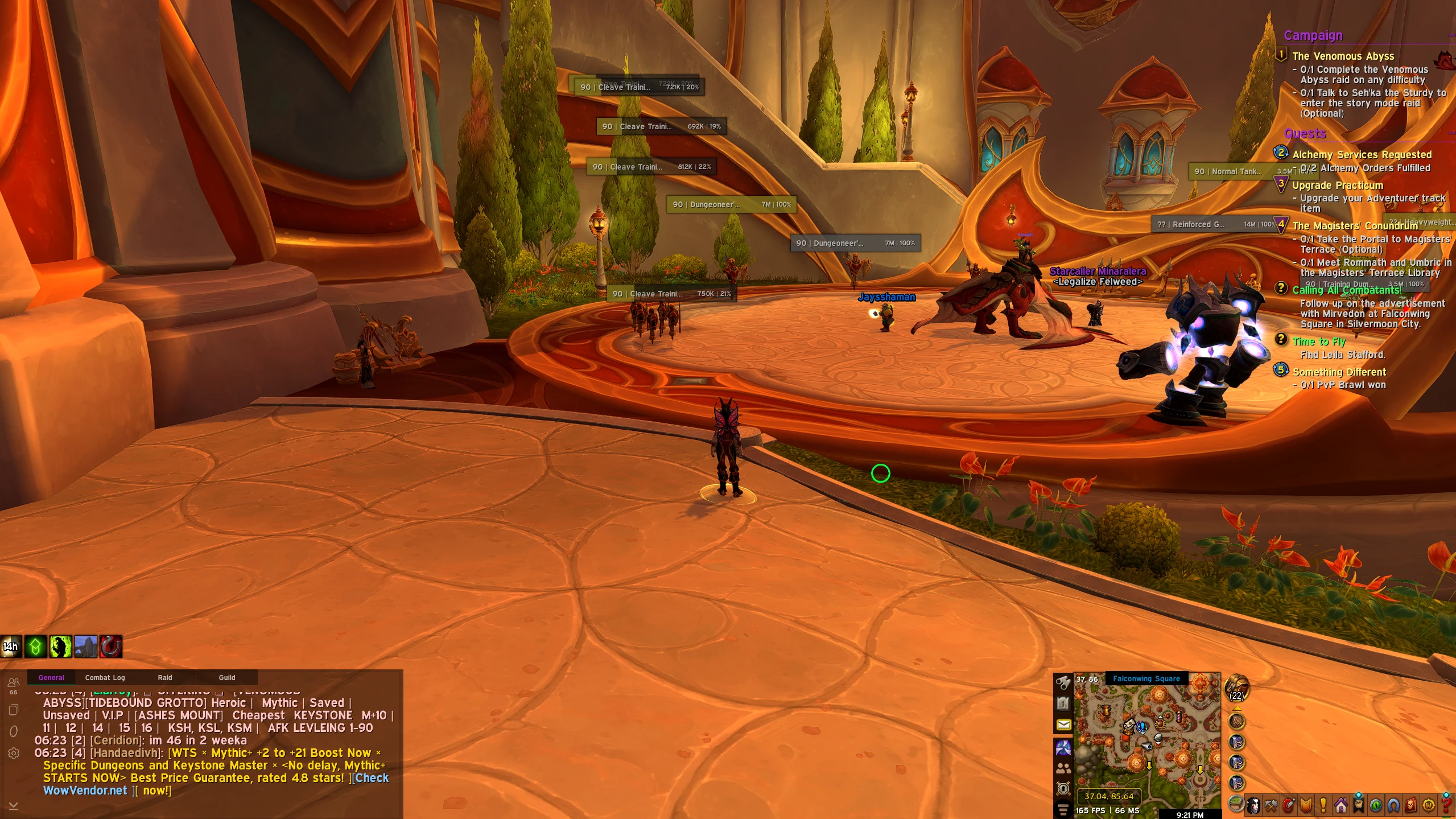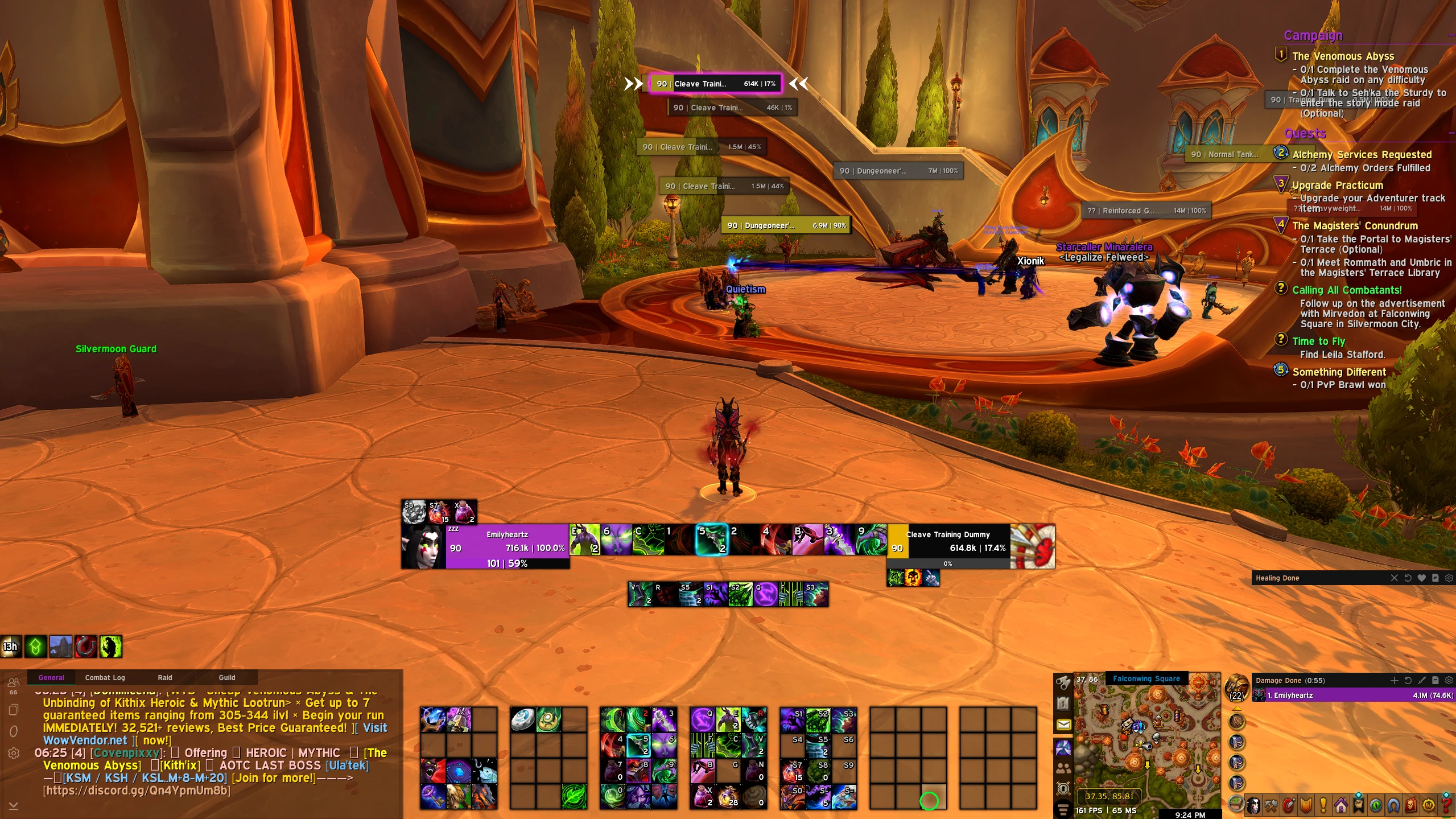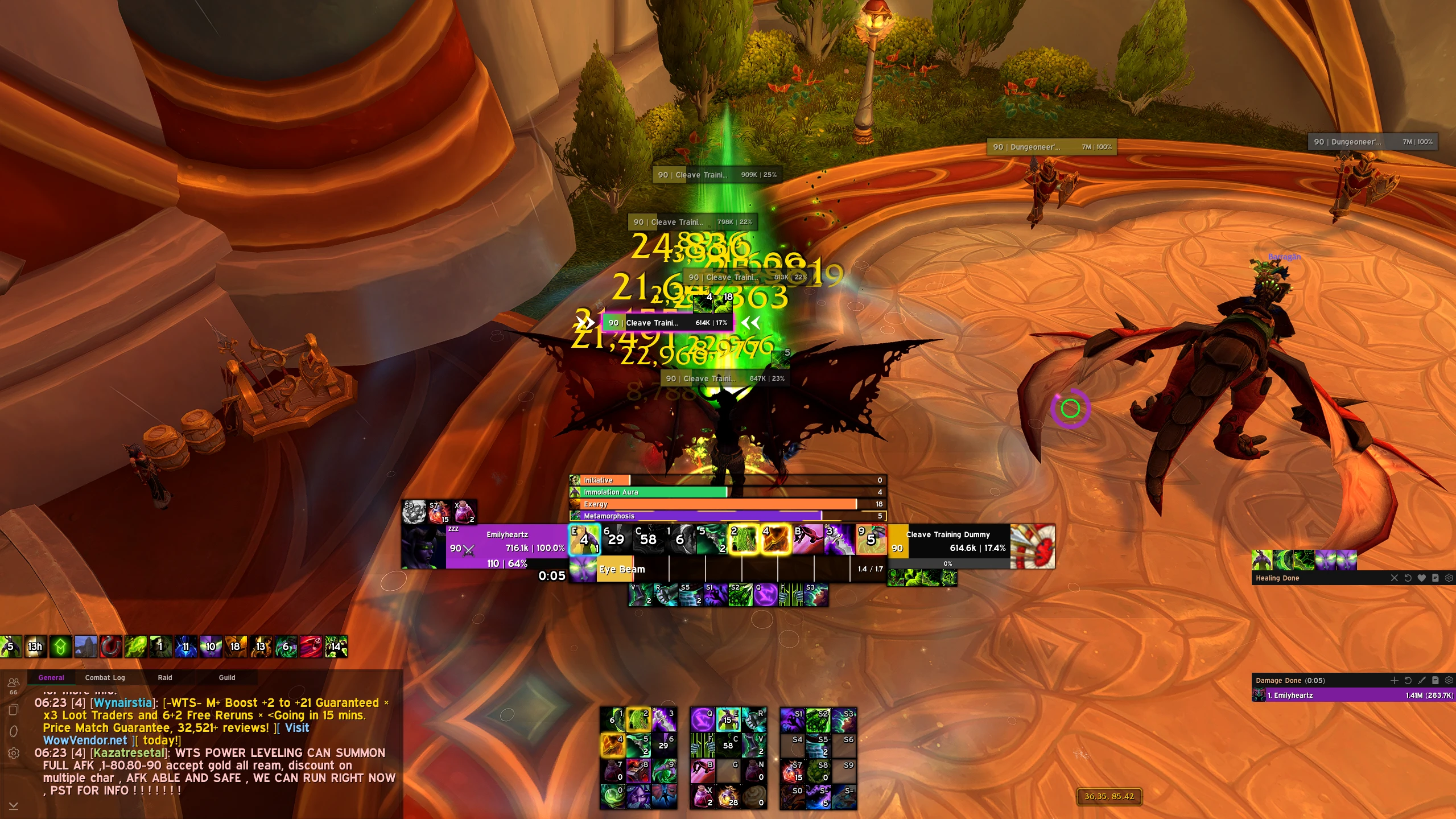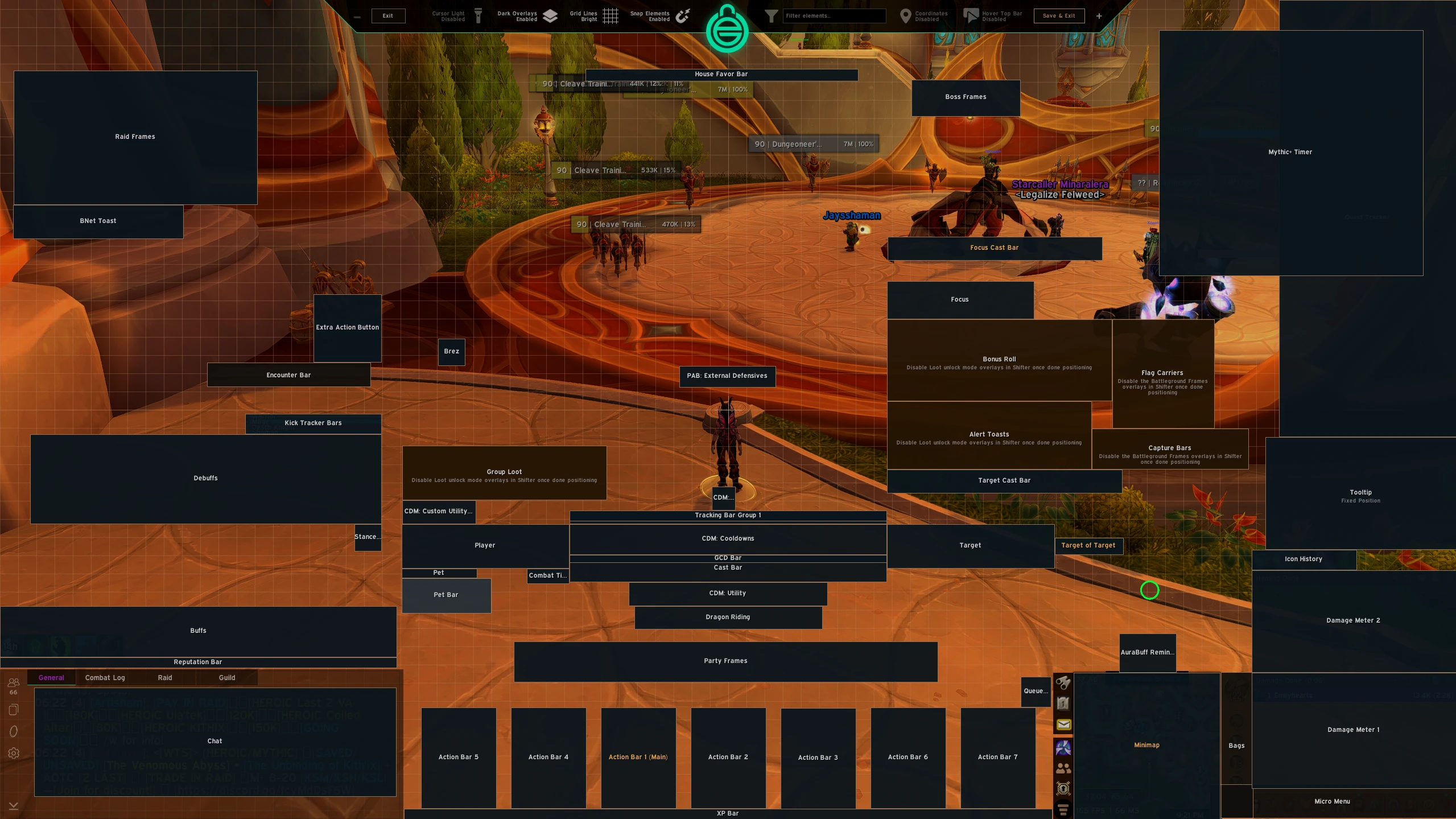

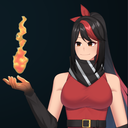
Emi UI – Clean Demon Hunter UI – 12 BUTTON MOUSE GRID LAYOUT – Retail
Profile Details
Profile ID:
29414
Uploaded:
Nov 16, 2026
Updated:
Nov 16, 2026
Installs:
Less than 100
Website:
Source Link
Theme & Expansion
Roles
Content
Resolution
This is a 12 mouse button grid action bar layout. (For those who have problems or still trying to learn how to use a 12button layout mouse and need visual clarity for mind muscle connection). (personally, i prefer my other action button layout with the buttons going 1-12 in one bar) But, perhaps this layout might help some people. 🙂A modern ui for demonhunter in WoW retail. Mouse button Grid layout for action bars.------
FOR TRACKING BARS TO WORK: please make sure the following spells are placed into your tracked bars via /cdm.
Metamorphosis, combat potion, exergy, blur, ragefire, immolation aura, initiativeThis ui was made on a 2560x1440 monitor.Features:
ui adjustments and some qol changes. Overall similar as original set up.
- Out of combat hide features
- In combat show features
- moved buff bar closer to bottom left
- more mouseover bars 4, 5, 6, 7
Currently i have it set action bars 1,2,3 are visible when targeting anything, the rest are mouseover. (of course you can change pretty much any setting you want here)
- Debuff bar, unit player frame, party and raid frame display appropriate color/symbol of debuffs
- enemy nameplate debuff changes color gradient for (burning wounds)
Code
How to install
1 Copy the entire code string shown above.
2 Open World of Warcraft and open the EllesmereUI settings in the chat to open the EllesmereUI settings.
3 In the EllesmereUI window, go to Profiles → Import Profile.
4 Paste the code string into the box.
5 Click Import to apply the profile.