

ChoppasmereUI
Profile Details
Profile ID:
29651
Uploaded:
Nov 16, 2026
Updated:
Nov 16, 2026
Installs:
153
Website:
Source Link
Theme & Expansion
Roles
Content
Resolution
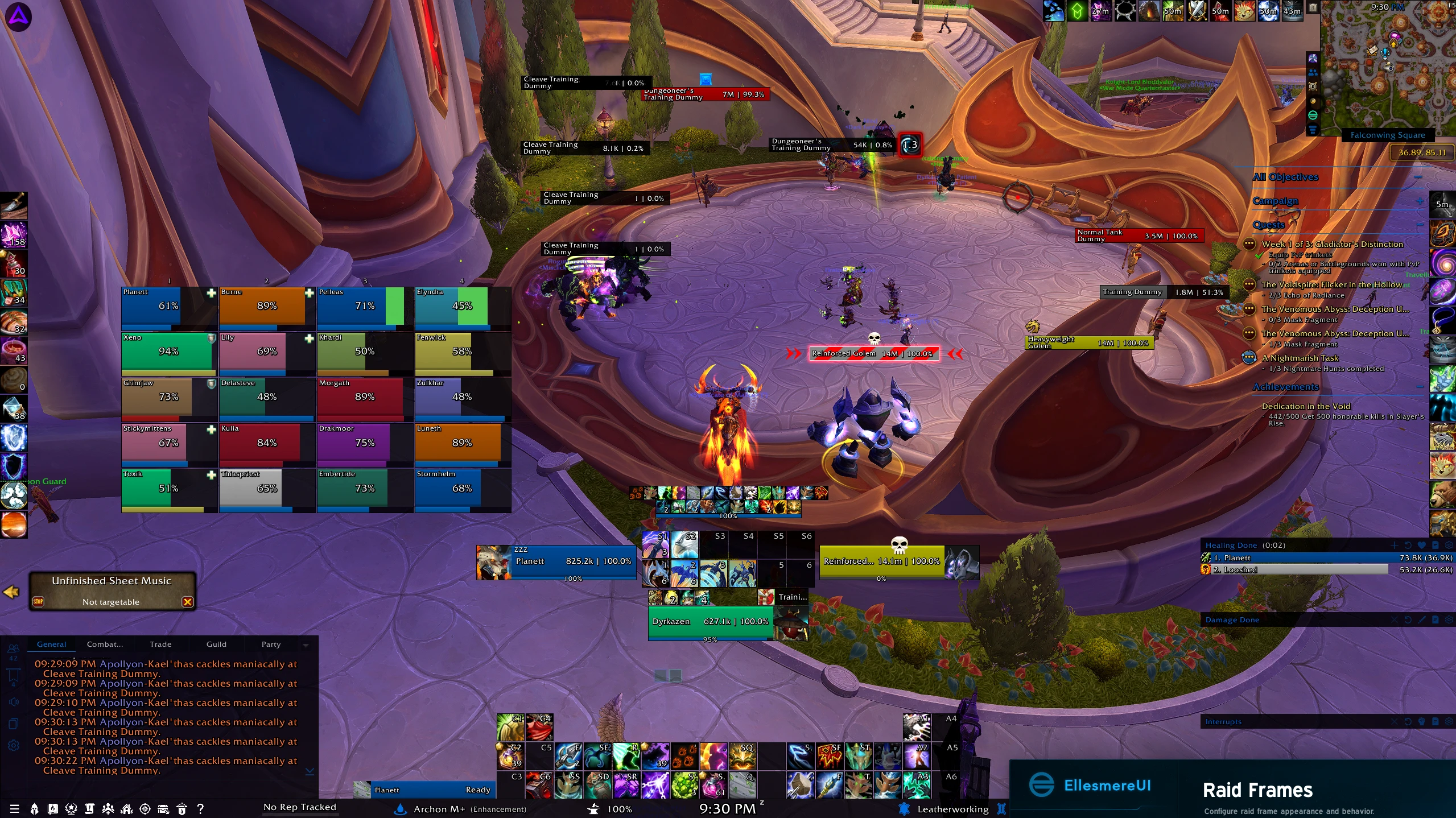
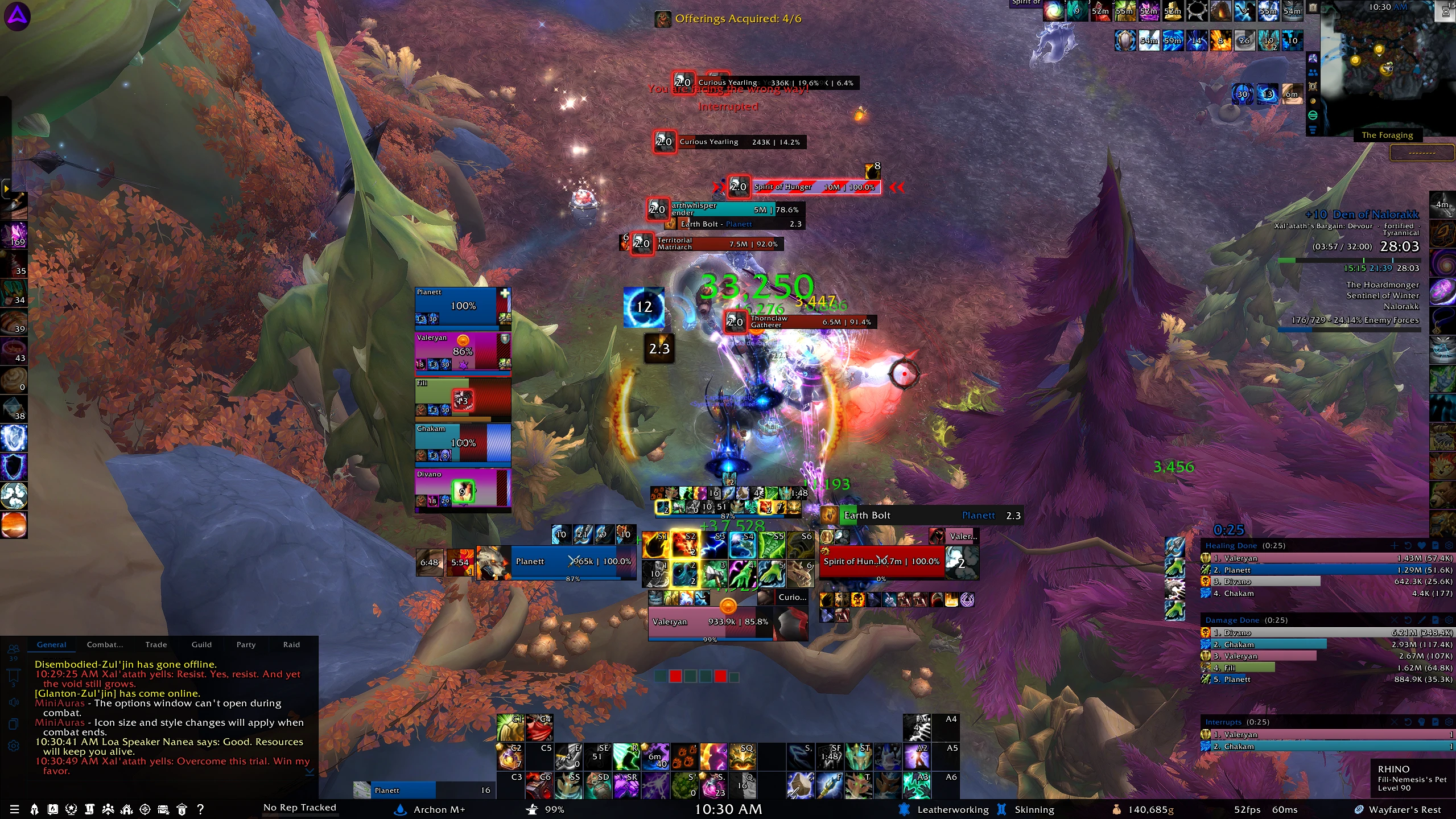
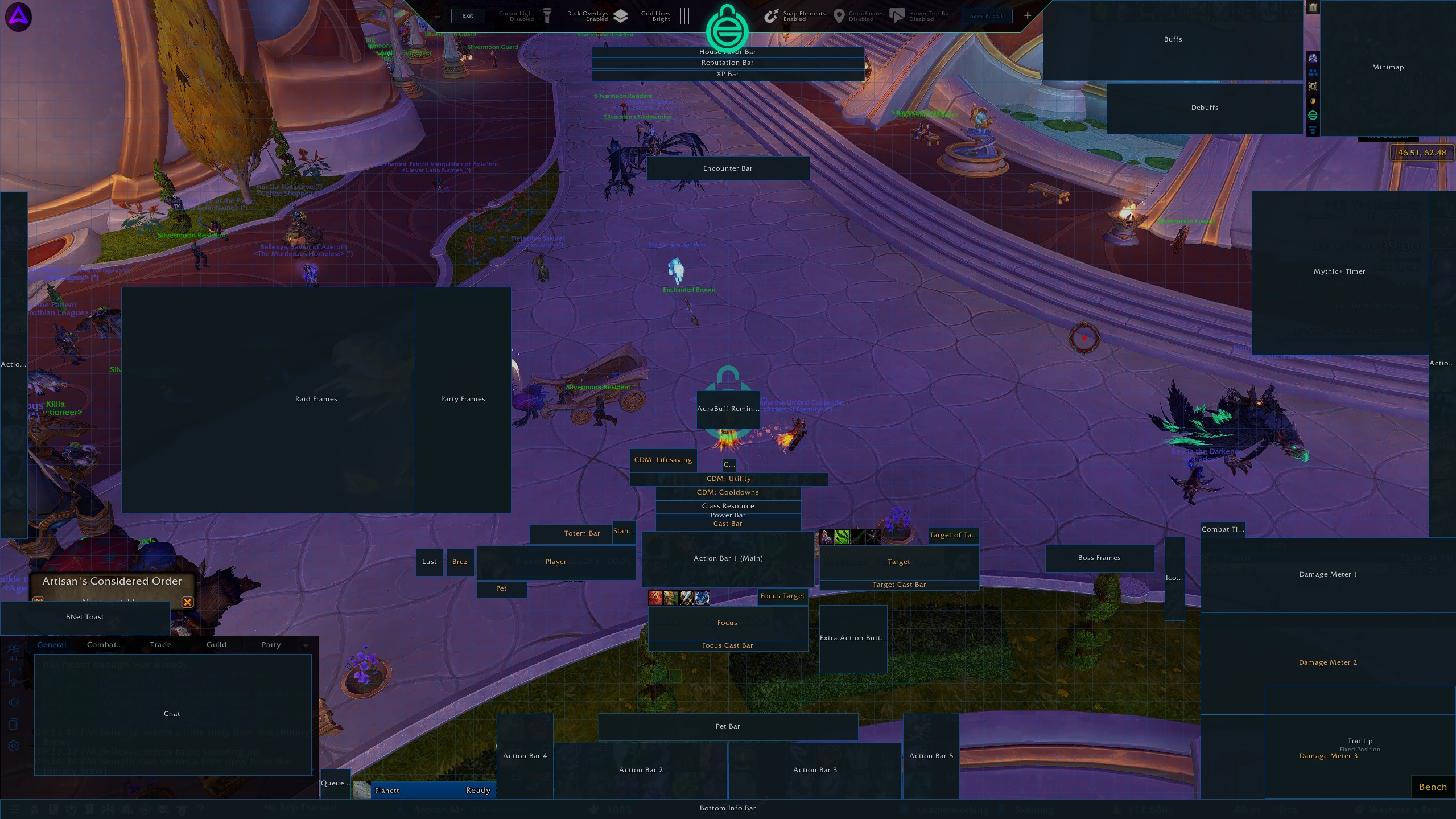
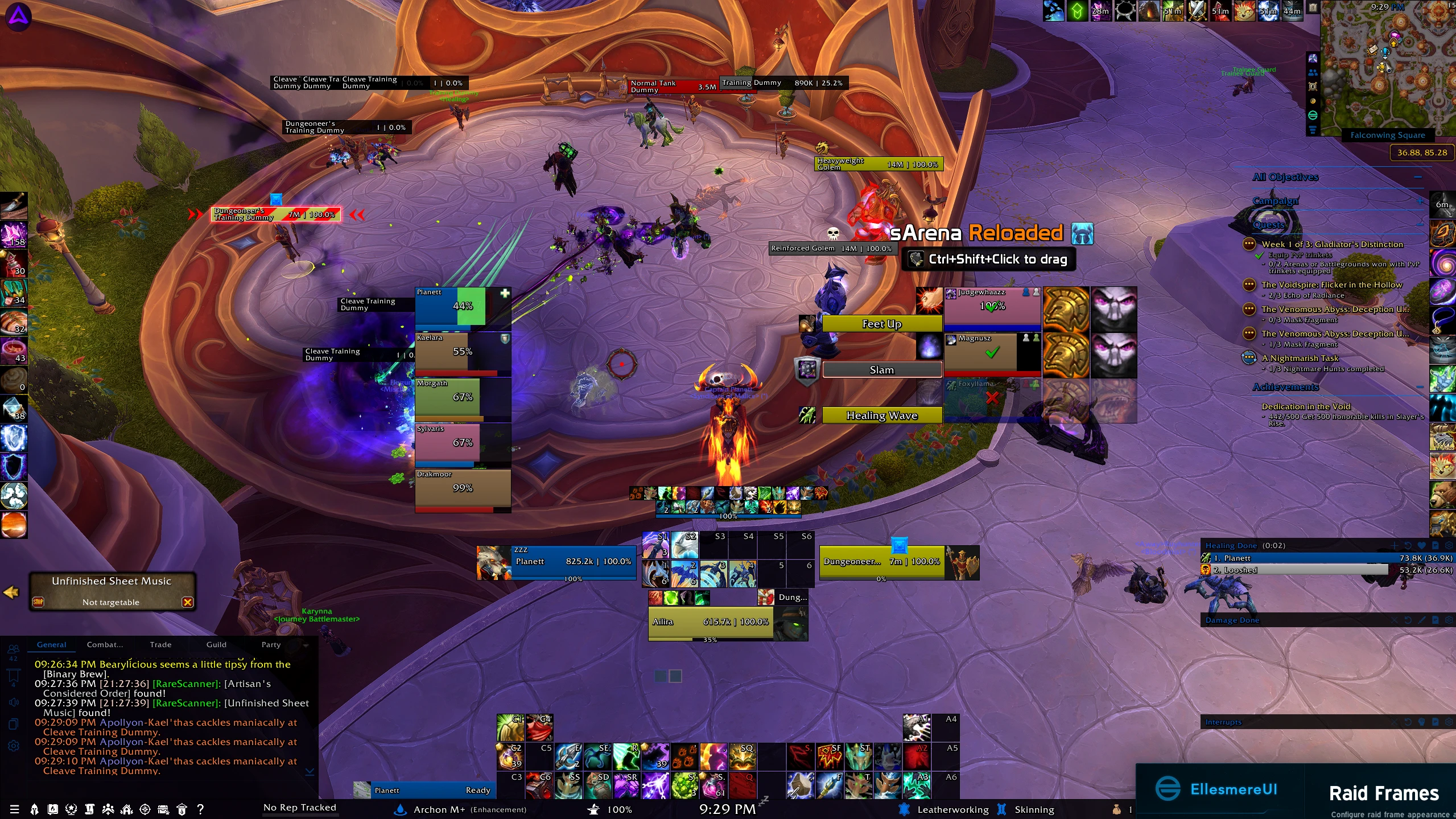
This UI setup is inspired on EllesmereUI and Jundies Plater, with my own modifications focused on simplicity, visibility, consistency, and keeping the overall experience relatively close to Blizzard’s default WoW interface.The goal was to create a universal UI that works across every class, specialization, role, and game mode without needing completely different profiles for each character. It is designed for **PvP, Raiding, Mythic+, DPS, Tanking, and Healing**, as those are my primary focus when playing with an emphasis on keeping important combat information easy to identify without unnecessarily cluttering the screen.Key design elements include:* Class Color themes for quick visual identification and consistency across characters
* Dark Mode styling for a cleaner appearance and reduced visual distraction
* Improved visibility for important combat information, buffs, debuffs, casts, and nameplates
* Simplified layouts that prioritize useful information while avoiding excessive UI clutter
* Universal profiles intended to work across different classes, roles, and types of content
* A customized WoW HUD layout designed to complement the Plater and UI profilesThe overall intention is to enhance Blizzard’s default interface rather than completely replace it. I prefer a setup that still feels like OEM World of Warcraft while improving readability, organization, and combat awareness.Not included: Bag and Party/Raid Frame profiles. I currently use Baganator for inventory management and Raid Frame Settings for party and raid frames. I also recommend adding D4KiR's Darkmode and MiniCC (MiniAuras) to clean up any frames/nameplates that may not be covered by this UI.**Edit: I am actively updating this profile to clean up using Ellesmere's Party/Raid Frames now. Certain borders and textures are set to make it more uniform with SArena. Screenshots have been updated to show the progress for how I would like this setup.
Code
How to install
1 Copy the entire code string shown above.
2 Open World of Warcraft and open the EllesmereUI settings in the chat to open the EllesmereUI settings.
3 In the EllesmereUI window, go to Profiles → Import Profile.
4 Paste the code string into the box.
5 Click Import to apply the profile.