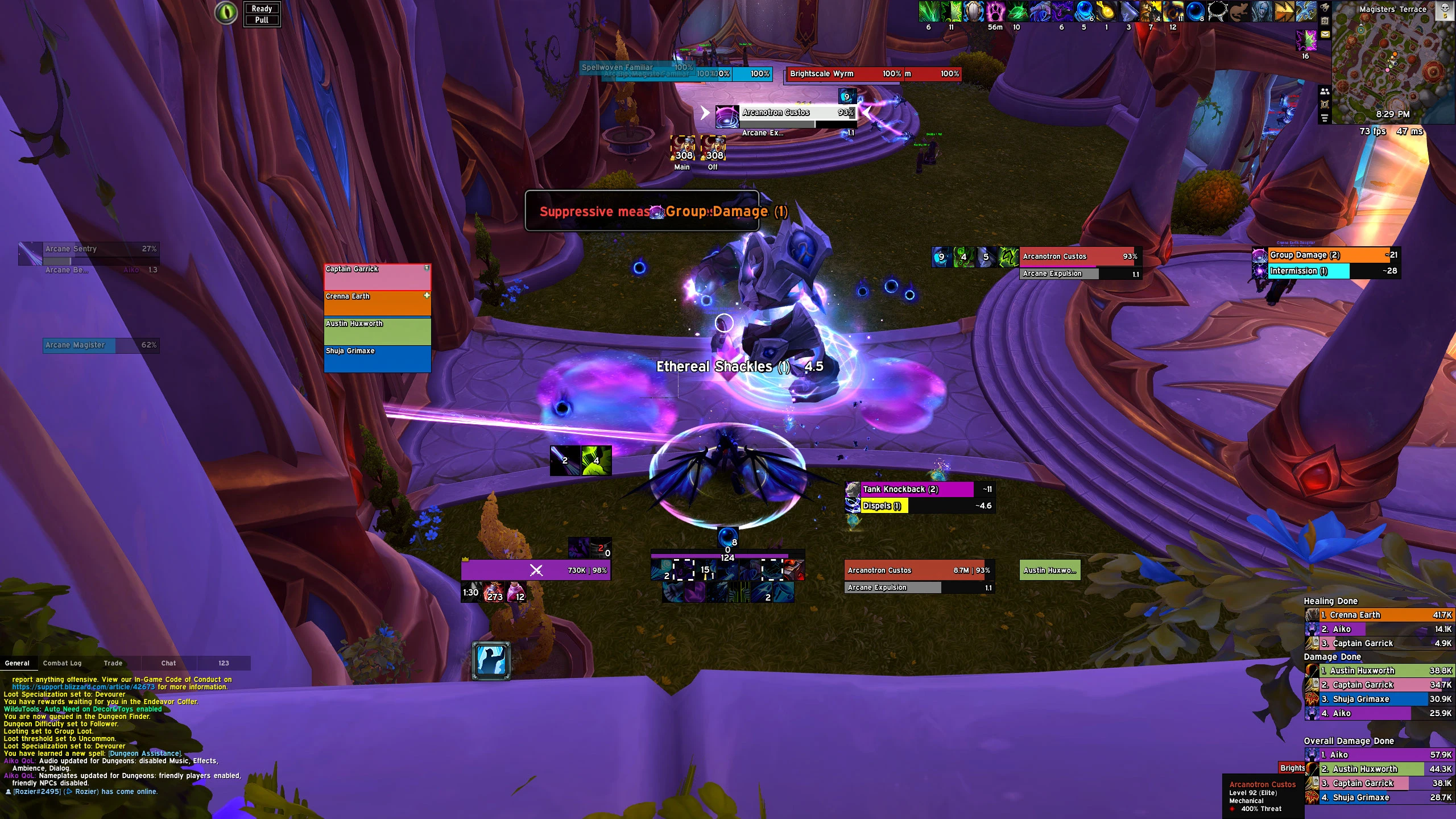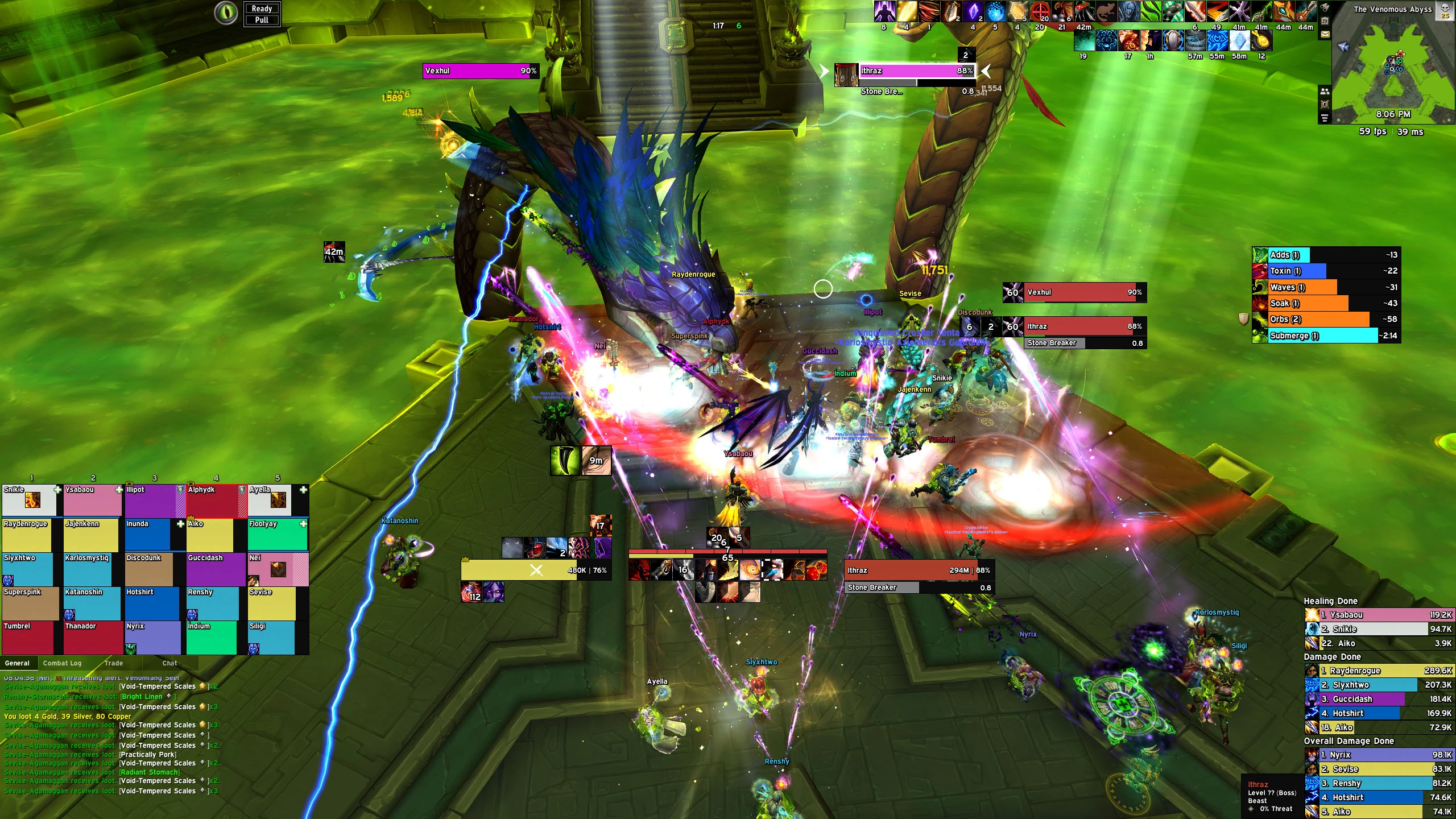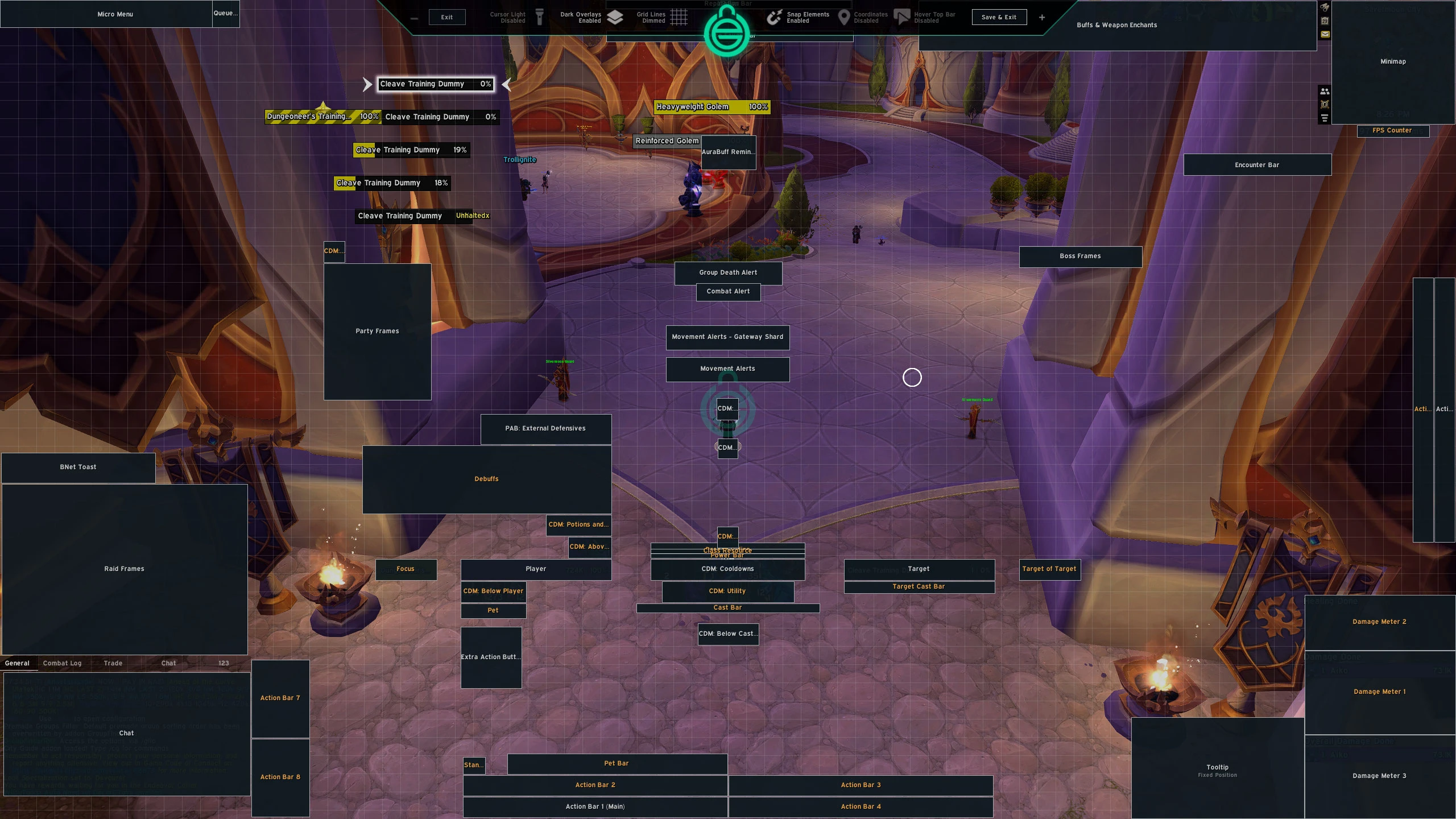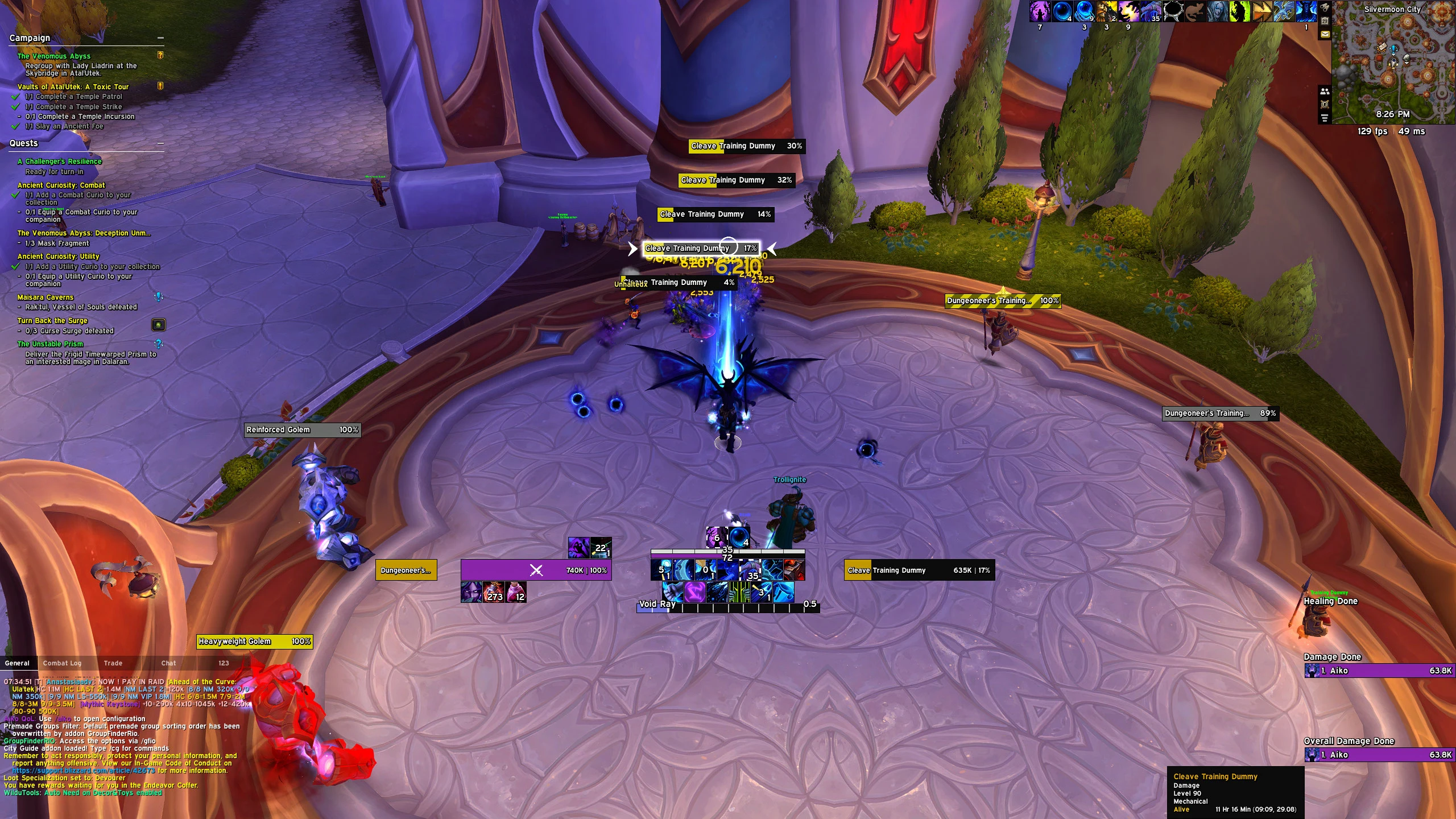


Aiko UI – 1080p/1440p Clean DPS/Tank PvE Profile
Profile Details
Profile ID:
29687
Uploaded:
Nov 16, 2026
Updated:
Nov 16, 2026
Installs:
1,446
Website:
Source Link
Theme & Expansion
Roles
Content
Resolution
UI Scale: 0.69 for 1080p / 0.58 for 1440p.A clean, minimal UI designed for PvE, including Mythic+ and raids.This preset includes EllesmereUI profiles for both 1080p and 1440p, as well as the 1440p Blizzard Edit Mode profile.Additional profiles, including 1080p Edit Mode, BigWigs profiles for both resolutions, Targeted Spells, fonts, and the full setup guide are available on GitHub.CDM: The groups are universal - simply assign your own spells. If you want my exact layout, ping me on Discord.Feel free to join my Discord if you have any questions or need help with the setup.upd 08.09.2026: Added M+ Module to profile (1440p only)
Code
How to install
1 Copy the entire code string shown above.
2 Open World of Warcraft and open the EllesmereUI settings in the chat to open the EllesmereUI settings.
3 In the EllesmereUI window, go to Profiles → Import Profile.
4 Paste the code string into the box.
5 Click Import to apply the profile.