
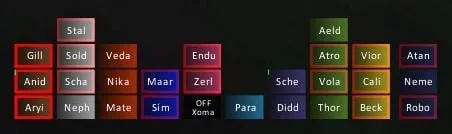
SmartDebuff
SmartDebuff is an addon to support you in cast debuff spells.


Details
Expansion
Categories
Developers

Having issues?
SmartDebuff is an addon to support you in cast debuff spells.
– FAQ –
Q1: How can I move the frames?
A1: Use Shift-Left click and drag them arround.
Q2: How can I assign a key for debuffing?
A2: During the new Blizzard secure UI is this not longer possible!
Q3: SmartDebuff casts the wrong debuff on a player, is this a bug?
A3: Please watch carfully in which color the debuff button is highlighted, this is very important! You have to click the button with the correct mouse click
As example per default:
Highlighted BLUE = LEFT click
Highlighted RED = RIGHT click
Highlighted GREEN = MIDDLE click
Q4: My SmartDebuff frame is gone, how I get it back?
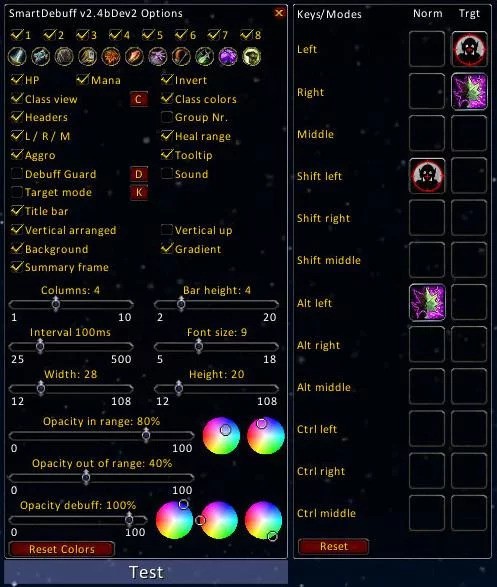
A4: Type in the chat “/sdbo” or “/sdbm”, if the options menu not opens SmartDebuff is not enabled, type “/sdb rafp” to reset all frame positions.
Q5: I use the “Auto hide” feature, but now SmartDebuff is hidden till combat, how I can configure it?
A5: Type in the chat “/sdbo” or “/sdbm” the options menu will displayed and the unit buttons also.
You must be logged in to leave a comment.