

IconBox
A lightweight minimap button collector for WoW 3.3.5a, with customizable layouts, character profiles, and native WoW and ElvUI styling.
Details

Addon ID:
29309
Addon Version:
1.0.1
Expansion:
3.3.5
Upload date:
Nov 16, 2026
Last Updated:
Nov 16, 2026
Downloads:
Less than 100
Website:
Source Link
Expansion
 Wrath of the Lich King
Categories
Developers

Having issues?
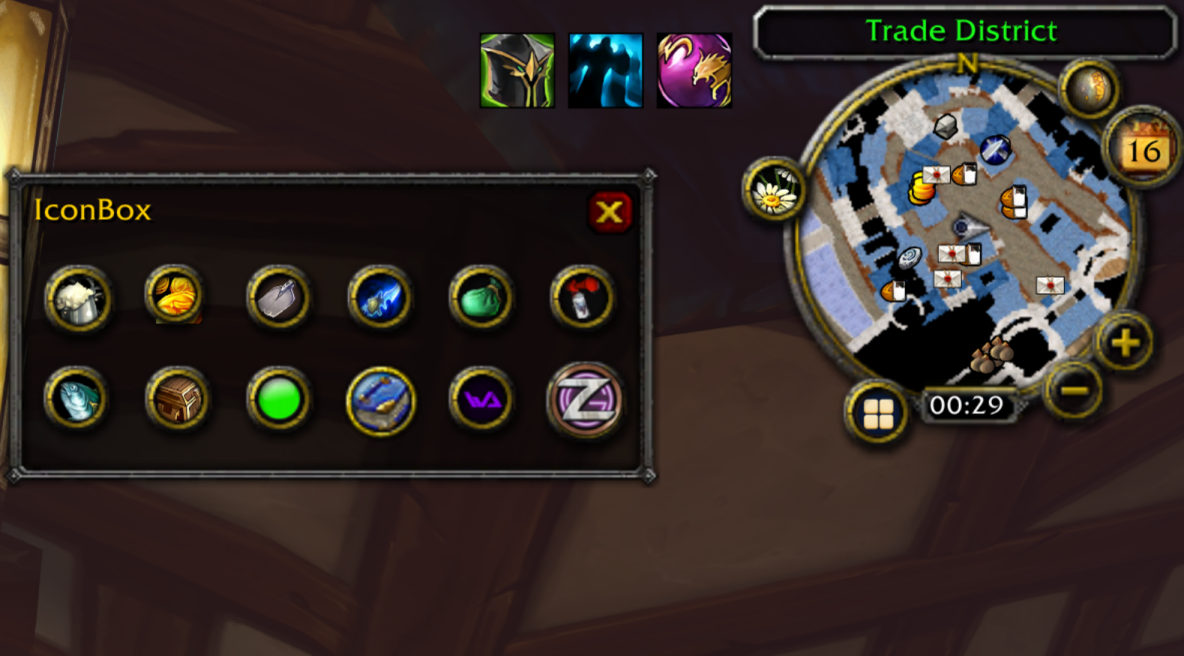
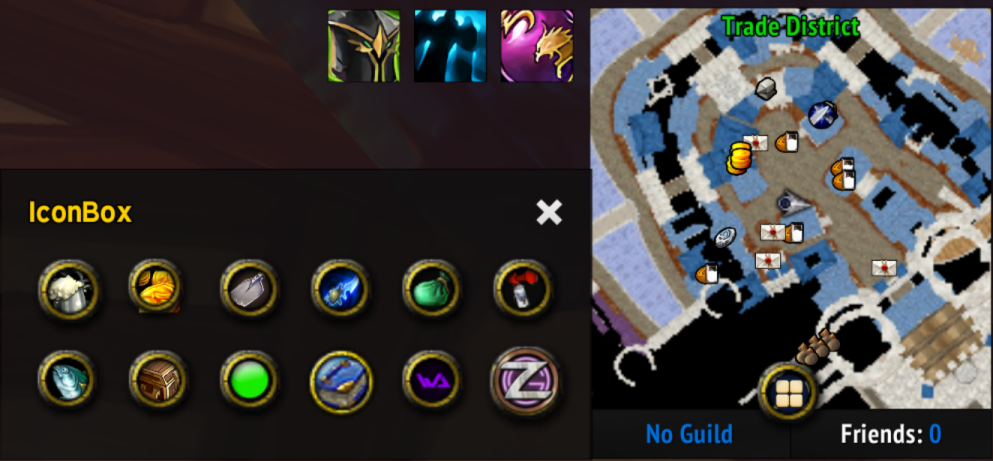
IconBox collects addon minimap buttons on WoW 3.3.5a (WotLK) into one compact box. Keep your minimap tidy and choose which icons to collect or leave outside.
Features
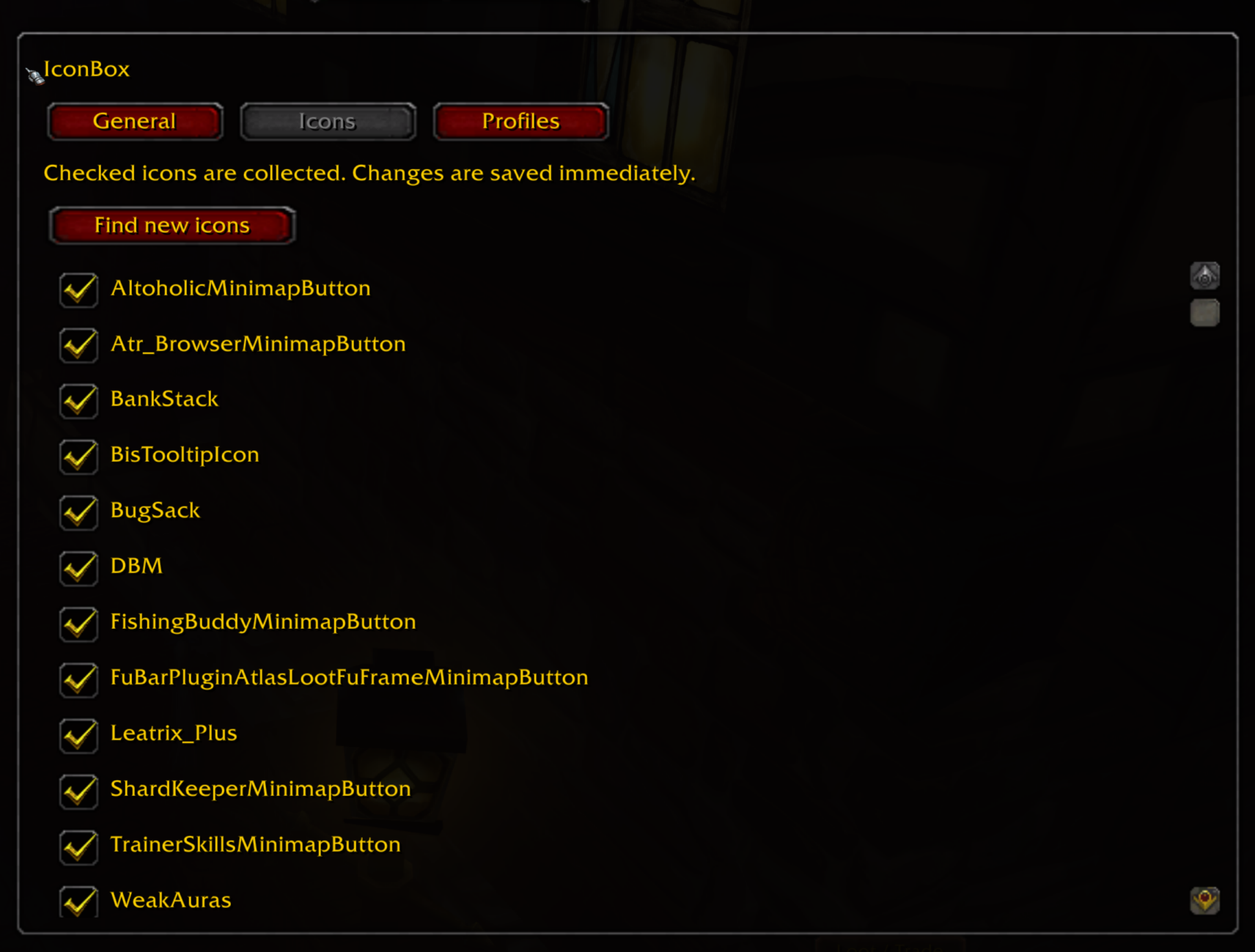
- Individual icon selection with simple checkboxes.
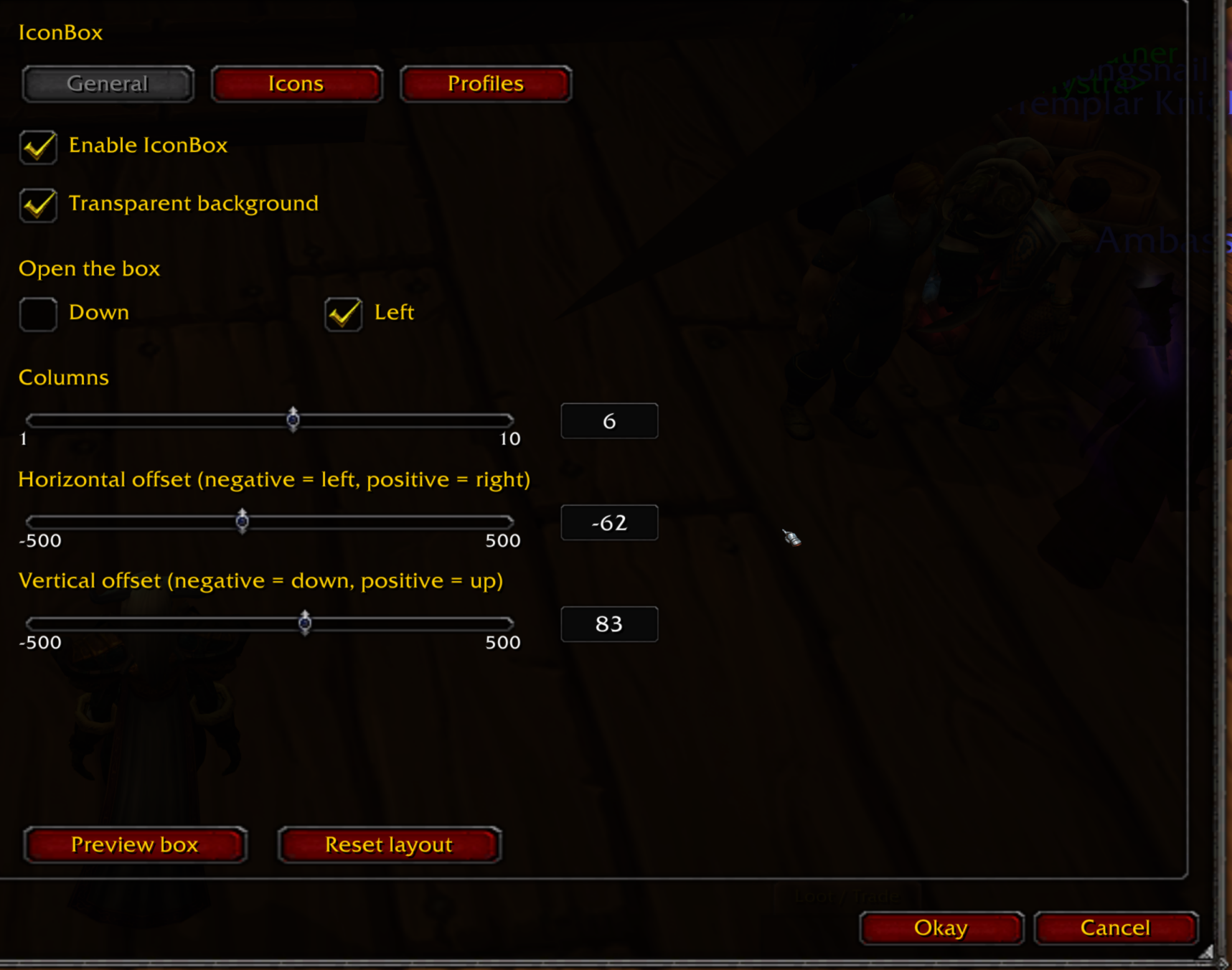
- Customizable layout: 1–10 columns, left or downward opening, and precise horizontal/vertical offsets.
- Transparent or solid background, with smooth opening and closing animations.
- Default WoW UI and ElvUI support, with automatic ElvUI styling.
- Round and square minimap support, with a movable launcher.
- Shared or character-specific profiles, with automatically saved settings.
- Conflict detection for ElvUI Enhanced Button Grabber.
- No required dependencies.
Controls
- Left-click the minimap icon: open or close the box.
- Shift + right-click: open settings.
- Left-drag: move the minimap icon.
- Settings are also available under Esc → Interface → AddOns → IconBox.
Installation
- Download and extract the addon.
- Place the
IconBoxfolder insideWorld of Warcraft\Interface\AddOns\. - Restart WoW and enable IconBox in the AddOns list.
When updating, replace the existing IconBox folder. Your saved settings are retained.
Notes
- Designed for WoW 3.3.5a, tested on Warmane.
- Use only one minimap button collector at a time.
- Some custom addon buttons may require compatibility fixes.
Fixed
- Fixed the IconBox minimap button appearing underneath map markers.
Replace the existing IconBox folder with the updated version. Your saved settings and profiles are retained.
You must be logged in to leave a comment.