
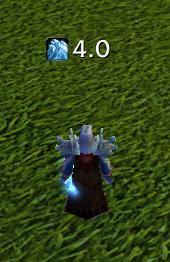
CooldownToGo
Displays the remaing cooldown of the action you tried to use



Details
Expansion
Categories
Developers

Having issues?
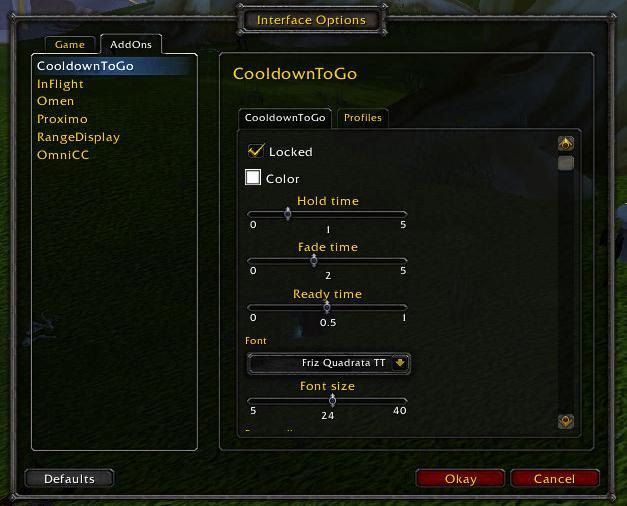
Displays the remaing cooldown of the action you tried to use. Type /cdtg for help, /cdtg config for configuration.

CooldownToGo displays the cooldown on the last action/spell/item you tried to use (and failed due to it being on cooldown). The display consists of the icon of the action and a countdown showing the cooldown time remaining. The display fades after a configurable period, and it pops up again when the cooldown is (almost) finished. It is possible to set up an ignore-list for abilities you don't want to track, and a grace-period before the ability is checked for cooldown (for button-smashers).
After installing, CooldownToGo will be enabled by default, and unlocked, so you'll see a semi-transparent rectangle in the center of your UI that you can drag to a position you like. After finding a good place for it you should lock the frame with /cdtg locked, so that it won't eat your mouse clicks.
You must be logged in to leave a comment.