

Tiny Quality of Life ( TQL )
Quality-of-life tools for TBC Anniversary and Forever, featuring class reminders, inventory helpers, map utilities, and customizable UI improvements.
Details
Expansion
 Forever
 Developers

Having issues?
TinyQoL — Small helpers for your everyday adventures
TinyQoL (TQL) brings class reminders, map tools, inventory helpers and customizable displays together in one addon for TBC Anniversary and WoW Forever.
Whether you are leveling, exploring, managing your bags or preparing for combat, TinyQoL helps you keep useful information close at hand. Enable the tools you need and adjust supported displays to suit your interface.
Class reminders: Keep track of missing Mage and Warlock armor, Priest Inner Fire, Shaman shields, Hunter aspects and Paladin auras. Hunter ammunition warnings and separate main-hand and off-hand Rogue poison reminders help you stay prepared. Supported reminders offer tooltips and Alt-click shortcuts for learned spells.
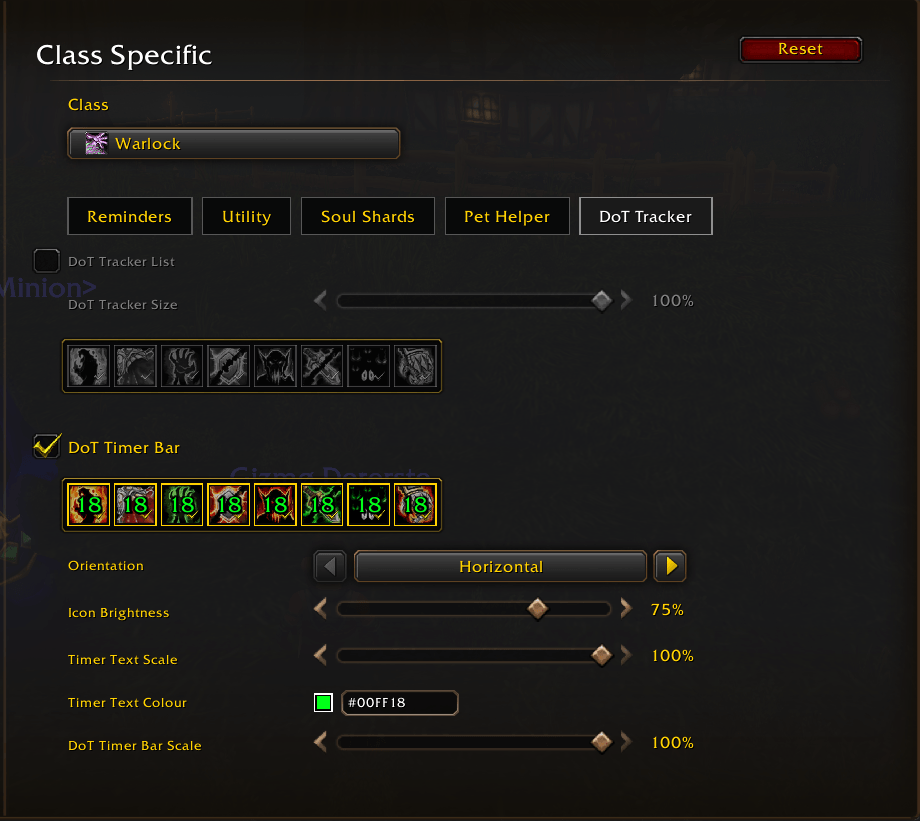
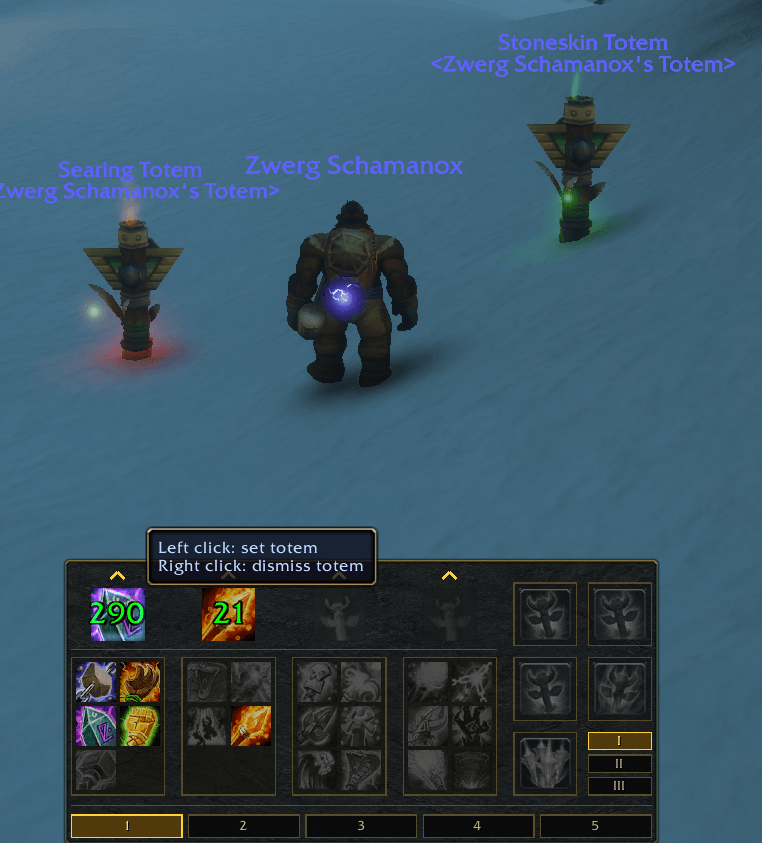
Combat and pet tools: Follow your current target’s Warlock and Priest damage-over-time effects with configurable lists and timers. Track active Shaman totems and their remaining duration, and customize player and target cast bars. Hunters and Warlocks can use Pet Helper for attack, follow and passive controls, selected spell and macro helpers, and pet keybindings. Warlock tools also include Soul Shard management, Ritual of Summoning announcements and Devour Magic controls.
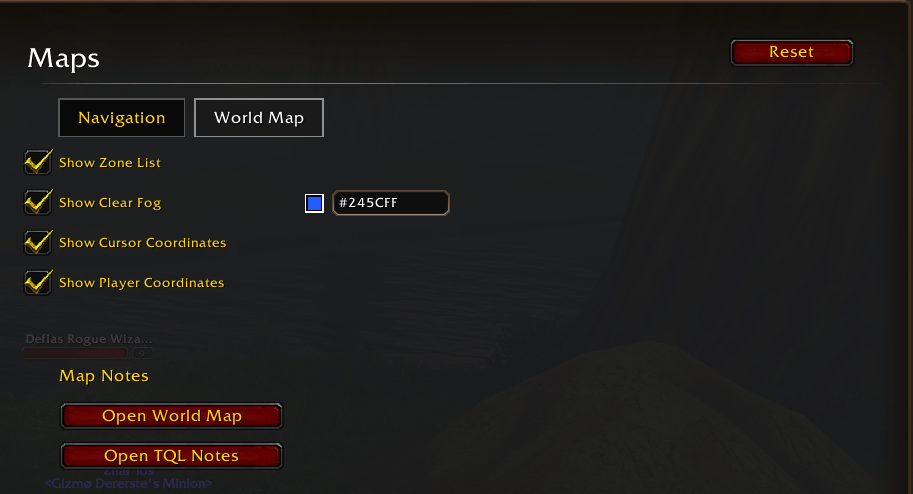
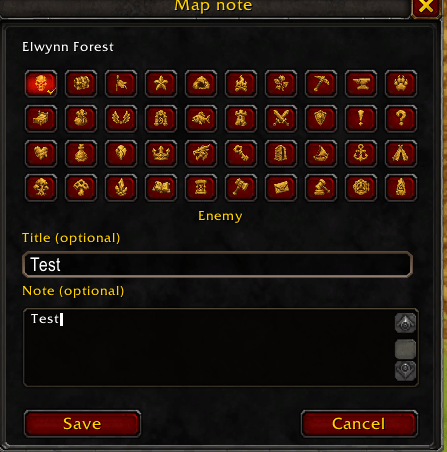
Maps and navigation: Shift-right-click the world map to place a navigation marker and follow a directional arrow. Create permanent map notes, navigate to saved locations and use zone lists to move between supported maps. Display player and cursor coordinates, or reveal unexplored map artwork with an adjustable tint.
Loot and bag management: Choose automatic, faster or selective looting, with filters based on item quality and vendor value. Maintain character-specific Always Loot and Auto Sell lists, with options to always collect money and quest items. When your bags are full, the bag-space helper can suggest removing an eligible Auto Sell stack to make room for better loot; each deletion requires confirmation.
Vendors and item history: Sell items from your configured Auto Sell list and optionally limit sales to batches of 12 stacks. Search merchant inventories across pages, use bag item markers and choose individual equipped items to repair. Review recorded vendor sales, disenchanted or destroyed items, and sent mail.
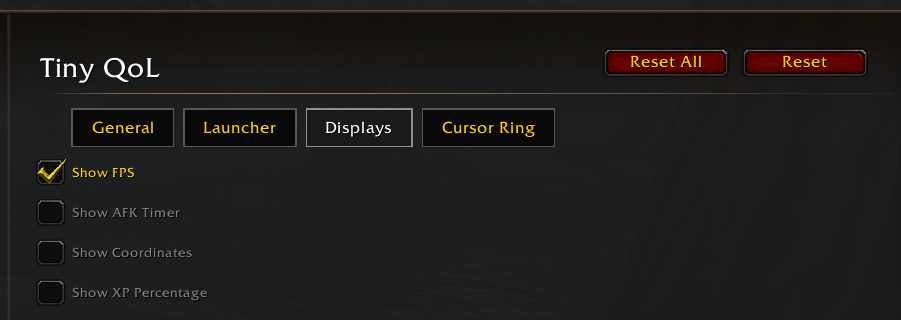
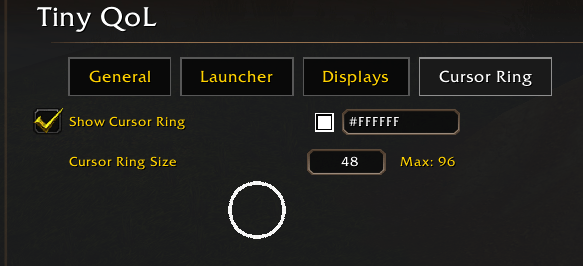
Personal interface tools: Add a customizable cursor ring and movable displays for FPS, XP percentage, coordinates and inactivity time. Adjust supported positions, sizes and colors. Access your tools through the minimap button or floating TQL menu, and use Quiet Mode to reduce routine addon messages.
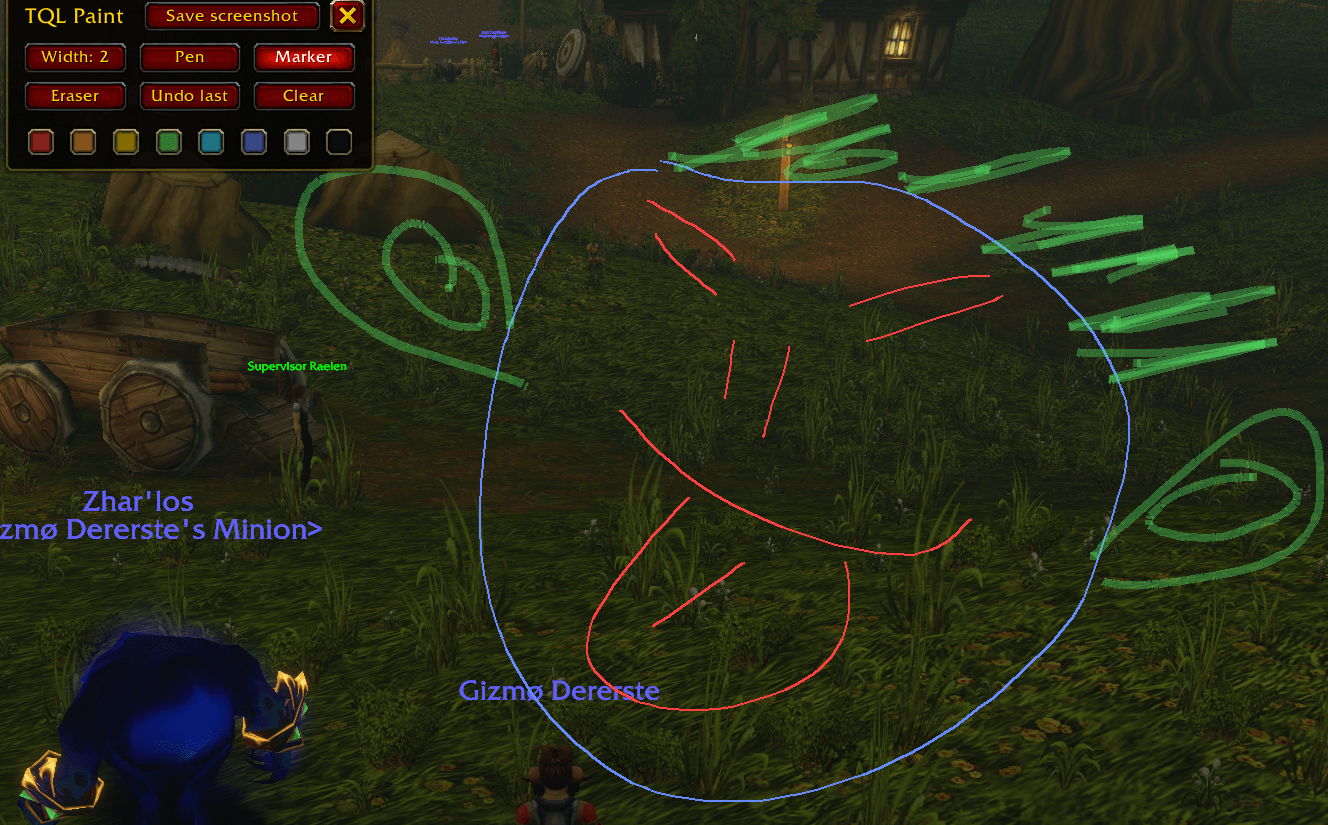
Notes, drawing and keybindings: Keep multiple saved notes inside the game, use TQL Paint to draw over your screen, and manage custom keybindings for spells and macros.
Additional TBC Anniversary features: Build shopping lists and recipe projects, track required materials, and use auction-house shopping and price tools. Search and filter profession recipes, use Fast Enchant for equipped gear, and alternate herb and mineral tracking. Additional combat tools include weapon swing timers, a mana rhythm indicator, enhanced target and focus information, threat values, debuff timers, Soulstone tracking, interrupt announcements and incoming summon indicators on supported party frames.
Additional Forever features: Organize Shaman totems into saved sets, configure Calls and use supported casting, dismissal and recall controls. Warlocks also have a manual Soul Shard cleanup window with a configurable amount to keep.
Getting started is simple: Install the TinyQoL folder in your client’s Interface/AddOns directory, then type /tql to open the settings. Left-click the minimap button to open the TQL menu, or right-click it to open settings.
One download supports both clients. Available features depend on your client and character class.
Found a bug or have an idea? Leave a comment with your client, addon version and character class. For bug reports, include steps to reproduce the issue and any Lua error message.



You must be logged in to leave a comment.