

TimeStamp
An addon that adds timestamps on your screenshot including time/area/level etc
Details
Addon ID:
26303
Addon Version:
TimeStamp - 2026-10-02T02:25:50+02:00
Expansion:
1.60
Upload date:
Oct 06, 2026
Last Updated:
Oct 06, 2026
Downloads:
Less than 100
Website:
Source Link
Expansion
 Forever
 Categories
Developers

Frostaphim
Creator
Having issues?
WoW Forever Compatible
TimeStamp
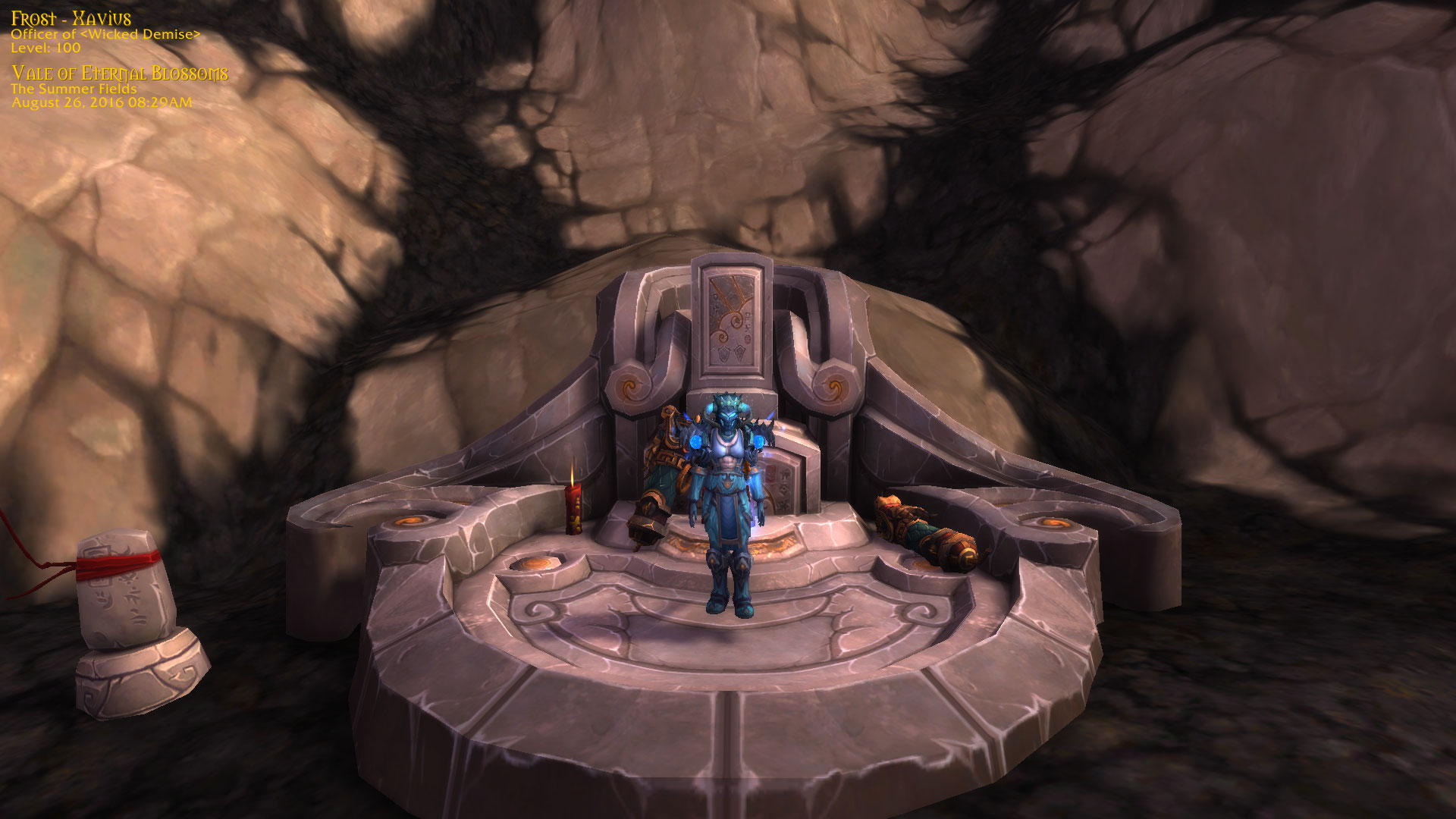
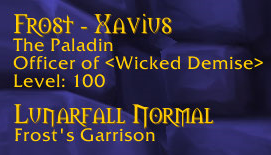
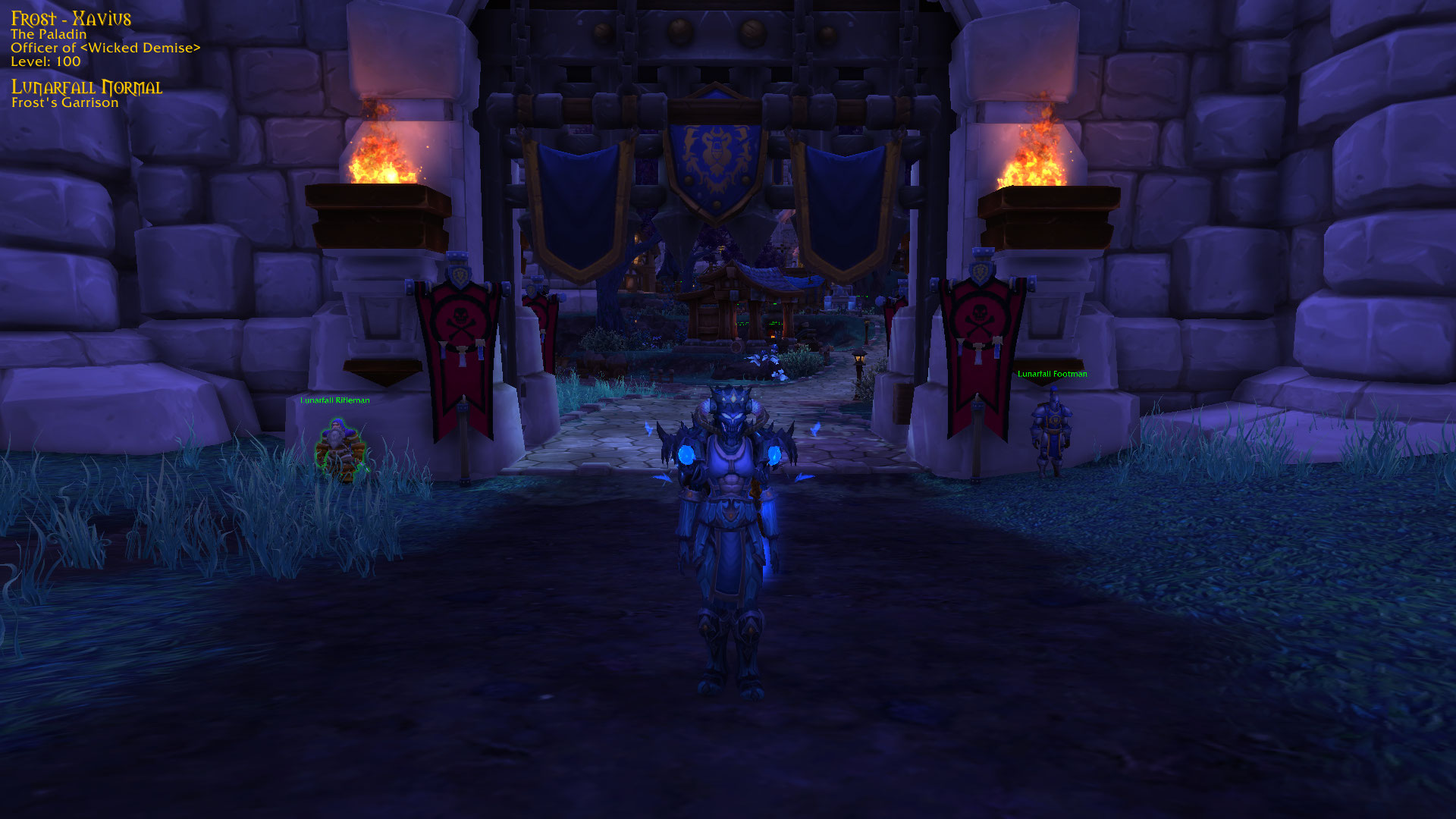
Take clean, memory-worthy screenshots with your character details baked right in - name, class, guild, level, item level, zone, and a date/time stamp. Remember all the good days.
The info overlay stays hidden while you play and only appears at the moment a screenshot is taken. Take a normal screenshot with your usual key and the overlay rides along automatically, or use /ts for a clean, UI-hidden character card. The overlay position is saved between sessions.
Commands
| Command | What it does |
|---|---|
/ts | Clean full-screen screenshot with the UI hidden |
/ts snap | Normal screenshot (UI visible) with the info overlay |
/ts key | Toggle the info overlay on/off for your screenshot key |
/ts companion | Also stamp screenshots taken by Memoria, Memento, and other auto-screenshot addons (saves a second, stamped copy) |
/ts unlock | Show and unlock the overlay so you can drag it into place |
/ts lock | Lock and hide the overlay |
/ts reset | Reset the overlay to its default position |
/ts help | List all commands |
You must be logged in to leave a comment.