
Terminal
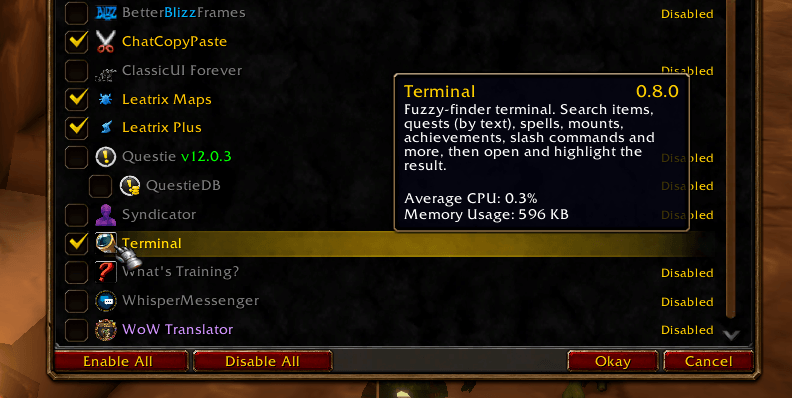
Universal search with fuzzy-finder for all in-game everything including other add-ons.
Details
Expansion
 Forever
 Categories
Developers

Having issues?
Terminal
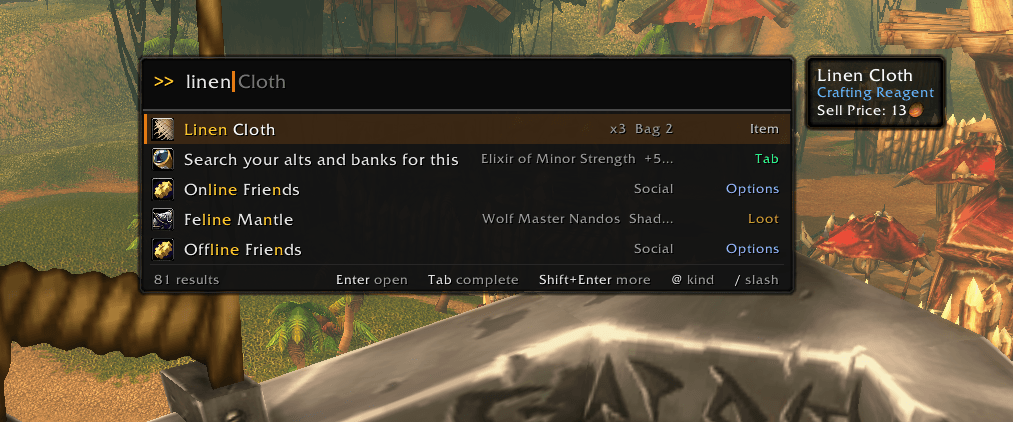
A fuzzy-finder command line for WoW Forever. Press `, type a few letters, and jump straight to anything in the game: an item in your bags, a quest by what it asks you to do, a spell, a recipe, a mount, a setting. Enter opens it and points at it, in the game's own windows.
Built for WoW Forever (the classic look on the modern client). It plays by the client's rules: anything that opens a window or uses something is pressed by the game itself, so Terminal never taints your UI.
How it works
`opens the terminal (or/term, or bind your own key under Key Bindings → AddOns).- Type anything. The search is forgiving:
hvy banfinds Heavy Linen Bandage,wolv bordfinds Wolves Across the Border. - Enter opens the result and highlights it: the item in your bags, the quest in your log, the spell on its spellbook page, the recipe in its profession window.
- Shift+Enter does the other thing: use the item, cast the spell, summon the mount, equip the gear, link the achievement.
- Up/Down walks your history from an empty prompt, and the things you pick most rise to the top.
What you can find
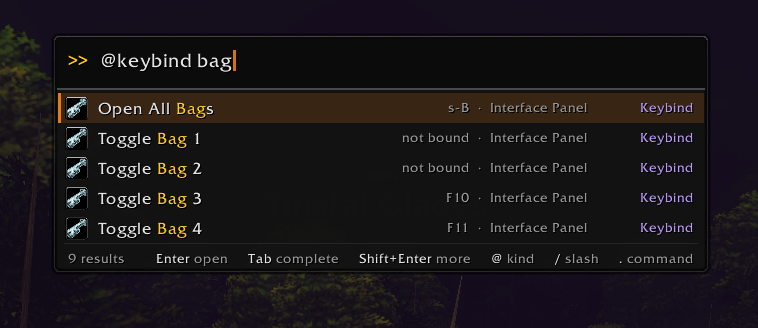
Type @ and a kind to search only that kind (@spell fire, @npc hogger).
Your character
- Items in your bags and on you, plus @gear, @consumable and @mats
- @spell: opens the book on the spell's own category and page
- @talent, @reputation, @skill, @currency, @equipmentset
- @quest: your quest log, searched by objectives and description too
- @profession and @recipe: every craft you know, including WoW Forever's @camp objects
- @mount, @toy, @pet, @title
- @achievement: earned ones in plain searches, and the ones you're still working on (with progress) under @achievement
The game
- @panel: every game window, opened the way its own key opens it
- @map: continents and zones
- @keybind: every bindable action, opened in Key Bindings
- @option and @cvar: game options and console settings
- @macro, @addon and every /slash command
With your other addons (all optional)
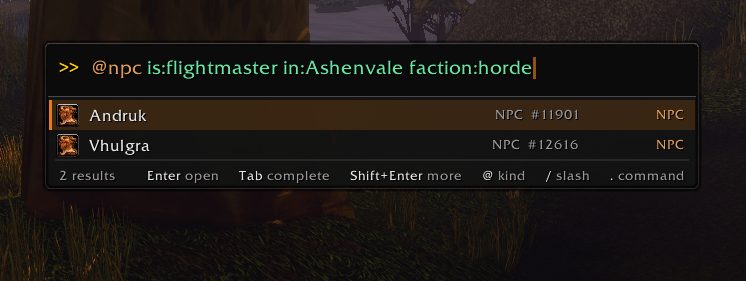
- Questie: @questie searches every quest in the game by name and objective, and @npc finds any NPC and pins it on your map
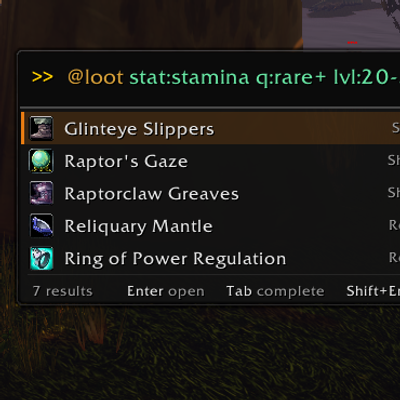
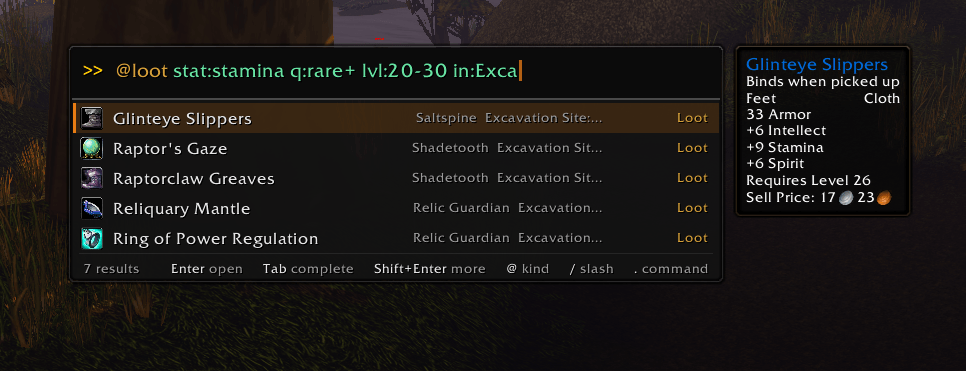
- AtlasLoot (Classic or Continued): @loot opens the item's boss page
- Syndicator / Baganator or Bagnon: @stored finds what your alts and banks hold
Filters
Narrow any search with key:value:
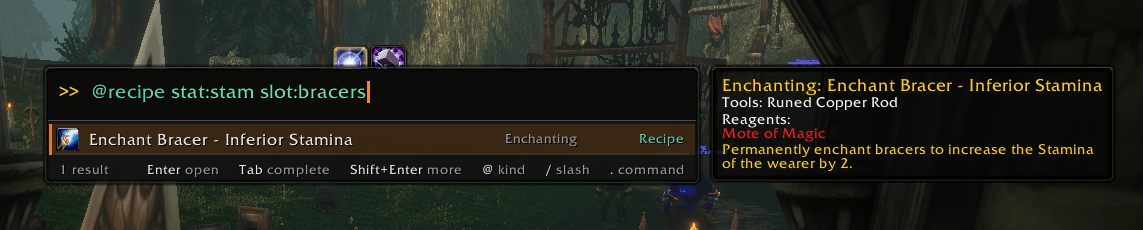
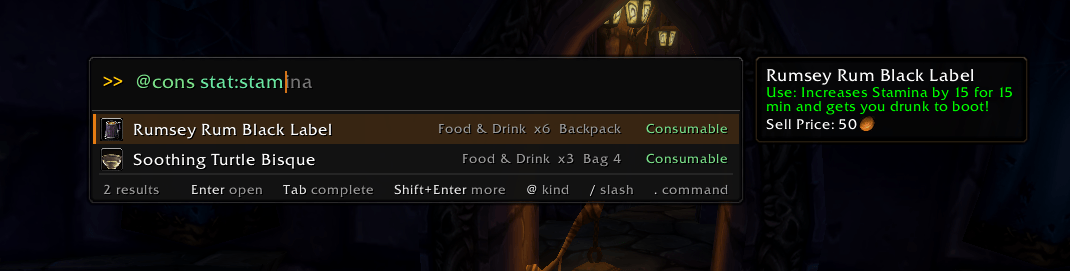
@item q:rare+ ilvl:30+: rare or better, item level 30 and up@consumable stat:strength: elixirs, potions and food that give strength@recipe stat:stam slot:bracers: what you can craft or enchant@quest lvl:20-30 in:ashenvale@npc trainer:mage,@npc is:vendor sells:copper_rod@spell is:ready,@item is:boe,@reputation standing:honored+,@achievement is:todo
Tab completes the values, and .filters lists them all.
Share to chat
End any search with >> and a channel to send the result instead of opening it:
copper bar >> guild: the item's link@npc thrall >> party: a map pin where he stands@questie fargodeep >> party: a clickable Questie quest link@profession enchanting >> whisper Friend: a link to all your recipes
Shift+Right writes the selected result into the prompt, so you can build on it.
Commands
Commands start with a dot and print to chat:
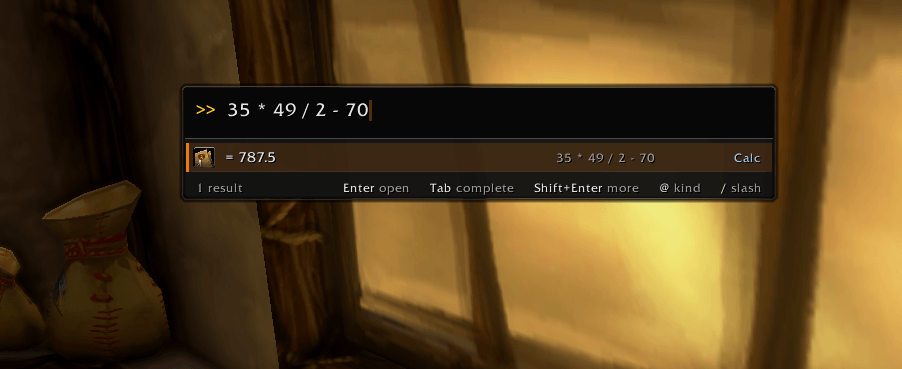
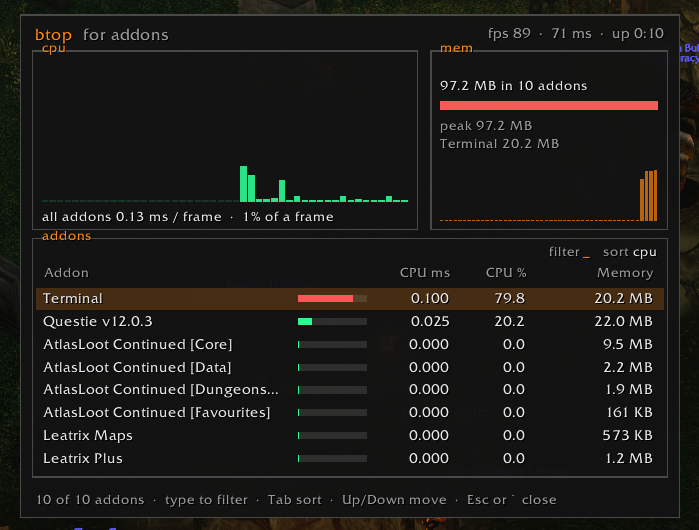
.help,.filters,.kinds: what's available.theme,.set,.options: make it yours.style: share your look as one line of text, or paste someone else's.changelog: what's new.atop: a live CPU and memory monitor for your addons.reload- …and a calculator: type
3 x 45g 20sor12.5% of 800.
Make it yours
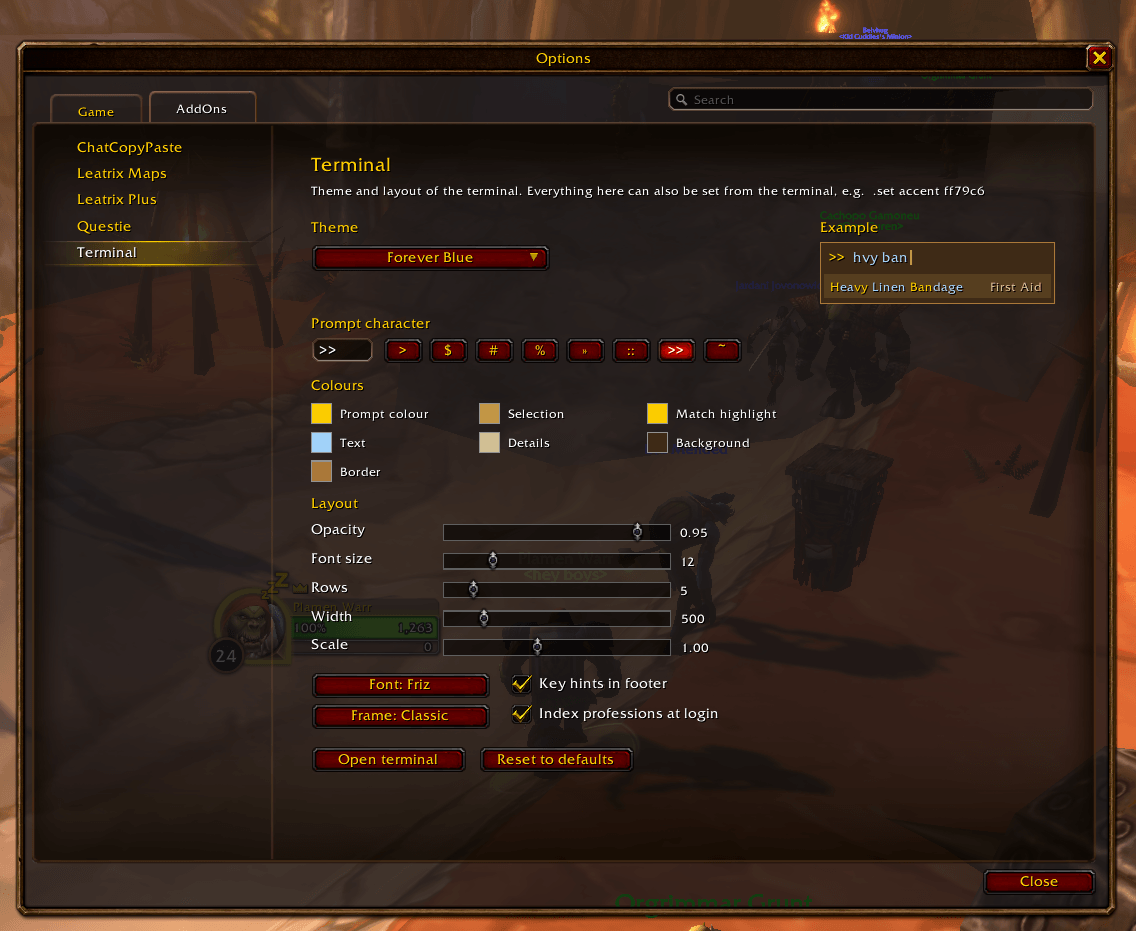
- 12 themes, from Forever and Midnight to Horde, Alliance and a few nods to the old database sites, plus every colour, font, size and opacity.
- Animation styles: Smooth, Snappy, Floaty, Cascade, Drop Down, or off.
- Cursor styles: a blinking or solid line or box.
- Share your style: Export style on the options page gives your look as a single line to paste in chat; Import style applies one.
Easter eggs
.wowamp: a little music player in the spirit of the terminal classics. Ten radio stations themed on places in Azeroth (Lion's Pride FM in Goldshire, WAR Radio 66.6 in Orgrimmar, Necropolis Nights from Naxxramas…) play the game's own music, with a visualizer that moves to each station's style..snake: you know the one.
Good to know
- Some game windows can't be opened by addons on this client. Professions are indexed the first time you open each one yourself.
- In combat, results that open windows wait. Shift+Enter actions (use, cast) still work where the game allows.
- Found a bug or have an idea? Leave a comment. A
.debug logfrom the moment it happened helps a lot.
Free and open source (MIT).
You must be logged in to leave a comment.