
Tempus
A complete, clean interface for the new Classic client: buffs, unit frames, nameplates, party and raid frames, action bars and more, in one matching look.
Details
Expansion
 Forever
 Categories
Developers

Having issues?
Tempus
Tempus gives the World of Warcraft UI a consistent, modern look without piecing together a dozen add-ons. Enable the parts you want and turn off the rest.
What you get
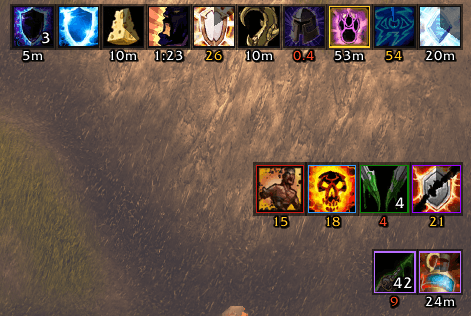
- Buffs and debuffs with clear timers, reminders for food, flasks and class buffs, and click-to-recast controls.
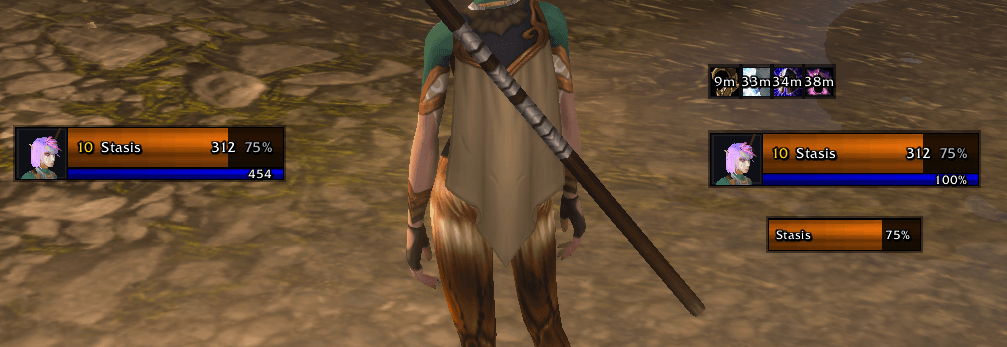
- Unit frames for you, your target, your target's target and your pet, with cast bars and portraits.
- Nameplates showing enemy difficulty, who a mob is attacking, interruptible casts, and enemies ready to finish off.
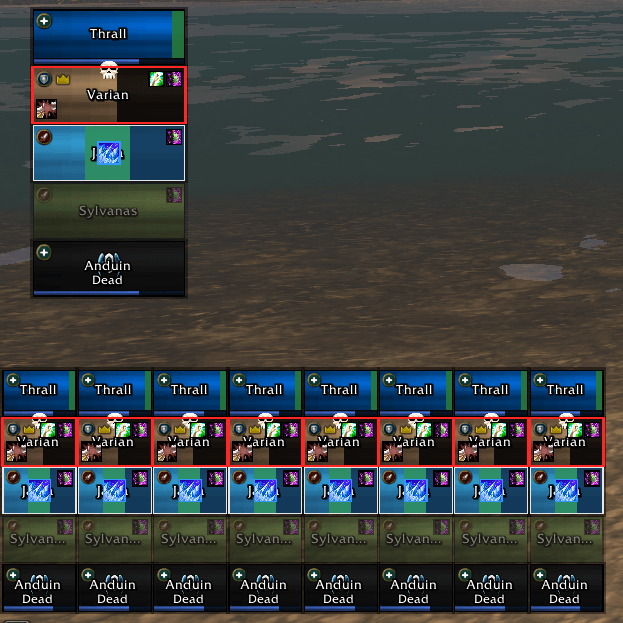
- Party and raid frames with range, dispel and aggro indicators, plus tracking for your heals over time. Click-to-heal includes preset bindings for Druids, Priests, Shamans and Paladins.
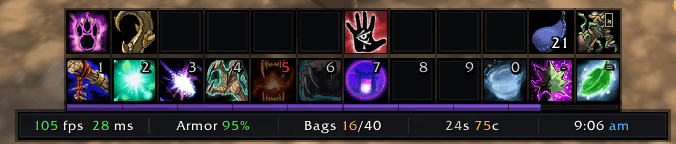
- Action bars, a square minimap, and an info bar with FPS, latency, durability, bag space, gold and the time.
- Matching skins for Blizzard windows, tooltips and chat, plus Bagnon and DBM.
- new Combat Pulse, a single compact combat strip (see below).
- Optional SpellPower integration. If SpellPower is installed, its spelling and grammar settings appear in the Tempus settings window.
Combat Pulse
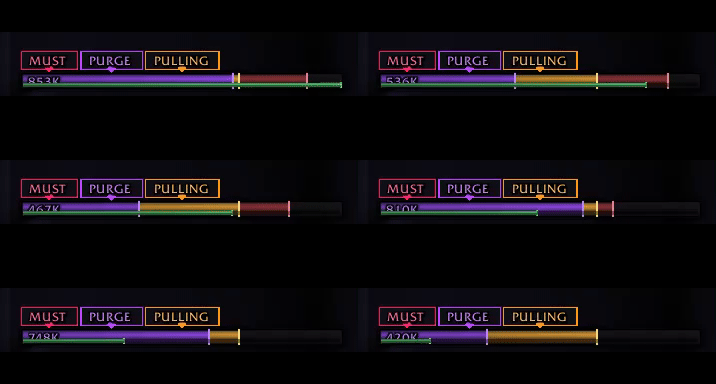
One compact combat strip: a layered DPS bar plus a thin swing line, with small cues above it.
- DPS bar: purple to your live DPS, gold to your peak, red to the group's top, read from Blizzard's damage meter. It handles hidden combat values and learns its own scale.
- Swing line: thin, along the bottom edge. It uses the Swing timer module and tints red when the target is out of range.
- Cues, only when they matter:
- Kick: your interrupt icon with its cooldown, when the target casts something interruptible.
- Purge: a buff you can dispel or steal.
- Threat: HOLD / SLIPPING / LOST for tanks, PULLING / AGGRO for everyone else.
- Execute: a skull when the target is below the nameplate execute threshold.
- Three modes: Minimal (urgent cues only), Standard (DPS, swing and cues) and Full (everything, including peak and top numbers).
Built for the new Classic client
The new Classic client limits the combat information add-ons can access, which breaks many older add-ons. Tempus is built around those restrictions so its UI keeps working during combat.
Make it yours
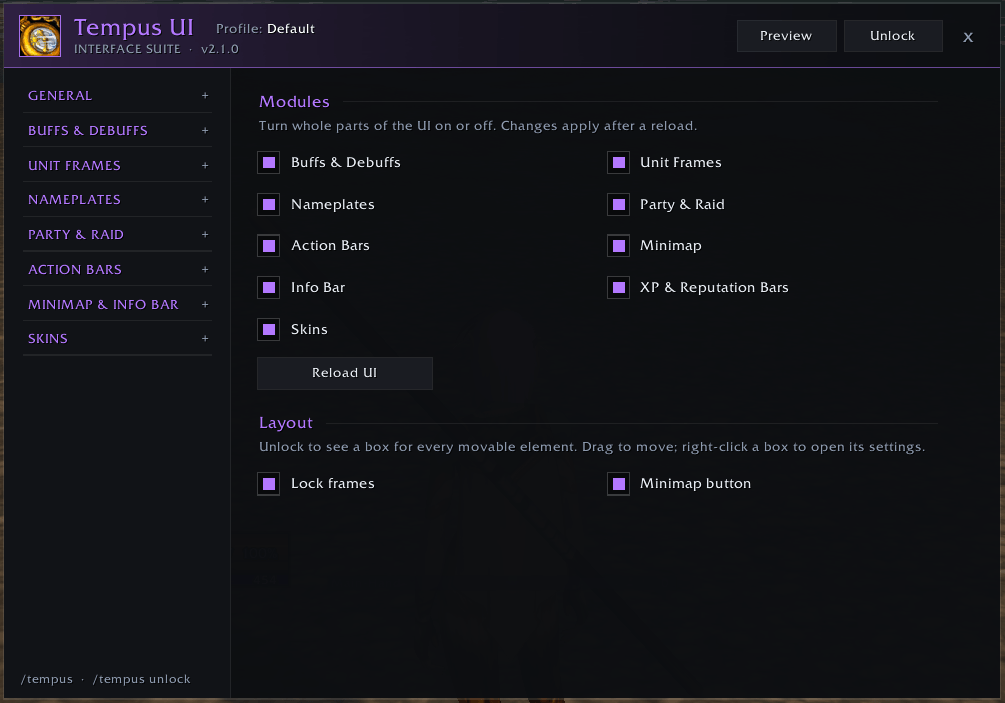
A short first-run guide helps you choose a starting layout. Settings have live previews, and you can unlock the UI to drag elements into place. Arrange your raid frames even while playing solo, and choose from six accent colors.
You must be logged in to leave a comment.