

StikTalk
A controller-friendly chat wheel for WoW Forever. Choose a channel and send preset or custom phrases without typing.
Details
Expansion
 Forever
 Categories
Developers

Having issues?
StikTalk — Controller Chat for WoW Forever
By Brootul
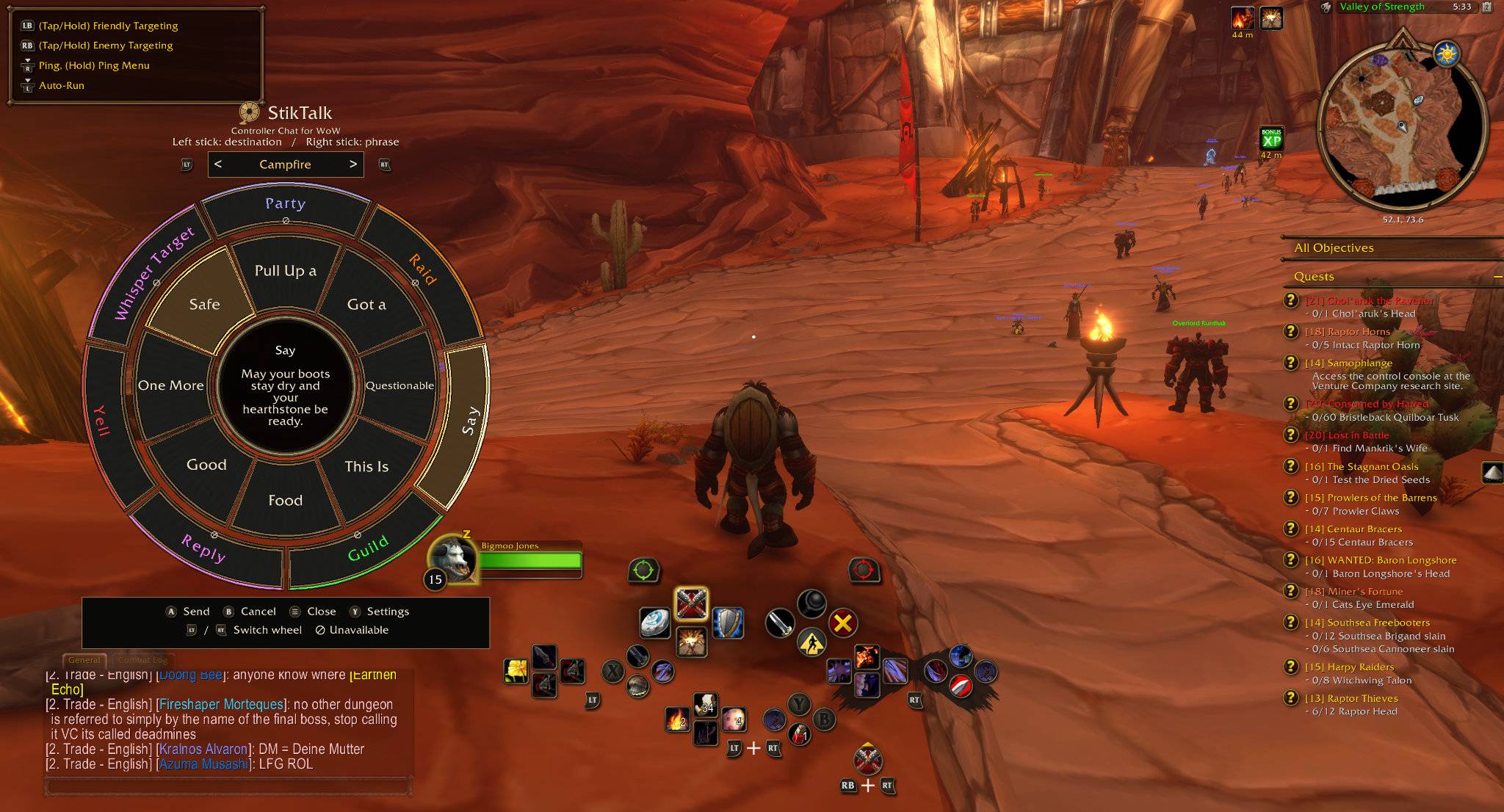
Chat without reaching for your keyboard. StikTalk adds a controller-friendly wheel for choosing a chat destination and sending preset or custom phrases.
Features
• Choose a chat destination with the left stick and a phrase with the right stick.
• Switch message wheels on the fly with LT and RT.
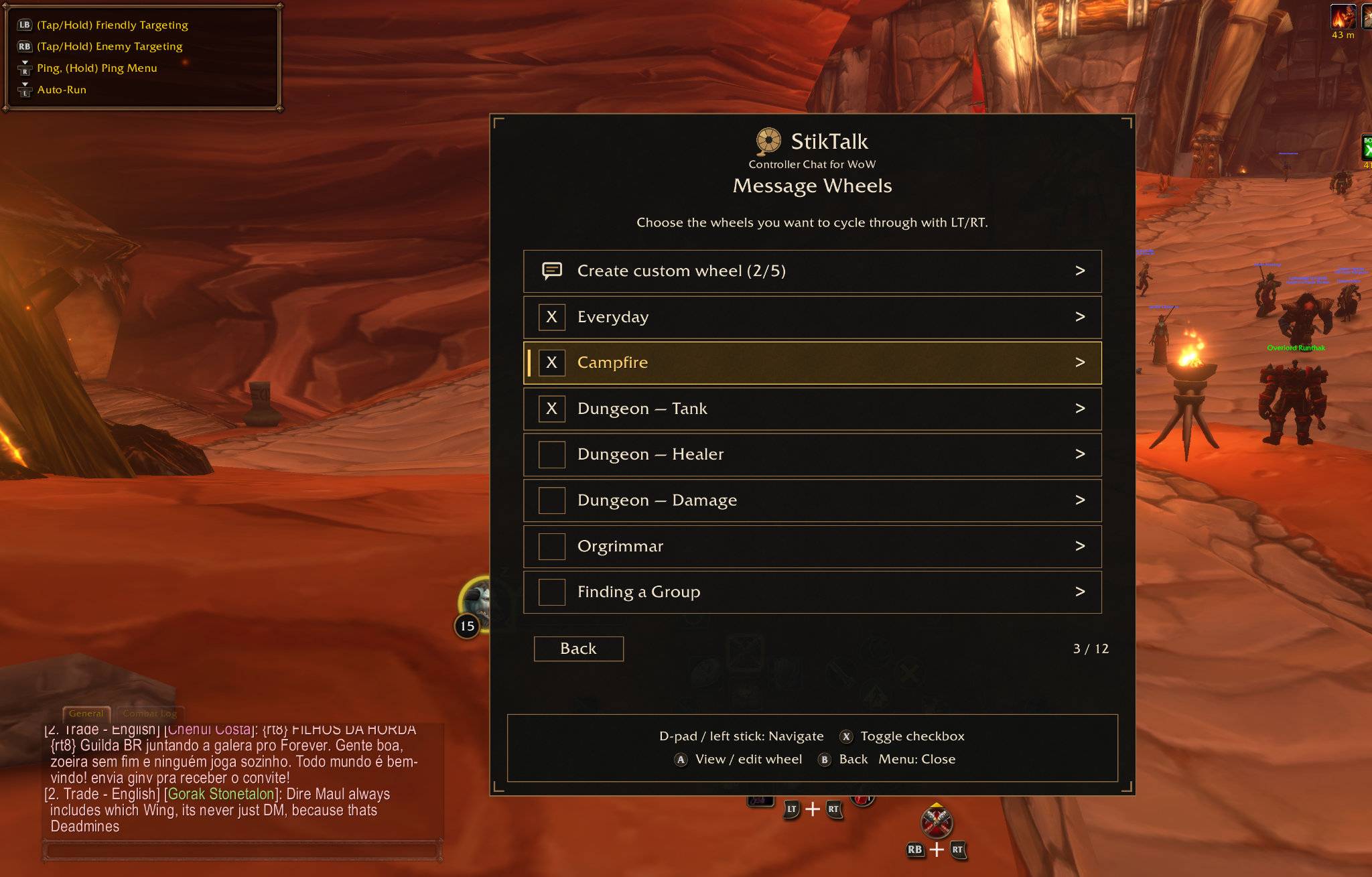
• Use premade wheels for everyday conversation, dungeon roles, campfire chats, and more.
• Create custom wheels with eight phrases each.
• Choose which wheels stay in your rotation.
• Preview your selected message and destination before sending.
Getting Started
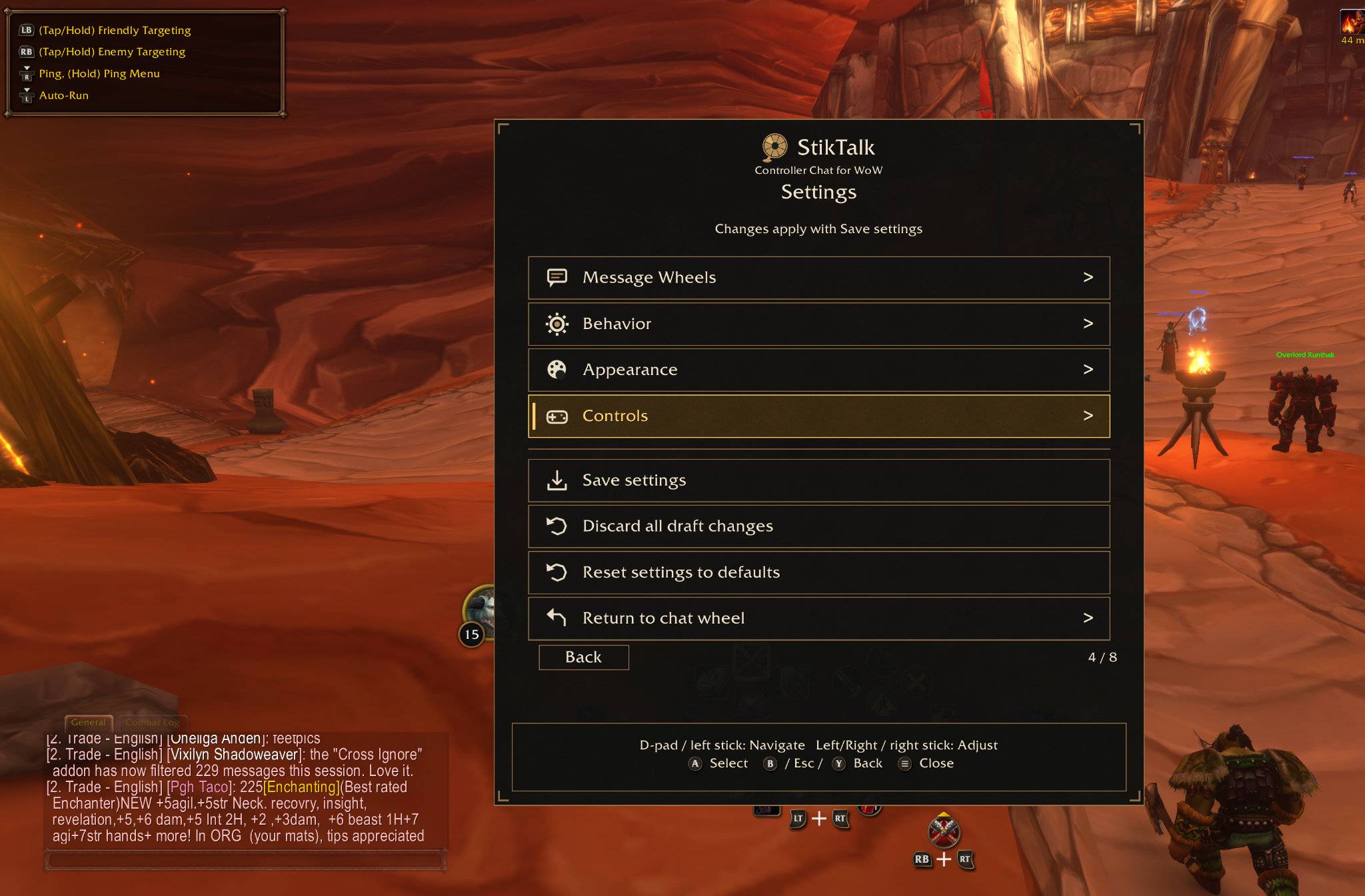
Open Blizzard’s controller menu, then press D-pad Left to open StikTalk. Follow the wheel’s on-screen prompts to select, send, or cancel.
Public Beta
This beta supports WoW Forever version 1.60.1, build 70170, interface 16001. Compatibility with other clients or builds has not been verified.
Battleground chat is unavailable in this version and planned for a future update. Voice-to-text is not included. No external addon dependencies are required.
Manual Installation
Extract the download into your Forever client’s Interface/AddOns folder. The installed folder is named ControllerChat; keep that name when installing or upgrading.
Feedback
Report bugs and suggest features at:
https://github.com/mrdmarcus2013/Brootul-WoW-Addons/issues
Include your addon version, game version/build, controller model, steps to reproduce the problem, and any Lua error.
Free to download, install, and use. All Rights Reserved.
You must be logged in to leave a comment.