
Simple Viewport
A simple viewport and artwork addon for wow classic
Details
Expansion
 Forever
 Categories
Developers

Having issues?
A very basic viewport and texture mod.
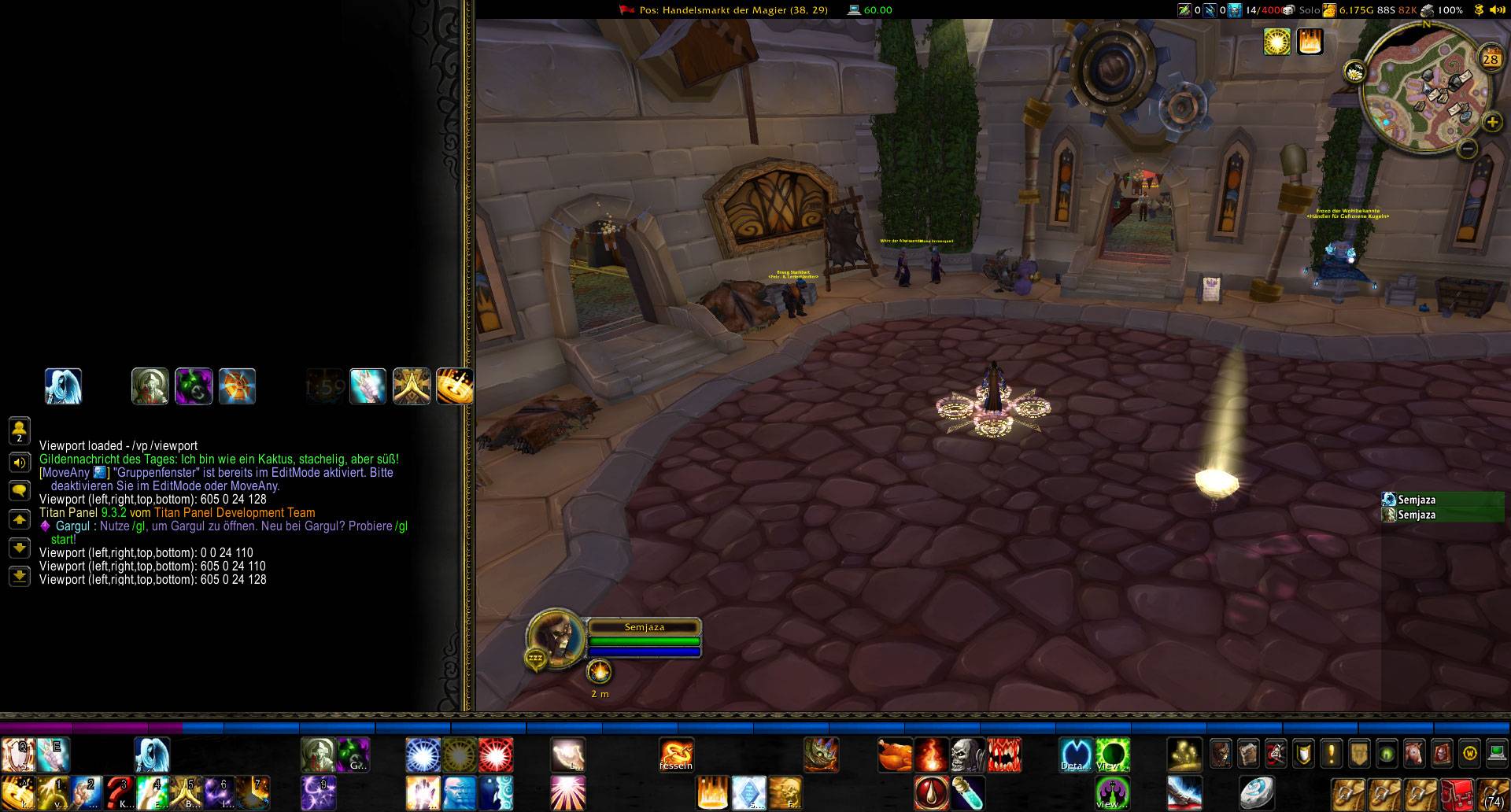
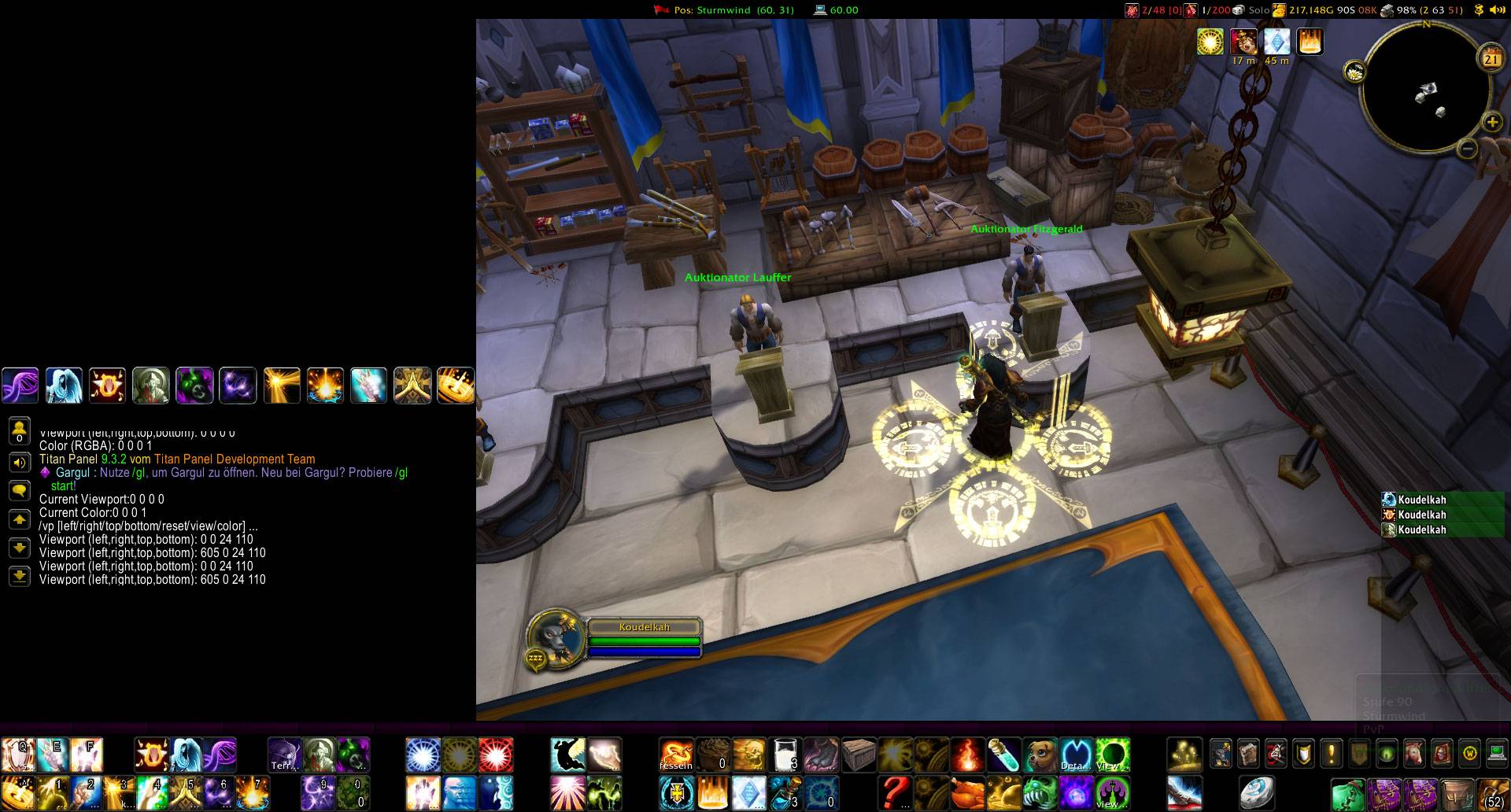
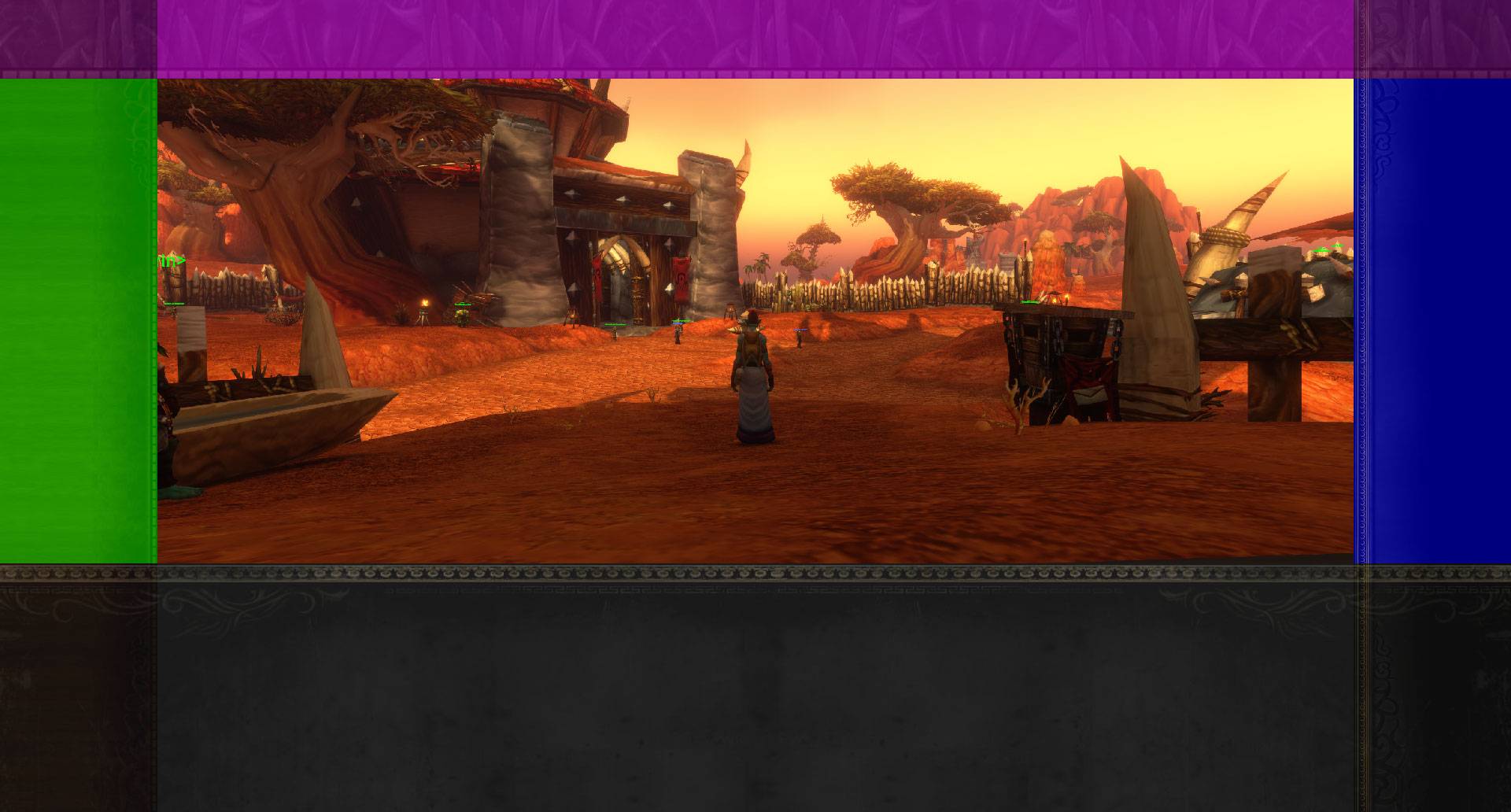
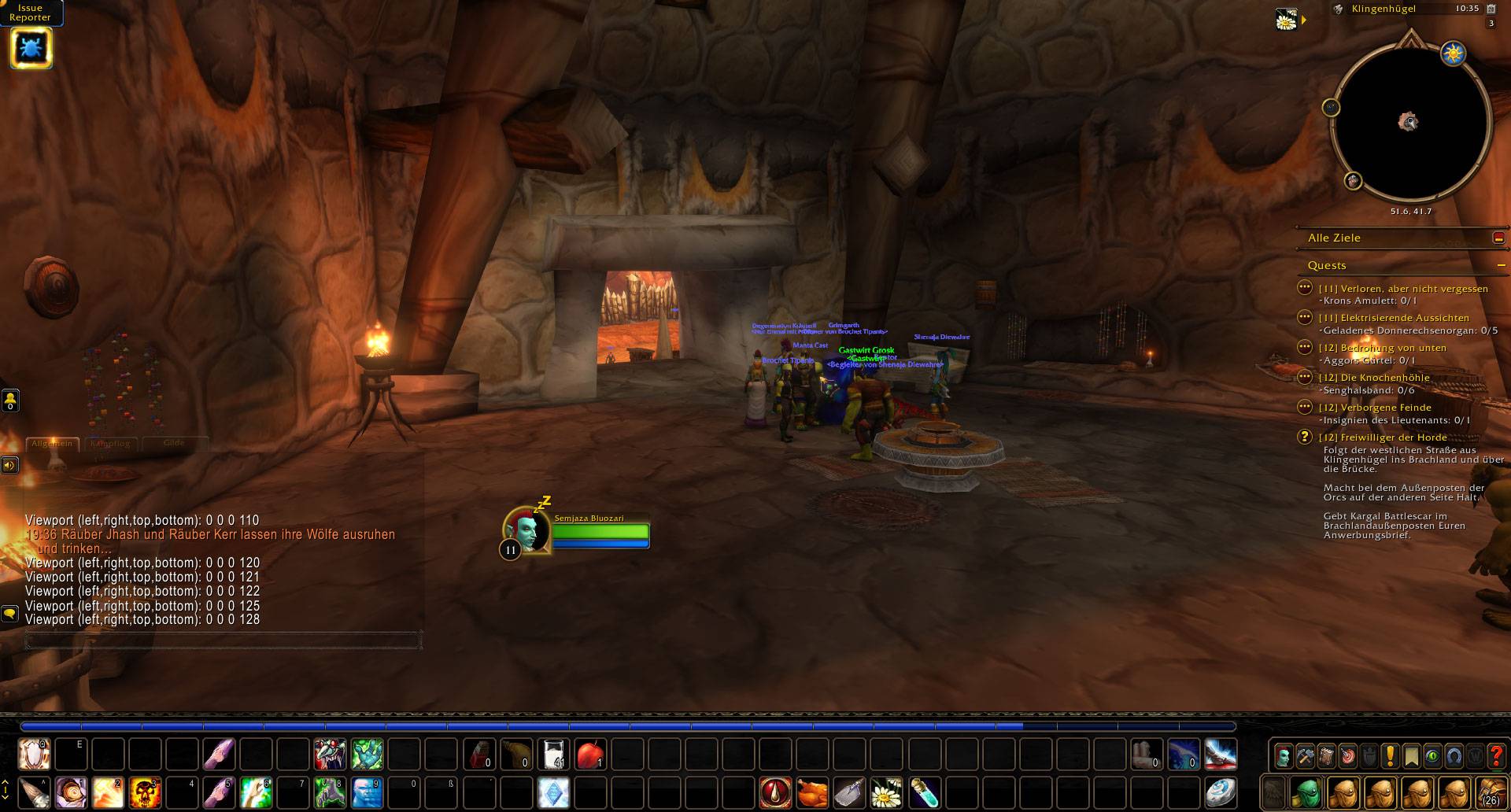
Shrink the render world to get more space for raid groups, chats or other addons.
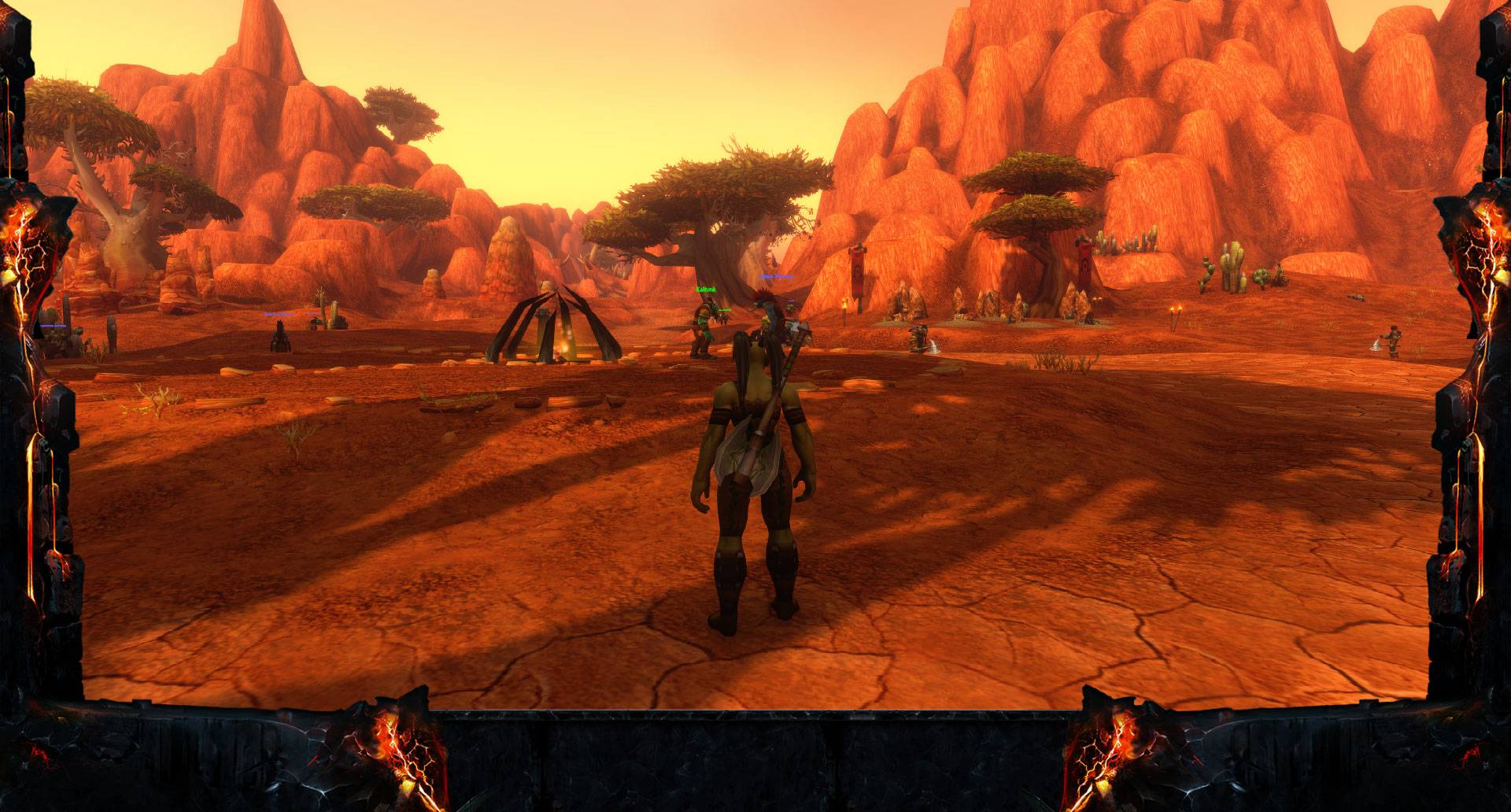
You can also change the colour of the border and add artworks for all sides. Artwork can be stretch, recolour, clamp to the worldframe or add a fade out effect.
Simple start with:
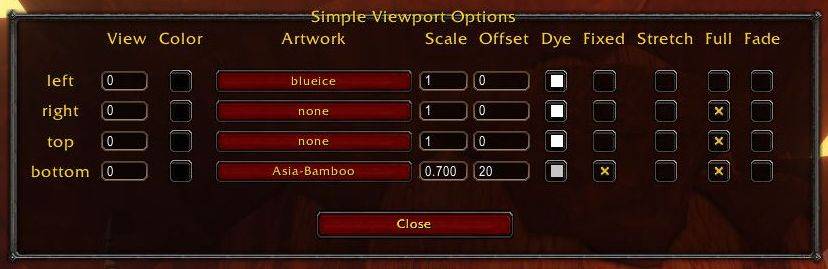
/vp options
Additional Artwork
https://www.curseforge.com/wow/addons/simple-viewport-artwork-sunnart
https://www.curseforge.com/wow/addons/simple-viewport-artwork-djidiouf
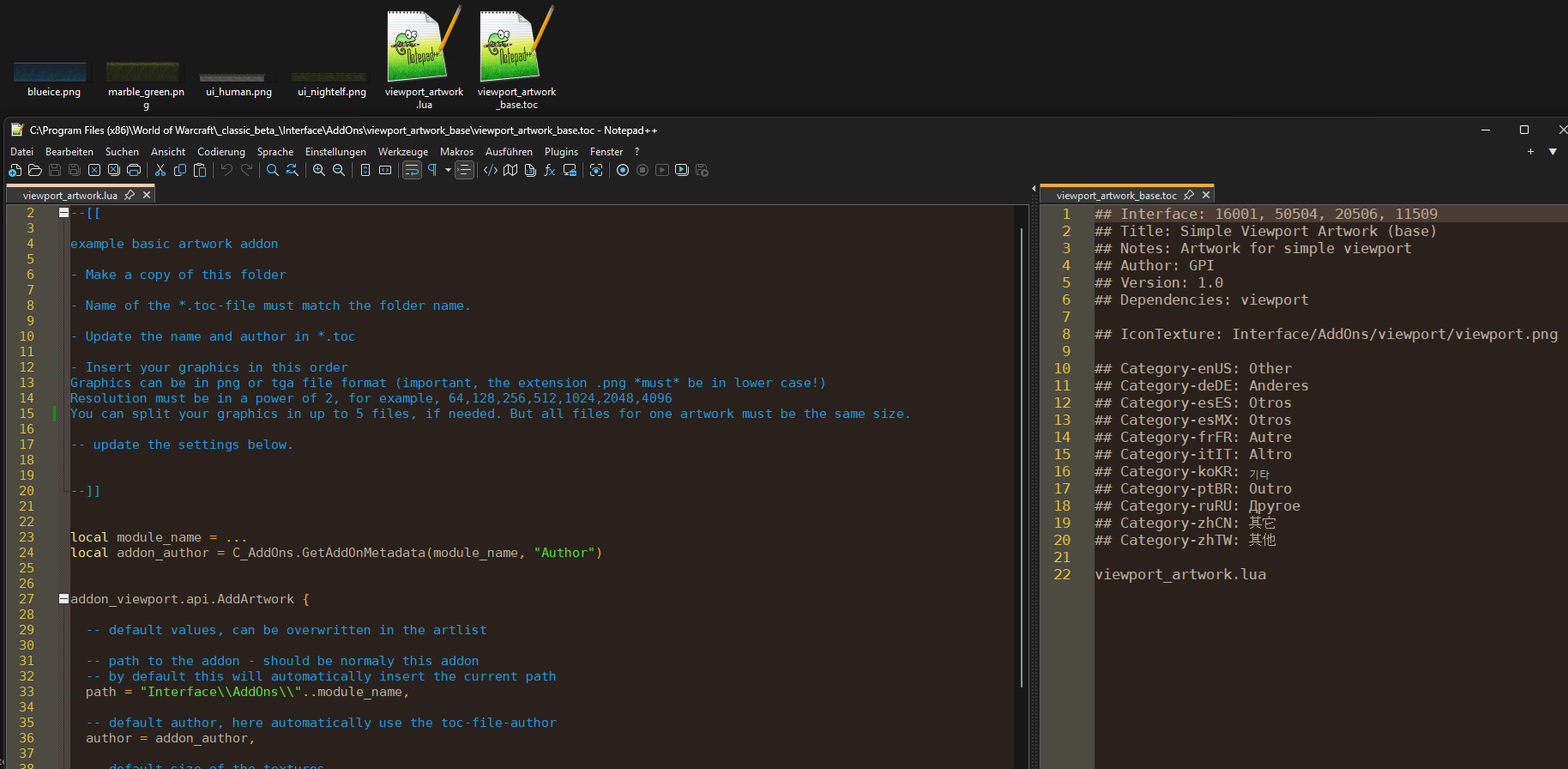
I have separate the artworks to own addons. When you want to create your own artwork, look in the viewport_artwork_base addon, which is included in simple view port addon.
When you want to expand the list, leave a comment with a link.
Command line
Additional you can use the command line to change every value (for example to use in macros)
/vp [<command>] [<side>] [<values>]
All options are not case sensitive.
<command> can be
/vp options
(aka option, setting, settings)
Open the option window.
/vp view [<side>] [<unit>]
(aka option, setting, settings)
Change the viewport. Default is 0.
/vp color [<side>] [<unit>]
(aka colour, colors, colours)
Change the background colour. Default is #000000.
/vp art [<side>] [<name>]
(aka skin, tex)
Change the current artwork. Default none. List all artworks with "/vp list"
/vp scale [<side>] [<values>]
(aka scales)
Change the scale of the artwork. Default is 1.0.
/vp offset [<side>] [<values>]
Overlap the artwork with the world frame. Can be negative. Default is 0.
/vp dye [<side>] [<color>]
(aka filter, dyes, tinct, tint, ink)
Recolour the artwork. Also you can change the alpha value here. Default is #ffffffff.
/vp fixed [<side>] [<boolean>]
(aka fix)
Normally the artwork is connected to the world frame. When it is set to true, the artwork starts always on the monitor border. Default is false.
/vp stretch [<side>] [<boolean>]
Normally the artwork keeps the aspect ratio. As a result it doesn't always fill the complete border. With this option you can stretch the artwork to complete border with losing the aspect ratio. Can't be combined with fixed. Default is false.
/vp full [<side>] [<boolean>]
(aka complete)
Normally the artwork is clamp to the monitor borders. When you disable this option, the artwork will clamp to the world frame. Default is true.
/vp fade [<side>] [<boolean>]
(aka grandient)
Adds a fade out effect to the artwork. Useful, when it is to small for the border and stretch doesn't look good. Fades in the background colour of the border. Can't be combined with dye.
/vp reset
Reset all values to the default settings.
/vp list
List all available artworks.
/vp update
(aka refresh, reload)
Apply the current settings.
<side> can be this values:
- left, L for the left border
- right, r for the right border
- top, up, t for the top border
- bottom, b, down for the bottom border
- all for all borders (default)
when no side is added, you can sett all borders at ones in the order left, right, top, bottom
for example
/vp view 10 20 30 40
will set the left border to 10, the right to 20, the top to 30 and bottom to 40
<values>
- Colors are in html-style #rgb, #rgba, #rrggbb, #rrggbbaa in hex code
- Scale is a number between 0.001 to 100
- Offset and Size are numbers in display-units
- Name is a name of an artwork
- Boolean can be
- true, on, active, 1
- false, off, inactive, 0
When the value is missing, the addon will output the current settings.
History:
1.3:
- Rename filter to dye
- Colors are now in hex-values, like #rgb, #rgba, #rrggbb, #rrggbbaa
- Artwork - can be fixed to the outside border
- Artwork - scale-option 0.001 to 100
- Artwork - fade-option (can't combined with dye)
- new option-window as LoadOnDemand /vp options
- Artwork-definition - there is now a offset-option
- Artwork-definition - remove "fixbottom"
- Artwork is unloaded when set to none
- Btex and Sunn-artwork are now own Addons
1.2
- rewrite of the code
- renamed texture to artwork
- add dependencies for texture-addon
- artwork can now be moved (offset)
- artwork can be full size or clamp to world frame
- convert tga to png (smaller files)
1.1
- add "silent"
- add Texture-Support
1.0
- first release
Mentions:
Based on the code of ct_viewport
BTex:
https://www.curseforge.com/wow/addons/btex
original BTex: https://www.wowinterface.com/downloads/info7906-BTex.html
simple viewport by GPI
You must be logged in to leave a comment.