

Reclaim
Marks bag items you no longer need, like leftover quest items, so you can delete them with confidence.
Details
Expansion
 Forever
 Categories
Developers

Having issues?
Reclaim
Know what's safe to delete. Reclaim marks the items in your bags that you no longer need, like a letter for a quest you've already finished, so you can clear them out with confidence instead of guessing.
No chat spam and no popups. Reclaim shows its marks where you're already looking.
What it does
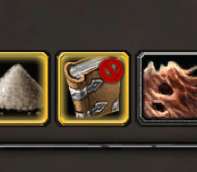
- Marks items in your bags. A small red X appears in the corner of any slot holding an item that's safe to delete. It works with Blizzard's bags and with Baganator, and needs neither.
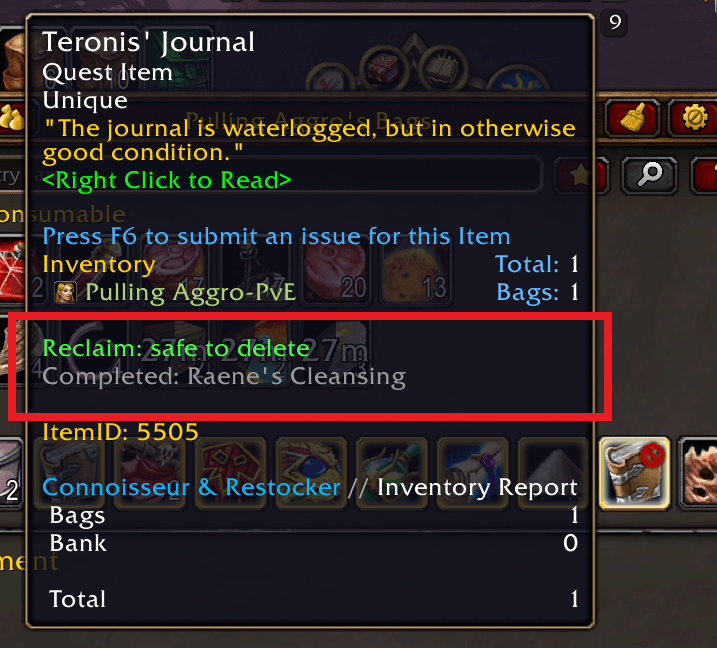
- Explains why on the tooltip. Hover an item to see Reclaim: safe to delete and the quests you completed that made it safe.
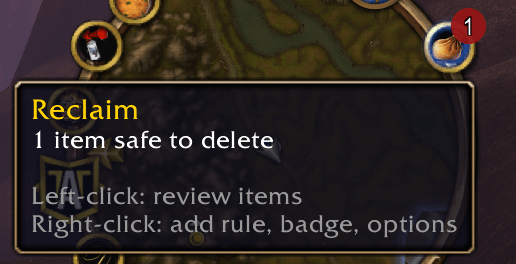
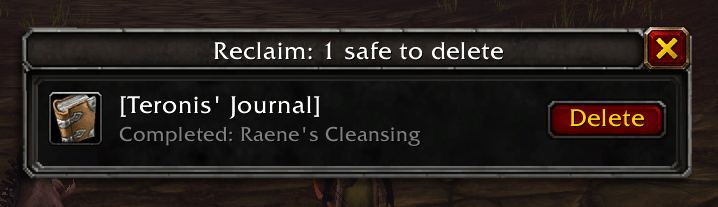
- Clears your bags in one place. Left-click the minimap icon (or Reclaim's entry in the addon compartment) to open a list of everything that's safe to delete, with one Delete button per stack. Nothing is ever deleted without your click. Before deleting, Reclaim checks that the slot still holds that item and that it's still safe.
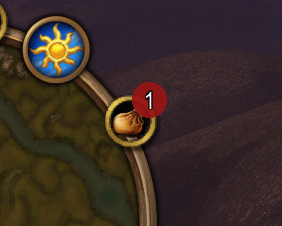
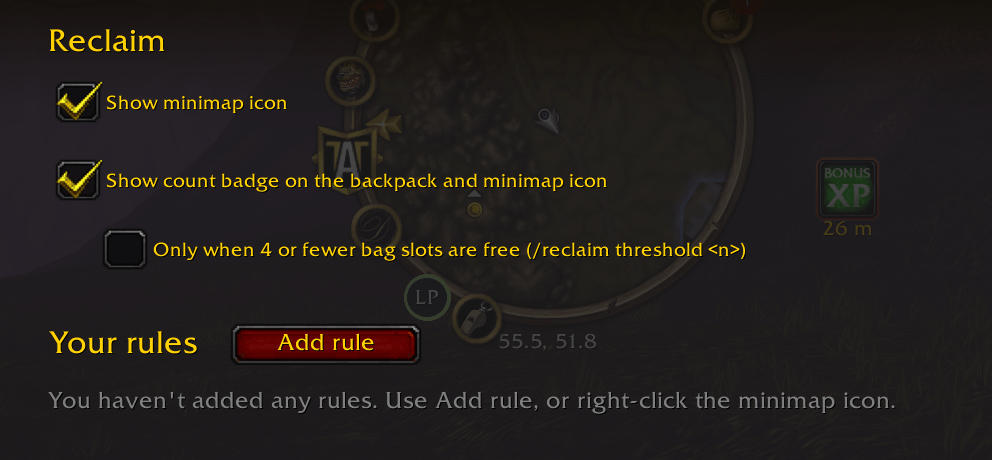
- Speaks up when it matters. An optional count badge on your backpack and the minimap icon stays hidden until your bags are nearly full, which is when you actually want to know.
Your own rules
Reclaim comes with built-in rules, and you can add your own in a few seconds:
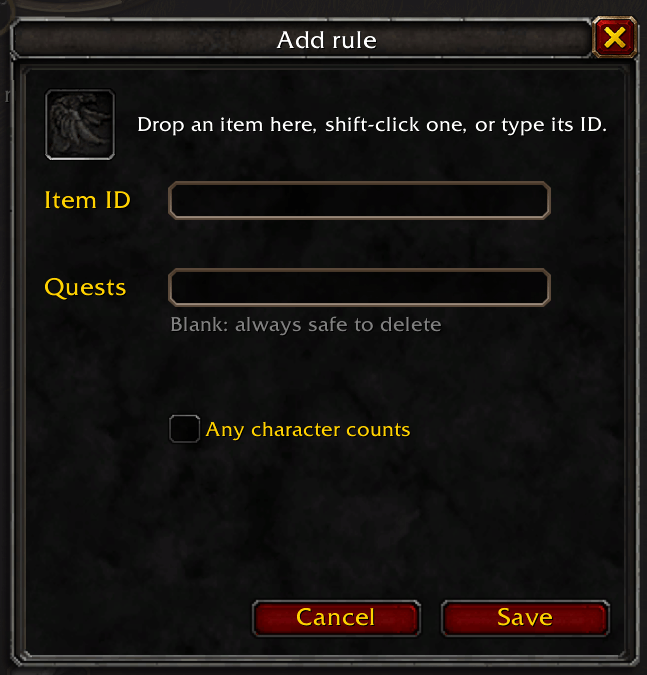
- Right-click the minimap icon and choose Add rule…
- Drop an item on the slot, or shift-click it in your bags.
- Enter the quest IDs that make it safe to delete, or leave the box blank if it's always safe.
A rule can require all of several quests, or any one of them. Tick Any character counts for quests that one of your other characters may have finished.
Your rules are saved account-wide. Review, edit, or remove them under Options › AddOns › Reclaim.
Commands
| Command | What it does |
|---|---|
/reclaim | Open or close the review list |
/reclaim add <item> [quest ...] [any] [account] | Add a rule from chat |
/reclaim remove <item> | Remove your rule, or hide a built-in one |
/reclaim list | List built-in rules and your rules |
/reclaim threshold <n> | Show the count badge when <n> or fewer bag slots are free |
/reclaim options | Open the options page |
For <item>, shift-click the item into chat or type its item ID.
Good to know
- Reclaim never deletes anything by itself. Every deletion is a click on a Delete button.
- Account-wide quests: a character counts once it has logged in with Reclaim installed.
- Game version: built for WoW: Forever (Classic Plus).
Found an item that should be on the built-in list? Leave a comment with the item and the quest that makes it safe to delete.
You must be logged in to leave a comment.