
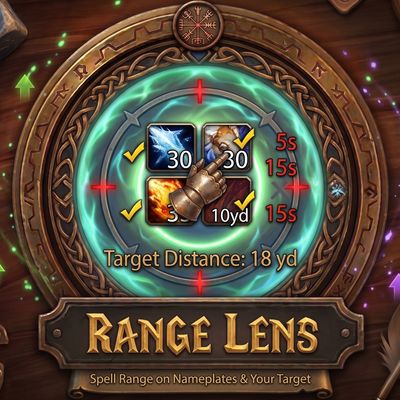
Range Lens – Spell Range on Nameplates & Your Target
See which of your spells can reach, right under each enemy nameplate and on a target panel, drawn in the Cooldown Manager's style. Tick the spells you want, see each range in yards, cooldowns, and a live distance to every mob, 10 yard spells included.
Details
Expansion
 Forever
 Developers

Having issues?
Range Lens
Know what reaches before you press it. Range Lens puts an icon for each spell you choose under enemy nameplates and on a panel for your target. Full colour means the spell can reach. Red means you are too far, and orange means you are too close, the same look the game's own Cooldown Manager uses.
Features
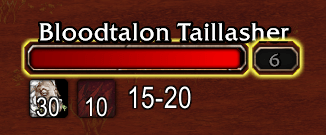
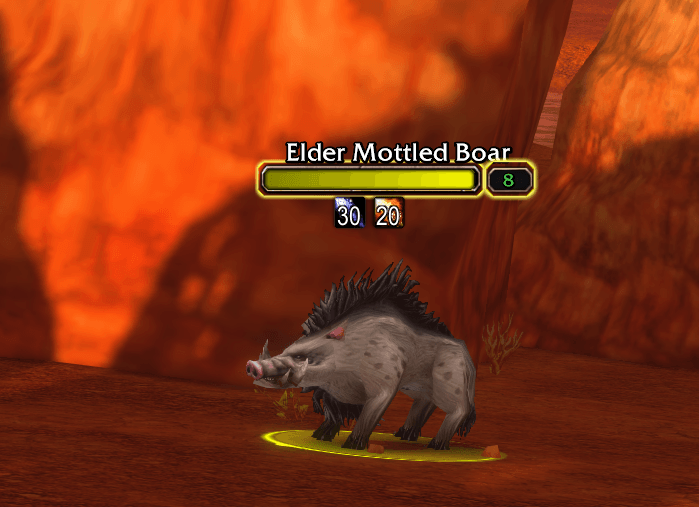
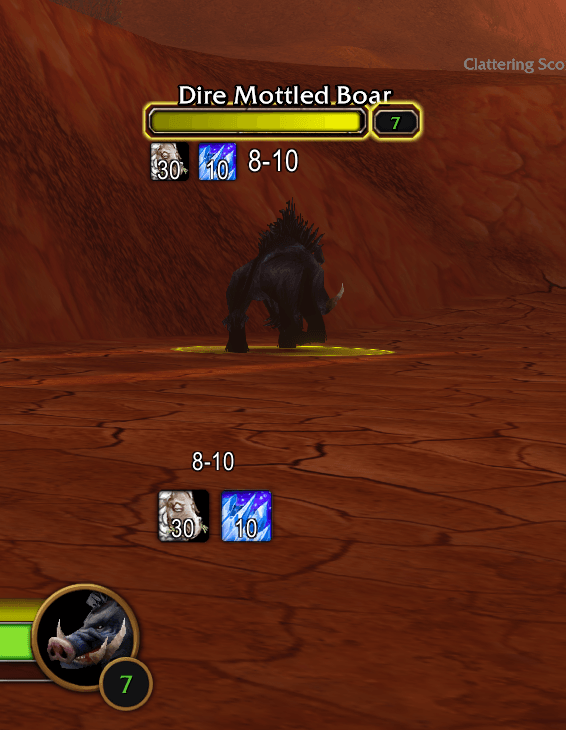
- Range on every mob. A row of spell icons under each enemy nameplate, so you can see what reaches the mob you are about to pull, not just the one you have targeted. Or keep the icons to your target's nameplate, your focus's, or both.
- Target panel. A larger row of the same icons for your target, wherever you place it.
- Drawn like the Cooldown Manager. Blizzard's own Cooldown Manager art: the rounded icon, soft shadow and out of range tint, with a dark cooldown sweep that turns red when out of range and orange when too close. The panel shows the countdown.
- Too far or too close. Spells with a minimum range, such as Charge, show orange inside the minimum and red beyond the maximum, so you know whether to close in or back off.
- Only what reaches. Switch on Only show spells in range and an icon appears only while its spell can reach, with no red or orange at all.
- Range numbers and live distance. Each icon shows its spell's range in yards. The panel and each nameplate show how far away the mob is, as a bracket such as 10-15.
- Spells that hit around you. Frost Nova, Thunder Clap, Arcane Explosion, Psychic Scream, Consecration, Cone of Cold and every other class spell that hits around you, 24 in all. Their radii come from the game's own spell data, and each is checked with the nearest distance check that never lights early. Frost Nova is checked for its freeze, and Arctic Reach is counted.
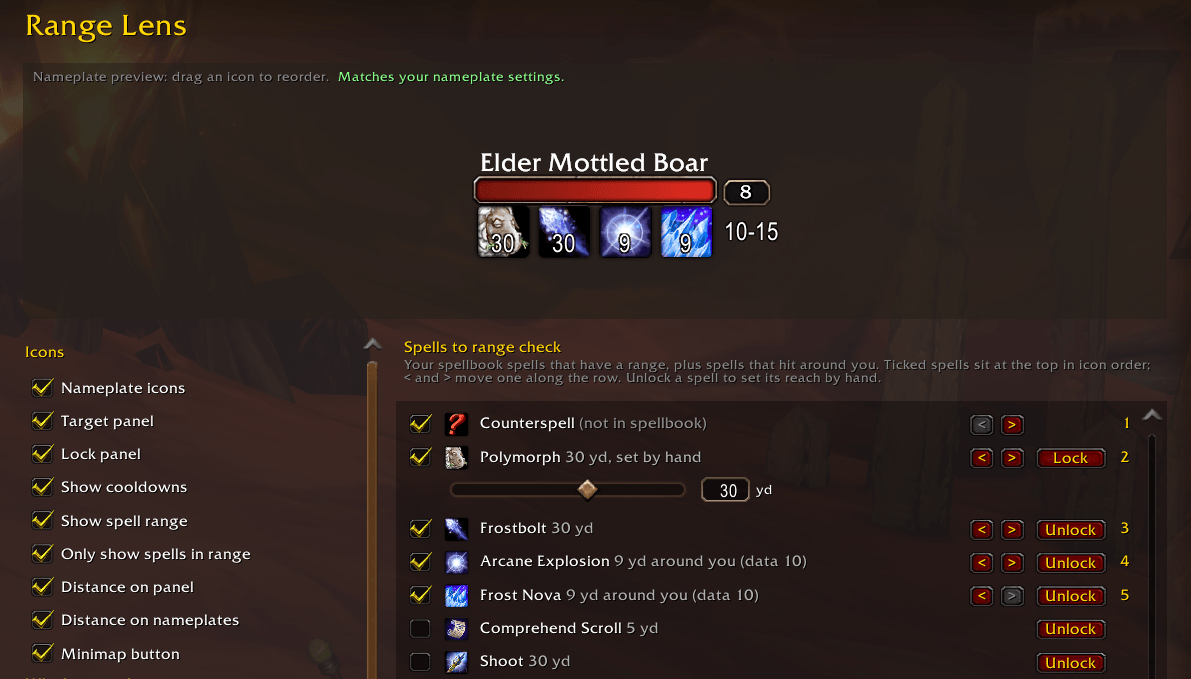
- Tune any spell. If a spell's reach is off in game, unlock it in the options and set its reach with a slider or by typing the yards. Tuned reaches are shared by all your characters.
- Talents count. Whether an icon is lit comes straight from the game's own range check, so range talents are always included.
- Hide in melee range. Optionally hide a nameplate's icons while that mob is in melee range.
- Per character. Each character keeps its own spells, panel position and settings.
- Safe in combat. Built for WoW Forever's restrictions: it never reads values the game keeps hidden in combat, and it skips the distance checks the game refuses on friendly units in combat.
The options page
Open it from the minimap button, with /rl, or under Options > AddOns > Range Lens.
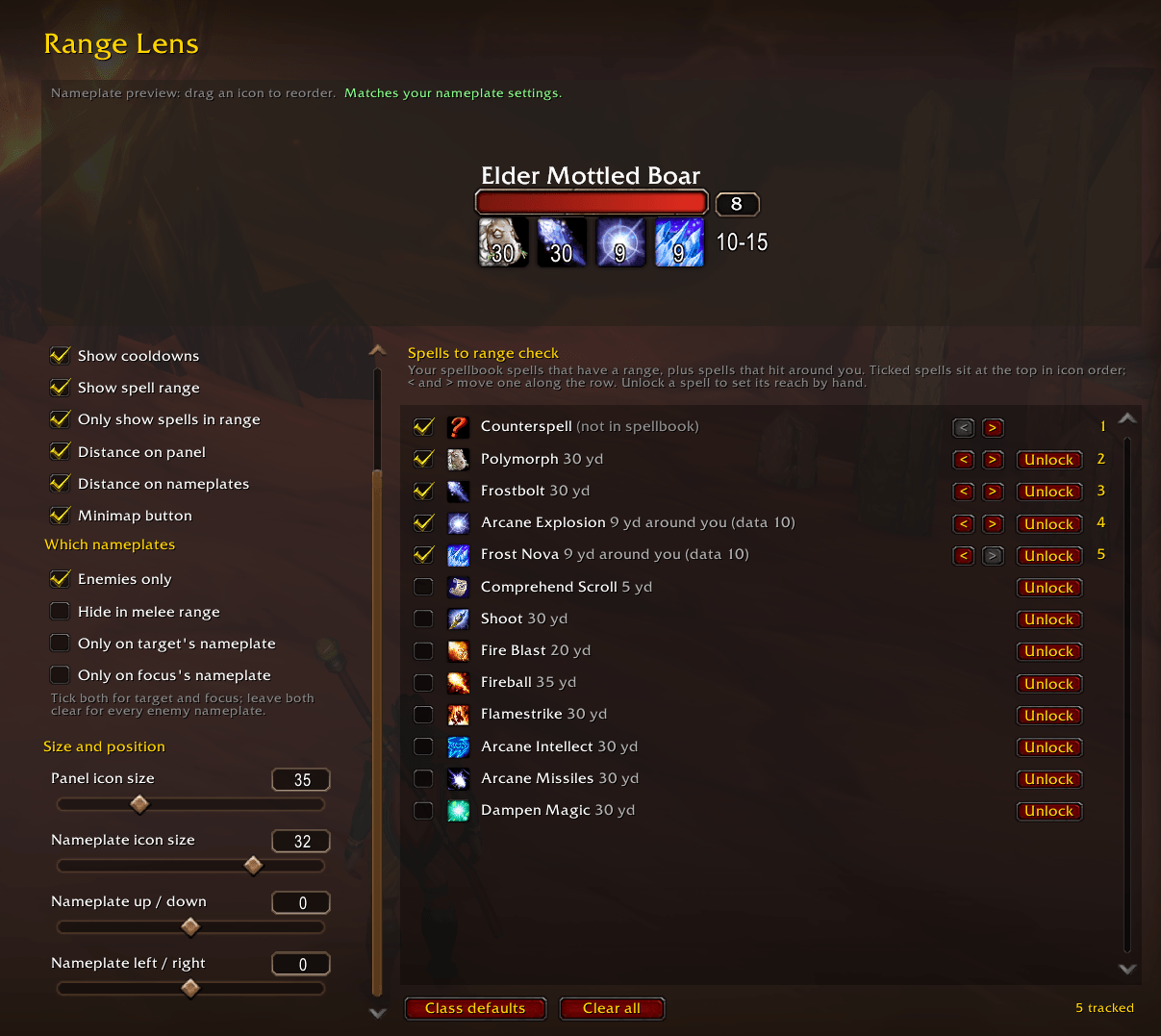
- Nameplate preview. A copy of a real nameplate with your icon row under it, as it will look in game. It follows the game's own nameplate Size and Style settings and redraws as you change anything.
- Drag and drop. Drag an icon in the preview to reorder your spells. The others slide apart to show where it will land.
- Spell list. Every spell in your spellbook that has a range, plus the spells that hit around you. Tick the ones you want, reorder them with , and unlock any spell to tune its reach.
- Settings. Icons, which nameplates to use, and icon size and position. Every slider has a box you can type an exact value into.
Commands
/rl help lists every command. The most useful:
/rl: open or close the options/rl add <spell>and/rl remove <spell>: track a spell or stop tracking it/rl reach <spell> <yards>: set a spell's reach by hand, or/rl reach <spell>to go back to automatic/rl lockand/rl unlock: lock the panel, or unlock it to drag/rl debug: print what the game answers for your target and every nameplate (please include this with bug reports)
Limits
- The game can only answer whether a unit is within one of a few fixed distances: 5, 8, 9, 10, 15, 20, 25, 28, 30, 35, 40 and 45 yards. A spell between two steps lights at the step below its reach (up to a yard or so late, never early), and the distance readout is a bracket rather than an exact number.
- Cone of Cold is checked for distance only, not for which way you are facing.
- Distances are measured in three dimensions, so jumping changes them for a moment.
Credits
The distance checks follow LibRangeCheck-3.0 (MIT licence) by mitch0 and the WoWUIDev community, kept by the WeakAuras team. Its in-game measurements and its list of items with known use ranges make the 10 yard checks and the distance readouts possible.
Discord
Join my Discord for Feedback, Development Updates, Addon Ideas, Feature Requests, and Bug Reports.
You must be logged in to leave a comment.