
ProfileManager
Synchronize, manage, and instantly switch addon profiles across your entire UI from one centralized interface.
Details
Expansion
 Forever
 Developers

Having issues?
Summary: Save, share and instantly switch your whole UI setup (addon profiles, Edit Mode layouts and game keybinds) from one window. Works on Retail and WoW Forever.
ProfileManager
ProfileManager lets you save and switch your whole UI setup from one place, instead of changing profiles one addon at a time.
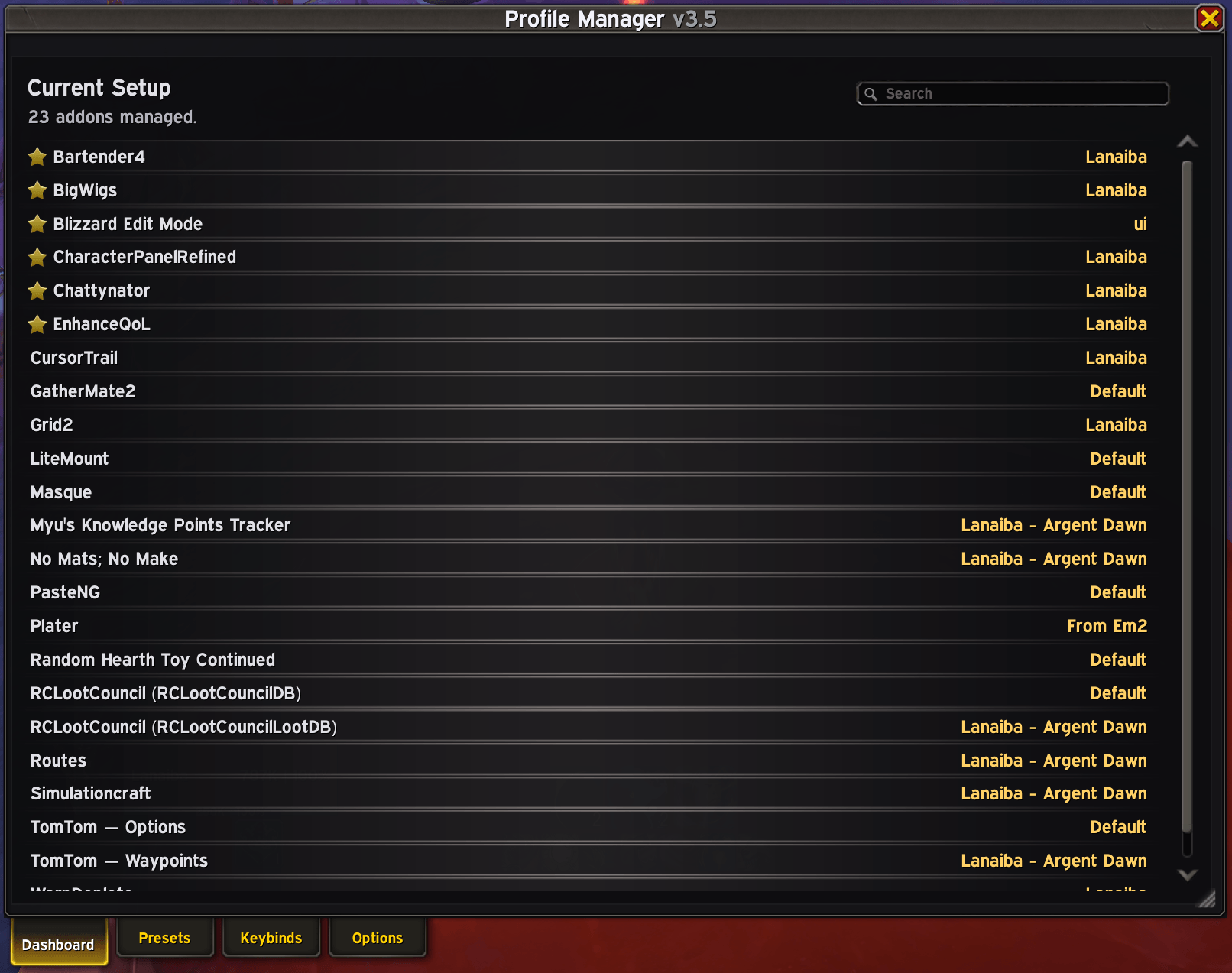
Capture your current setup as a preset, then apply it whenever you like: on another character, after a reinstall, or on a friend's PC. Each supported addon's profiles show up in one list, and you choose which profile each addon uses in a preset.
Features
Presets
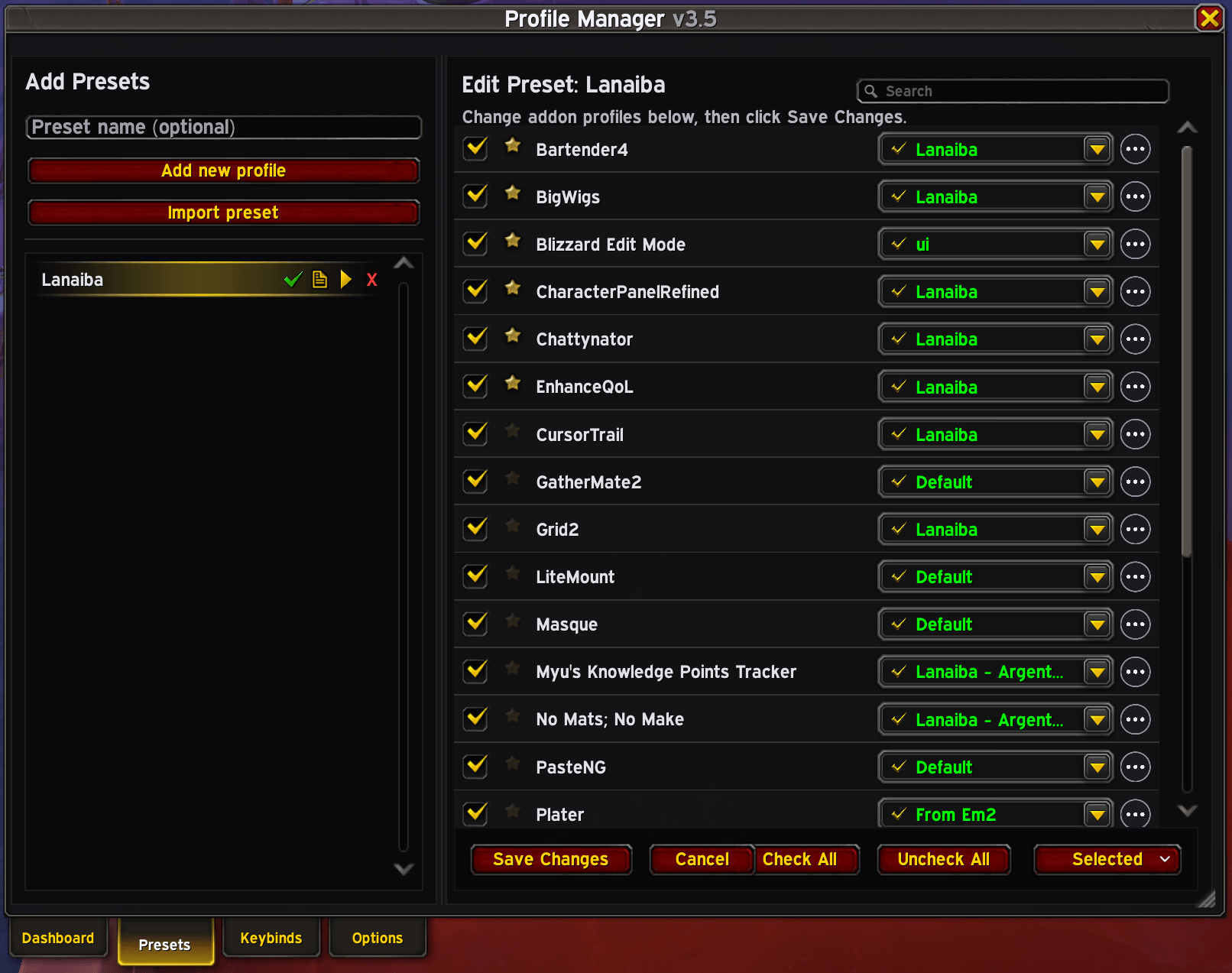
- Save a snapshot of your current UI: every supported addon's active profile plus your Edit Mode layout.
- Apply a preset instantly, or only some of the addons in it.
- Pick a profile for each addon, with search and filter.
- Detects which supported addons and profiles you have.
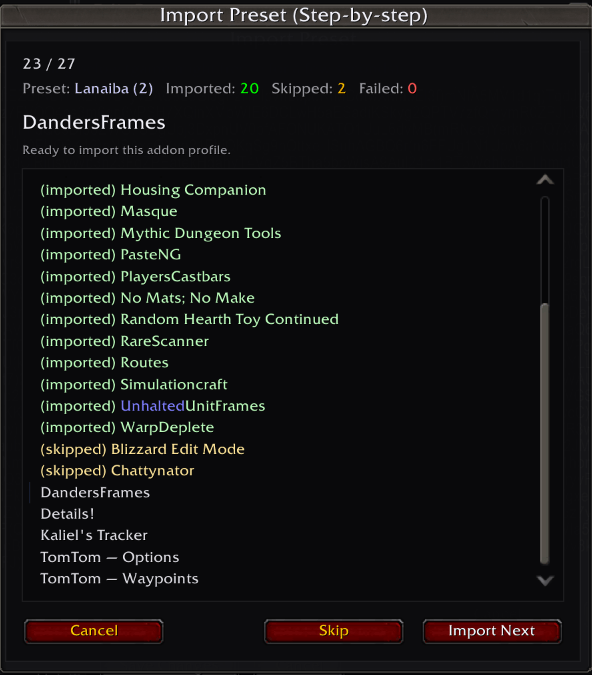
- Export and import presets as strings to back up your UI or share it with other players.
Keybinds (new in 3.5)
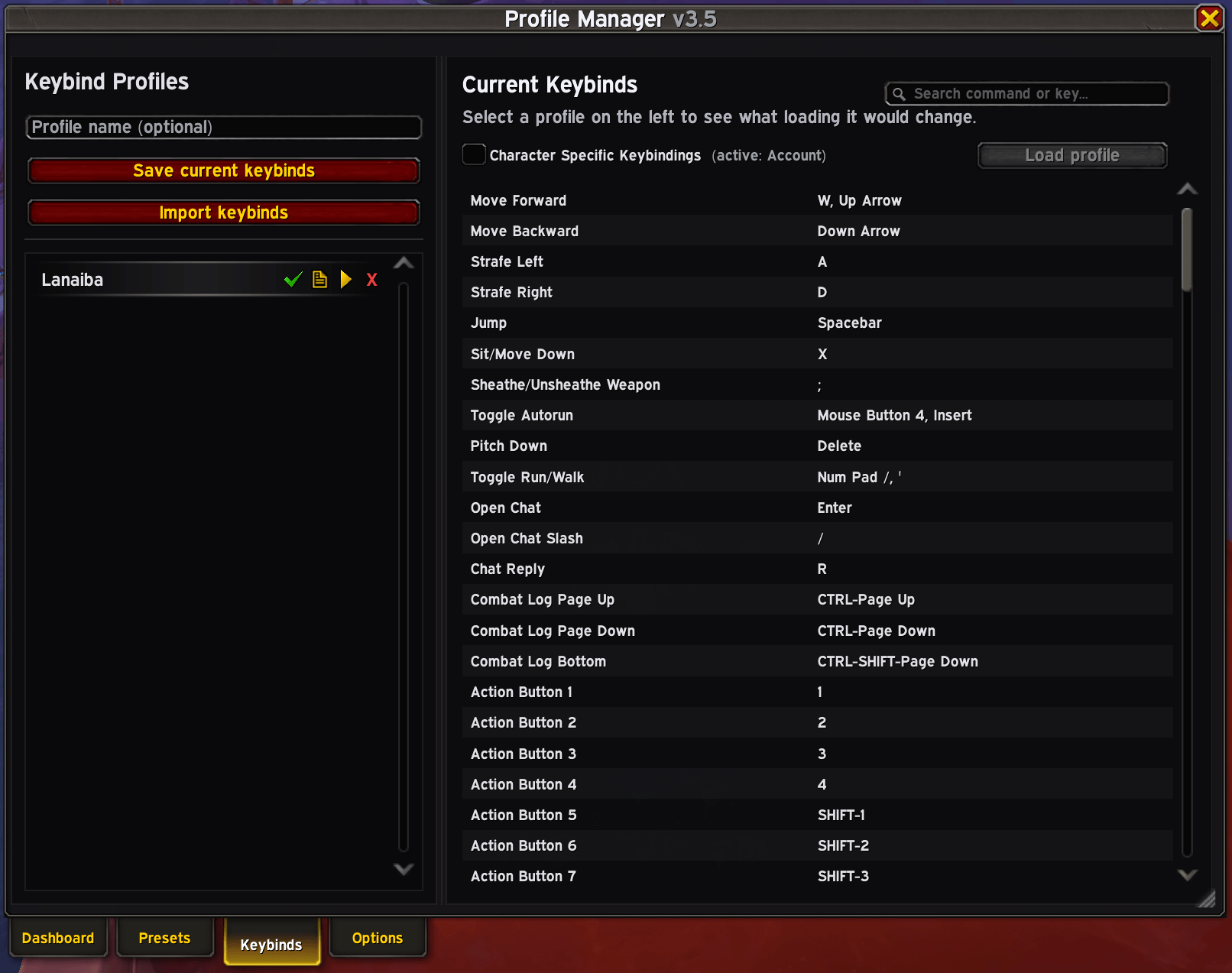
- Save your game keybinds as named profiles and switch between them.
- Before loading a profile, preview exactly what it will change.
- Export a keybind profile and import it on another account, character or game version, e.g. from Retail to WoW Forever.
- Keys you unbound are freed on import as well, and commands the other client doesn't have are skipped.
- Includes the Character Specific Keybindings toggle.
Character setup
- New Character Default: a preset and/or keybind profile applied the first time a new character logs in.
- Give each character its own preset and keybind profile, and tick Apply on next login to apply them automatically.
Customisable window
- Font, font size and UI scale options.
- Character names in class colours.
- Minimap button and Addon Compartment entry.
Commands
- /pm: open the window
- /pm help: show help
- /pm apply <PresetName>: apply a preset (handy in macros to switch setups)
- /pm save <PresetName>: save your current setup into a preset (asks before overwriting)
Import / export strings
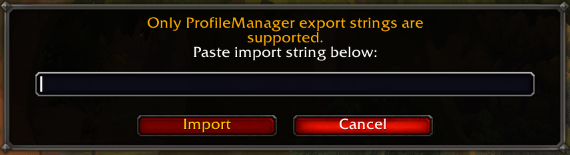
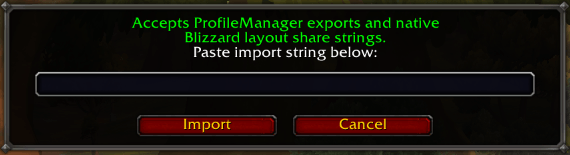
Preset and keybind exports use ProfileManager strings. When importing a single addon's profile, Blizzard Edit Mode, Details!, ElvUI and Platynator also accept that addon's own export string. For other addons, use ProfileManager strings.
Typical uses
- Keep the same UI on all your characters.
- Back up your full UI and restore a setup you know works in seconds.
- Switch between setups (raid, M+, PvP, streaming) with one click or a macro.
- Move your UI and keybinds to a new PC, account or game version.
- Share your UI with friends.
Works with
Blizzard Edit Mode, game keybinds, and almost every addon that uses AceDB profiles. It also has built in support for Details!, ElvUI, DandersFrames, Midnight Simple UnitFrames, DBM, Total RP 3, Arc UI, VuhDo, Chattynator, Platynator, Kaliel's Tracker, EnhanceQoL, CursorTrail, TomTom and more.
Supported addons are a curated list, so ProfileManager doesn't work with every addon. If you'd like one added, leave a comment.
You must be logged in to leave a comment.