
Minimap Button Groups Forever
Group, organize, and sort your minimap buttons into clean, customizable button groups.
Details
Expansion
 Forever
 Categories
Developers

Having issues?
Minimap Button Groups Forever
Minimap Button Groups Forever lets you organize cluttered minimap buttons into clean, customizable groups while keeping the original addon buttons fully usable.
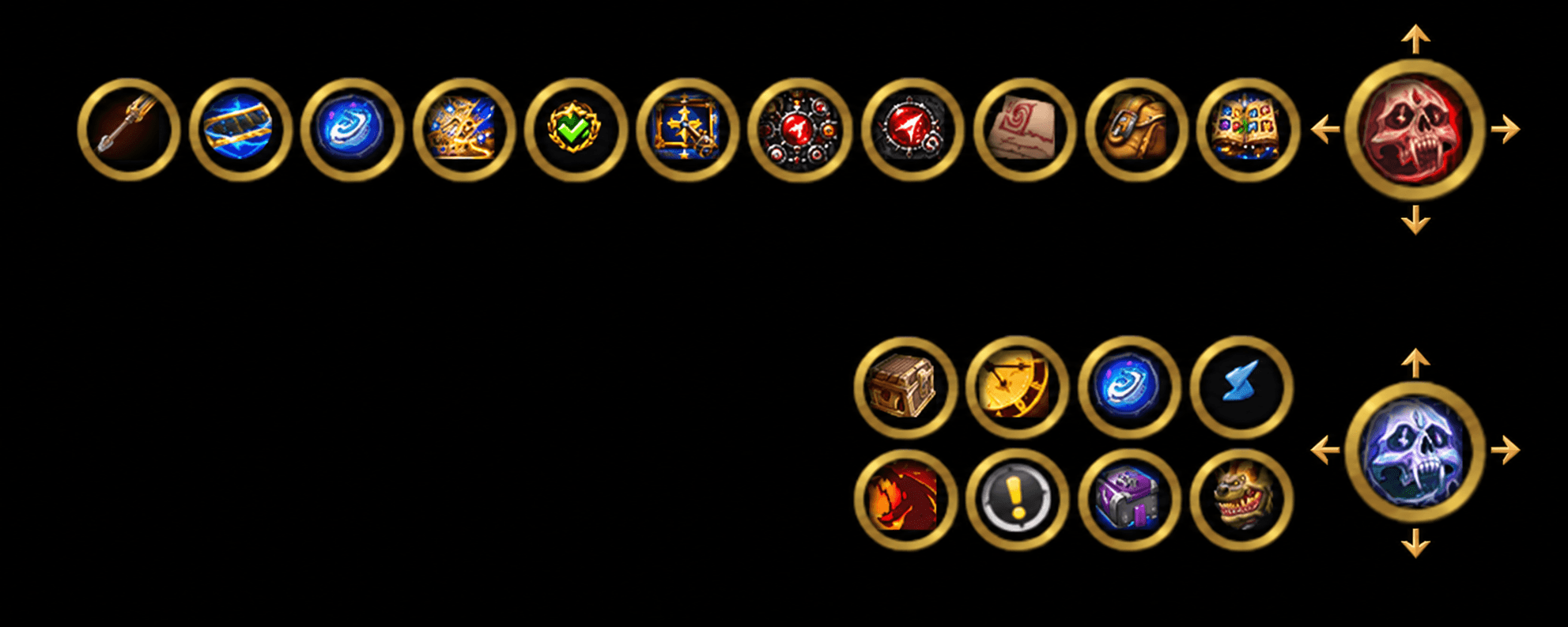
Instead of having a ring of launchers covering your minimap, you can collect them under one master button, choose how the group expands, customize its appearance, and even detach the entire group from the minimap and place it anywhere on your screen.
The addon is designed to stay simple during normal use while still giving you detailed control when you want it.
Organize Your Minimap Buttons
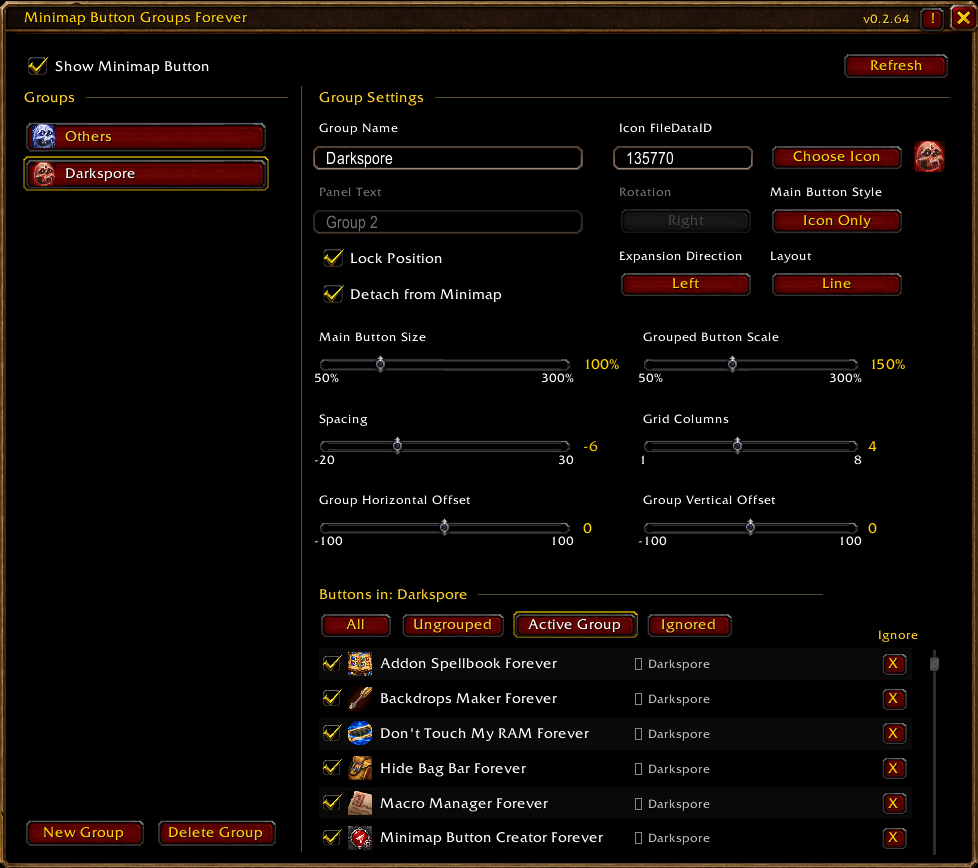
Create as many groups as you need and assign detected minimap buttons to them directly from the settings window.
Each group gets its own master button. Clicking the master button expands or collapses the addon buttons assigned to that group.
Buttons remain functional normally, so grouping them does not replace the original addon functionality.
Flexible Group Layouts
Groups can be displayed as either a Line or Grid.
You can control the expansion direction independently and have the buttons open:
Left, Right, Up, or Down
For grid layouts, you can also choose the number of columns.
Spacing between grouped buttons is fully adjustable, including negative spacing for tighter layouts.
The entire expanded group can also be shifted horizontally or vertically relative to the master button, letting you position the buttons closer to or farther away from it.
Detach Groups From the Minimap
Every group can optionally be detached from the minimap.
Once detached, the master button can be freely dragged anywhere on the screen.
Its detached position is saved automatically. Reattaching the group restores its minimap position, and detaching it again returns it to its previously saved screen position.
Customizable Master Buttons
Each group can use a different master button style.
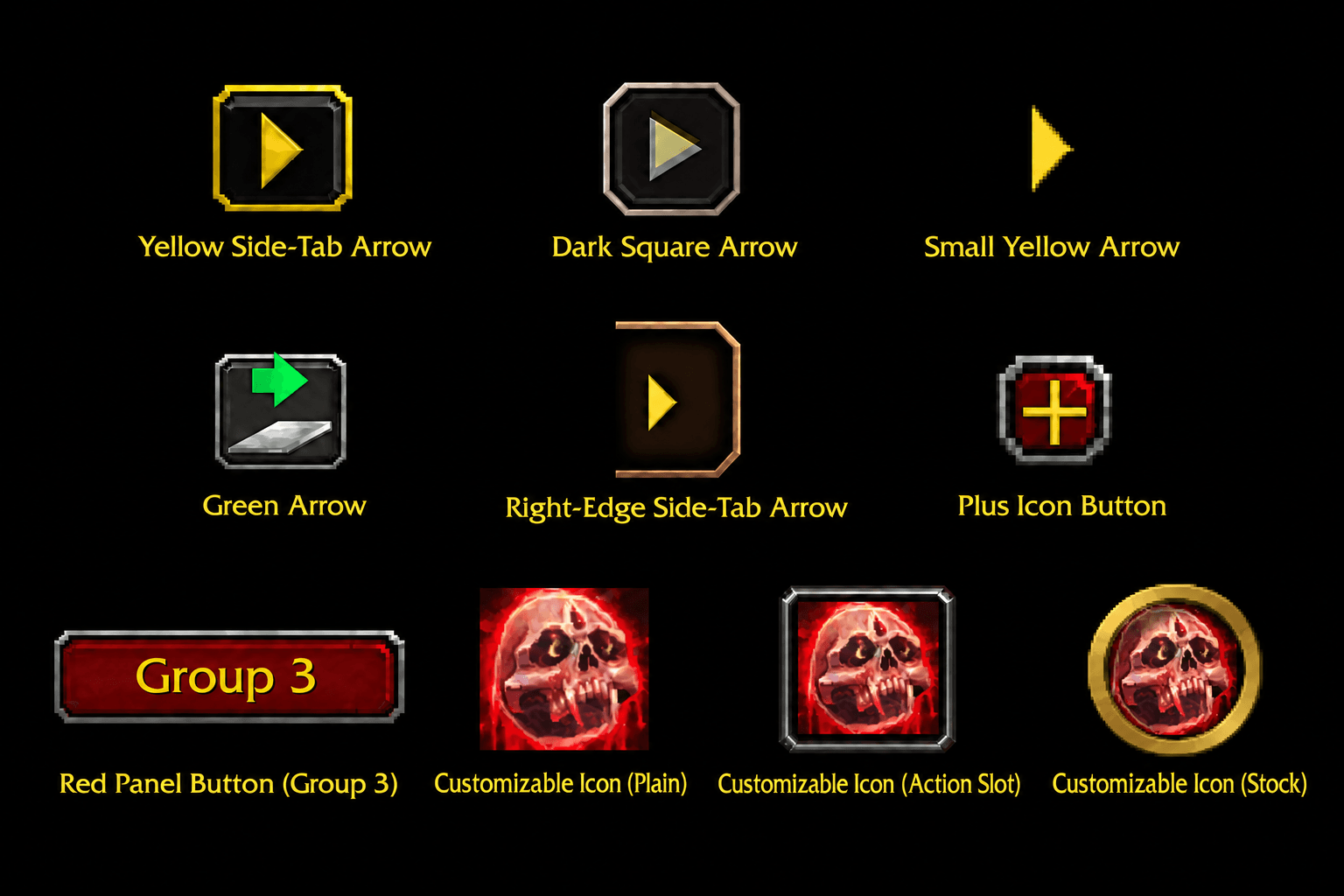
Available styles include Blizzard-inspired arrow buttons, panel buttons, expand/collapse styles, plus/minus buttons, and customizable icon styles.
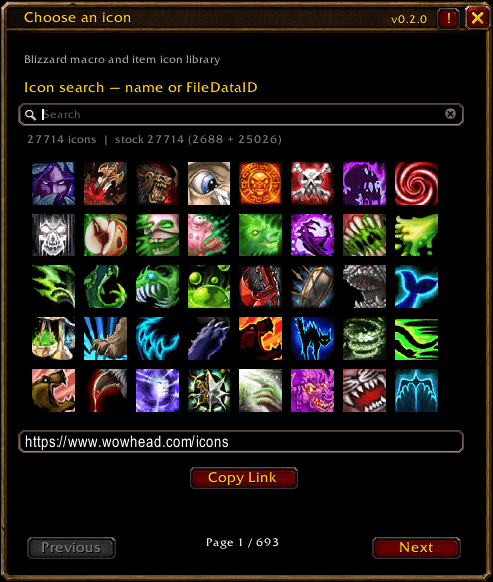
Customizable icon styles allow you to select your own icon using a FileDataID.
The currently available master button styles include:
- Minimap / Stock Icon
- Action Slot
- Icon Only
- Panel
- Arrow - Spellbook
- Arrow - Scrollbar
- Arrow - Map
- Arrow - Side Tab
- Green Stream Arrow
- Plus / Minus
- Expand / Collapse
Arrow-based styles can be rotated independently from the group expansion direction.
Panel style supports custom panel text, allowing the master button to display the group name or any text you choose.
All visual styles use Blizzard UI assets to remain consistent with the World of Warcraft interface.
Independent Size Controls
The master button and grouped addon buttons have separate scale settings.
This means you can make the group launcher large and easy to find while keeping the expanded addon buttons smaller, or do the opposite.
Both scale controls support values from 50% to 300%.
Mouse Wheel Slider Control
All configuration sliders can also be adjusted using the mouse wheel while hovering over them.
Mouse wheel up increases the value and mouse wheel down decreases it.
This works with Main Button Size, Grouped Button Scale, Spacing, Grid Columns, Horizontal Offset, and Vertical Offset.
Detected Minimap Button Management
The settings window automatically scans for supported minimap buttons and lets you manage them from one place.
The detected-button list can be filtered between All, Ungrouped, Active Group, and Ignored buttons.
Buttons can be assigned directly to the currently selected group.
Buttons you do not want Minimap Button Groups Forever to manage can be placed on the Ignored list. Ignored buttons remain completely outside the grouping system and can be restored at any time.
A manual Refresh option is available for unusual cases where another addon creates or replaces its minimap button after the initial scan.
Safe Group Ownership
Grouped buttons are placed inside a dedicated group container rather than constantly having their positions overridden.
When a button is removed from a group, its original parent, position, scale, movement behavior, and visibility state are restored whenever possible.
This helps Minimap Button Groups Forever cooperate with addons that manage their own minimap buttons.
Persistent Configuration
Your groups, assigned buttons, layouts, styles, scales, spacing, offsets, detached positions, icons, and other settings are saved between sessions.
You must be logged in to leave a comment.