
Loot Log Forever
A log for World of Warcraft Forever. Contains a hunting log to see what you've fought, a loot log to see everything you've looted, and a gold log to see where your money has come from and where it goes.
Details
Expansion
 Forever
 Categories
Developers

Having issues?
Loot Log Forever
A hunting journal for WoW Forever. Loot Log Forever turns everything you do into a collection to complete. It is inspired by the Hunting Log in Final Fantasy XIV: creatures start greyed out, and you fill in the log as you meet and kill them.
What it tracks
Hunting Log
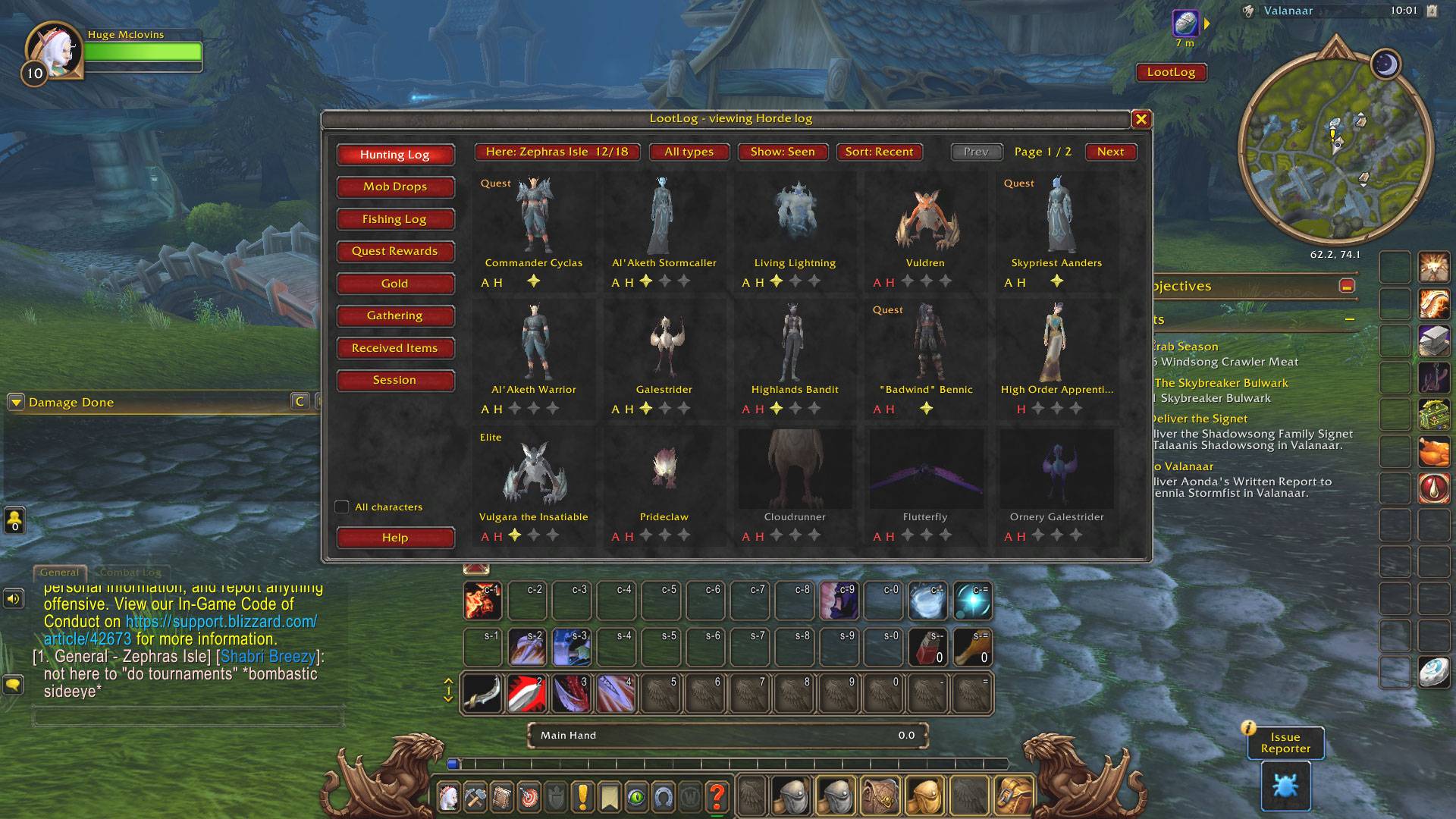
A card for every hostile and neutral creature in Forever, with a 3D model. Cards fill in when you meet a creature and earn stars as you kill it.
- Filter by zone and creature type
- Sort by name, kills, most recent kill, or most recently seen
- Open a creature to see its level, type, and loot
- Mark quest creatures, and correct a designation if you disagree with it
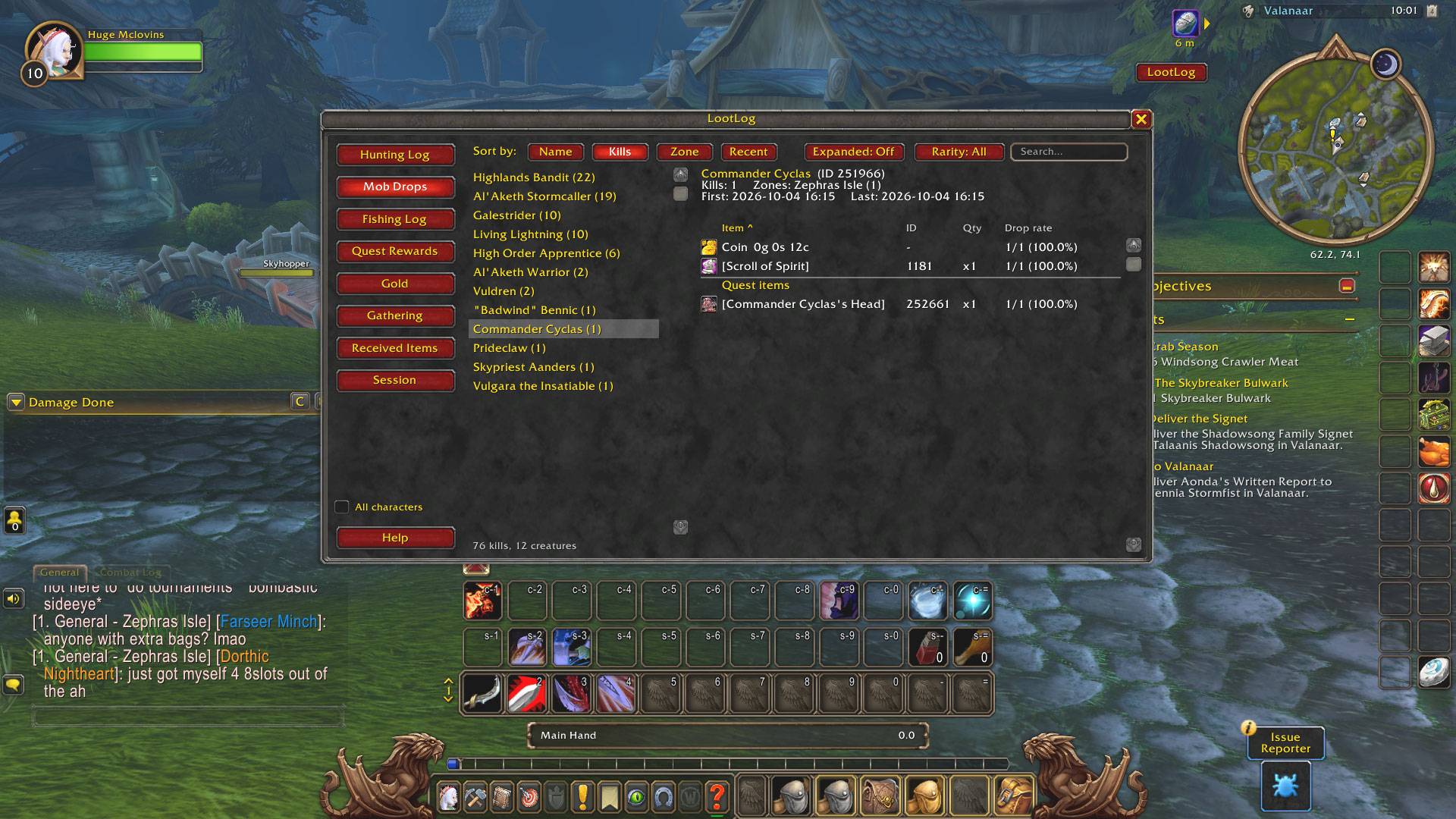
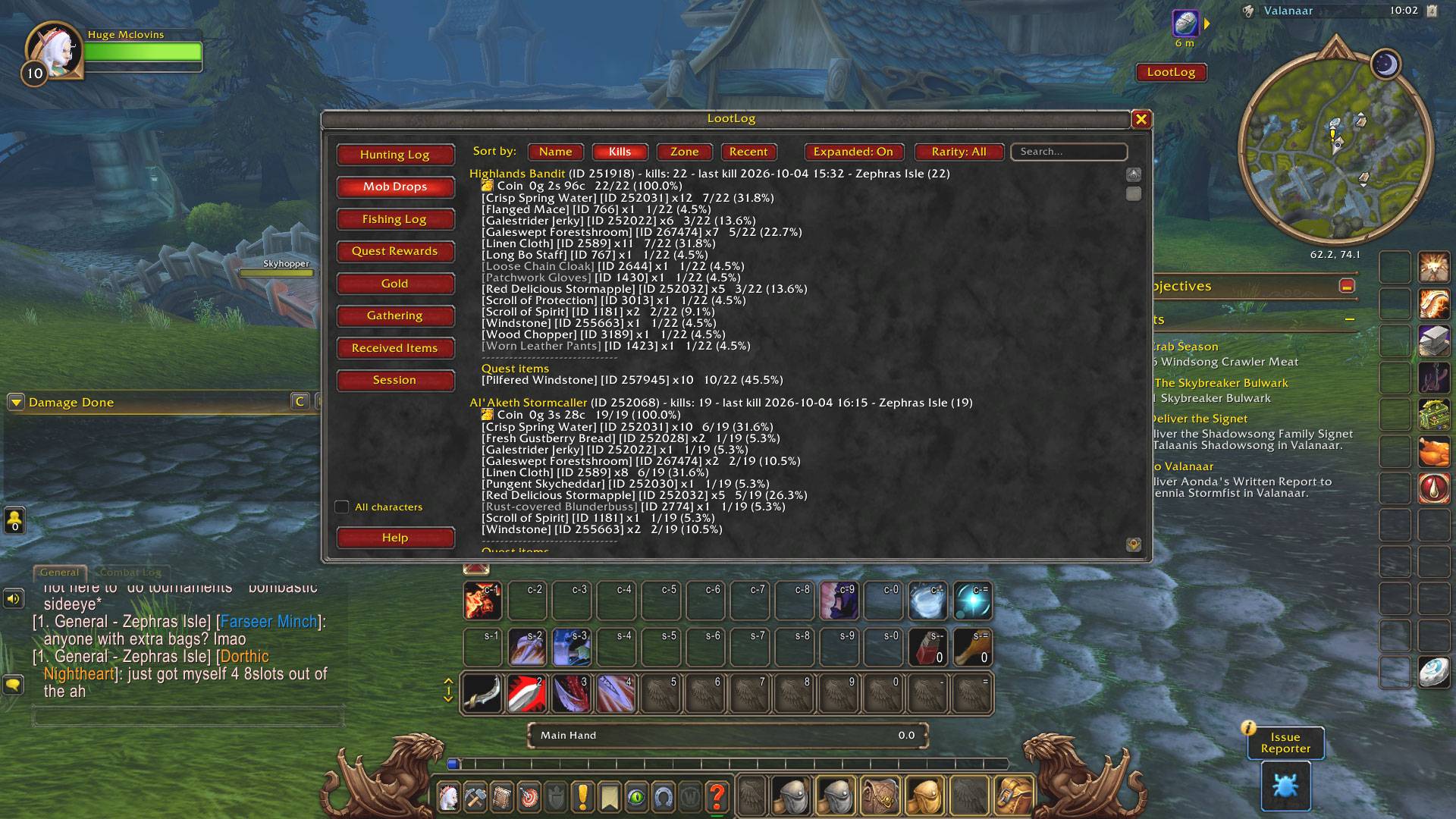
Mob Drops
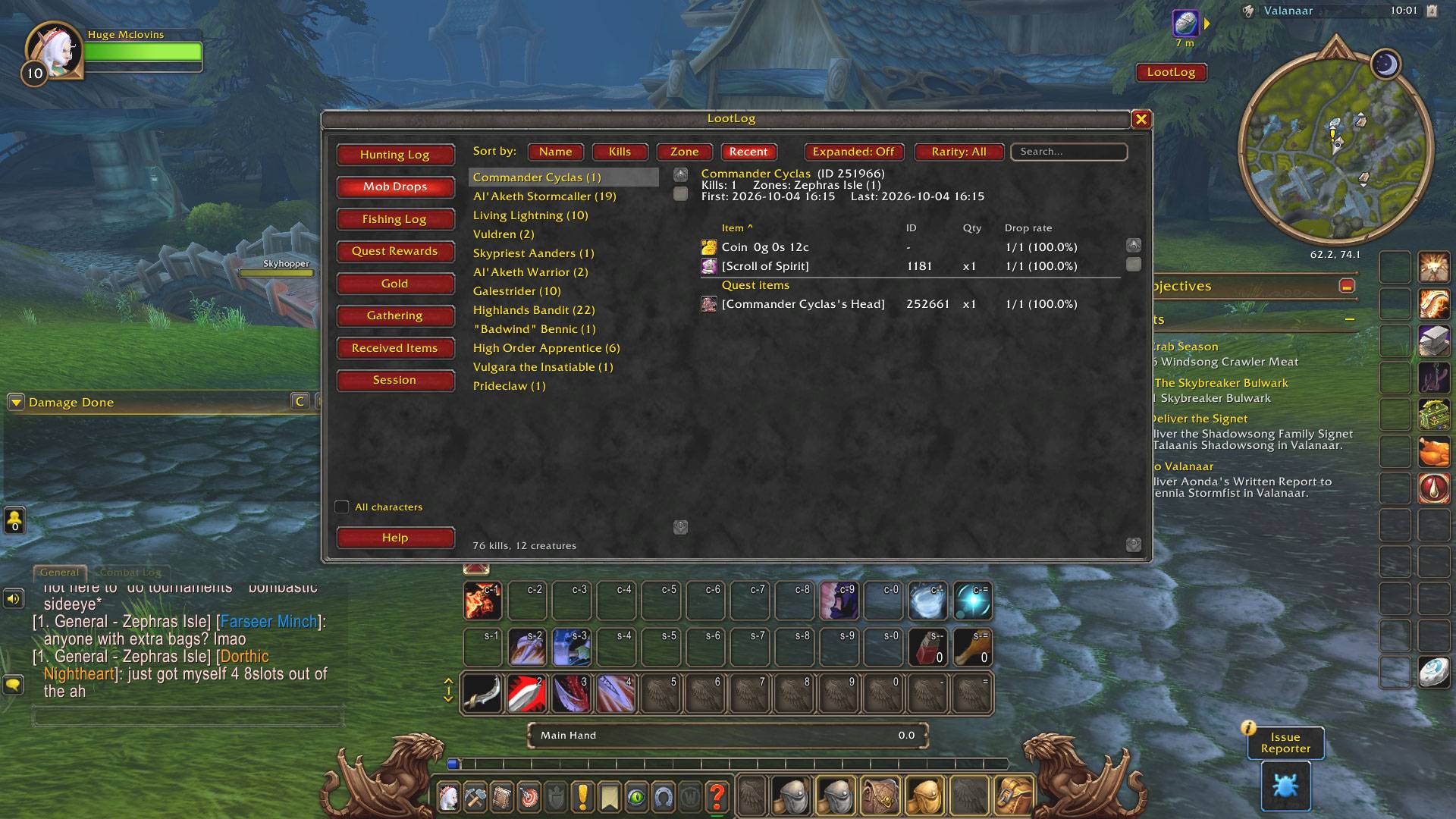
For each creature you have killed:
- Kills, plus the date of your first and last kill
- Every item it dropped, with drop rates and coin
- Quest items listed apart from the rest
- Search, sort by any column, and filter by item rarity
- Gold made from selling the items
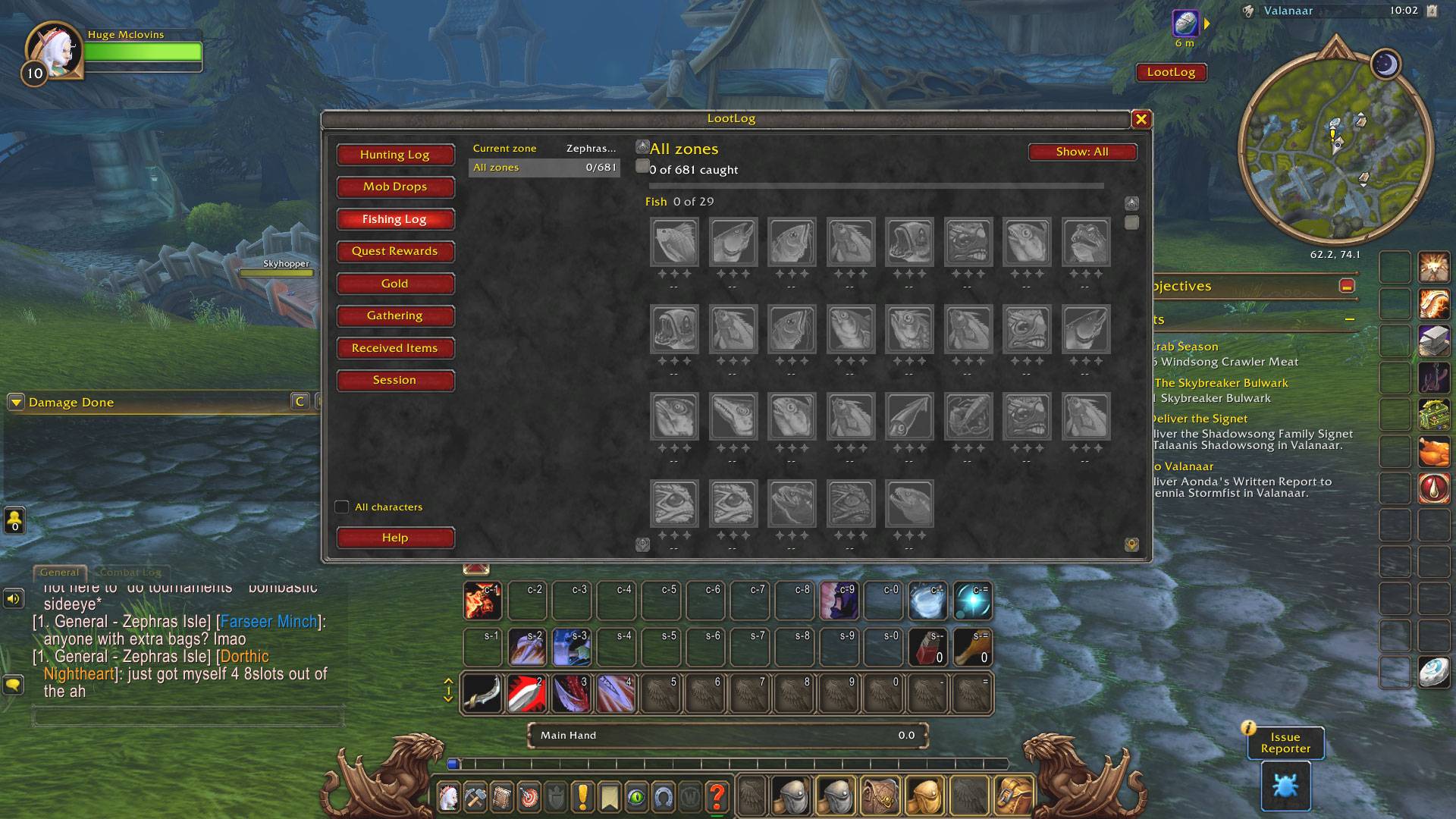
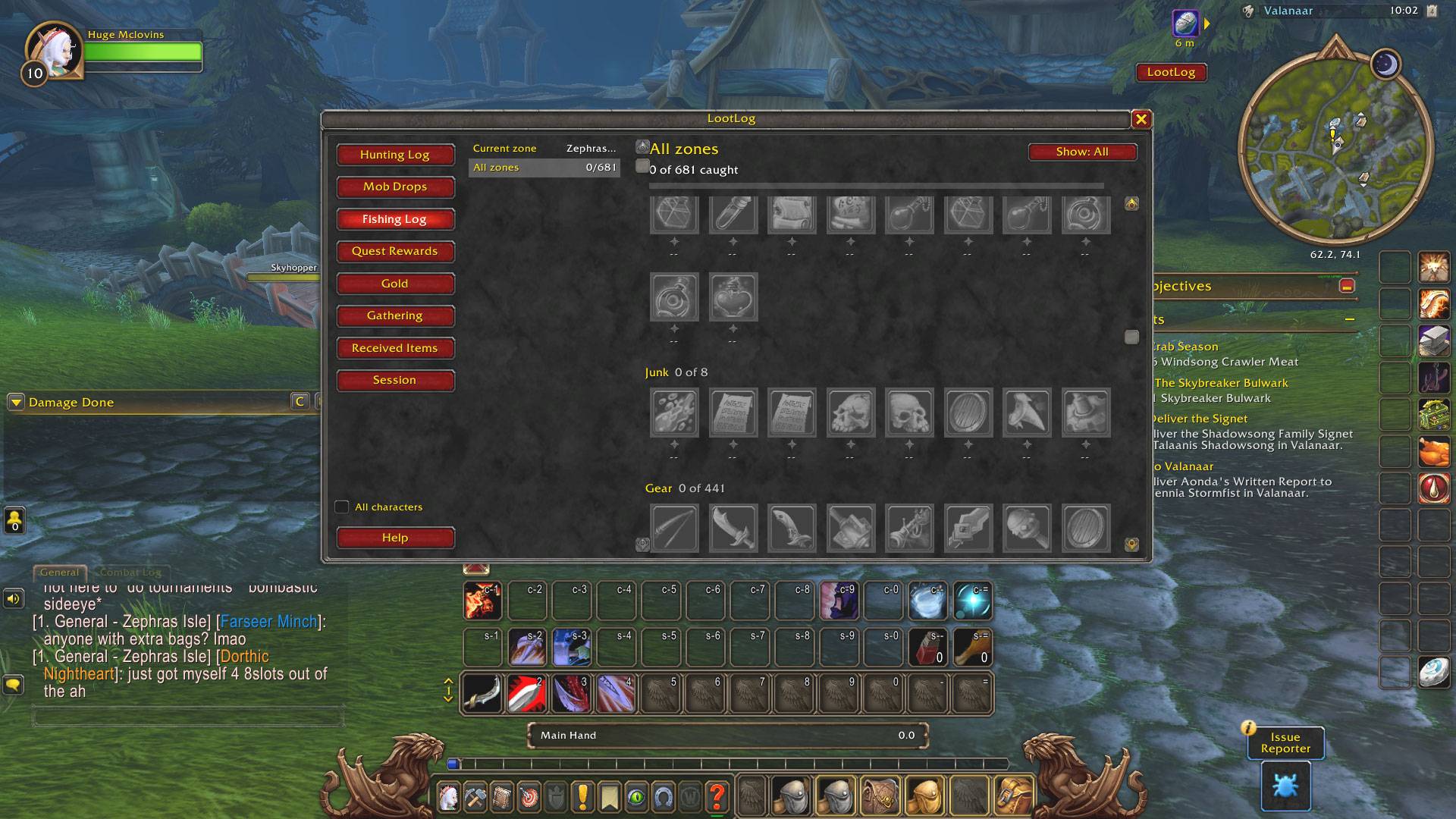
Fishing Log
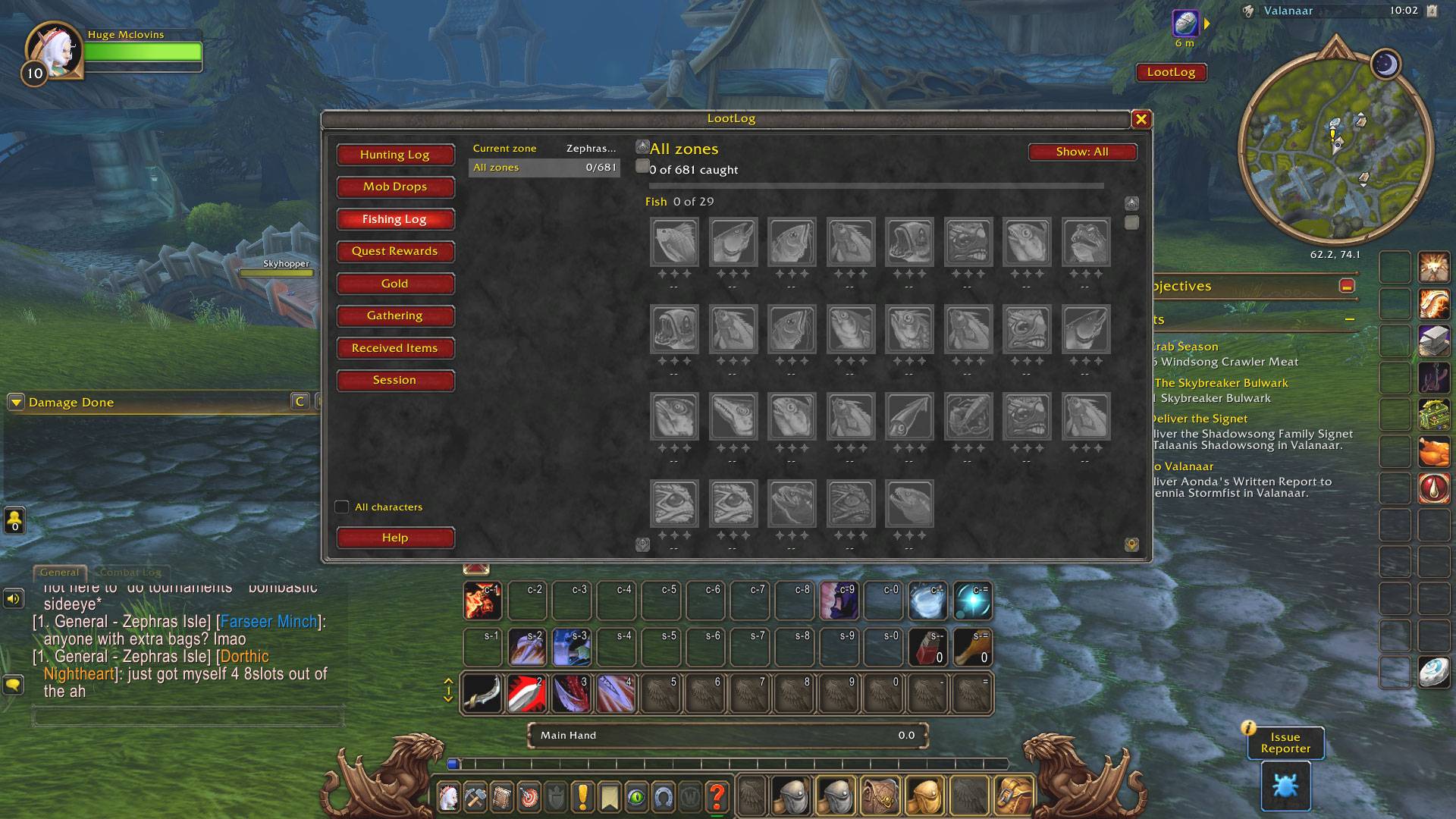
A journal of everything that can be fished up, greyed out until you catch it, with stars. New catches sort themselves into the right section.
Gathering
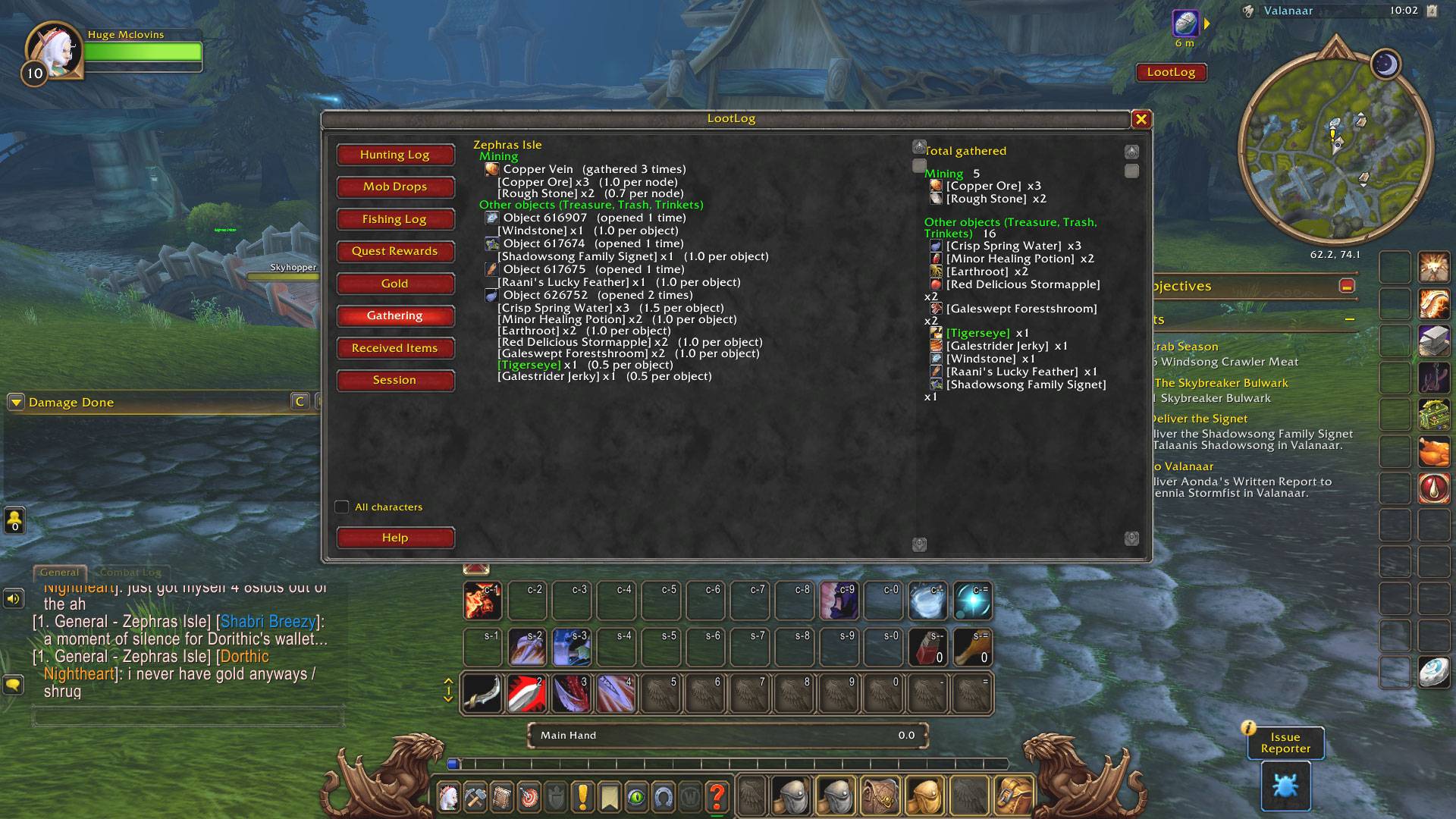
Mining, herbs, skinning, and other objects, by zone and node, with running totals by kind of gathering. Chests and other objects are listed by name.
Quest Rewards
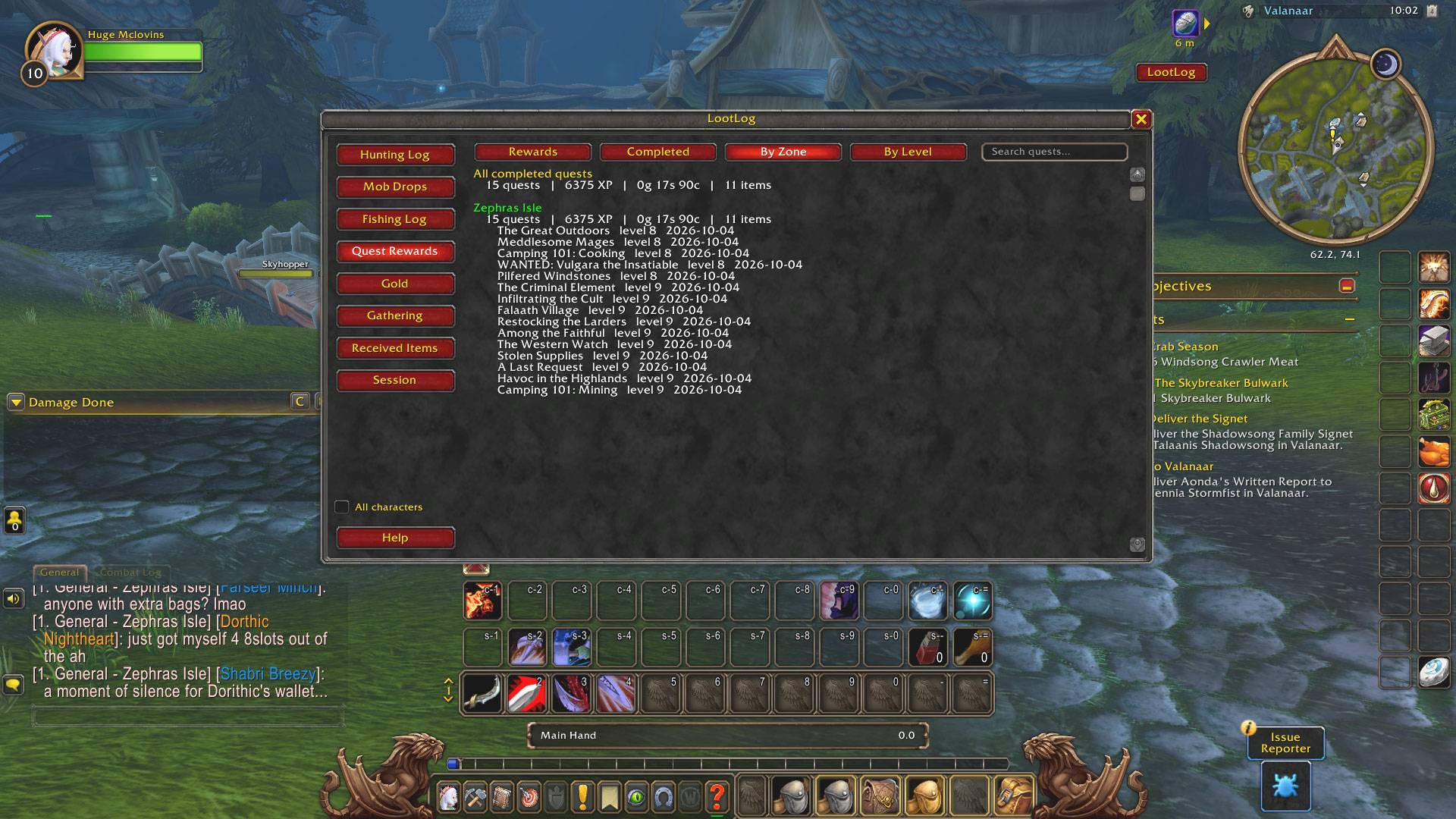
Reward items and every completed quest, grouped by zone or by level, with XP, gold, and item totals. Includes a search box.
Gold
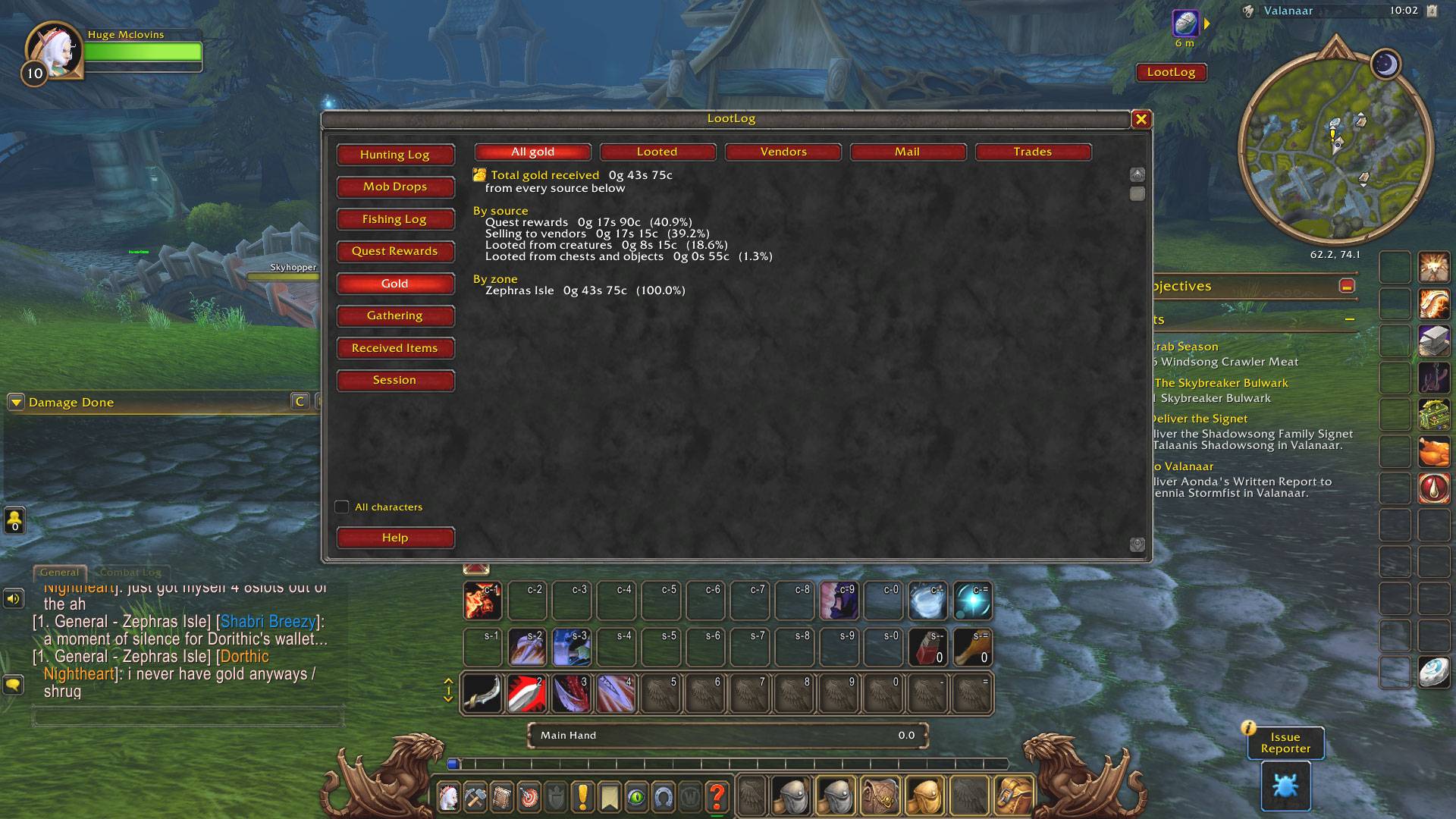
All the gold you receive, by source (looted, vendors, mail, trades, quests) and by zone.
Received Items
- Items from vendors, by vendor name
- Mail, including items sold at the auction house
- Crafting, separated by kind of crafting
- Trades, with a log of what you gave and got
Session
Kills, coin, and items since you logged in, with per-hour numbers, plus a summary of your previous session.
Extras
- Per-character data, with an "All characters" check box to see everyone combined
- A "killed N times" line on creature tooltips
- Chat messages for new stars, boss kills, rare and epic drops, and zones you have fully cleared. You can reduce them or turn them off from the Help page
- Private: everything stays on your computer. Loot Log Forever makes no connections and shows no ads
Commands
Type /lootlog to open the window. The Help tab inside it lists the other commands.
Notes
- Built for the WoW Forever beta. Features and the interface number may change at launch, and I will update it.
- Works without the combat log, which is blocked on this client.
- Creature names and IDs come from publicly available World of Warcraft data.
Found a bug? Please report it on this page and include any error text.
You must be logged in to leave a comment.