

LoneBit Drop Rate Forever
Track gold and specific item loot per hour, broken down by zone, camp and mob.
Details
Expansion
 Forever
 Categories
Developers

Having issues?
IMPORTANT: THERE IS A KNOWN BUG ON FOREVER BETA PTR THATS PREVENTING ADDONS FROM READING ADDON SETTINGS FROM SAVE FILES. DUE TO THIS A WORKAROUND FIX HAS BEEN IMPLEMENTED TO RESTORE THE SETTINGS AFTER GAME RESTART. THIS WILL HOPEFULLY BE ADDRESSED BY BLIZZARD BEFORE THE RELEASE!
LoneBit Drop Rate Forever
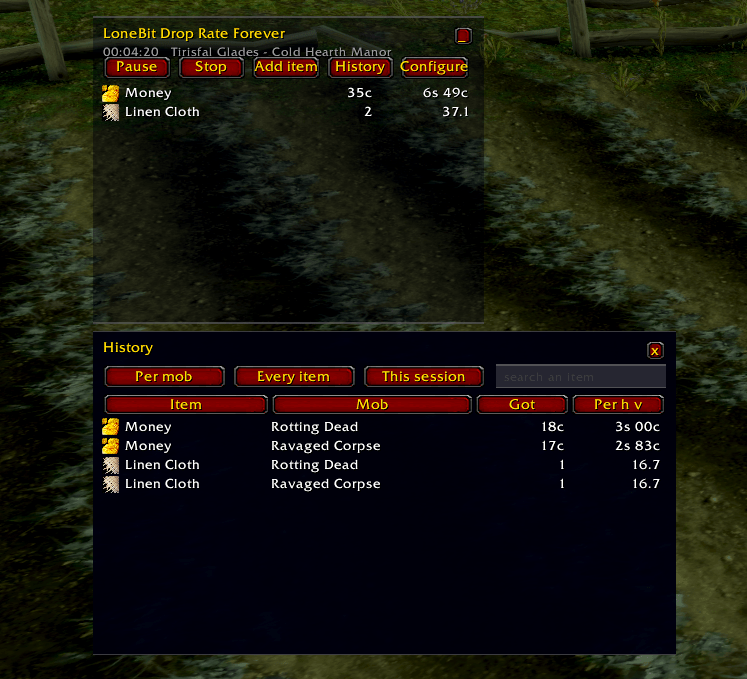
How much gold and loot per hour, and where. Start a session, farm, and the window tells you which place and which mob actually paid.
Built for WoW Forever / client 1.60.
Why it never miscounts your bags
- What you already own is irrelevant. There is no baseline to subtract, because the addon only ever sees things arriving.
- Selling to a vendor, banking, mailing, crafting, buying and collecting an auction change nothing. None of them produce a loot line.
- Looting is looting whether your bags are full of it already or not.
Sessions
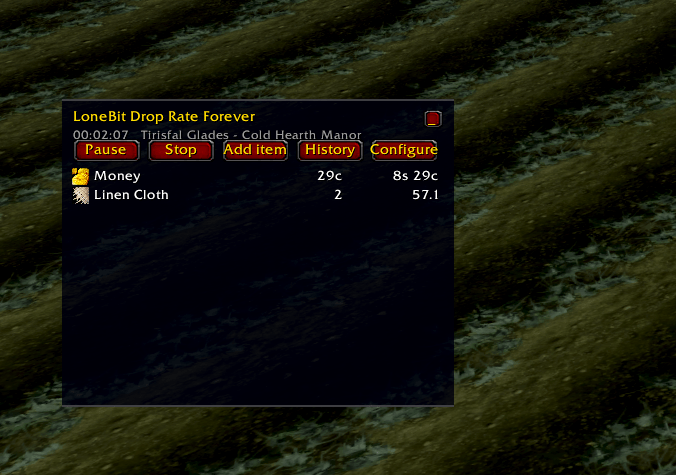
Press Start, farm, press Stop. Nothing is recorded outside a session.
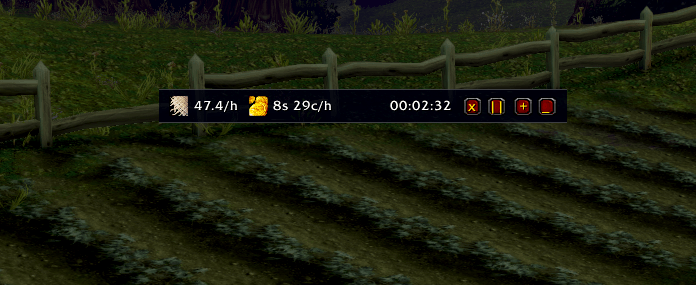
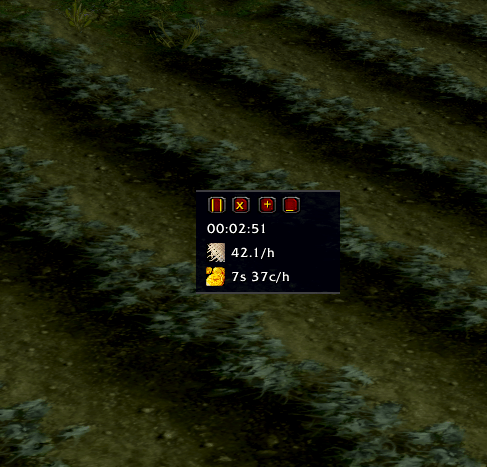
The same button then reads Pause and, once paused, Resume. Pausing keeps everything counted so far but stops the clock and ignores whatever you loot meanwhile, so a run to the vendor does not quietly drag your per-hour figure down. Both controls are on the bar too.
The clock shows time actually farmed, not time since you pressed Start. After a pause the two differ, and the farmed one is what the rates divide by.
History
History splits the same numbers per mob or per zone, with a search box and a Totals switch. Between them they answer most farming questions:
| Want to know | Set it to |
|---|---|
| Which camp pays best overall | Per zone, Totals |
| Which mob in this camp drops the thing | Per mob, search its name |
| Where this one item comes from fastest | either, search its name |
| How much gold each mob is worth | Per mob, search money |
It can look at the running session, the previous one, the last few hours, or everything kept - without moving the window, which always shows what you are doing right now.
Getting started
Put the LoneBitDropRateForever folder in Interface/AddOns and run /reload.
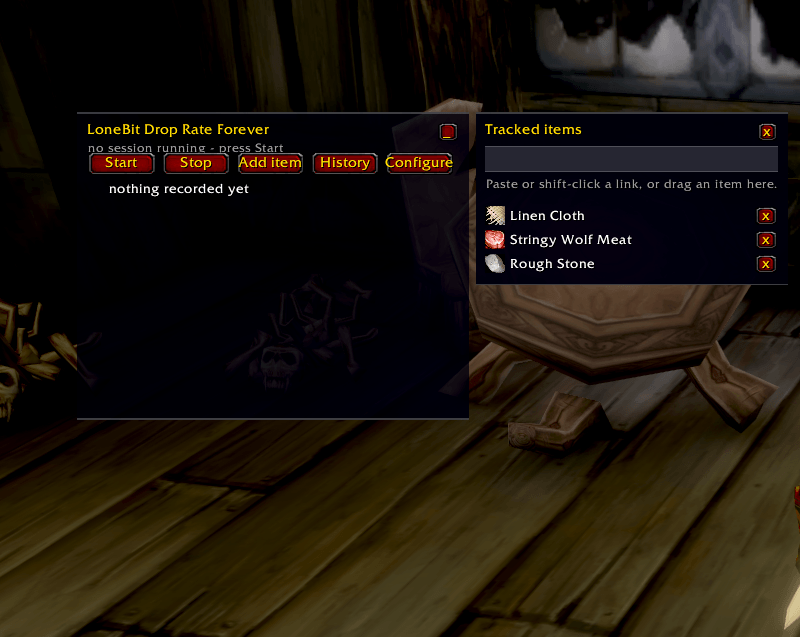
To follow an item: press Add item, then paste or shift-click its link, or
drag the item out of your bags and drop it on the window. It shows at 0/h from
the moment you add it, so you can always see what is being watched.
| Command | Action |
|---|---|
/lbdr or /lbdr config | settings panel |
/lbdr start [name] | begin a session, optionally named |
/lbdr pause / /lbdr resume | stop and restart the counting |
/lbdr stop | end the session |
/lbdr items | pick what to follow |
/lbdr history | past sessions, by mob or zone |
/lbdr minimize / /lbdr icon / /lbdr expand | change size |
/lbdr debug | what the client lets the addon read right now |
/lonebitdroprate works the same. The window is always draggable - there is no
lock to remember to undo.
Also by LoneBit
LoneBit PWS Forever - Power Word: Shield absorb left, on you and on everyone you shielded.
LoneBit ComboPoints Forever - combo points as plain configurable squares.
Both split out of LoneBit UI Forever.
License
Copyright (c) 2026 LoneBit. All rights reserved.
Not open source. The source is readable because Blizzard requires add-on code to be distributed unobfuscated, which is not a licence to reuse it. Forks, modified builds and reusing the code elsewhere need written permission first: lonebitstudio@gmail.com
You must be logged in to leave a comment.