

HolySjid UI 4FR
Lightweight Forever UI with a bottom data bar, tidy chat, and action-bar controls. more to come
Details
Expansion
 Forever
 Categories
Developers

Having issues?
## HolySjid UI 4FR
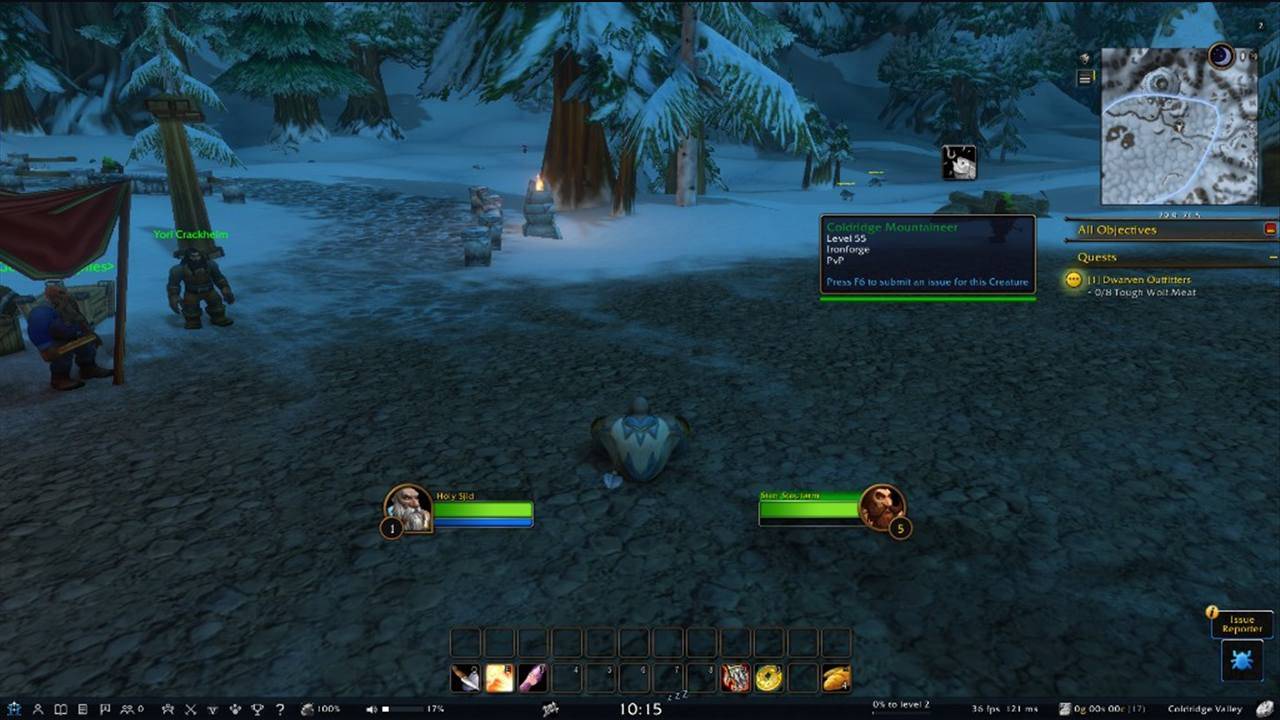
A lightweight interface pack for **World of Warcraft: Forever**, focused on a clear bottom **Data Bar**, tidy **Chat**, and practical **Action Bar** visibility — without replacing Blizzard’s protected bar system.
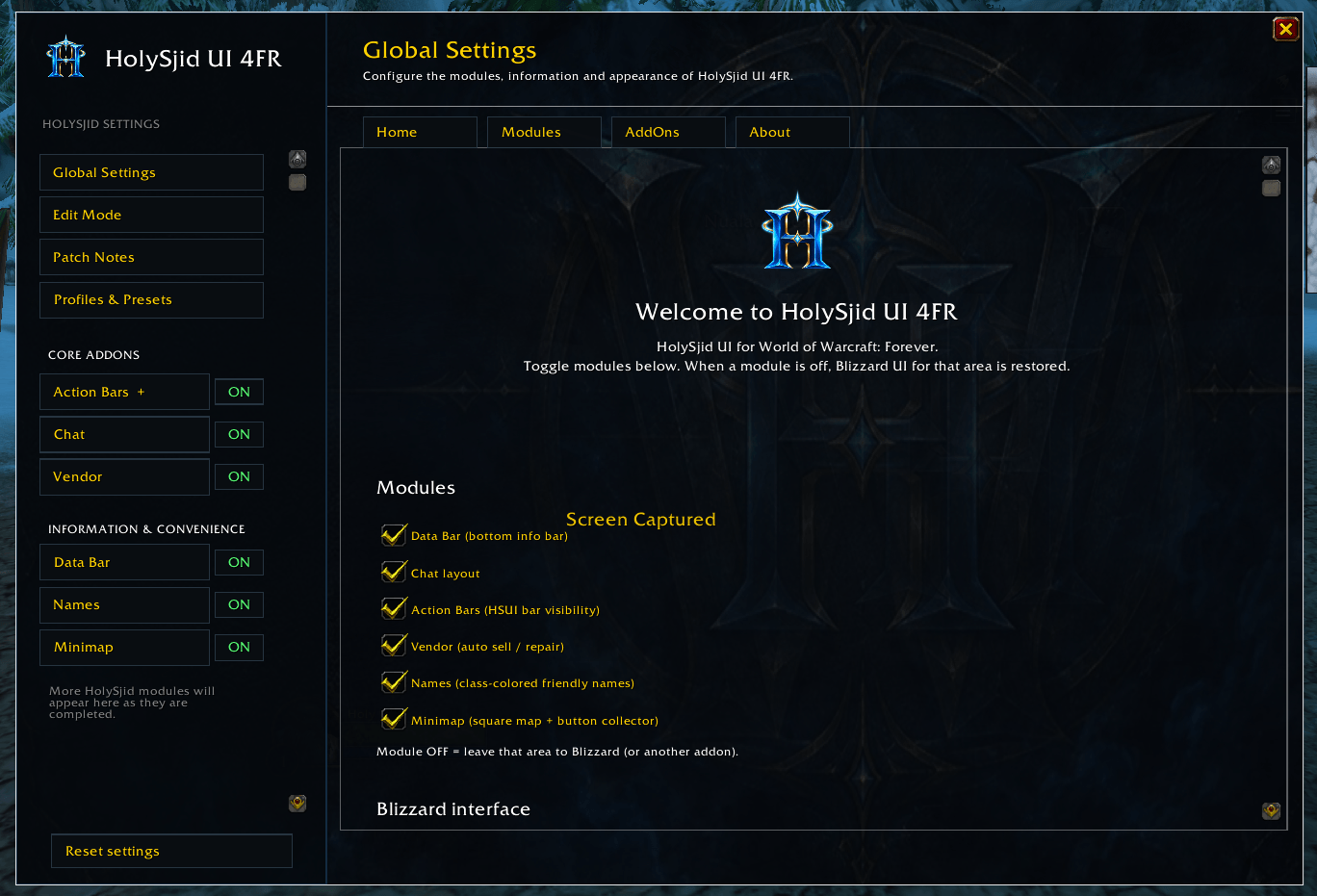
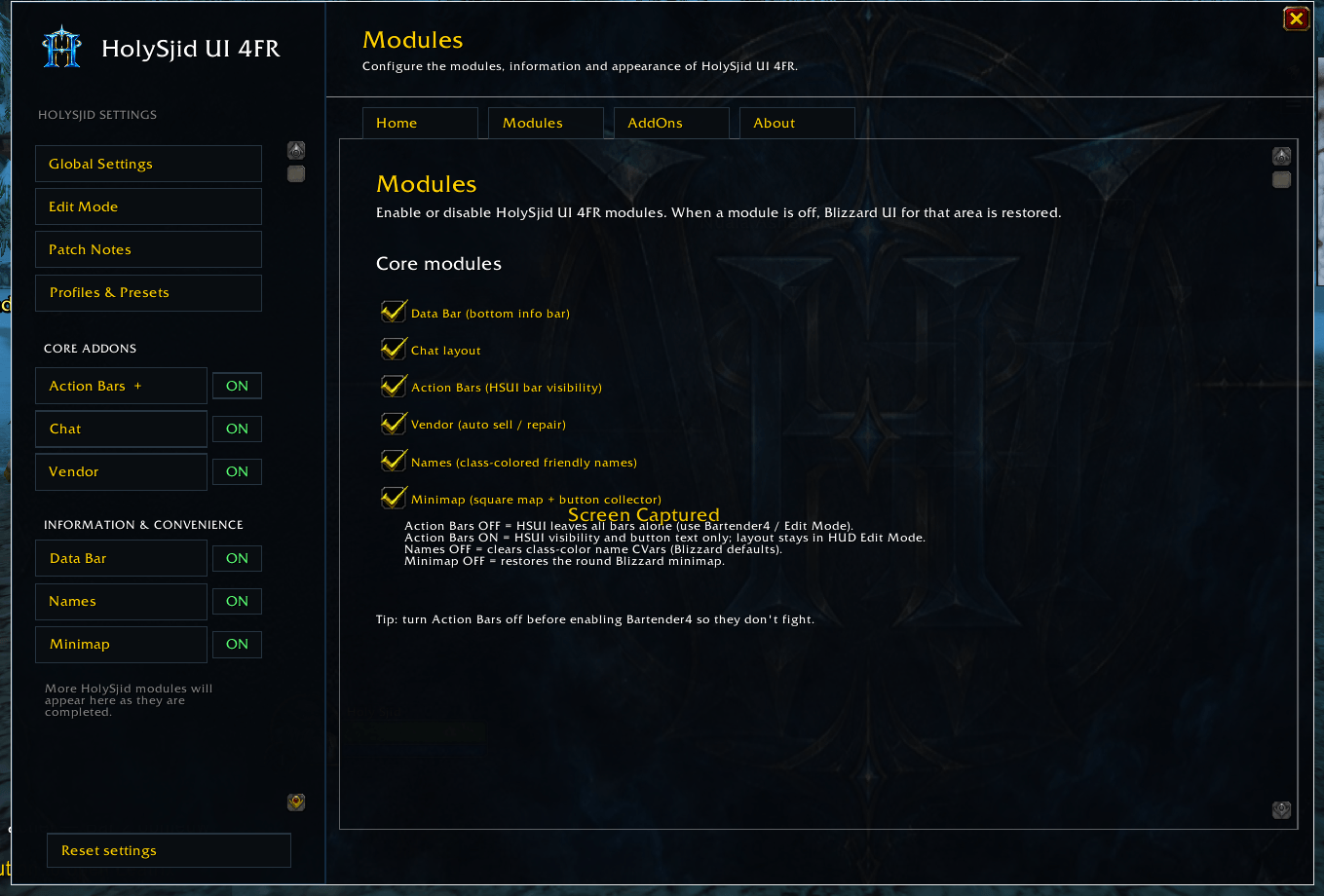
Each module can be turned **ON/OFF**. When a module is off, HolySjid leaves that part of the UI alone so you can use Blizzard defaults or another addon.
### Data Bar
Full-width bottom bar with:
- **Micro menu** — HolySjid logo (settings / Shift+Right-click reload), Character, Spellbook, Quest Log, Guild, Friends, Group Finder, PvP, Adventure Guide, Collections, Pet Journal, Achievements, Help
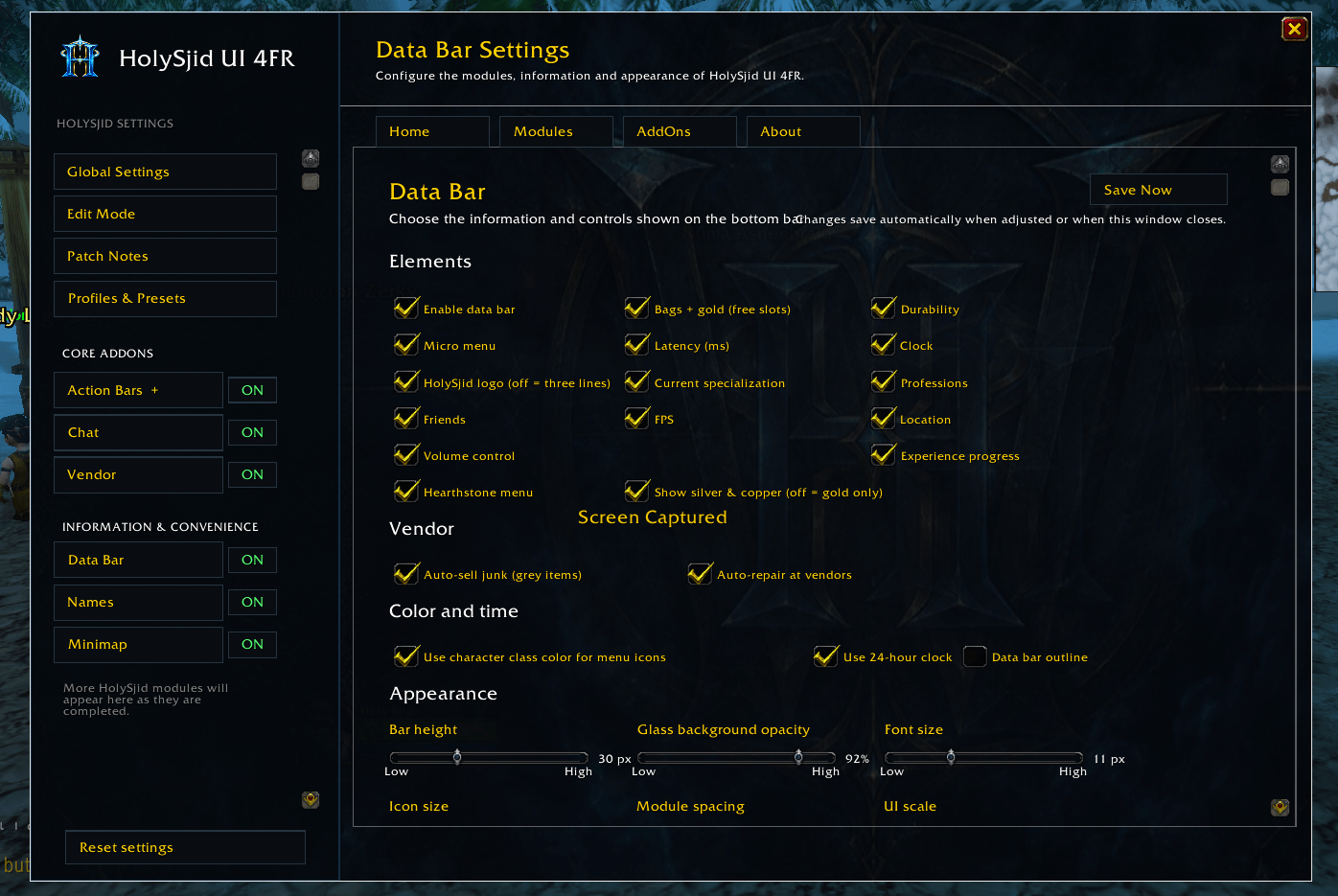
- **Durability**, **volume** slider, **specialization**, **clock**, **professions**, **experience**
- **FPS / latency**, **gold** (with bag slots), **location**, **hearthstone** menu
- Appearance options: height, opacity, font/icon size, spacing, scale, visibility modes
### Vendor
- Auto-sell junk (grey items)
- Auto-repair at vendors
(Toggle under `/hsui` → Data Bar → Vendor)
### Chat
- Stable chat placement
- Soft idle text fade (hold, then fade to 0%)
- **Pin** next to chat tabs to keep text visible
- Class-colored names in chat, whisper tabs, bubble / button fade options
### Names
- Optional class-colored friendly player names while in nameplate range (out of range = normal floating names)
### Action Bars
- Works with **Blizzard HUD Edit Mode** (recommended layout: **Default 1**)
- Per-bar **Enable**, hotkey/macro text, fade-out on idle
- Helper popup with **Load Default 1** when bars are not on the preferred layout
- Hides Blizzard bag / micro / XP chrome when the Data Bar replaces them
- Does **not** force Edit Mode open from the addon (Forever blocks that safely)
### Quality of life
- Forever **beta notice** on login (can be disabled)
- Profiles & presets per character
- `/hserrors` error log helper for Forever debugging
### Slash commands
| Command | Action |
|--------|--------|
| `/hsui` or `/holysjid` | Open settings |
| `/hsui reset` | Reset active profile |
| `/hserrors` | Error log window |
| `/rl` | Reload UI (out of combat) |
### Installation
1. Extract so you have:
`World of Warcraft_classic_beta_InterfaceAddOnsHolySjidUI`
2. Restart the client or `/reload`
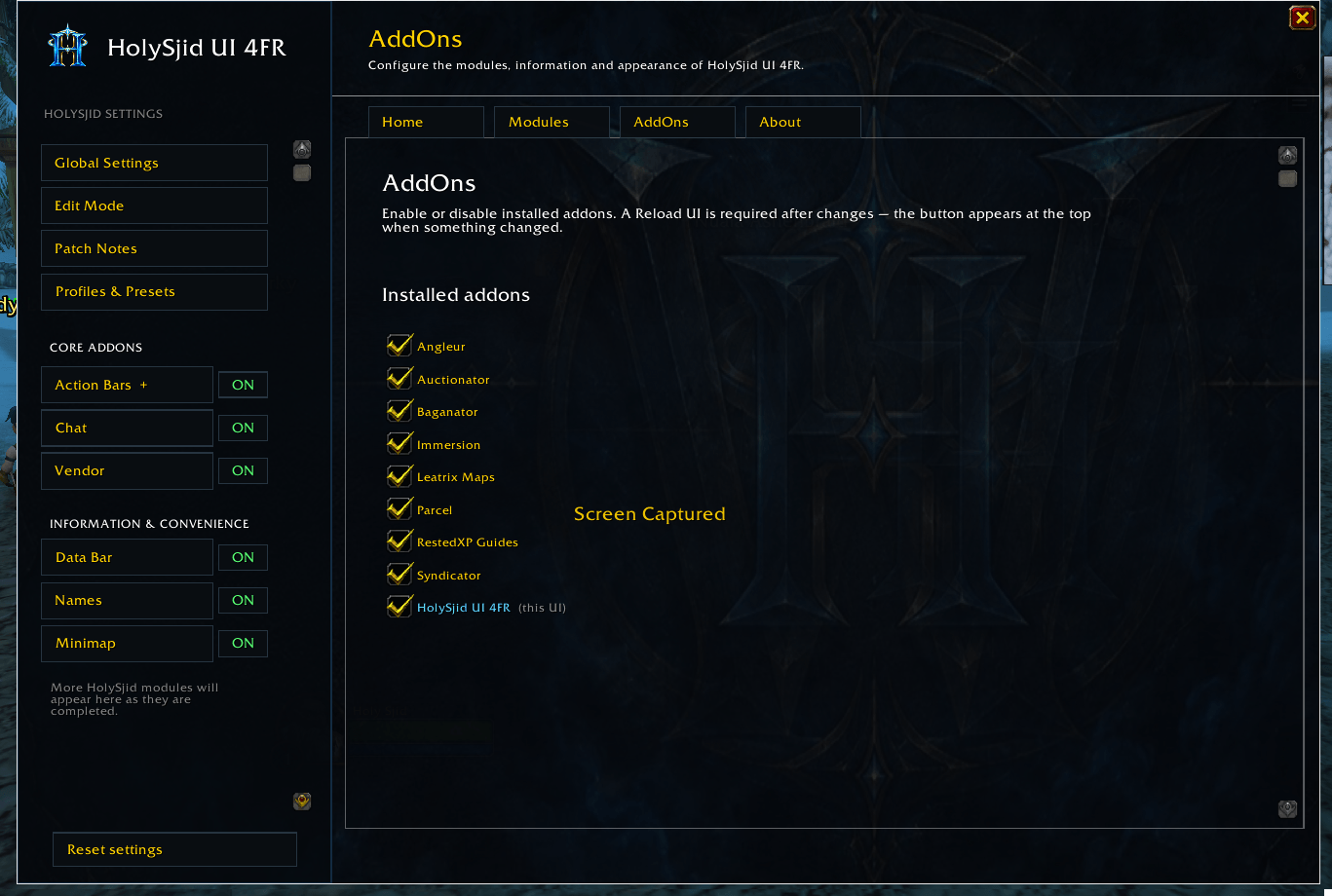
3. Enable **HolySjid UI** in the AddOns list
4. Type `/hsui` to configure
### Forever beta notes
HolySjid UI is in **beta** for Forever. Some Blizzard bugs can affect saving layouts and settings — that is on the client side, not this addon. Until Blizzard fixes those issues, you may need to re-apply **Esc → Edit Mode → Default 1 → Save** after login (or use the in-game **Load Default 1** helper).
Some retail panels (Housing, certain Finder features, etc.) may be missing or gated on Forever.
### Support
Please include:
- Forever / client build
- HolySjid UI version (printed on load)
- Steps to reproduce
- Lua errors (`/hserrors` or BugSack)
### Credits
Concept and branding by **HolySjid**.
Forever port for Interface **16001**.

You must be logged in to leave a comment.