

Healing Forever
Healing Forever Healer frames and click-casting built specifically for **World of Warcraft: Forever**
Details
Expansion
 Forever
 Categories
Developers

Having issues?
Healing Forever 1.0.2
Updates:
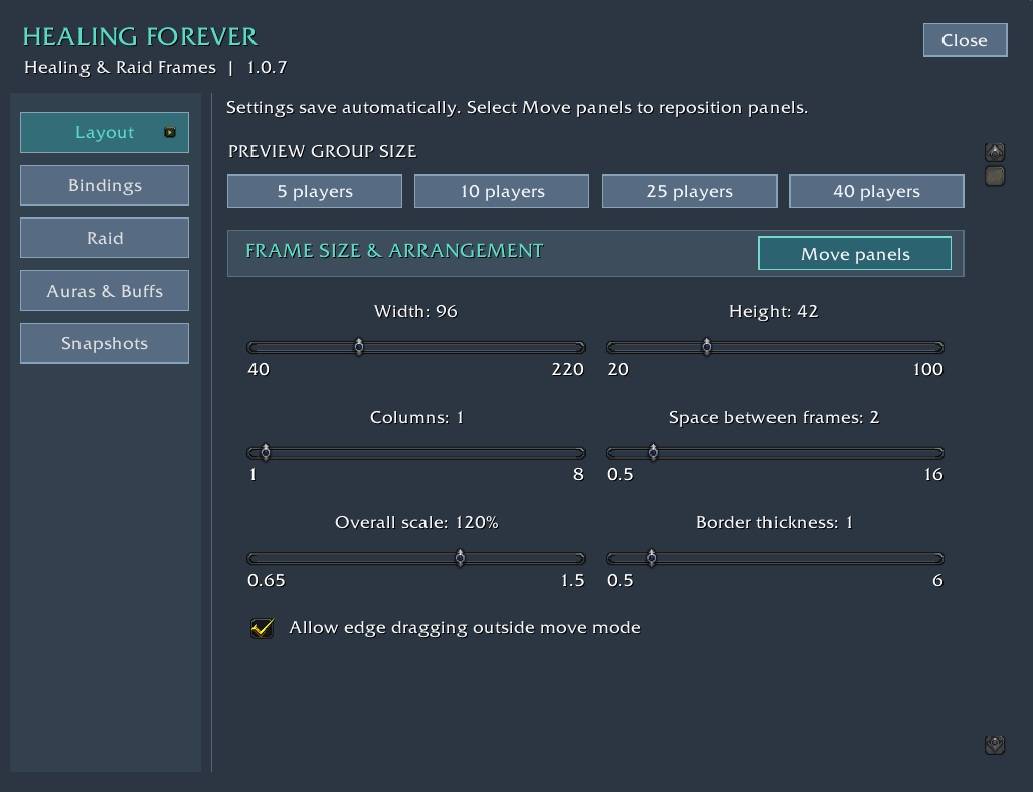
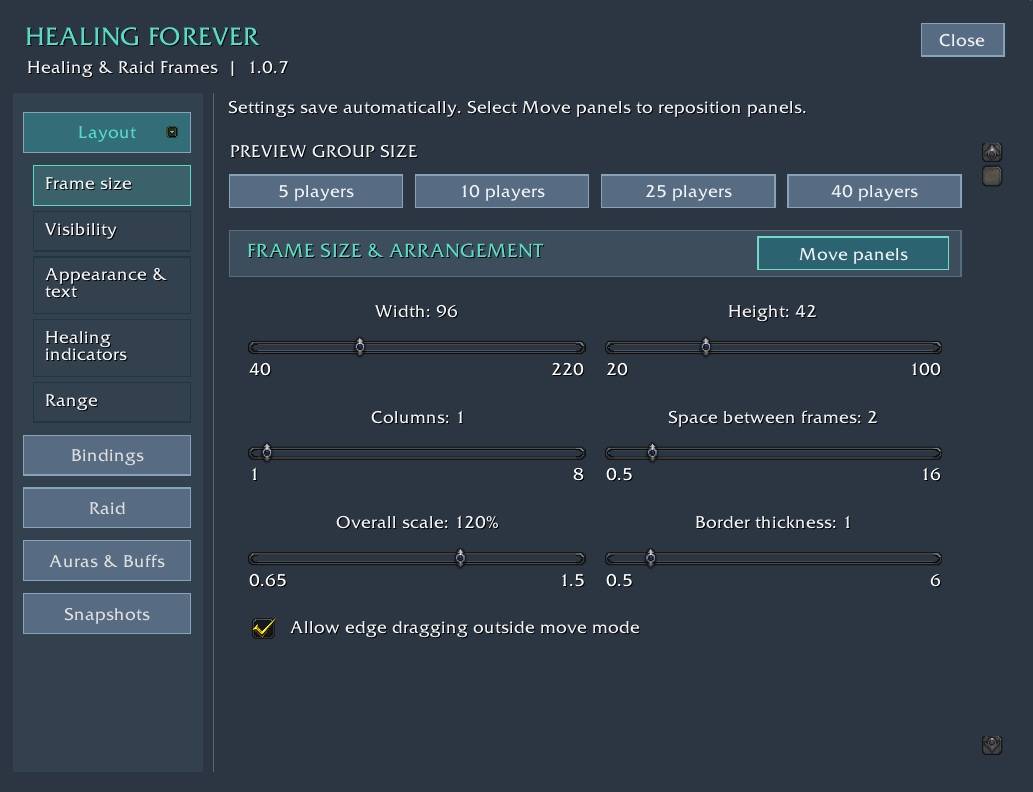
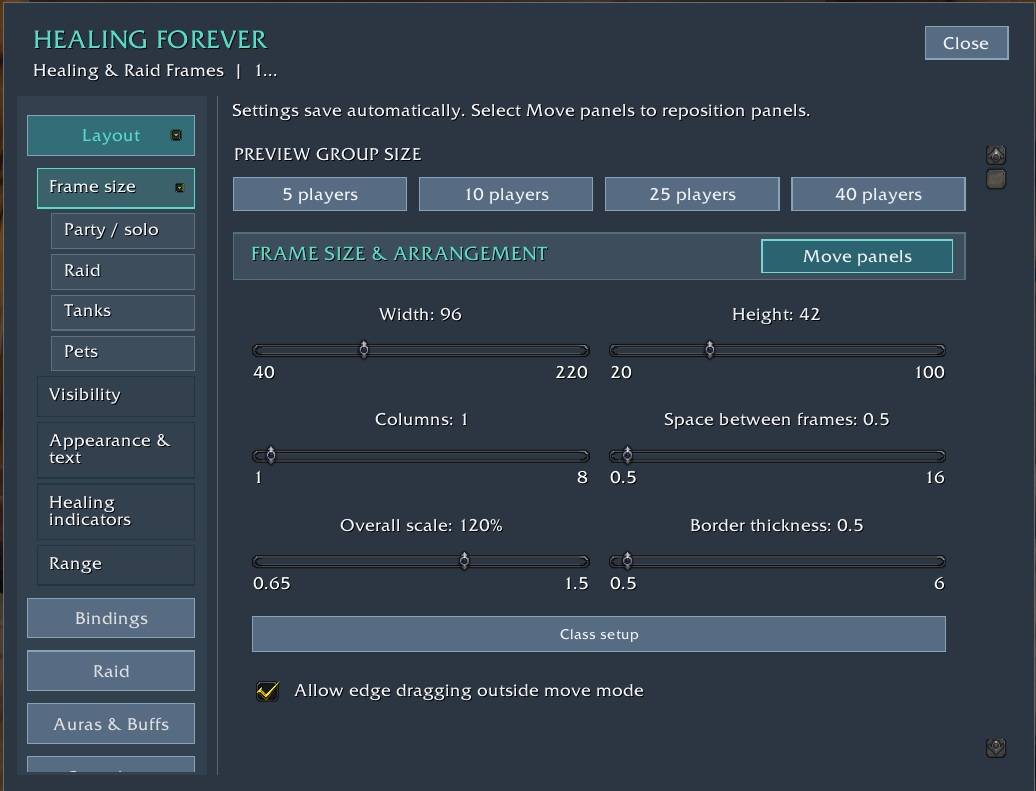
1.0.2 improves panel movement and readability. Drag panels using their edges. Click near edge for moveable frame border OR the Move panels mode in Layout - Framesize -Move Panels button . Includes larger settings text, live frame scaling
Healer raid frames and click-casting built specifically for **World of Warcraft: Forever**
## Features
**Click-casting**
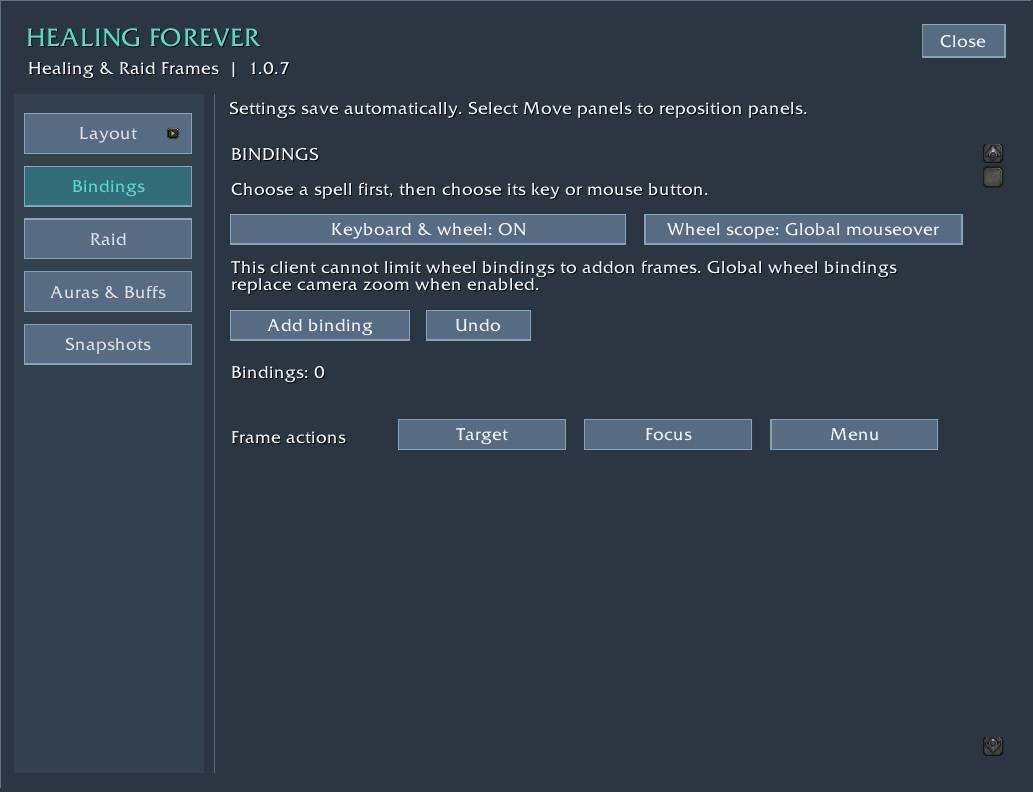
- Bind spells to left, right and middle click, mouse buttons 4–31, and any Alt/Ctrl/Shift combination.
- Pick spells straight from your spellbook, then choose the input on a visual keyboard and mouse.
- Use your highest learned rank automatically, or pin an exact rank for downranking.
- Optional auto-target when healing.
- Frame actions: Target, Focus and Menu.
**Keyboard and mouse wheel**
- Up to 32 keyboard and wheel assignments that cast on your mouseover target.
- Wheel scope: global, or only while hovering Healing Forever frames, so the camera zoom keeps working everywhere else.
**Healing indicators**
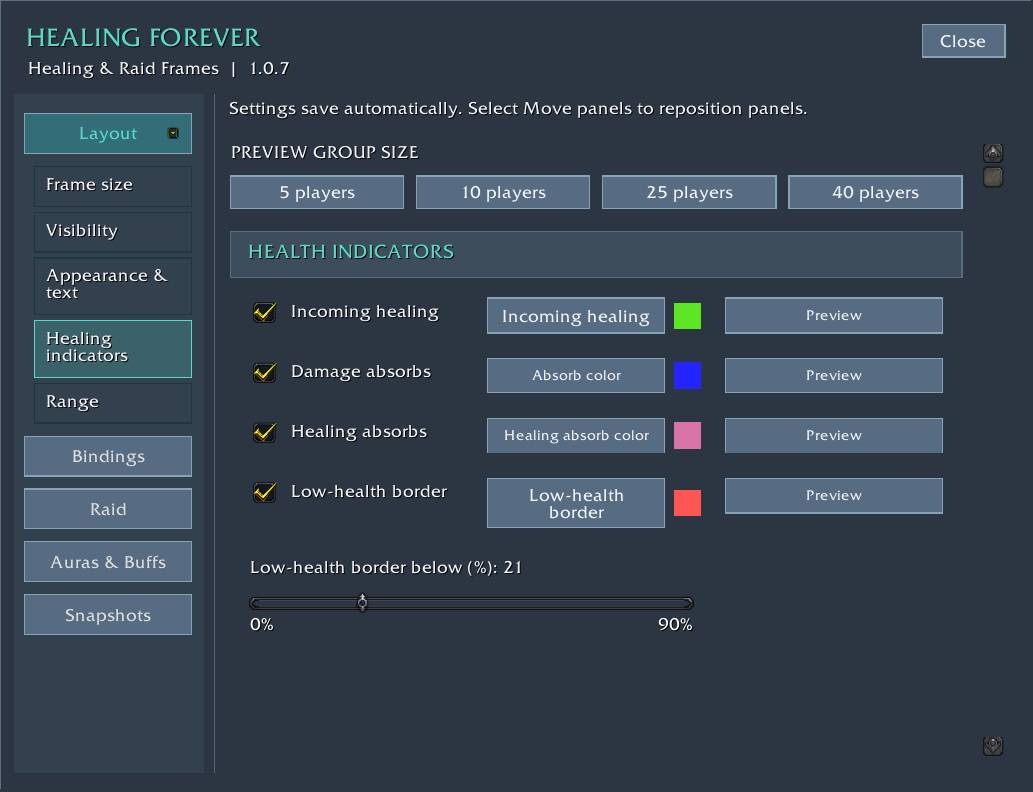
- Incoming healing, damage absorbs and healing absorbs.
- Low-health and aggro borders with your own colors.
- Incoming resurrection notice.
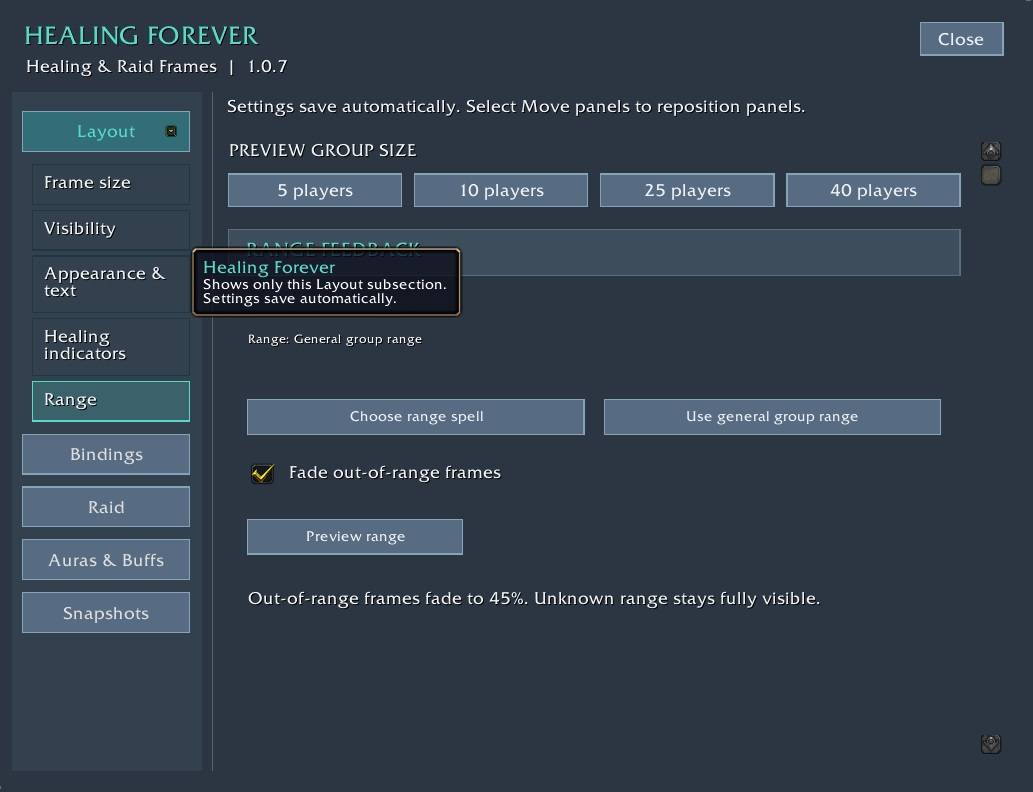
- Optional fading for out-of-range players, with your choice of range spell.
**Auras**
- Native buff and debuff rows that keep working in combat.
- Dispel-type borders, optionally limited to what your class can remove.
- Up to eight fixed-position slots for your own buffs and HoTs, in your chosen priority.
**Layout**
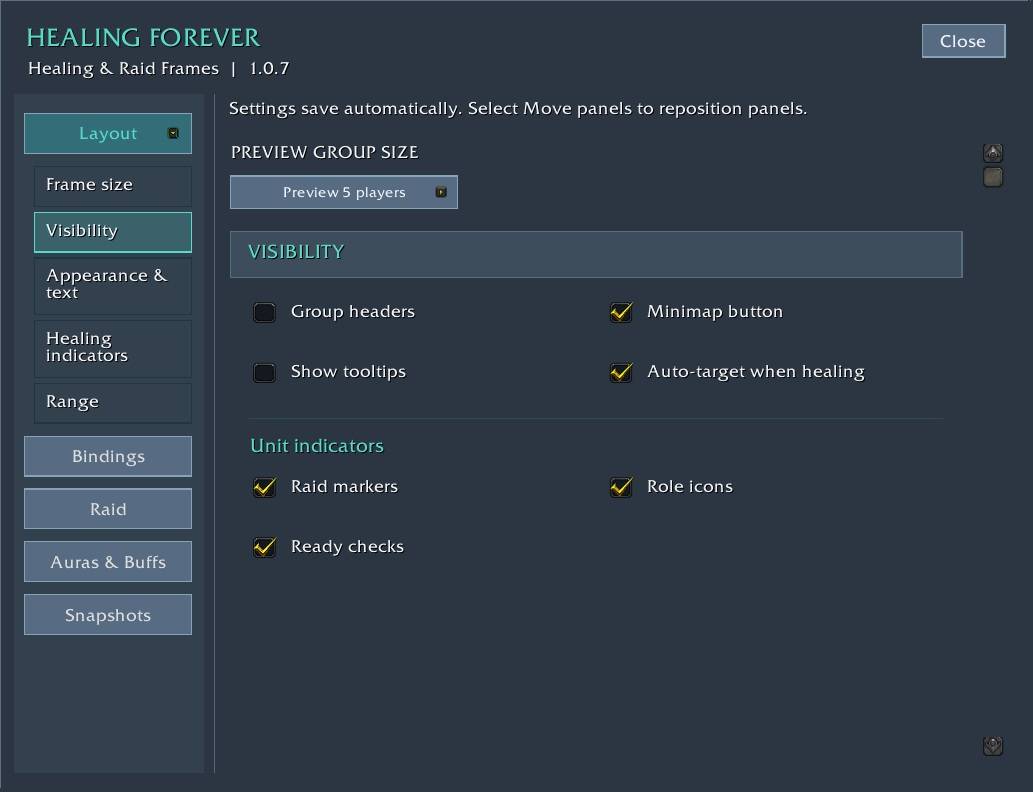
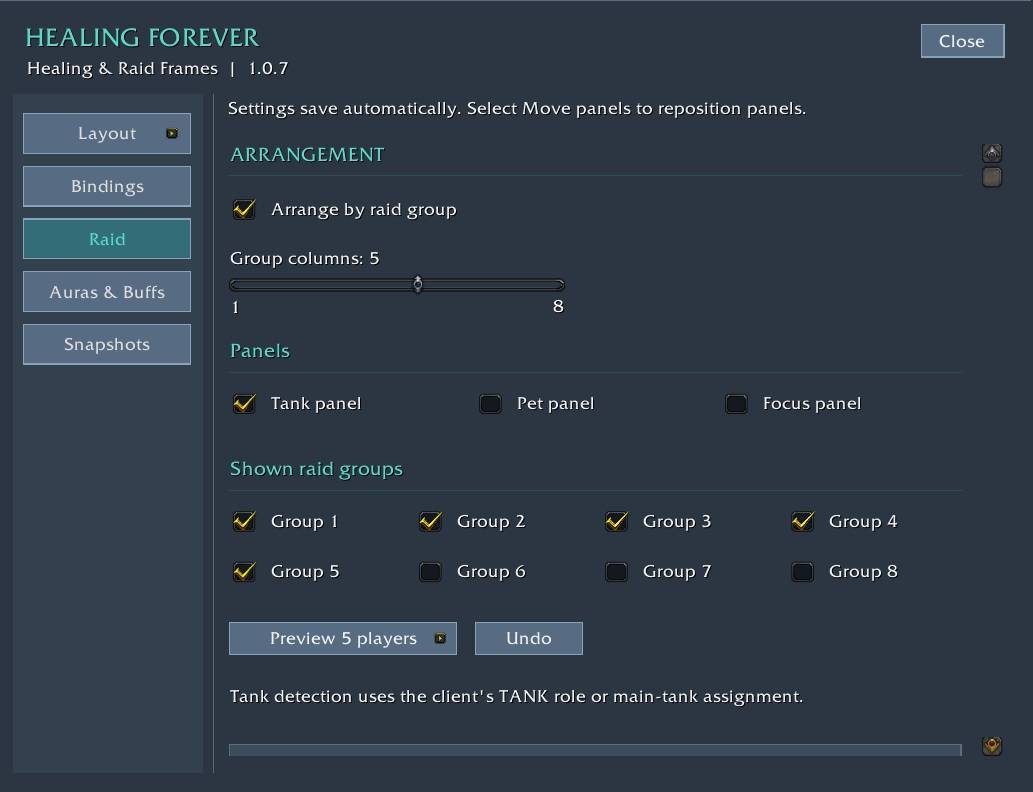
- Party and raid frames, raid-group arrangement, and group filtering.
- Separate tank, pet and focus panels.
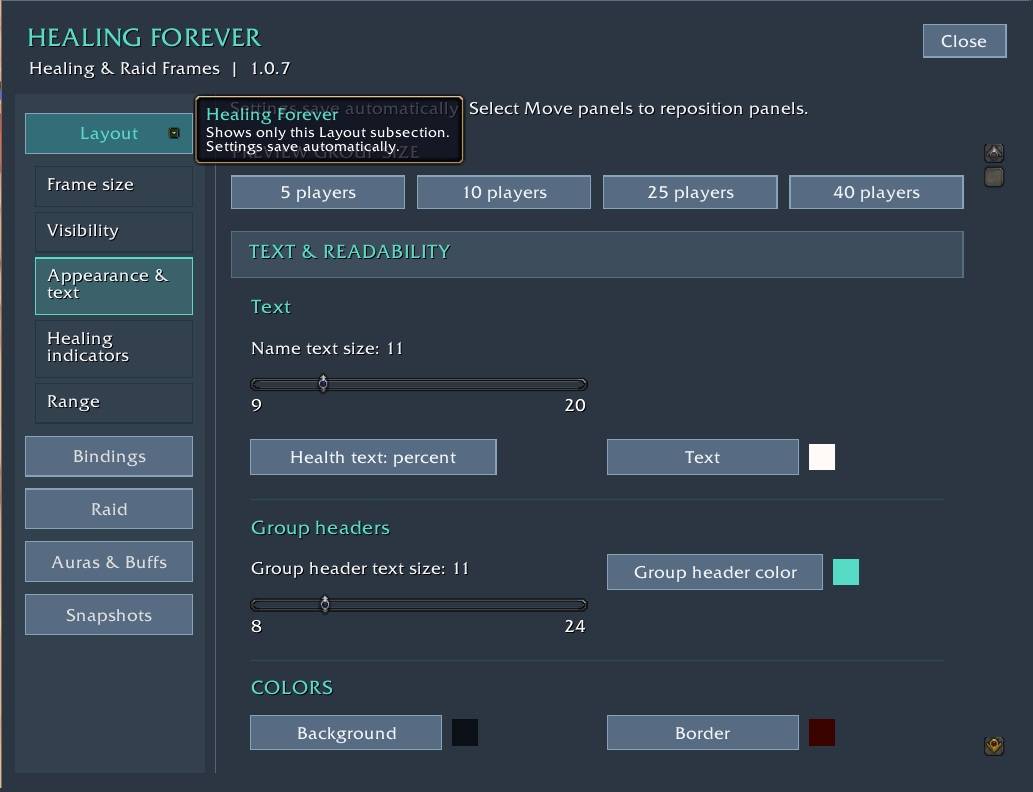
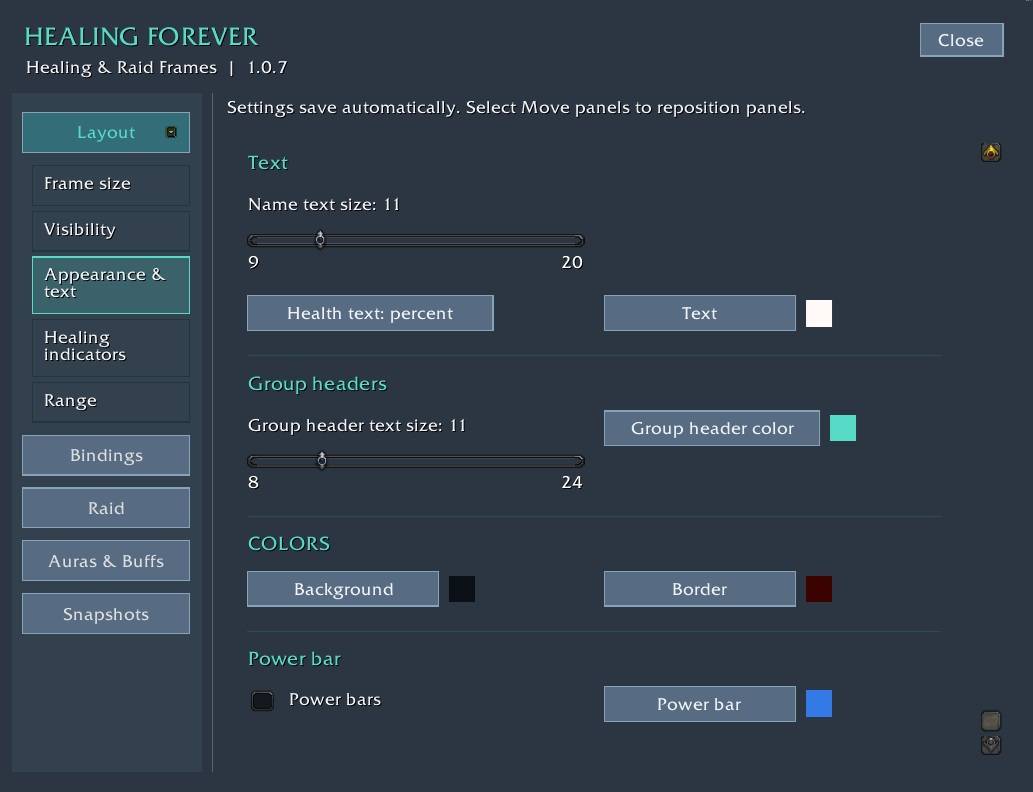
- Adjustable size, spacing, scale, borders, colors, fonts, and name, health-text and aura positions, with a visual position editor.
- Preview window for 5 to 40 players.
Getting started
1. Type **/hf** or click the minimap button.
2. Open **Bindings**, click **Add binding**, choose a spell, then choose its mouse button or key.
3. Adjust your layout under **Layout**.
Installing and updating
Exit WoW. Move your old `Interface/AddOns/HealingForever` folder out of AddOns (don't merge folders), then extract the new one. Your settings and bindings are kept.
## Notes
- Made for WoW: Forever only.
- Translations cover menus, section titles and common controls in German, French, Spanish, Italian, Portuguese, Russian, Korean and Chinese. Longer help text shows in English. Corrections from native speakers are welcome.
You must be logged in to leave a comment.