
Guildhall
Your guild's crafting directory: who can make it, who has one, who wants one. Part of YippYapp.
Details
Expansion
 Forever
 Categories
Developers

Having issues?
Guildhall
Your guild's crafting directory for WoW: Forever.
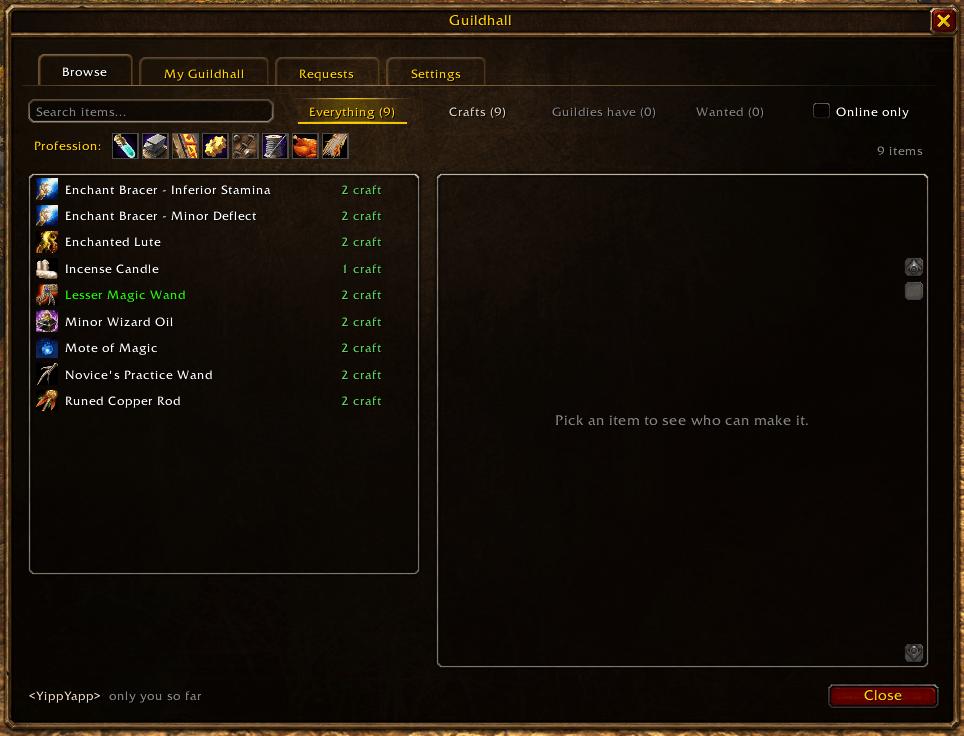
Search for any item and Guildhall tells you who in your guild can craft it, who already has one to spare, and who is looking for one. Then ask a crafter for it with one click, even if they're offline.
Nobody has to fill in a spreadsheet or spam guild chat. Guildhall builds the directory by itself from the professions and recipes of every guildie who has it installed.
Beta. Built for WoW: Forever. Expect a few rough edges, and please report what you find.
Features
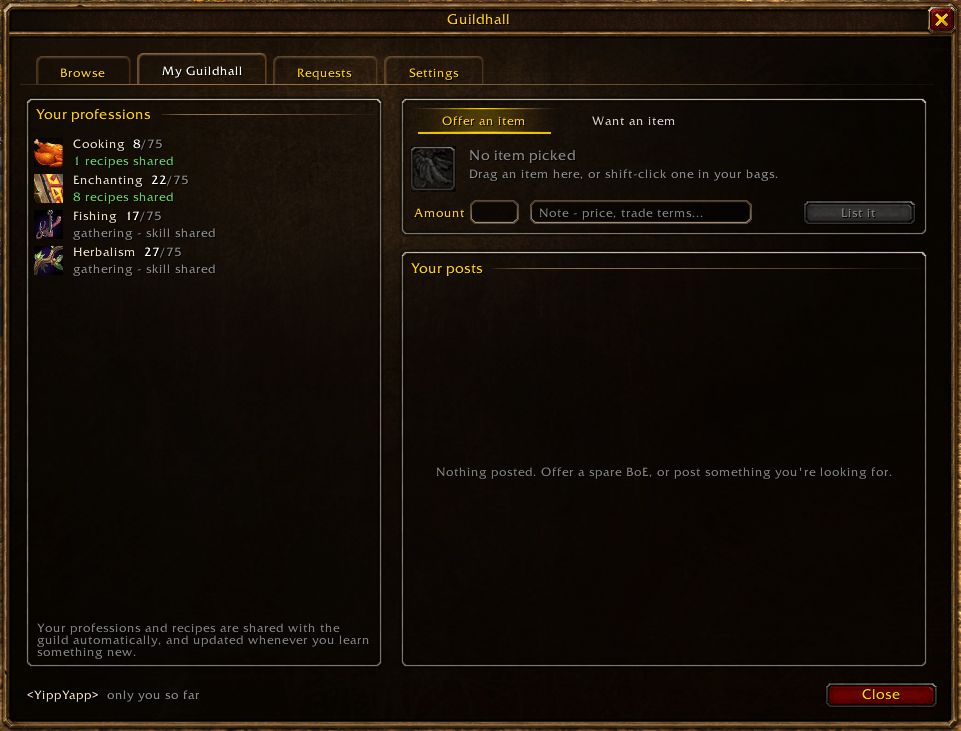
- Who can make it? Your professions and known recipes are shared with your guild automatically when you log in. No need to open every profession window.
- Search the whole guild. Everything your guild can craft, has or wants, in one place. Filter by profession or show only guildies who are online. Each item shows who can craft it, the skill it needs, and whether it needs a crafting station.
- Item tooltips. Hover any item in the game to see which guildies can craft it, who has one and who wants one.
- Guildies have it. Offer a spare BoE or anything else from your bags, with a note. A listing disappears when the item leaves your bags, and expires after the number of days you choose.
- Wanted. Post what you're looking for. Guildies who can craft it get a quiet heads-up.
- Craft requests. Ask a crafter for an item with an optional note. If they're offline, the request arrives when they log in. The crafter can accept, decline or mark it done, and sees the materials and how many they already have.
Guildhall never moves gold or items. Once you've agreed, trade or use the mail as usual.
Getting started
- Install Guildhall. Guildies who want to show up in the directory install it too.
- Type /gh, or click the Guildhall icon on the minimap.
| Command | What it does |
|---|---|
/gh | Open or close Guildhall |
/gh search <item> | Search the guild for an item |
/gh mine | Your professions, listings and wanted posts |
/gh requests | Craft requests sent to you and by you |
/gh config | Settings |
Left-click the minimap icon to open Guildhall, right-click it for settings.
Private to your guild
Everything travels over the guild addon channel, so only your guild sees it. Each character only publishes its own profile, and guildies who are online pass along the profiles of those who are offline, so the directory stays up to date.
Part of YippYapp
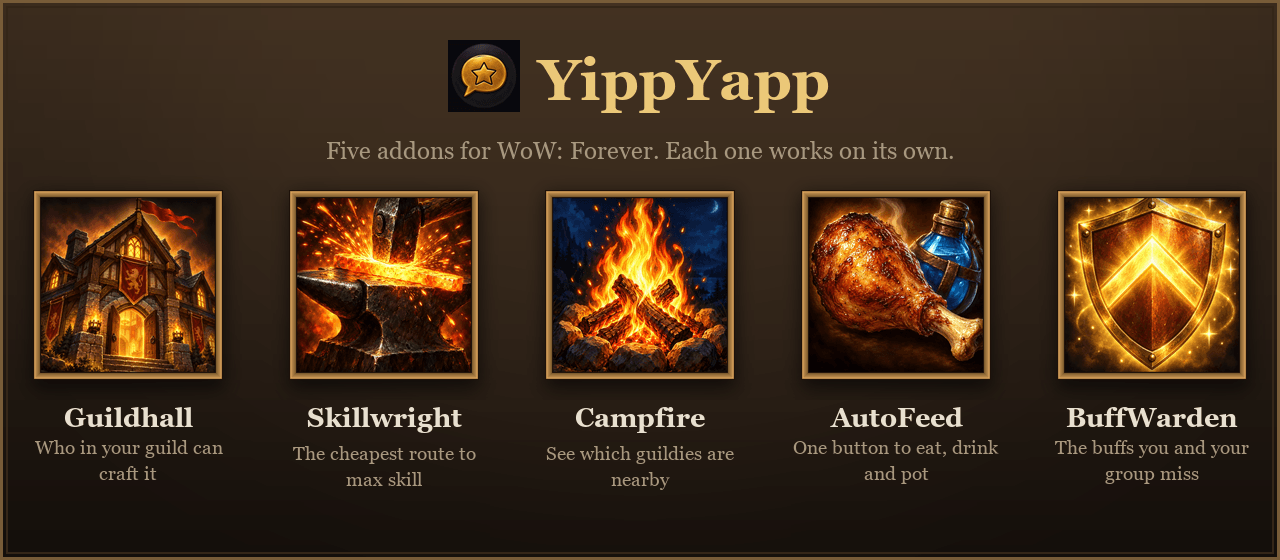
Guildhall works fully on its own. It is also part of YippYapp, a small family of addons for WoW: Forever that work even better together:
- Skillwright plans the cheapest or fastest route to max profession skill. Use Guildhall to find a guildie who can craft the steps you'd rather skip.
- Campfire shows which guildies are nearby. Find who can craft your item in Guildhall, then see in Campfire how far away they are and whisper them to meet up.
- AutoFeed keeps one-button macros for your best food, water, potions, scrolls and bandages.
- BuffWarden shows the buffs you and your group are missing, and casts or asks for them in one click.
Installed together they share one minimap button, one welcome window (/yippyapp) and one settings page under Options → AddOns → YippYapp.
You must be logged in to leave a comment.