

ForeverVista
Rediscover Azeroth with richer scenery and easy access to hidden graphics settings—visual presets, simple sliders, and restore points to bring your settings back.
Details
Expansion
 Forever
 Categories
Developers

Having issues?
ForeverVista
Rediscover the view.
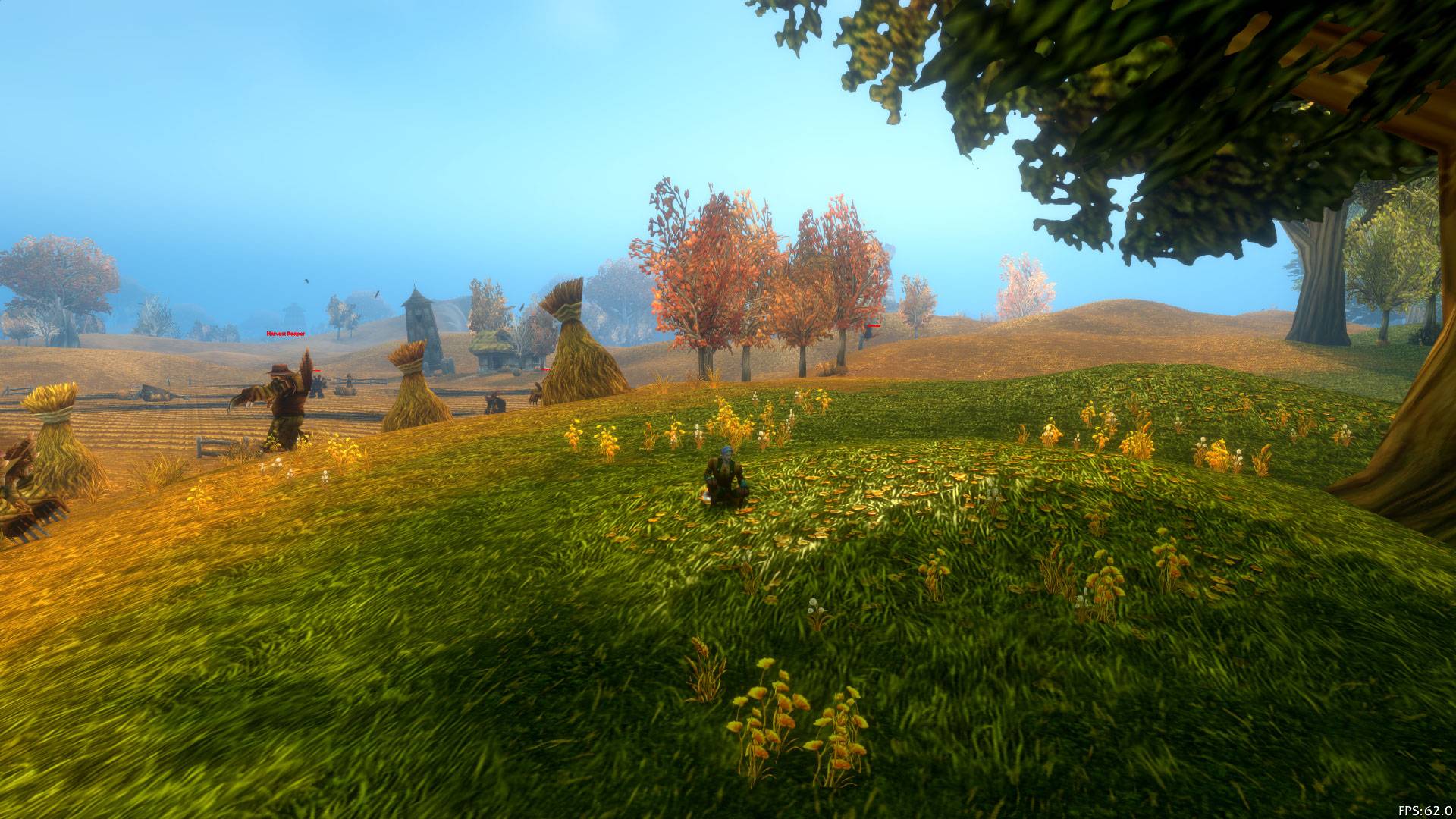
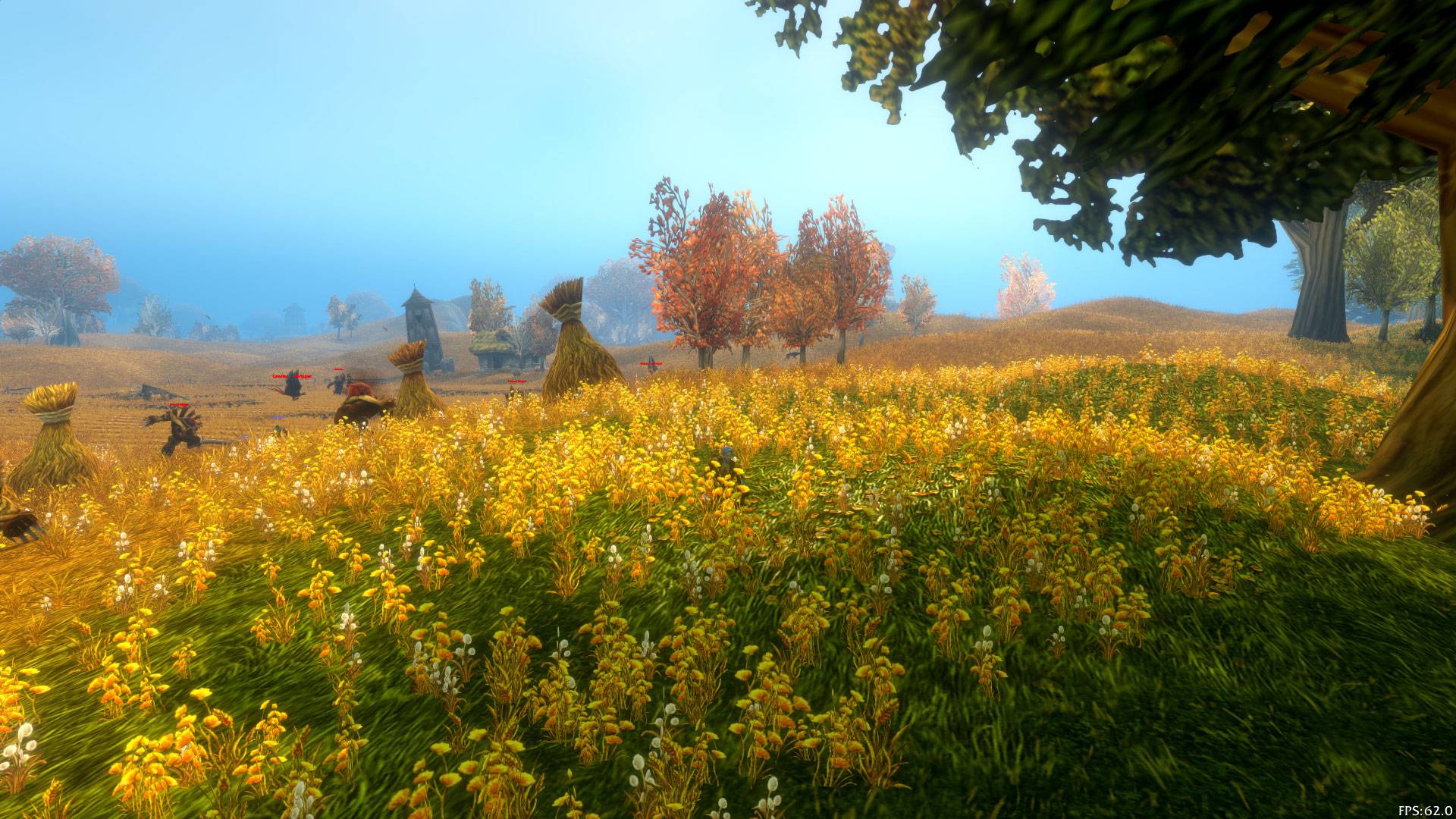
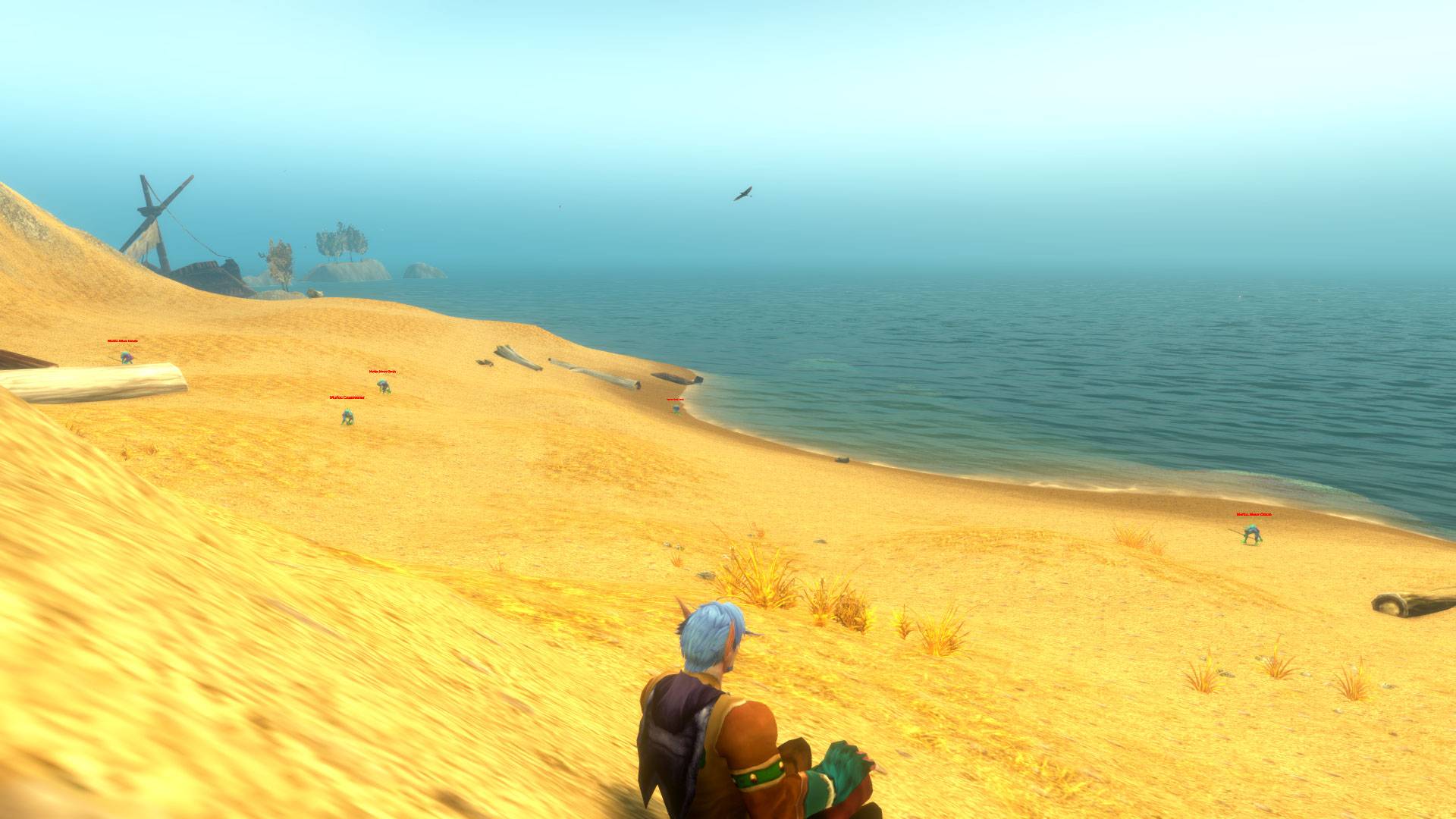
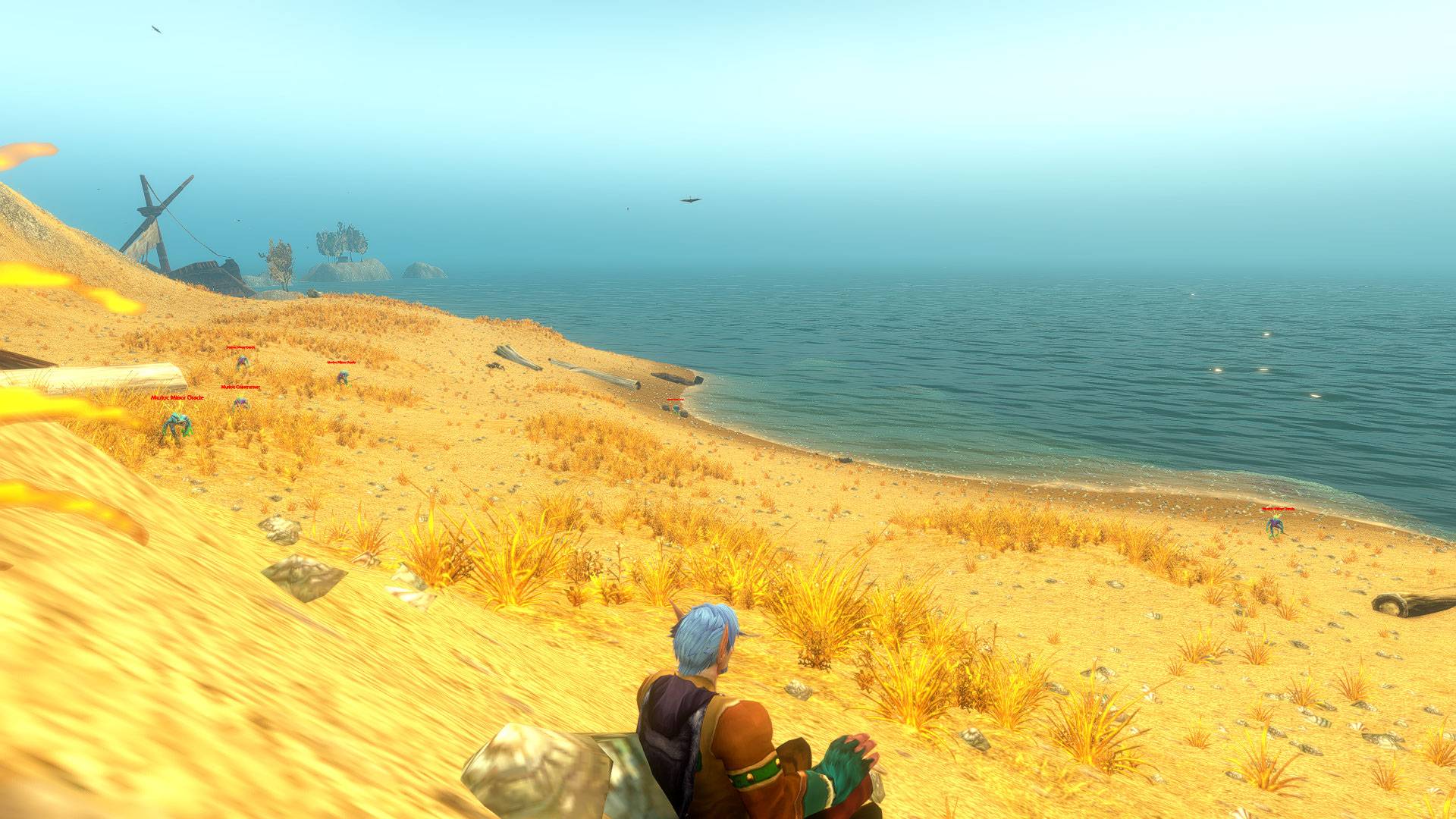
You know the road. The forest. That mountain on the horizon. What if your next trip through Azeroth could look a little richer?
ForeverVista puts hidden and advanced graphics settings within easy reach. Bring more grass and ground detail into view, keep distant scenery detailed for longer, and tune water reflections, weather, sharpness and color to suit your screen. No console commands to memorize and no configuration files to edit—just an in-game panel with clear sliders and ready-to-try presets.
Start with Balanced for a gentler step up, or try Cinematic for a more ambitious look. Compare the proposed values with the ones running in your game, then click Apply preview when you're ready. Want to go back? Your first-launch settings and the values before your last application have their own restore points.
More control over the world you see, with a way back if the result isn't for you. Higher detail can cost FPS; you choose the balance that feels right.
Built for World of Warcraft: Forever (1.60.x / Interface 16001). This is an early beta: supported settings and accepted values can vary between client builds.
FEATURES
- 14 graphics settings for vegetation and terrain, object distance, water and weather, sharpening, brightness, contrast and gamma.
- 13 numeric sliders, plus a sharpening toggle.
- Balanced and Cinematic presets, and your last edited custom preview.
- Live, first-launch, previous and preview values shown together.
- Separate restore points for your first-launch setup, values before the last application, and the game's defaults.
- A movable window with original fantasy artwork and a draggable minimap icon. Both positions are saved.
- English and Italian interfaces, selected from your game locale.
- Verification after each CVar write, clear reporting of unavailable or rejected values, and a cancellable combat queue.
- Copyable diagnostics without account, character, realm or chat details.
PREVIEW FIRST, APPLY WHEN READY
Moving a slider, choosing a preset or clicking Game default only prepares a preview. No graphics setting changes until you click Apply preview and confirm. Discard preview cancels pending edits; it does not undo settings you already applied.
Game default means the default supplied by your current client for that setting. It is not necessarily the value you used before installing ForeverVista.
RESTORE POINTS
Your first-launch configuration is captured automatically and is not overwritten by applying presets. A separate snapshot records the values before the most recent application, including partial applications. Open Restore points, preview the values you want, then apply and confirm.
The previous-application restore is one level of undo. Restoring also creates a new previous snapshot. SavedVariables persist on a clean logout or /reload; after your first login with the addon, use /reload before experimenting to save the initial restore point to disk. Uninstalling the addon does not undo CVar changes: restore first if you want to return to your original settings.
GETTING STARTED
- Install ForeverVista and log in.
- Open /wff or /fv, or click the landscape icon on the minimap.
- Choose Balanced or move a slider and compare the preview with your live values.
- Click Apply preview and confirm.
- Use Restore points if you want to go back.
Drag the title bar to move the window. Drag the icon around the minimap to reposition it. About & tools includes diagnostics, minimap visibility and position reset controls. The native AddOns settings menu also provides a launcher.
COMPATIBILITY AND PERFORMANCE
ForeverVista uses the client's addon CVar APIs. It does not edit Config.wtf directly and does not automatically reapply presets at login. Camera zoom and FPS limits are deliberately outside its scope.
Balanced is a starting point for tuning, not a hardware benchmark. Cinematic uses higher-detail values and may reduce frame rate. Brightness, contrast and gamma depend on your monitor. Successful readback confirms the stored CVar value, not the rendered result; some effects may require a reload or relog. Missing or restricted CVars are reported rather than forced.
No external addon dependencies, cloud synchronization or telemetry. The beta has automated Lua 5.1 tests; real-client visual and performance validation remains necessary. Other WoW client branches are not claimed as supported.
Unofficial addon, not affiliated with or endorsed by Blizzard Entertainment. Licensed under MIT. The background and icon are original AI-generated artwork.
You must be logged in to leave a comment.