

Forever:LedgerLite
Addon to collect your gold income sources , characters with ingame graphs
Details
Addon ID:
27798
Addon Version:
1.1
Expansion:
1.60
Upload date:
Oct 06, 2026
Last Updated:
Oct 06, 2026
Downloads:
Less than 100
Website:
Source Link
Expansion
 Forever
 Categories
Developers

Xcz
Creator
Having issues?
Overview
A lightweight ledger and financial tracker for World of Warcraft: Forever (Classic Beta). It tracks income, expenses, and trades across your characters with built-in CSV export capabilities.
Features
- Automated Transaction Logging: Captures gold from Auction House mail invoices, direct player trades, vendor merchant transactions, quest turn-in rewards, and mob coin loot.
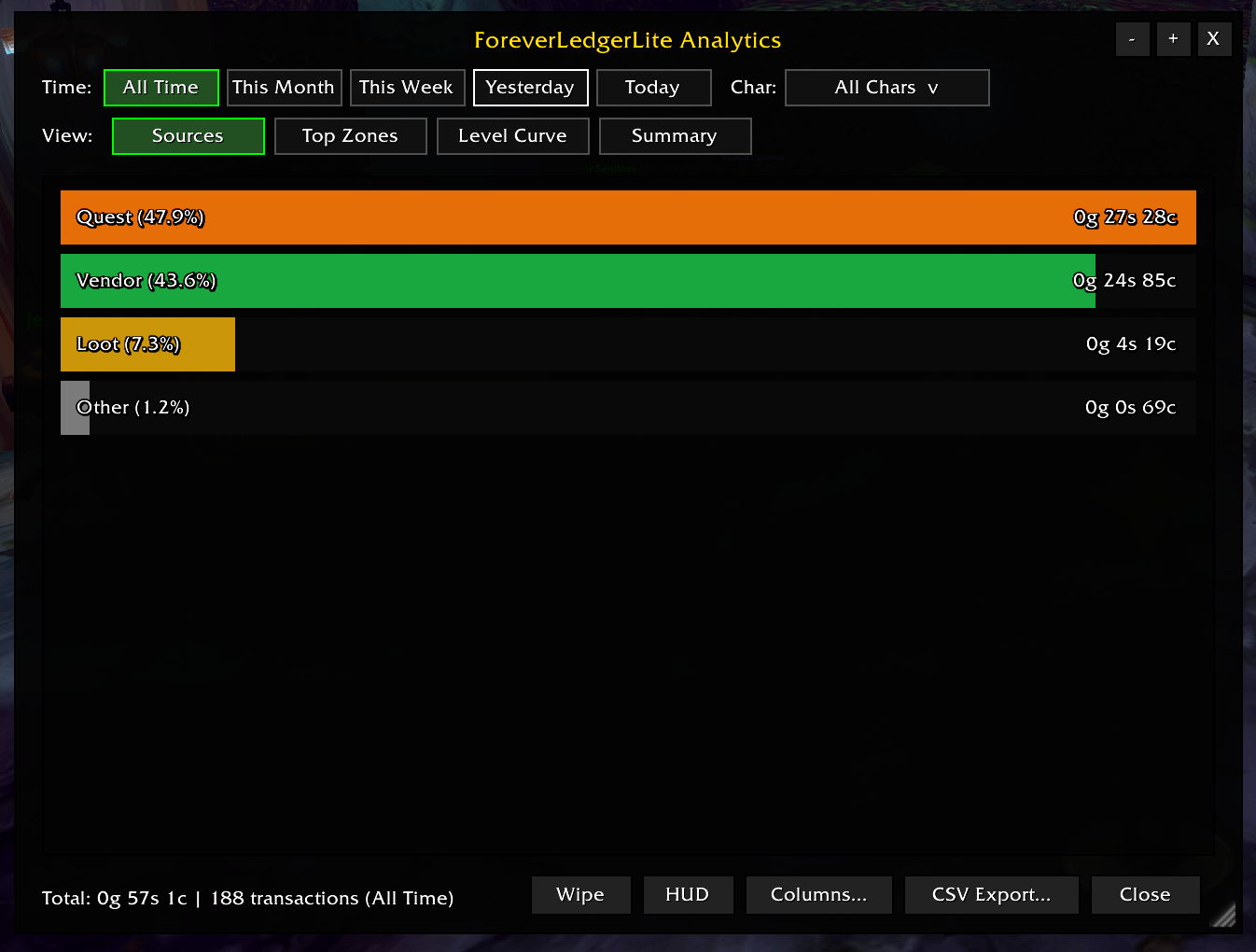
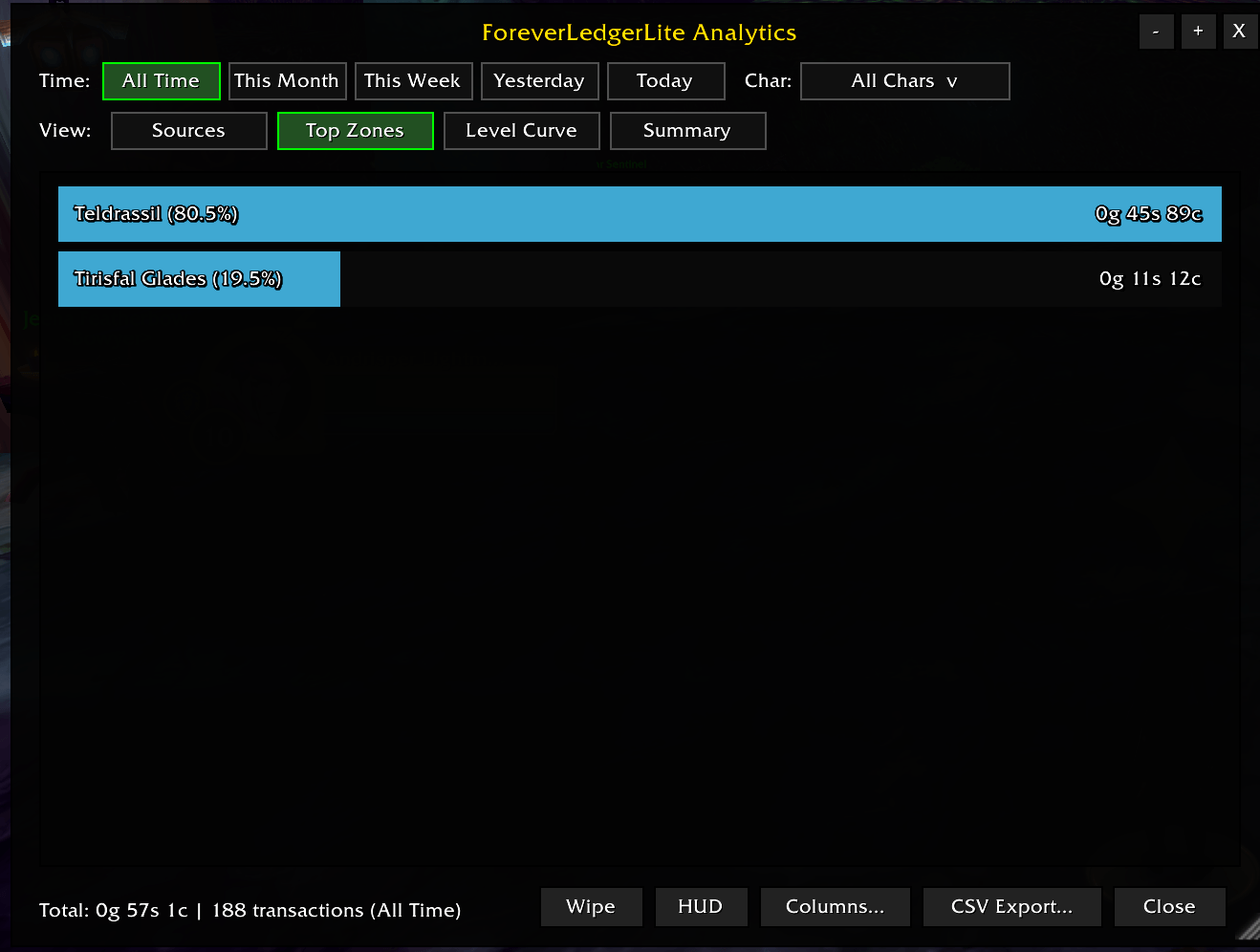
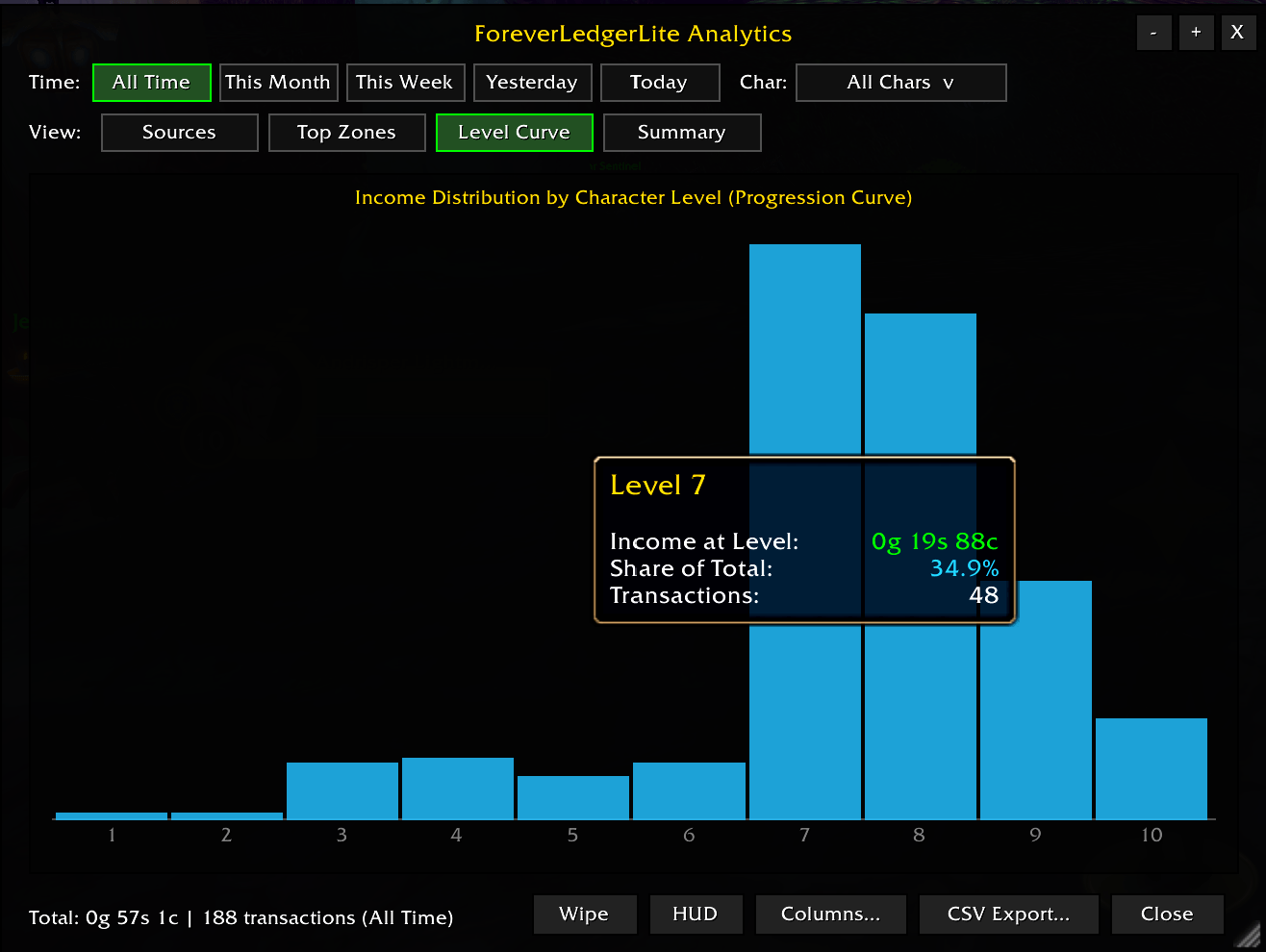
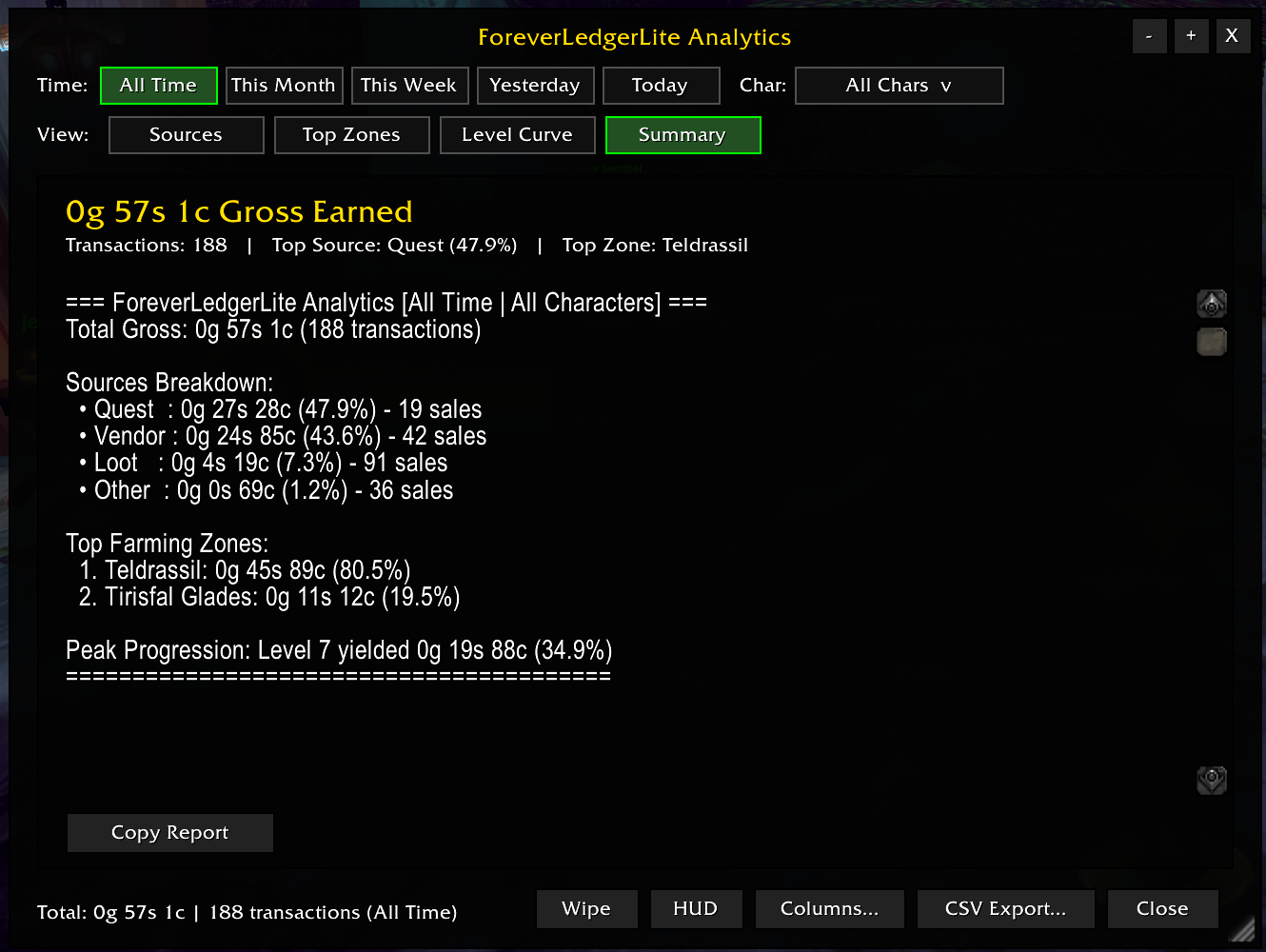
- Analytics Dashboard: Displays net profit, expense breakdowns, transaction logs, and gold-per-hour metrics with date and category filtering.
- Session HUD: Floating, movable on-screen frame tracking current play-session earnings, expenses, and net gain in real time.
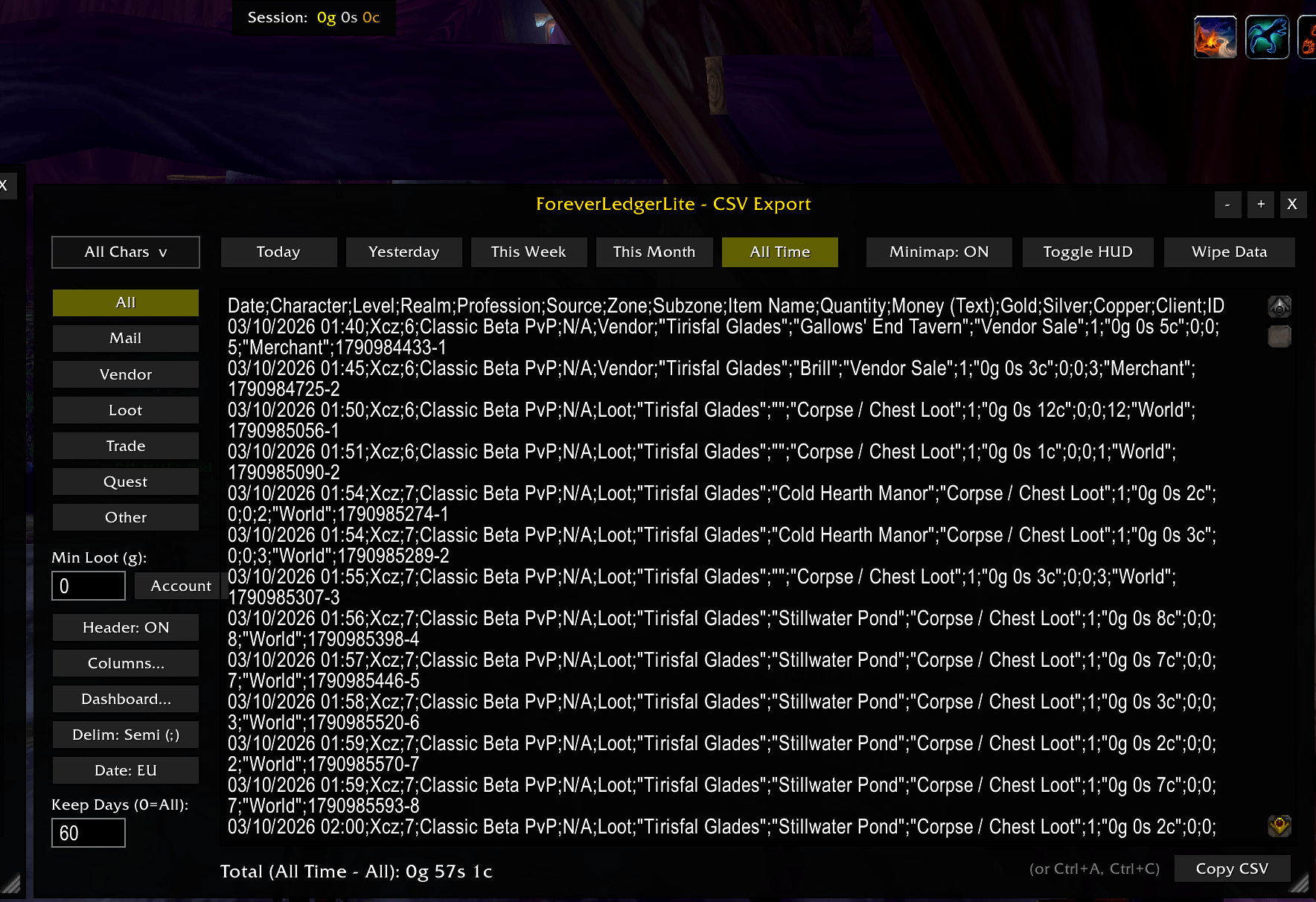
- CSV Data Export: Built-in export window generating formatted CSV text ready to copy-paste into Excel or Google Sheets.
- Column Customizer: Toggle which data fields are included in CSV exports (timestamps, item names, transaction types, source names, amounts).
- Top Sellers Query: In-game chat report identifying your top-grossing items.
- Minimap Shortcut: Quick access button (Left-Click: Dashboard, Right-Click: CSV Export, Drag: Reposition).
- Flat Dark UI: Styled with a minimal dark theme and 1px borders.
Slash Commands
Base command: /fll or /ll (also /foreverledgerlite, /foreverledger, /ledgerlite)
| Command | Action |
|---|---|
/fll | Toggle the Analytics & Reports Dashboard |
/fll csv | Toggle the CSV Data Export window |
/fll cols | Toggle the Export Column Customizer |
/fll hud | Toggle the Floating Session Tracker HUD |
/fll top | Print top 3 best-selling items (5g+) to chat |
/fll reset | Reset current session profit/loss counters |
/fll help | Display available command list |
Configuration & Usage
ForeverLedgerLite runs automatically in the background without initial setup. All incoming and outgoing gold events are recorded as they happen. Use /fll or the minimap icon to inspect your ledger or export records.
You must be logged in to leave a comment.