

ForeverDB
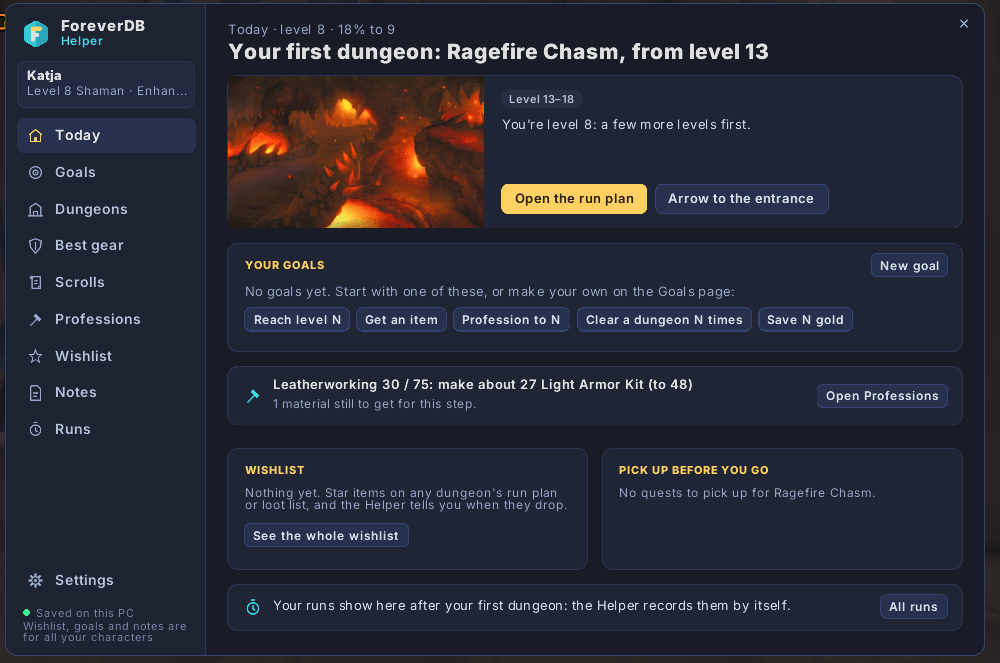
Quest helper, dungeon run plans, gear upgrades, a wishlist and goals in one window, with ForeverDB's datamined data for WoW Forever.
Details
Expansion
 Forever
 Developers

Having issues?
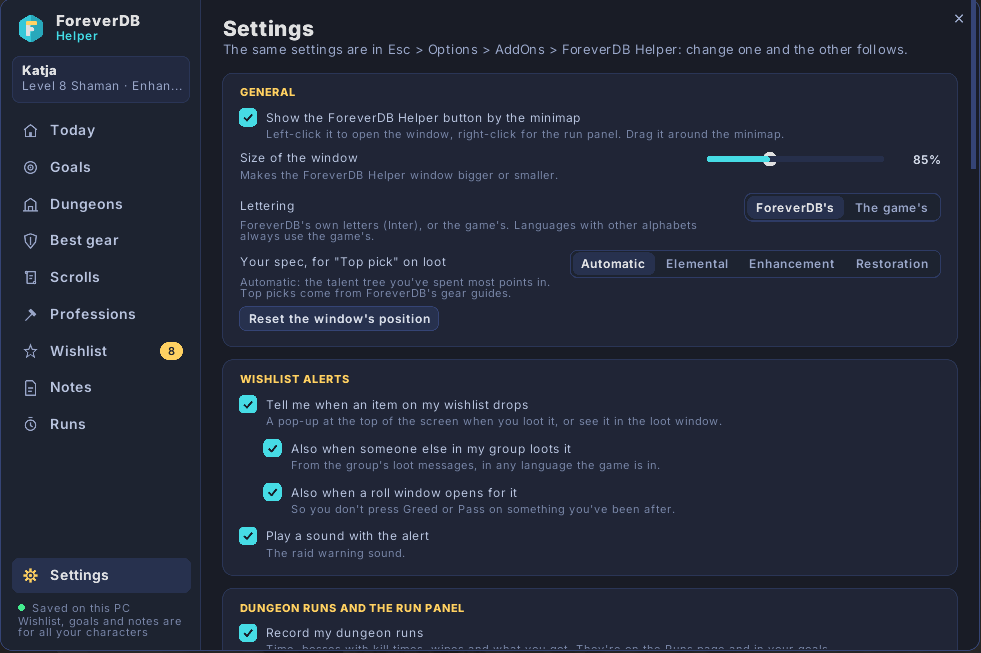
ForeverDB brings ForeverDB.net's World of Warcraft: Forever data into the game, in one window that works with Blizzard's interface, ElvUI, EllesmereUI, Bartender4 or Dominos.
What it does
- Quest helper: quest pins on the map and minimap, a waypoint arrow, a quest tracker, and the best quest reward picked for your spec.
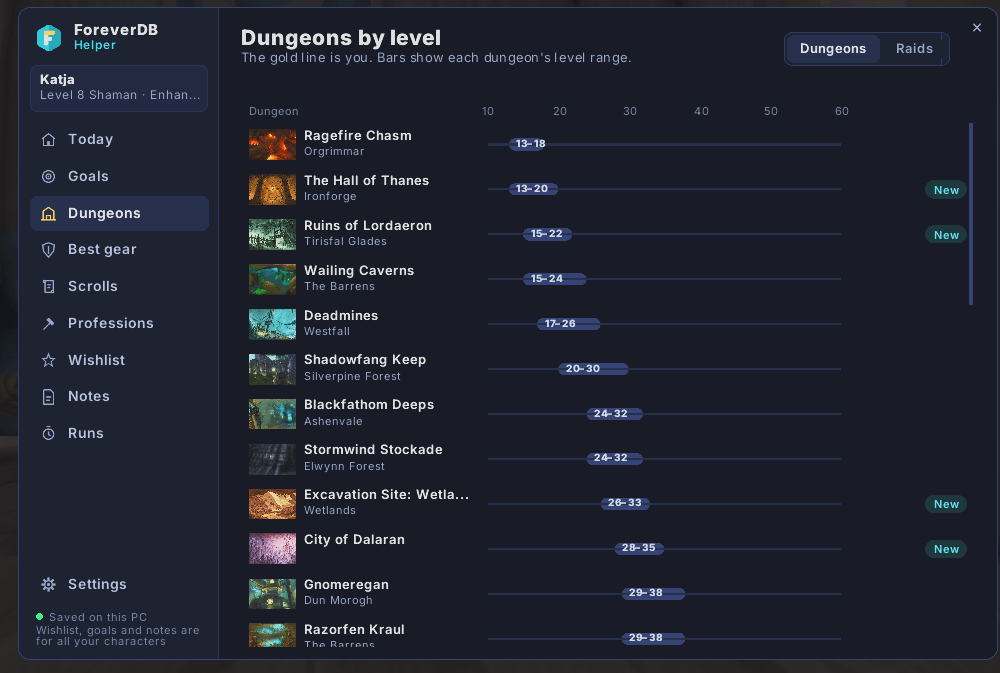
- Dungeon run plans: every dungeon and raid boss in order, abilities with timings, tips for your role, and the loot that's an upgrade for you.
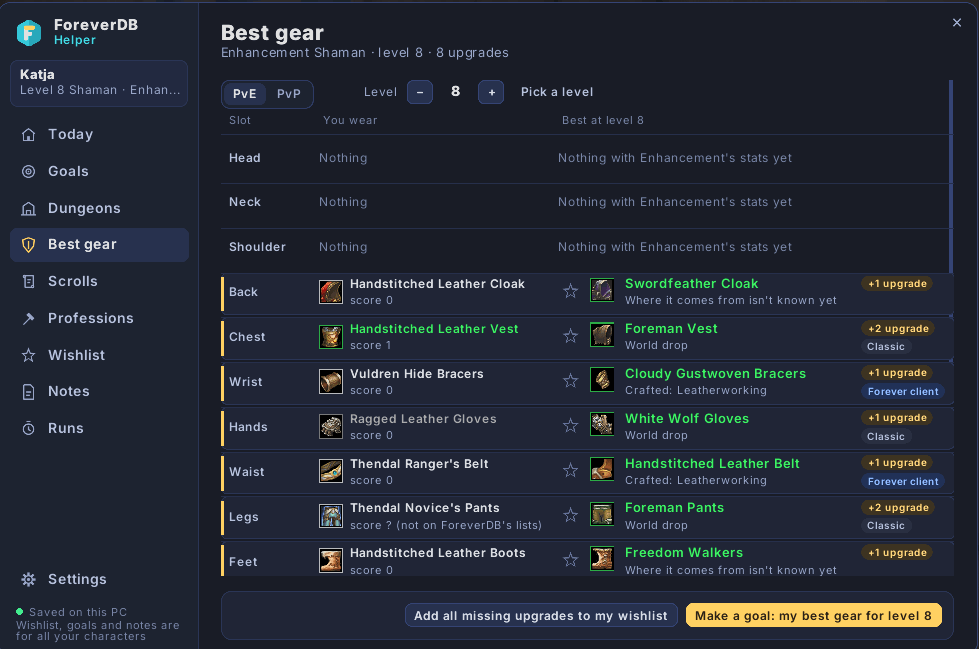
- Gear upgrades on tooltips, and your best gear for any level, PvE or PvP.
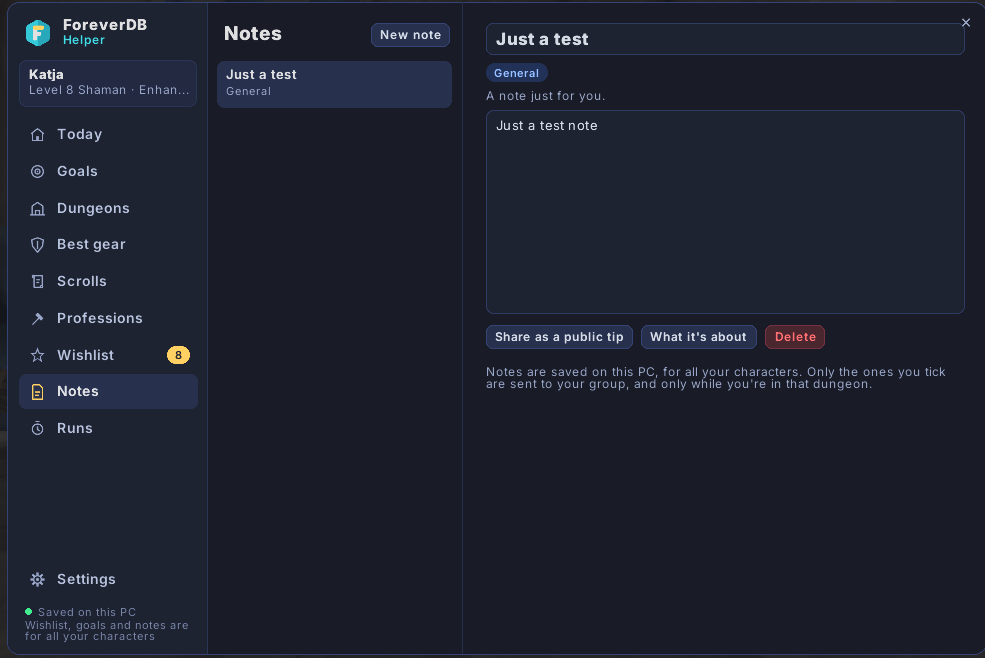
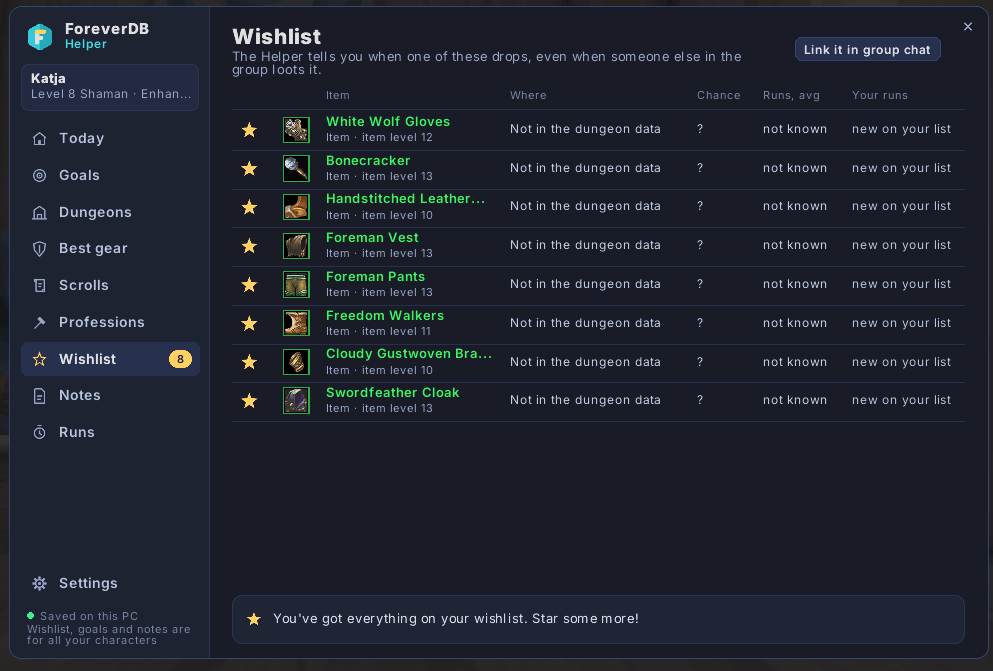
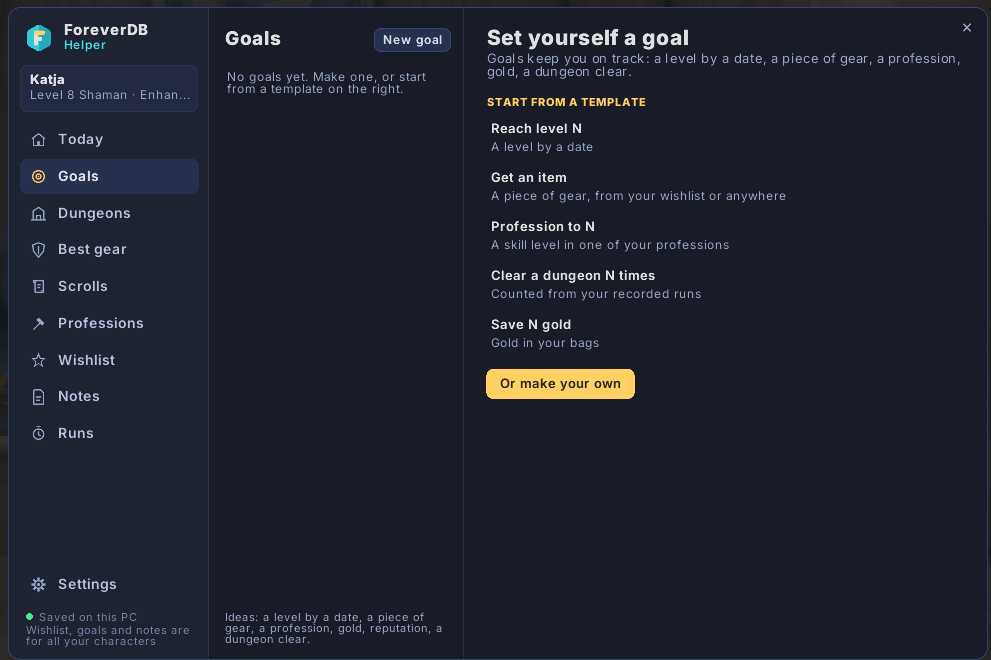
- Wishlist, goals and notes: it tells you when a wishlist item drops, and goal tasks tick themselves.
- Timed runs with your best time per dungeon, and notes your group can see.
- Rotation assistant that lights up your next spell and its key.
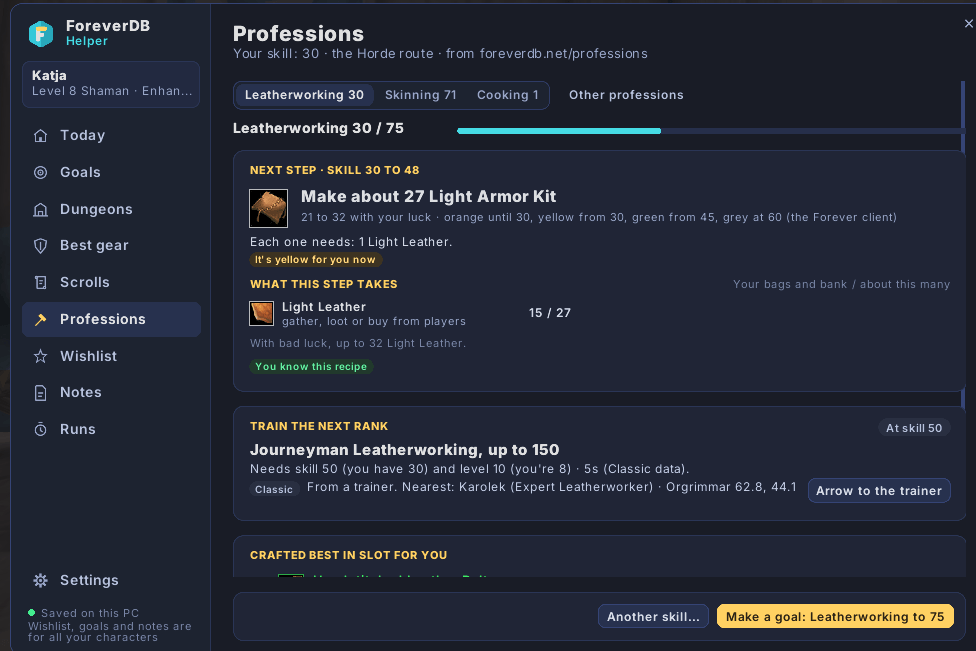
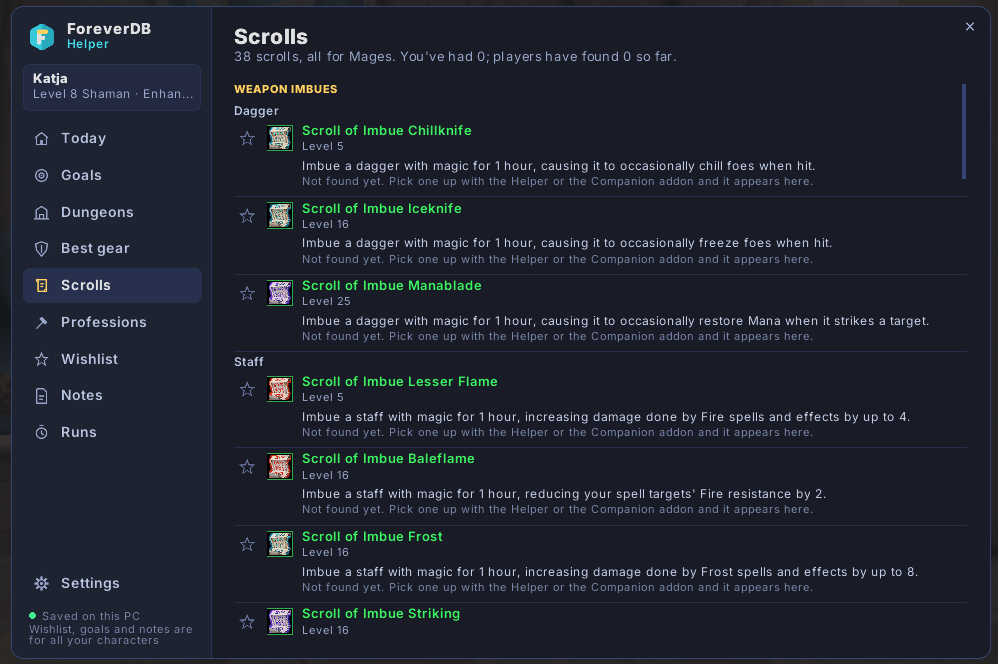
- Vendor, trainer and profession helpers, plus camping and consumables for your level.
- Gold-spam and bot check that opens Blizzard's own report window.
Every feature has a page in the window and in Blizzard's Options. Slash commands (/fdb) are only shortcuts.
Where the data comes from
- The WoW Forever beta client's own files (datamined), marked "Forever".
- What players saw in game ("Seen in Forever").
- Classic quest data from CMaNGOS classic-db (GPL-3.0), labelled as Classic.
Your data and privacy
The addon saves what it sees (quests offered, loot, vendors) in your SavedVariables file on your PC. Sending it to ForeverDB.net is optional, and you choose how: the free ForeverDB Uploader app, the website's upload page, or a copy-paste code. Other players' names are never uploaded. In dungeons and raids it can switch on Advanced Combat Logging, so you can upload your own fight logs if you want.
Credits and licence
GPL-3.0. Quest data from CMaNGOS classic-db (GPL-3.0). Inter font (SIL Open Font License).
More at foreverdb.net: the WoW Forever database, guides and tools.
You must be logged in to leave a comment.