

Forever Simple Visibility
One page of graphics, camera and nameplate settings tuned to see the world and other players as clearly as possible, with your originals kept to restore.
Details
Addon ID:
27809
Addon Version:
0.4.6
Expansion:
1.60
Upload date:
Oct 06, 2026
Last Updated:
Oct 06, 2026
Downloads:
Less than 100
Website:
Source Link
Expansion
 Forever
 Categories
Developers

tarolg
Creator
Having issues?
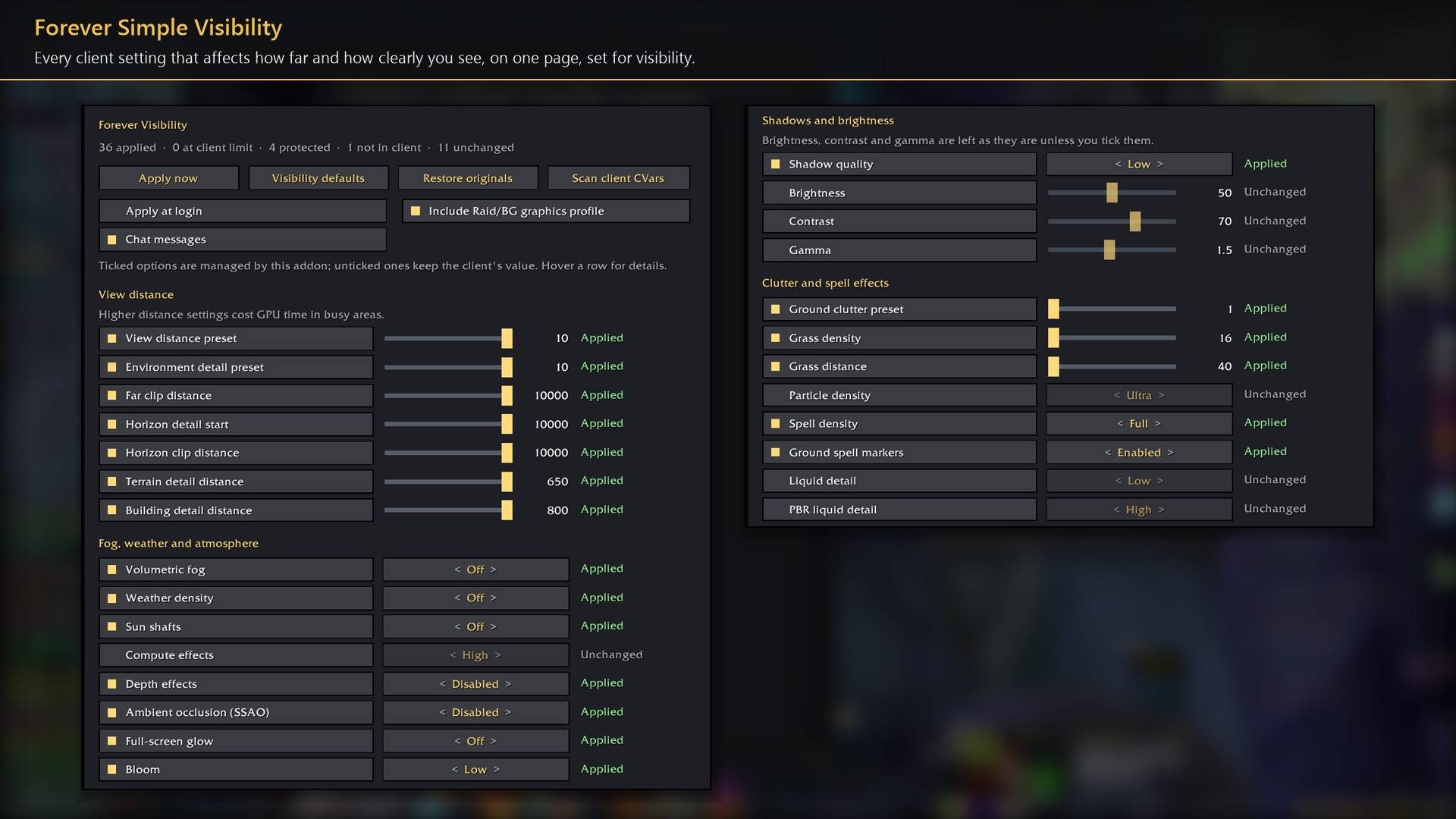
Forever Simple Visibility puts every client setting that decides how clearly you see the world, other players and yourself, and how pretty the game looks, on one page in World of Warcraft: Forever. In game it is listed as Forever Visibility.
- Five presets, from Max visibility to Max graphics (Free only, Balanced and Scenic between). Picking one sets every row; change any row afterwards and the summary says "adjusted". A fresh install starts at Max visibility.
- Compare switches between your settings and maximum visibility, keeping both.
- Looks against visibility. Every setting that trades looks for visibility shows three ratings: how much prettier it makes the game, what it costs in visibility, and how hard it works the GPU, grouped from no cost to large cost.
- Always at maximum visibility. View distance and horizon, objects and textures, spell effects, outlines, nameplates and camera stay at their clearest in every preset.
- Your picture is yours. Brightness, contrast and gamma are never touched by a preset; Suggested and Blizzard default set all three at once.
- Status on every heading shows what applied, what the client protects, and what is not in this client. Restore originals puts back every value from before the addon changed it. Raid and battleground graphics profiles are covered too.
Settings the client protects are never forced. Everything is in Options → AddOns → Forever Visibility (or /fvis), under headings that open and close, with dropdown lists for settings with many choices.
Works better with
These addons are optional. Install any of them alongside this one for more:
- Forever Simple Settings:
/fvisopens these options in its big, resizable window, even in combat, instead of the game's small Options window.
You must be logged in to leave a comment.