
Forever Simple DR
Diminishing returns on enemy players, shown on your target and on enemy nameplates: stage, stacks and time to reset.
Details
Expansion
 Forever
 Categories
Developers

Having issues?
Forever Simple DR shows diminishing returns on enemy players in World of Warcraft: Forever, on your target (a movable display) and on enemy nameplates. In game it is listed as Forever DR.
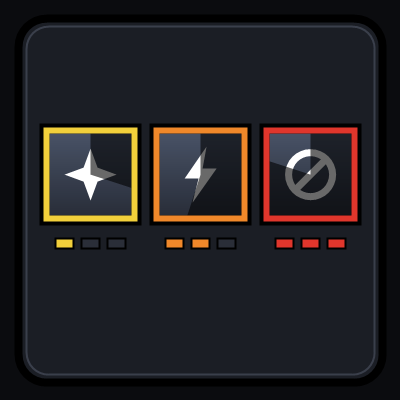
Each icon is one crowd-control category:
- Border colour = stage. Yellow: the next CC in this category lasts 50%. Orange: 25%. Red: immune.
- Stacks as pips, a count, or the next duration (50% / 25% / IMM).
- Icon of the last CC used in that category, or a fixed category icon.
- Timer until the category resets, with an optional countdown swipe.
Hover the target display's icons for details: applications, time to reset, the last spell and what evidence it came from.
How it tracks on Forever. Addons get no combat log on Forever, and enemy casts and auras are often hidden. Forever DR combines what the game does show: Blizzard's own DR updates, readable CC auras on your target, focus and nameplates, your and your pet's casts, group members' casts when readable, and immune/resist feedback. Anything unconfirmed or estimated is drawn grey, never as certain. Enemies are tracked only while you can see them as target, focus or nameplate.
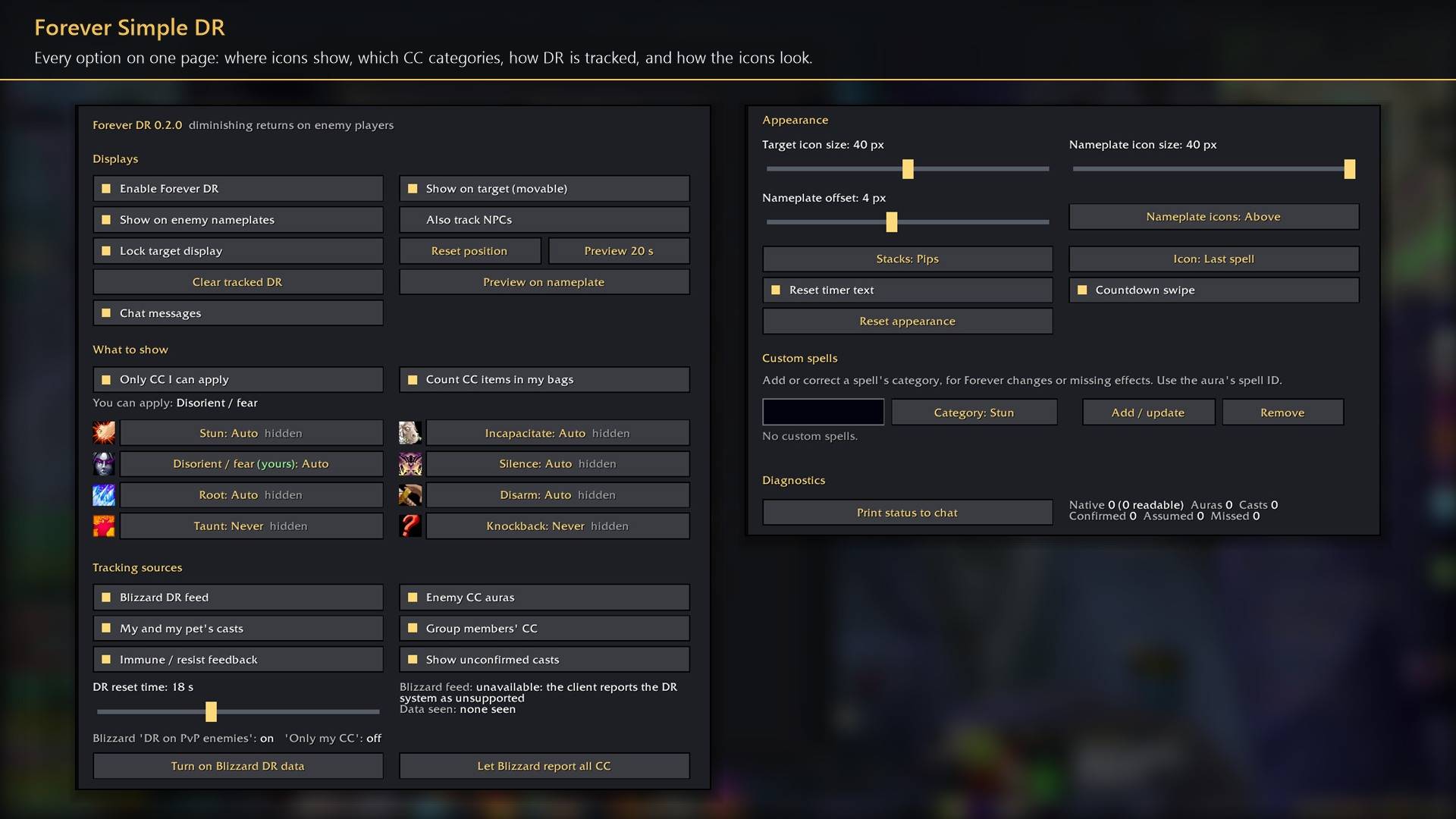
By default it shows only the categories your own spells, pet or items can cause; each category can be set to Auto, Always or Never, and you can add or correct spell IDs. Every setting is in Options → AddOns → Forever DR (or /fdr), including a 20-second preview for placing the icons.
Works better with
These addons are optional. Install any of them alongside this one for more:
- Forever Simple Settings:
/fdropens these options in its big, resizable window, even in combat, instead of the game's small Options window.
You must be logged in to leave a comment.