
Font Manager
Use custom fonts for your UI, combat text, tooltips names and chat.
Details
Addon ID:
25412
Addon Version:
1.1.1
Expansion:
1.60
Upload date:
Oct 06, 2026
Last Updated:
Oct 06, 2026
Downloads:
Less than 100
Website:
Source Link
Expansion
 Forever
 Categories
Developers

Elva7
Creator
Having issues?
Font Manager
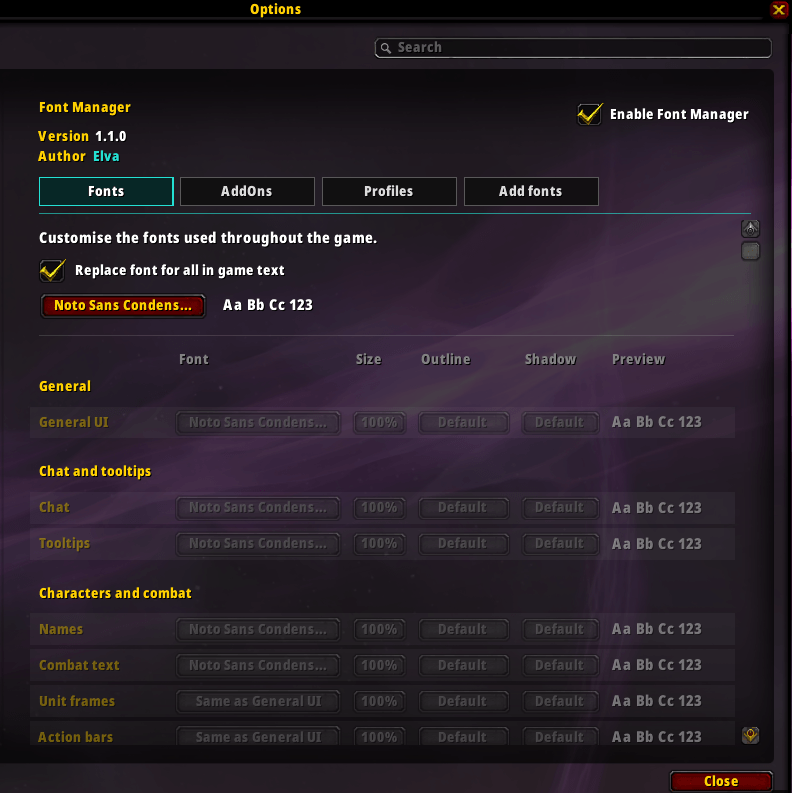
Customise the fonts used throughout World of Warcraft.
Choose different fonts for your UI, names, combat text, tooltips, chat and more.
Type /fm or /fontmanager to open the settings.
Features
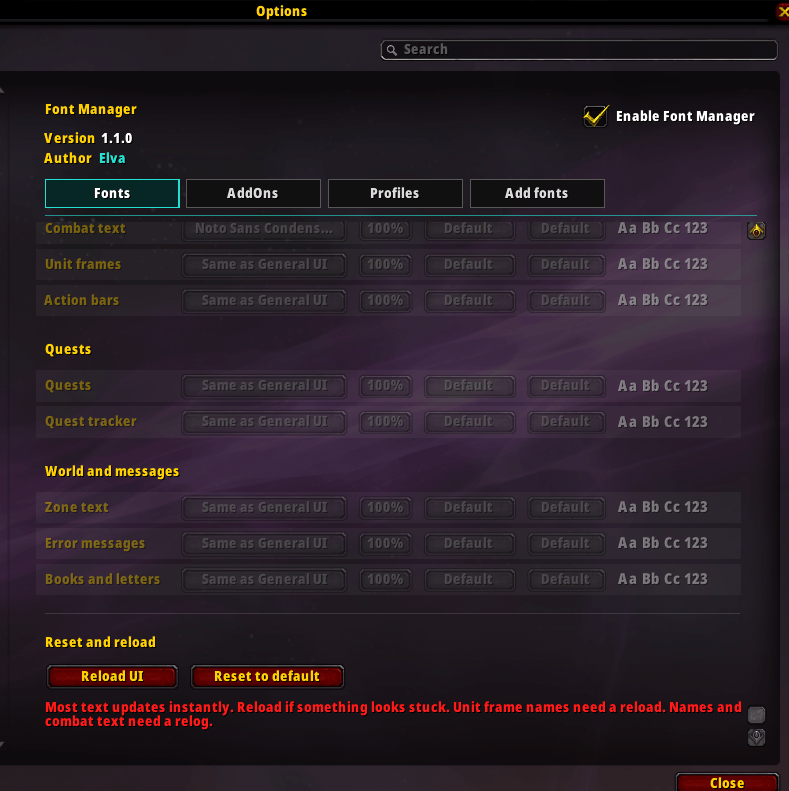
- Custom fonts for 12 different text types
- Use one font for everything, or mix and match different fonts for each text type
- Font size, outline and shadow options
- Search for fonts quickly
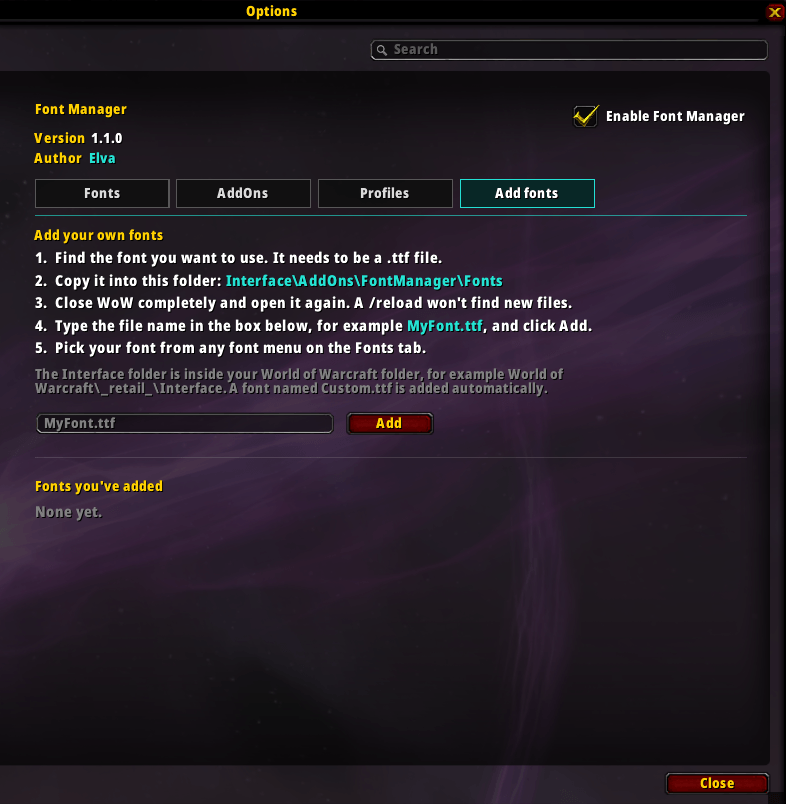
- Add your own
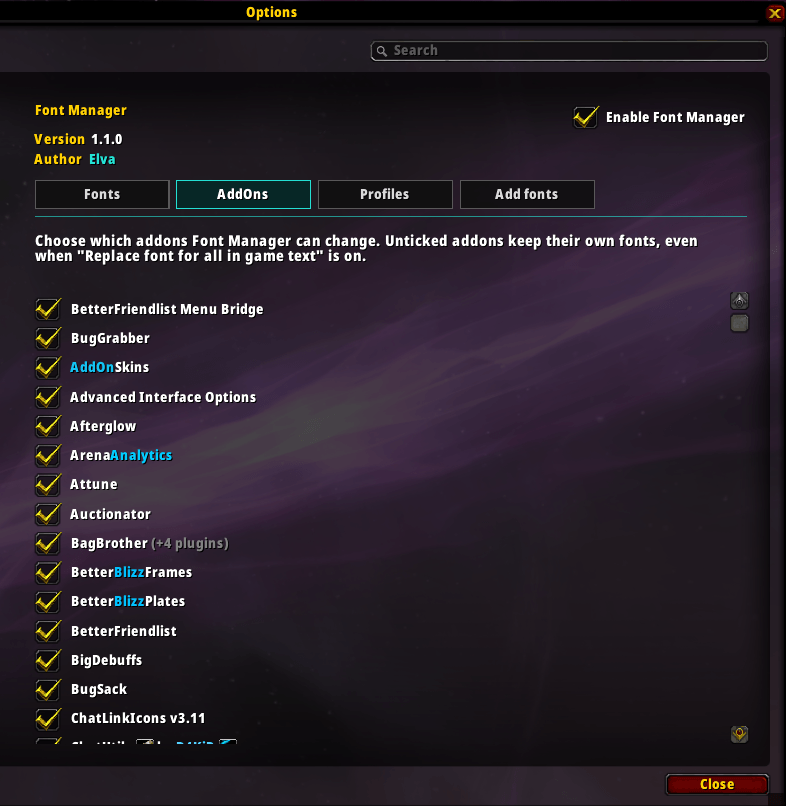
.ttffonts - Choose which addons Font Manager changes, so you can control exactly where your fonts are applied
- LibSharedMedia support
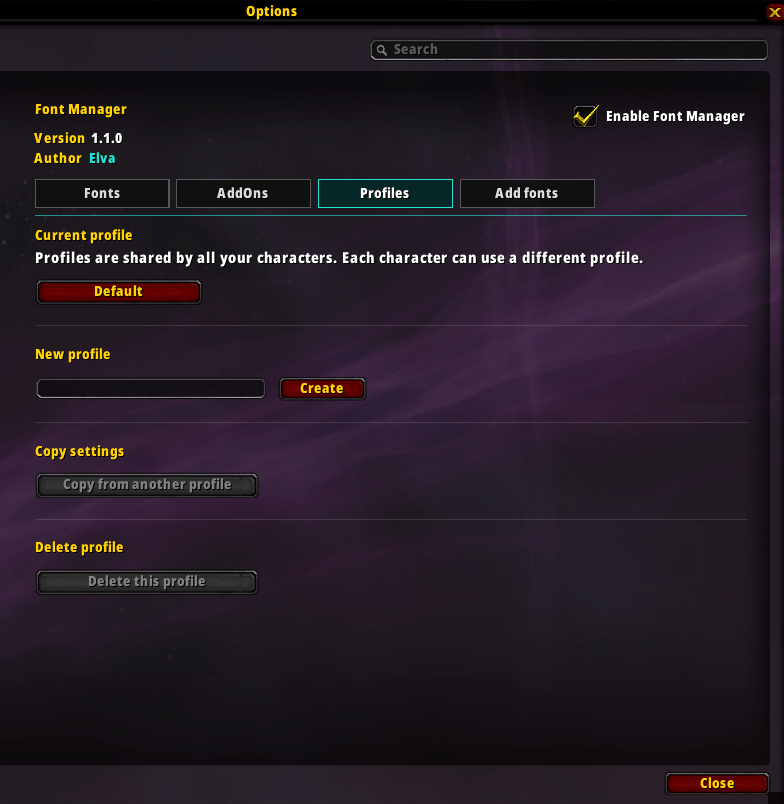
- Profiles shared across characters
- 5 included fonts
- Lightweight
Included Fonts
- Bebas Neue
- Noto Sans
- Noto Sans Condensed Black
- Oswald
- Roboto
Add Your Own Fonts
- Place your
.ttffiles inInterfaceAddOnsFontManagerFonts - Restart the game
- Open
/fmand go to Add Fonts - Enter the font file name
Notes
Some fonts used by addons may display icons or symbols incorrectly when Replace font for all in-game text is enabled. If this happens, disable that addon in the AddOns tab or set its font separately.
Some font changes require a /reload or relog to take effect.
You must be logged in to leave a comment.