

EasyMarksForever
Double click mobs or portrait for easy target marking. Ctrl+double click anywhere to drop world markers.
Details
Expansion
 Forever
 Categories
Developers

Having issues?
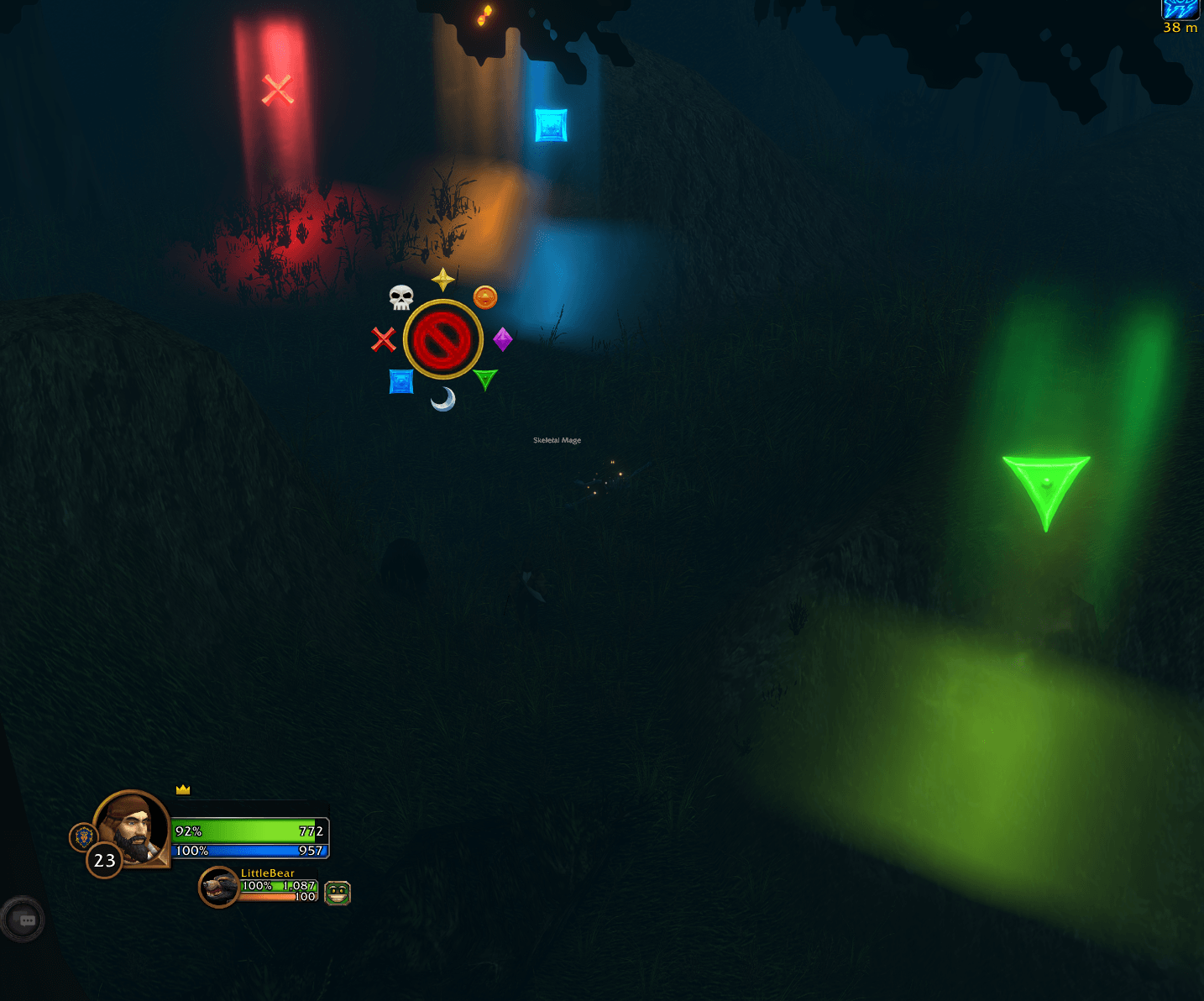
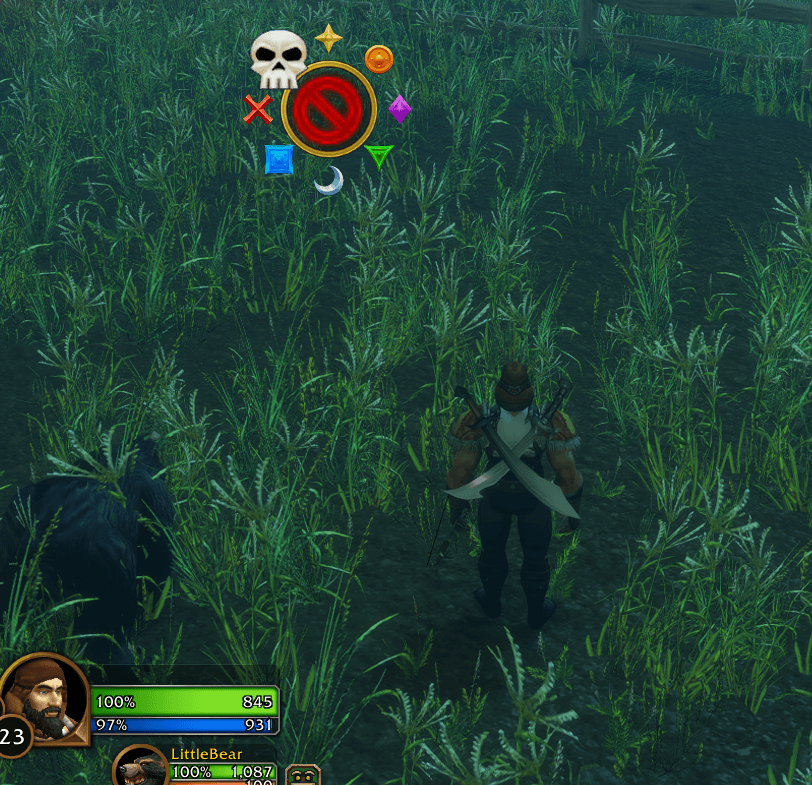
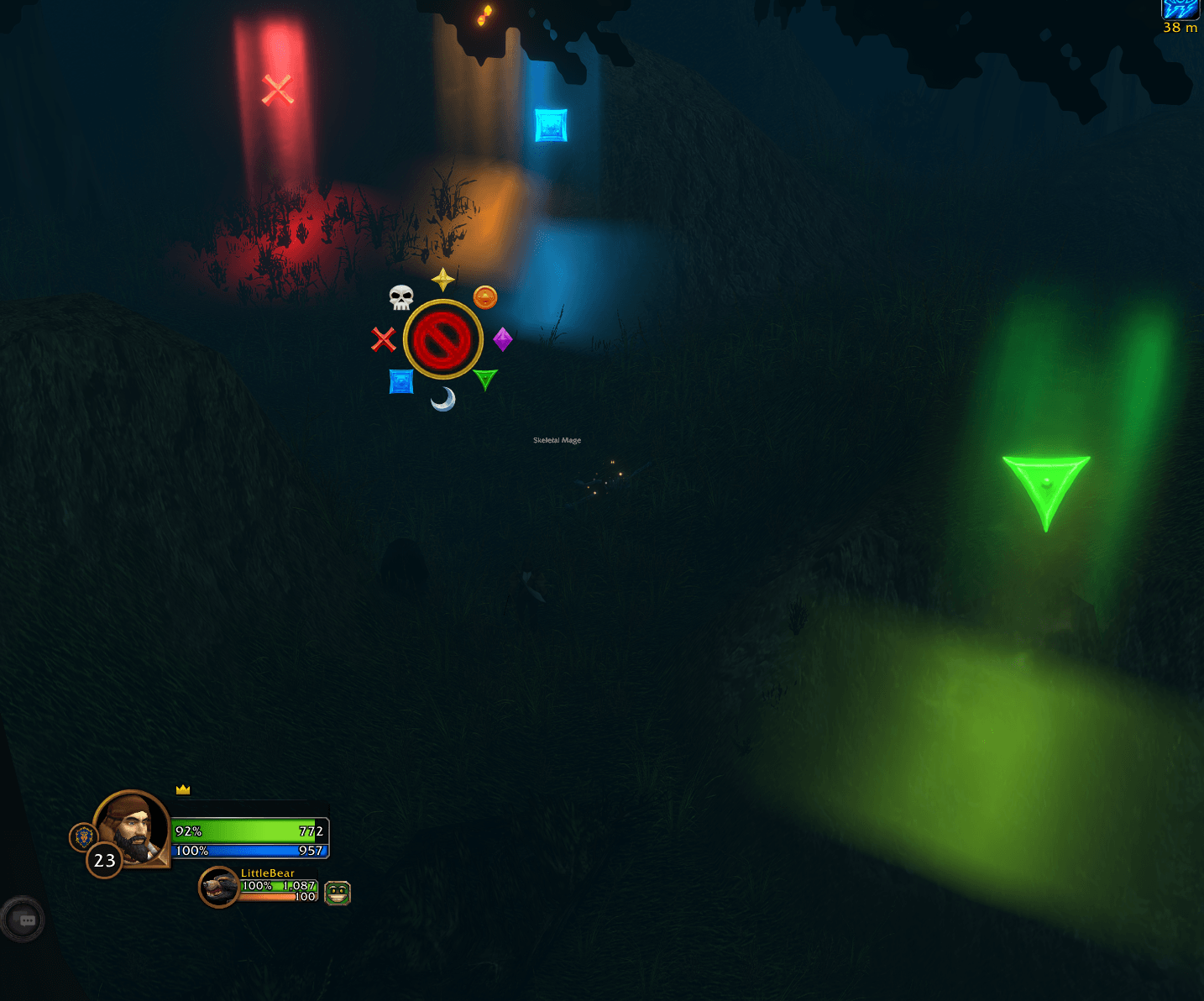
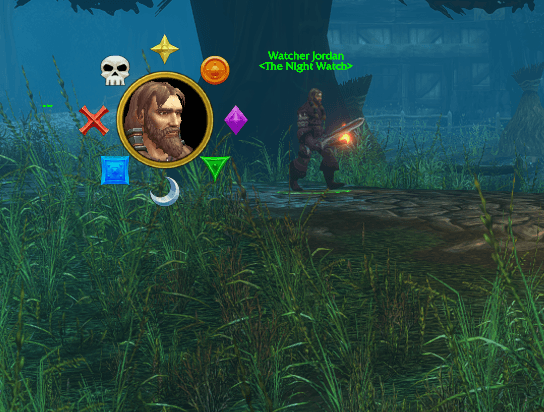
EasyMarks Forever makes marking quick and easy with a clean radial wheel, all eight raid icons, and smooth hover enlargement.
Raid target markers
Outside combat, double-left-click a mob’s model, nameplate, or unit frame to open the wheel. Click an icon to mark it, click the center portrait to remove its marker, or right-click to close.
During combat, double-click the default target portrait or use a wheel keybinding. The combat wheel marks your current target when you select an icon.
World markers
Outside combat, hold Ctrl and double-left-click anywhere in the world to open the ground-marker wheel. Select an icon, then click the ground with the placement reticle. The center X clears all world markers.
World markers require a party or raid and the appropriate marking permissions.
Combat keybindings
Under Options → Keybindings → EasyMarks Forever, assign bindings to:
Toggle the raid-marker wheel for your current target.
Target the mob under your mouse and open the wheel.
Toggle the world-marker wheel.
No keys are assigned automatically. Model/nameplate double-click and Ctrl+double-click world opening work outside combat; use the bindings during combat.
Useful commands
/emf— Toggle the target-marker wheel./emf world— Toggle the world-marker wheel./emf hide— Close the wheels./emf scale 1.2— Adjust wheel size; range 0.6–1.8./emf speed 0.35— Adjust the double-click interval; range 0.15–0.8 seconds./emf onor/emf off— Enable or disable./emf reset— Reset addon settings./emf help— Show instructions./emf status— Show diagnostic information.
Change settings and use the wheel-opening commands outside combat.
You must be logged in to leave a comment.