
DBM – AlertCustomizer
Tweak with the announcements, and special announcements in (Color, Msg, Sounds).
Details
Expansion
 Forever
 Categories
Developers

Having issues?
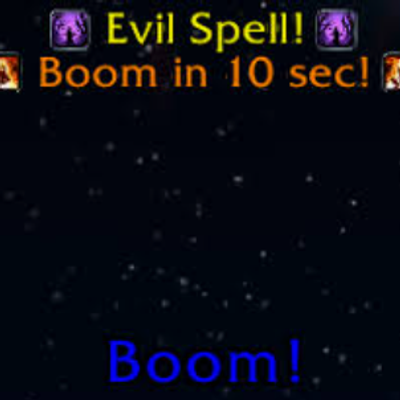
Switch any announcement type to special announcement of any style that you like, or switch special announcement to normal announcement.
The way it works is that you could choose for any ability to switch it from normal announcement to special announcement which will make the text bigger, not only that but you can choose from any special announcement style that you like (This will follow DBM's special announcement options) - thus making it not only bigger, but can choose any flash type that you like.
Now with this mod DBM is actually pretty much 100% customizable, for the people who keep saying that they like BigWigs cause its customizable. I feel now with this DBM is more so customizable than BigWigs 😛
_______________________________________________________________________________________________________
Tweak with the announcements, and special announcements in (Color, Msg, Sounds).
This mod was created for myself because I wanted to tweak with the announcement colors as I wish, with that in mind this plugin-addon was born.
Disclaimer: THIS MOD/plugin DOES NOTHING WITHOUT DBM addon.
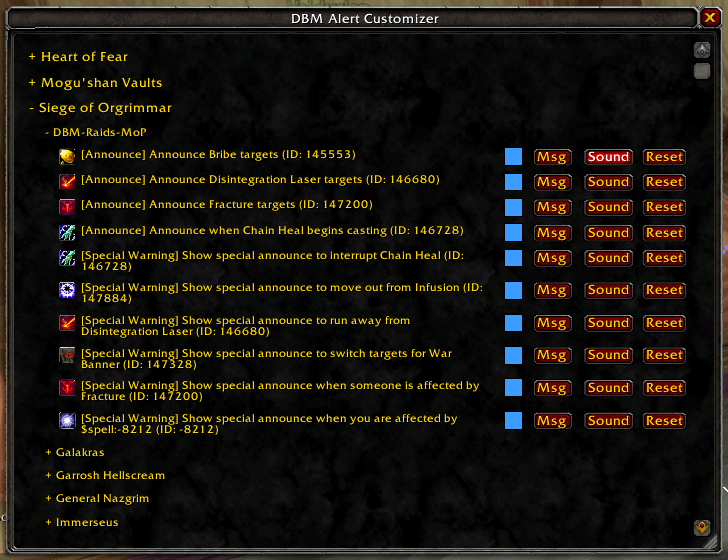
The way it works is very simple, write /dbmcolor or /dbmalert or /dbmalerts --- All does the same thing, a GUI will open up.
Make sure to load the boss mod from DBM, otherwise the list will be empty. To do this you either go into the dungeon/instance or near a world boss, OR for ease just open up /dbm and go to Raids/Dungeon tabs (whichever you want to modify) then click the raid-dungeon area you wish you tweak.
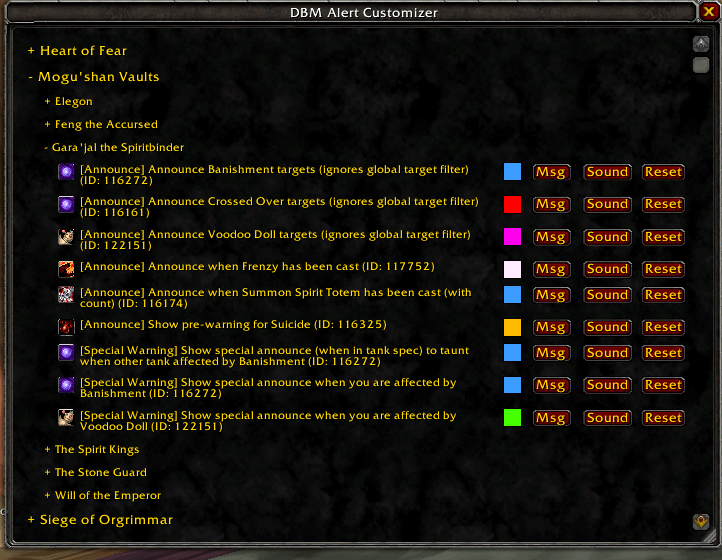
Once boss mod is loaded and DBM-AlertCustomizer GUI is opened, just expand any raid that you want to modify its alerts, go to the boss. Check for which ability you want, you'd see there a list of abilities either for everyone, or near you, or abilities ON YOU.
Next is kind of self-explanatory. You will see next to each ability a box to change its COLOR, a box to change its MSG, another box to change its sound. Please note that if you wish you keep the default DBM sound + add your sound, both can work together. Otherwise you can DISABLE DBM Soundfile and just keep whatever you choose, you can also choose to play anything as a Text-to-speak, all of this is done inside of the Sound box menu.
You must be logged in to leave a comment.