

Darken
One slider darkens the whole Classic interface, with bar textures, colours, fonts and bar text on top.
Details
Expansion
 Forever
 Categories
Developers

Having issues?
Darken makes the Classic interface dark - every window, at a strength you choose - and hands you the parts Blizzard leaves alone: the texture and colour of the health and power bars, the font of the whole interface, and the numbers written on those bars.
It builds no unit frames of its own. The game's frames stay; they get darkened, retextured and relettered. Everything it changes can be put back from the same place it was changed - the first entry in every list is the game's own look.
It needs no library pack. Everything the addon uses ships with it.
The darkening
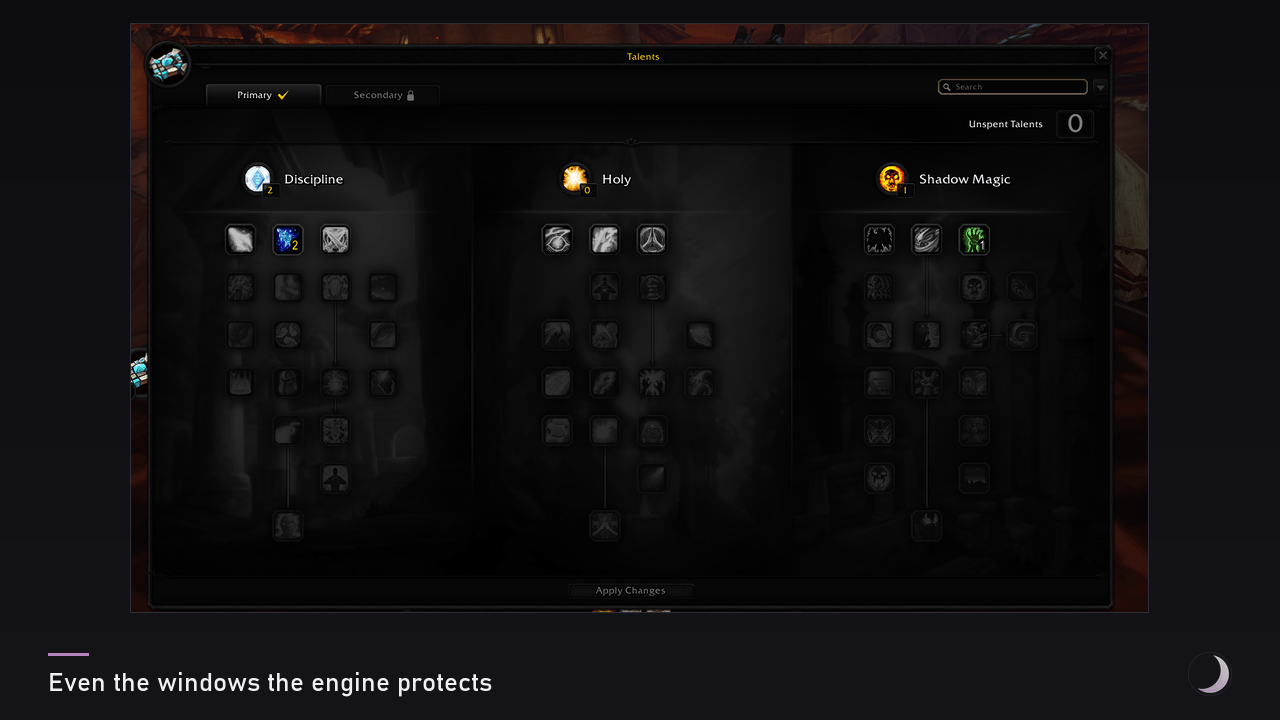
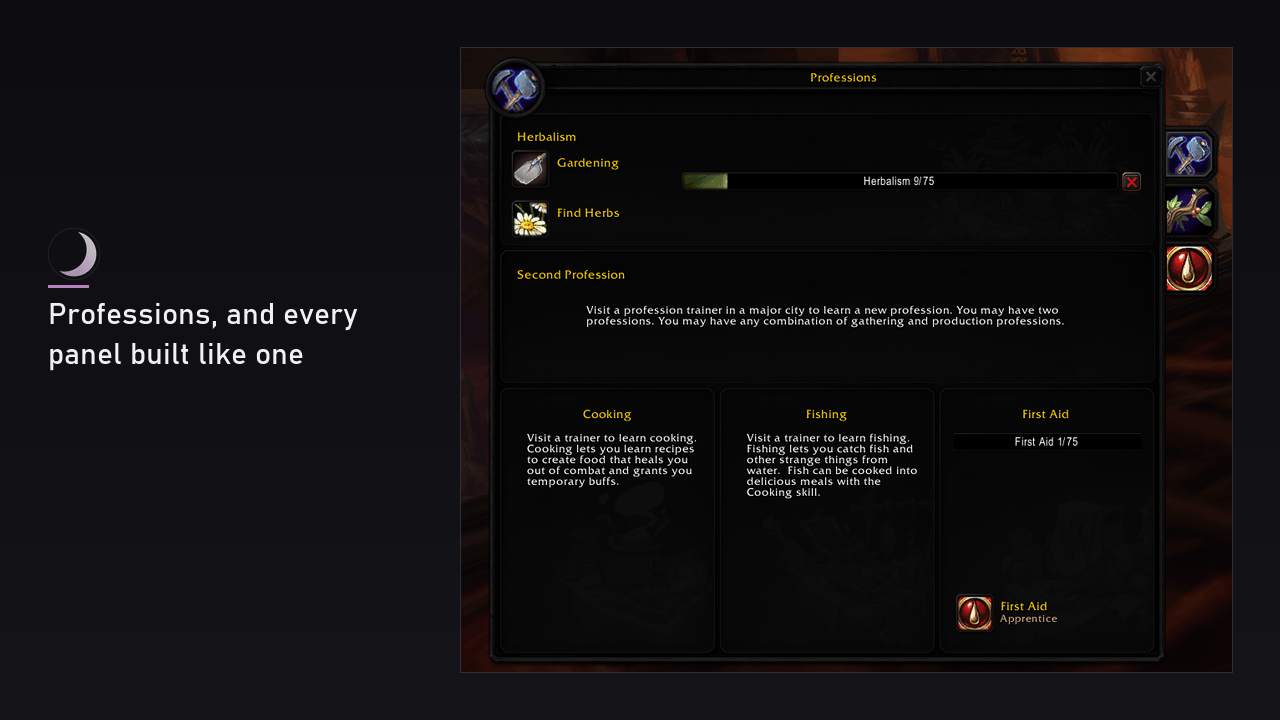
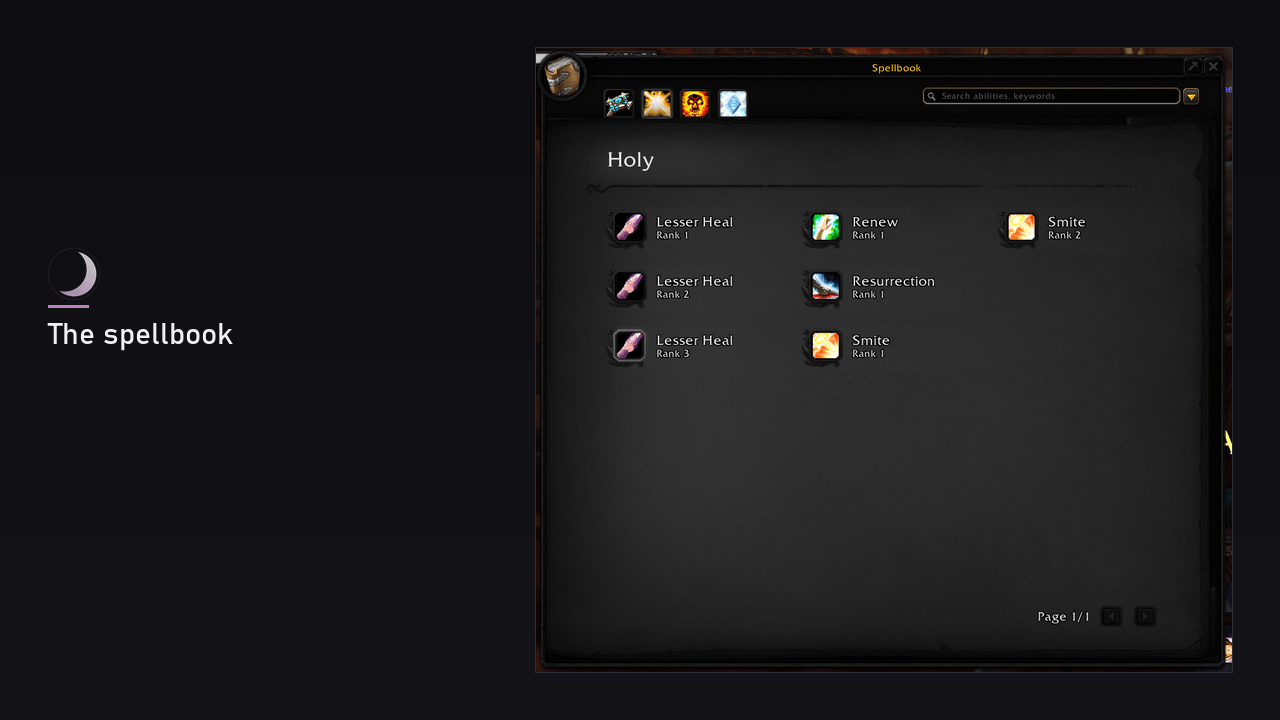
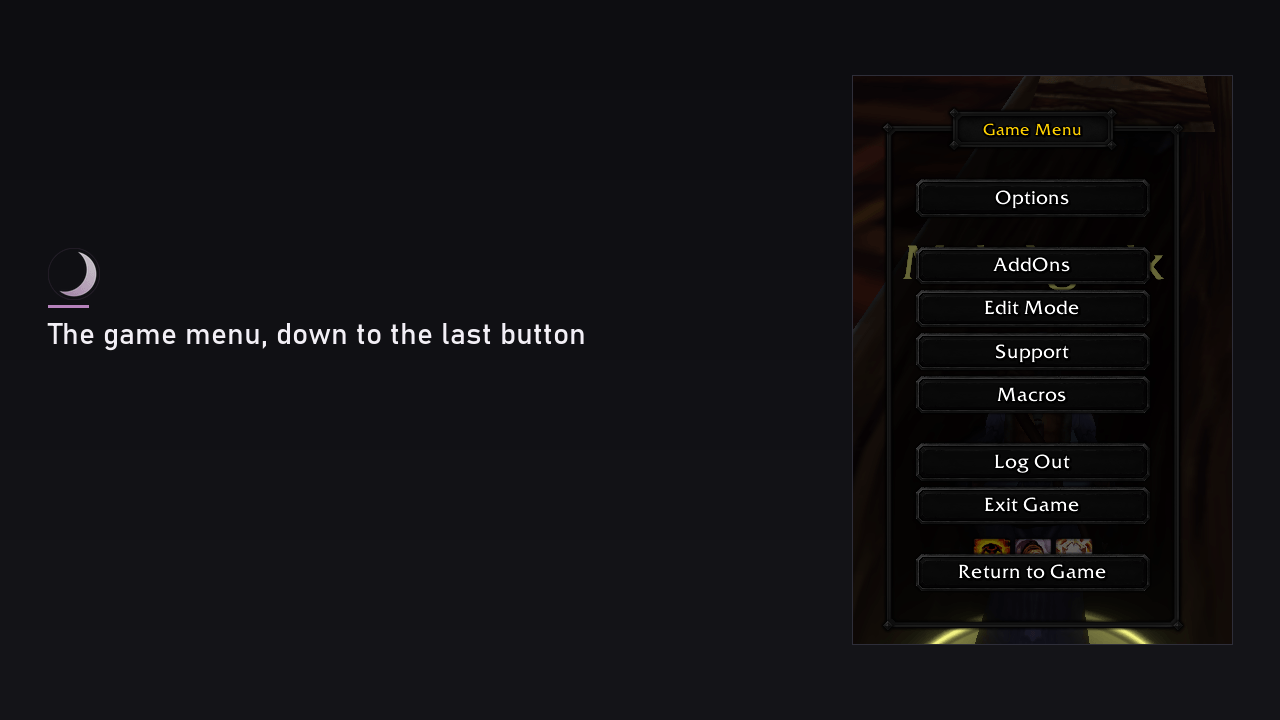
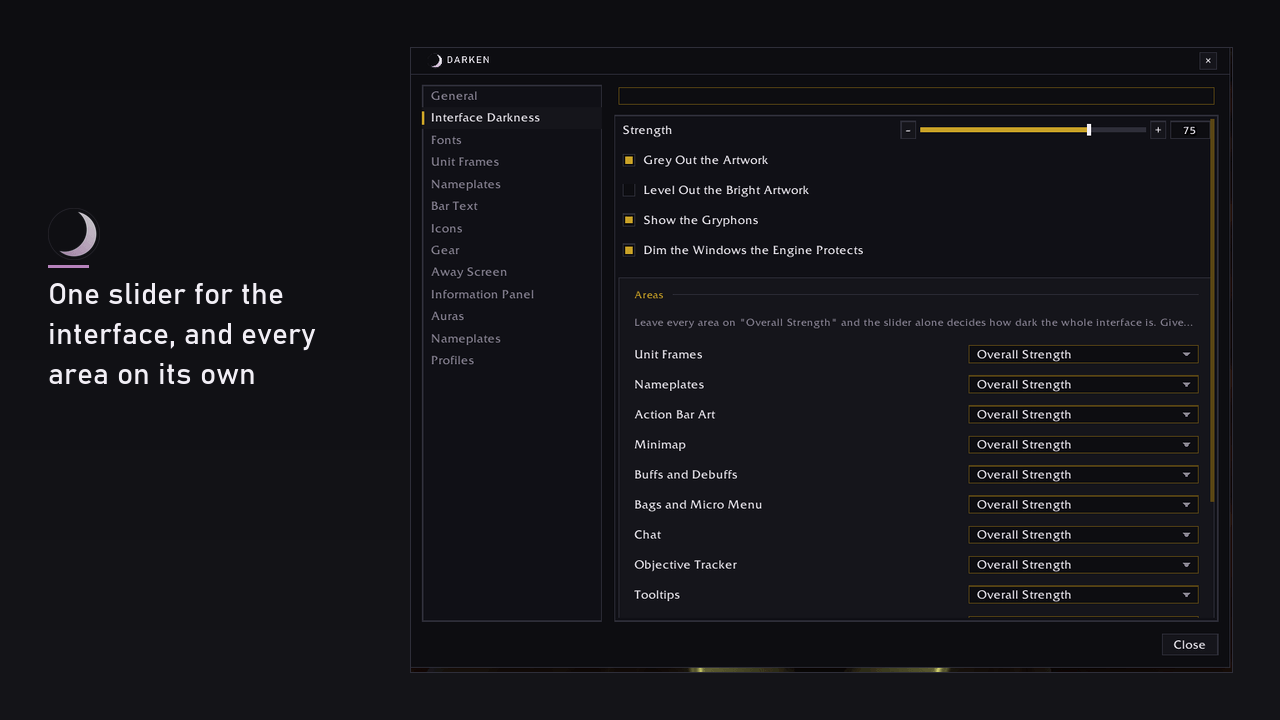
- One slider for the whole interface, and a tint to colour it. The pass starts at the interface's root and takes every window it can name, including the ones nobody remembers.
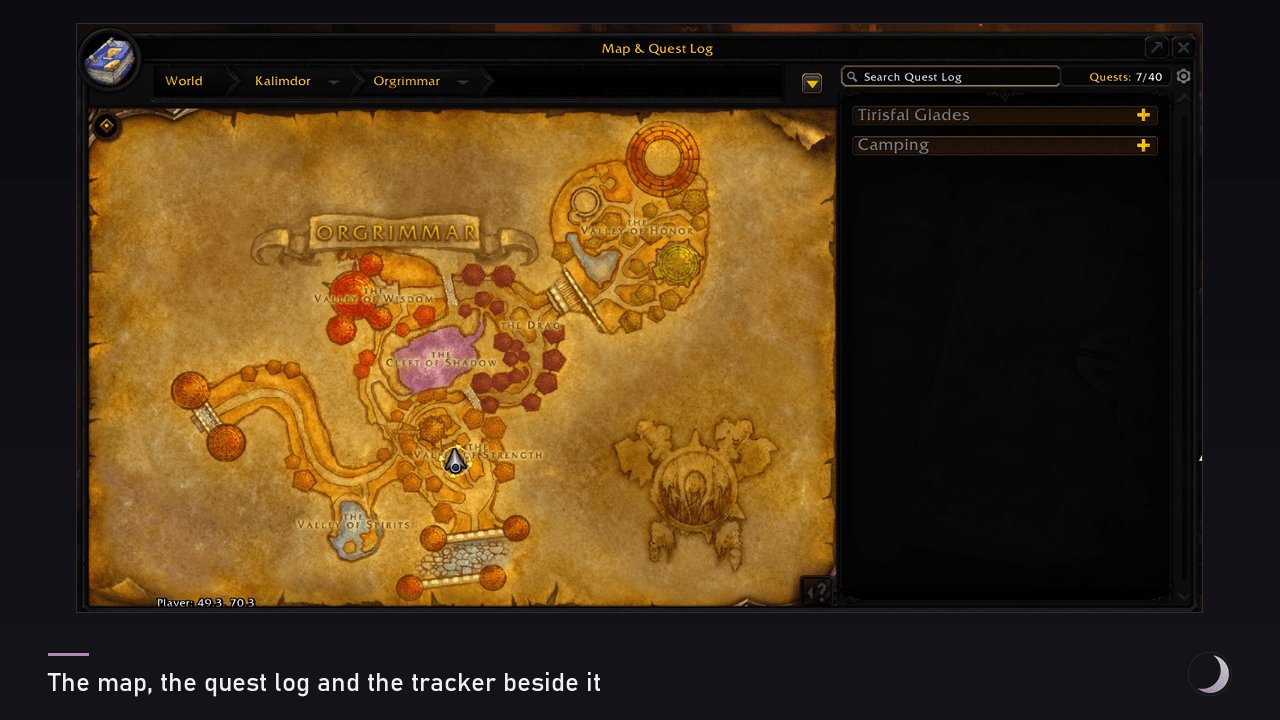
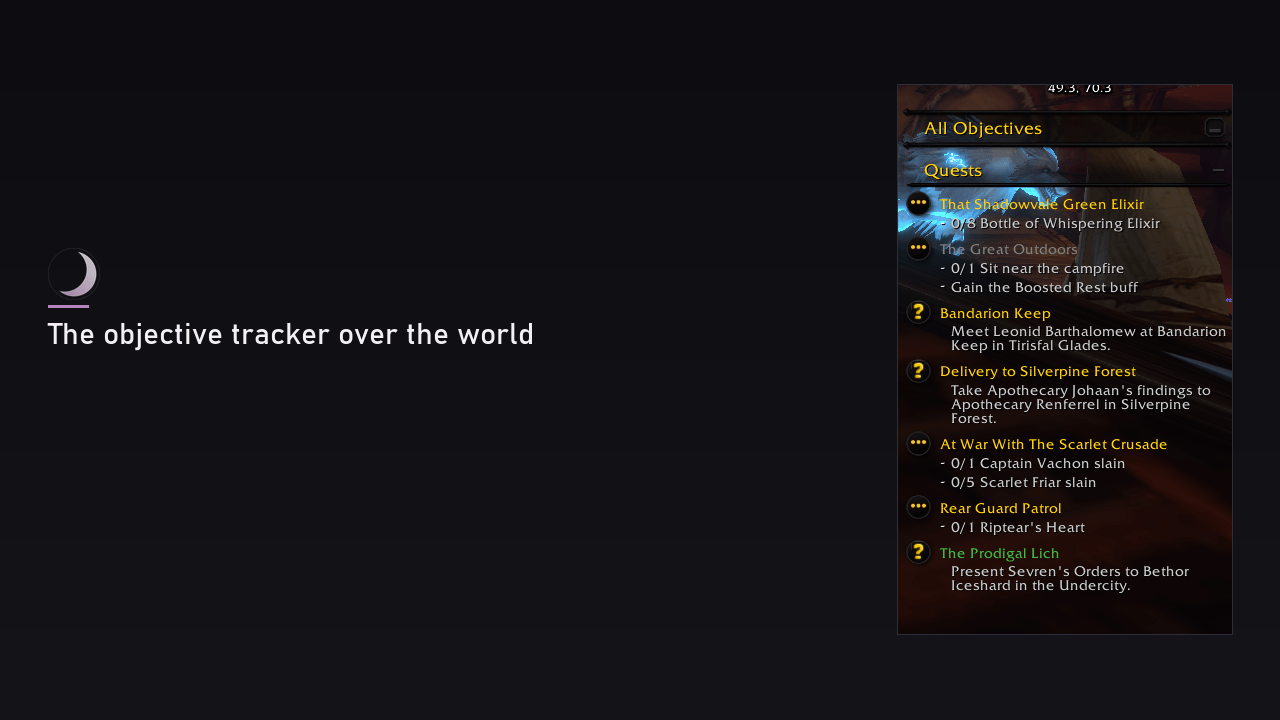
- Each area on its own: the bags, the chat, the tooltips, the map, the conversation windows - one of them darker than the rest, or left in the game's own look entirely.
- The list of exceptions builds itself out of what the pass really darkened, rather than out of a list kept by hand. A window the engine protects is named as protected instead of silently skipped.
- Status bars are never darkened. A bar's fill shows a quantity, and dimming it is dimming the needle of a gauge. Its colour belongs to the unit frames, which is where you set it.
A fresh install arrives with the darkening already on, at eighty out of a hundred: an addon that exists to darken the interface should not have to be asked twice. Zero is one drag away, and nothing else is touched until you ask. An existing profile keeps the strength it had.
Bars, fonts and text
- Nine bar textures of the addon's own for health and power, plus everything your other addons have registered in LibSharedMedia.
- Colour by class, by reaction, by power type, or one you pick. A mob somebody else tapped stays grey, the way the game paints it - that grey is the game's answer to "is this kill yours", and colouring over it takes the answer away.
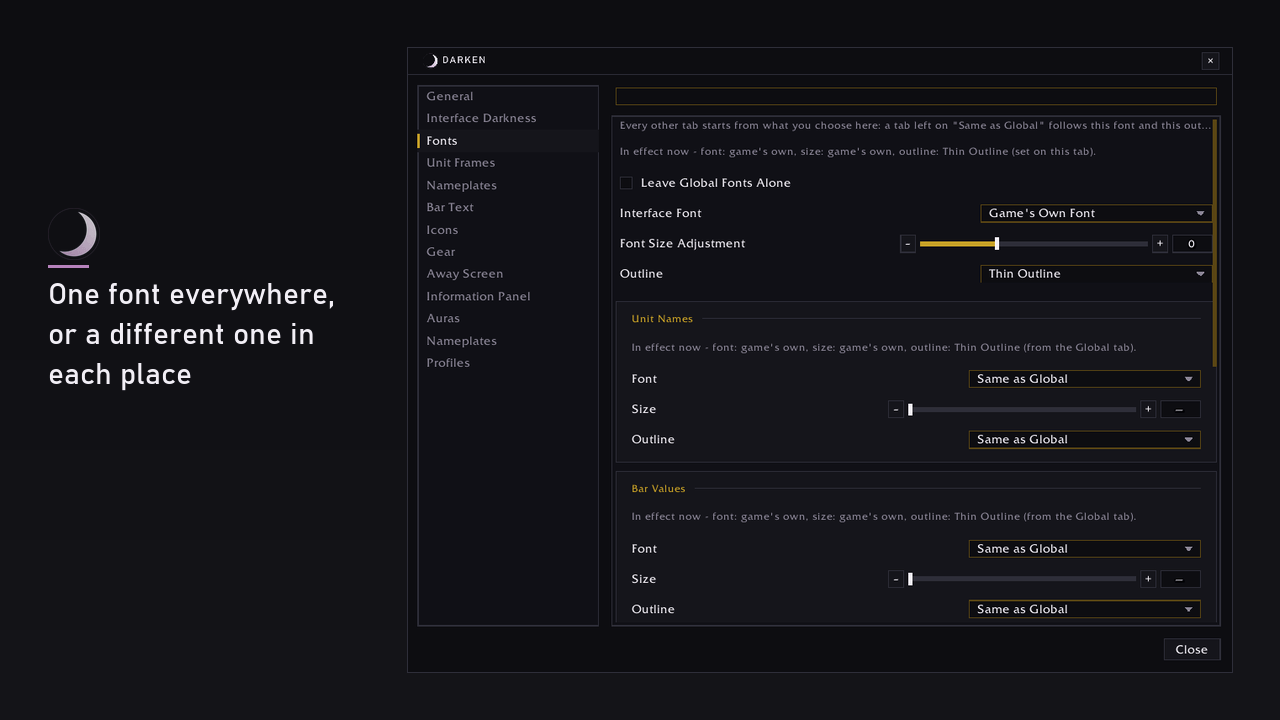
- One font for the whole interface, with separate overrides for unit names, bar values, hotkeys, floating combat text and the addon's own windows.
- The numbers on the bars: a percentage, a value, both, where they sit, and whether a large number is shortened.
- Nameplates get the same textures and colours, with rules for which plates to draw at all.
- A one pixel border around action buttons, around buff and debuff icons, and around the slots of the game's own bag windows. Darkening multiplies the colour of what the game drew, and a line that is not there is the one thing it cannot draw. Off by default.
Three ready-made Looks - Classic, Modern and the Author's - apply a batch of these settings in one click. Each names exactly which settings it changes before it changes them, and touches nothing else.
What comes with it
Six parts ship inside the same download. Nothing to enable at the character select screen: each is a row in the settings window, and each is off until you turn it on - a fresh install draws nothing of its own.
- Compact Auras - a grid of buffs and debuffs in place of the game's: icon size, icons per row, growth direction, time and stacks, a filter by spell list, per-spell rules for size, border colour and a sound when one expires, and the same grid on the unit frames.
- Information Panel - a bar of metrics at the edge of the screen: gold, durability, free bag space, latency, framerate, time, experience, reputation, and whatever your other LibDataBroker addons publish.
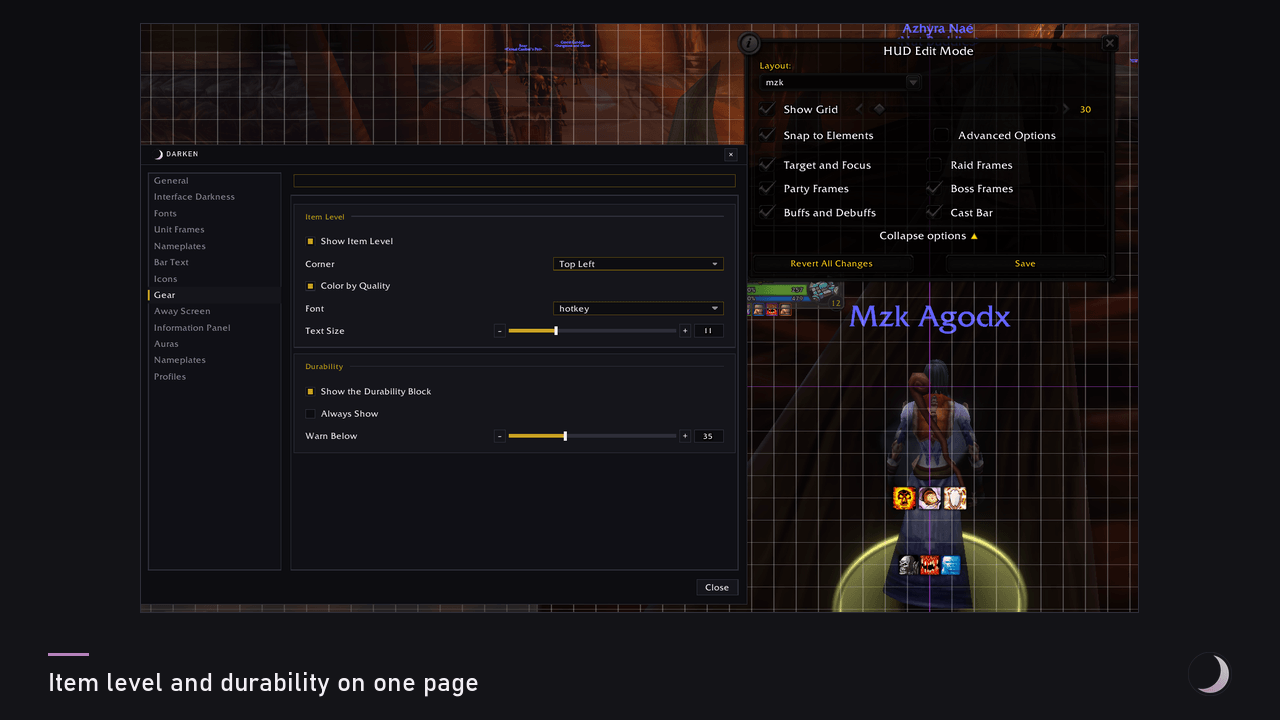
- Item Level - item level over an item's icon: in the character sheet, in inspect and in the bags.
- Durability - your worst-worn piece as a block on screen, shown once it drops below a threshold you set.
- Away - a dark card over the screen while the game marks you away: your character, where you are, how long you have been gone, and the whispers and letters that arrived meanwhile. It leaves for good the moment something wants you - combat, a ready check, an invite.
- Nameplates - a plate engine of its own rather than a skin over the game's: its own plate, class and reaction colours, name and level in the addon's font, and a mark on your target. While it draws, the core's plate styling stands down and says so - one plate never has two owners.
The addon's own elements are dragged where you want them, with an optional grid to snap against and a reset for one or for all. The game's own frames are not in that list, and that is the engine's rule rather than a gap: on a client with Edit Mode they belong to it.
Two things that grew here have left for addons of their own, each standing on its own foundation with not one line about Darken: Rack for the action bars and Hive for the party and raid frames.
Addons by other authors can plug into Darken through its module contract, and their settings appear under a Modules row that exists only while such an addon is loaded.
The settings window
Every setting is shown. There is no simple-versus-everything switch and no setting hidden behind one: a setting you cannot find is no better than a setting that is not there. Type in the search box at the top to narrow the column to what you are looking for.
The left column lists what a player does rather than how the addon is built. The two things the addon is for - a dark interface and the look of the unit frames - are rows of their own at the top, and nothing the core does is folded away behind an expander.
Profiles are shared across the account; which profile a character uses is that character's own choice. Changes apply at once - no interface reload.
Clients
Classic Era (Hardcore and Classic Forever included), Classic 1.60, Burning Crusade Classic and Mists of Pandaria Classic. Retail is out of scope.
Darken never decides by a version number - it asks the client which frames it actually has, so a section for something your client does not have is not shown at all.
Getting started
Open it with /dark (/darken and /dk do the same) or click the button at the edge of the minimap. The Darken page in the game's own Interface Options holds a button that opens the same window.
If something looks wrong, Darken can describe its own state. /dark report says which parts of this client's interface exist and which subsystems therefore did nothing; /dark probe says why the window you just opened did not go dark, naming a verdict per texture; /dark scan <text> lists frames whose names contain the text. All three only read - nothing on screen changes. A few lines land in chat and the full detail goes into the saved variables, so logging out and sending WTF/Account/<account>/SavedVariables/Darken.lua is the whole of a bug report.
Language
English, with Russian and Ukrainian translations. A client of any other language gets English.
Licence
Darken is free to use and free to download, but it is not open source: redistribution, forks and re-uploads are not allowed. It ships Ace3 and LibSharedMedia-3.0, which keep their own licences.
World of Warcraft and Blizzard Entertainment are trademarks of Blizzard Entertainment, Inc. Darken is an unofficial addon and is not affiliated with Blizzard Entertainment.
You must be logged in to leave a comment.