



Details
Expansion
Categories
Developers

Having issues?
About
Currency Tracking is a lightweight, standalone addon that displays your selected currencies and stackable items directly on your game screen.
Use the movable tracking frame to keep important resources visible wherever you prefer. Track currencies alongside stackable items such as meat, crafting materials, parts, potions, herbs, and other profession-related items.
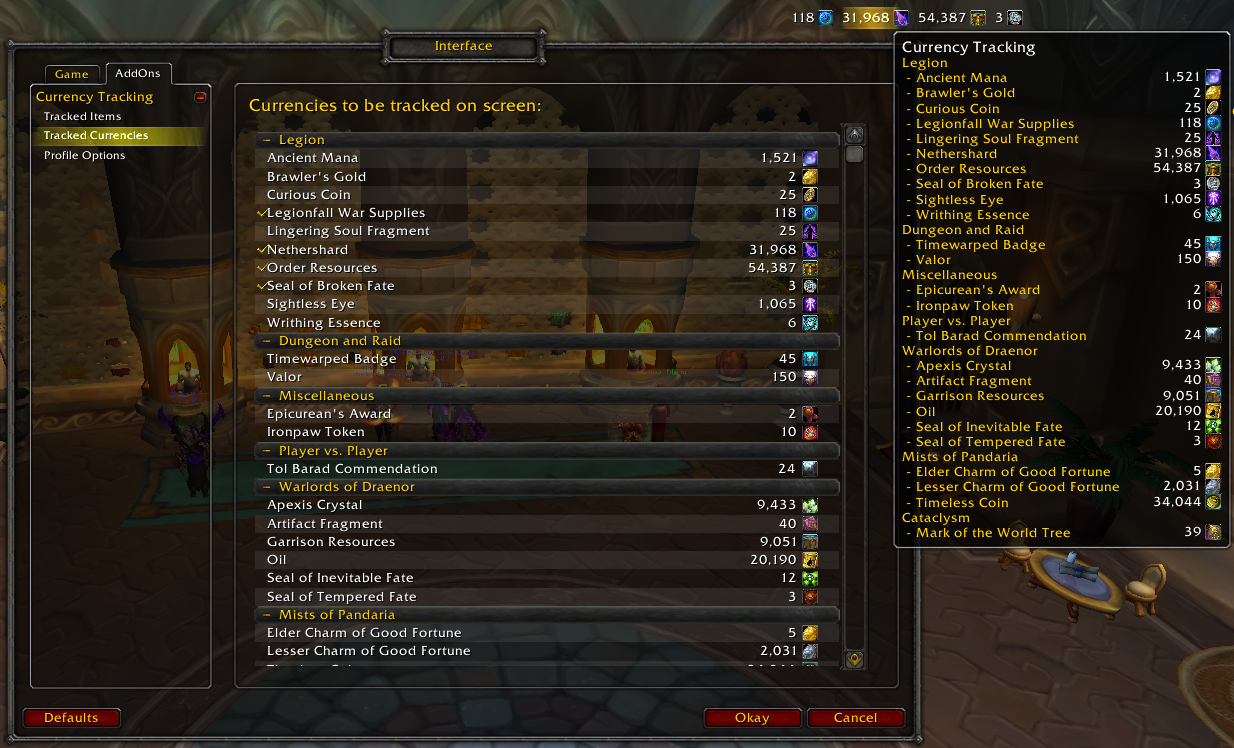
Hover over the on-screen tracker to view a tooltip containing your available currencies. You can also choose to display your character's total money.
Features
- Track selected currencies directly on your screen
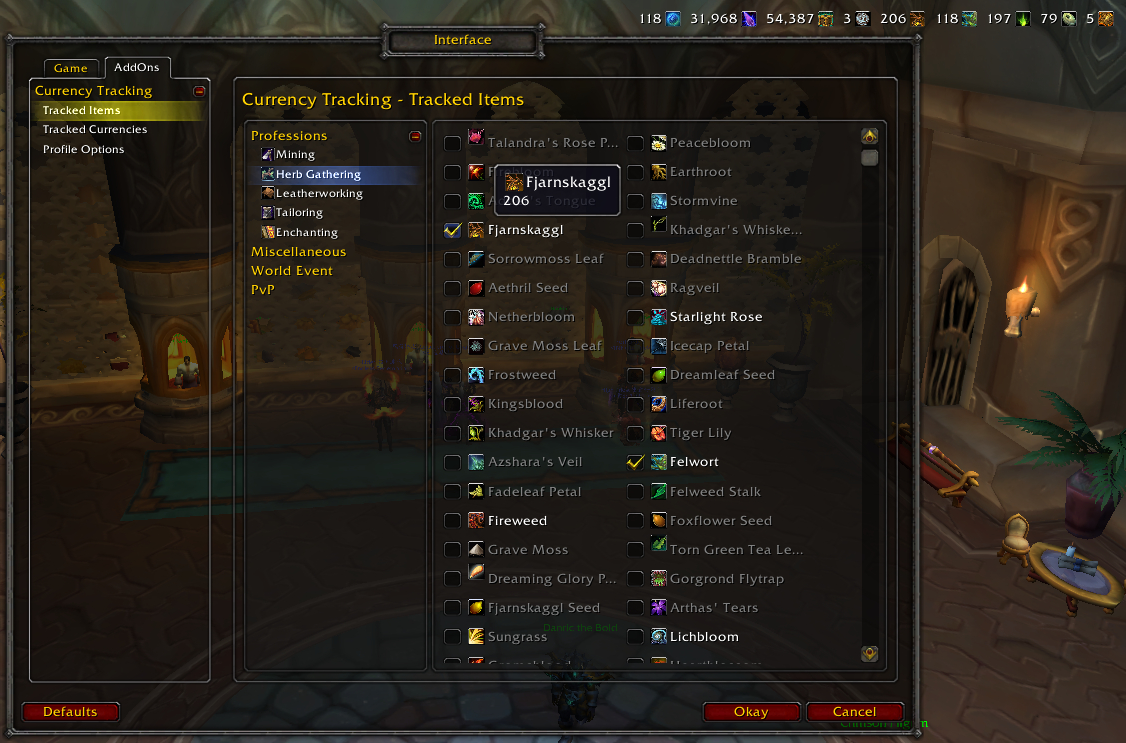
- Track selected stackable items, including crafting materials and consumables
- Move the tracking frame anywhere on the screen
- Show or hide item and currency amounts
- Optionally show your total gold, silver, and copper
- Optionally hide entries with a zero quantity
- Configure icon placement, scale, transparency, and layout
- Set a maximum number of tracked entries per row
- Automatically hide the tracking frame during combat, pet battles, or battlegrounds
- View your currency information in a tooltip
- Right-click the tracker to open the addon options
How to use
Manage tracked currencies and items from the addon's options window.
When the on-screen tracker is visible, right-click a tracked currency or item to open the options directly. From there, you can choose what to track and customize display settings such as icon order, visibility, scale, transparency, and frame position.
You can track as many currencies and items as your screen layout allows.
Compatibility
- Supports LibDataBroker (LDB) displays
- Supports Titan Panel
- Compatible with ElvUI
- Supports current World of Warcraft clients as listed in the project file information
Donations
If you enjoy Currency Tracking and would like to support its continued development, donations are greatly appreciated—no matter the amount.
You must be logged in to leave a comment.