

CrispyBacon
Quest routes, navigation, dungeon guides, training lists and Azeroth lore for WoW Forever.
Details
Expansion
 Forever
 Developers

Having issues?
Crispy Bacon
Your guide. Your route. Your story.
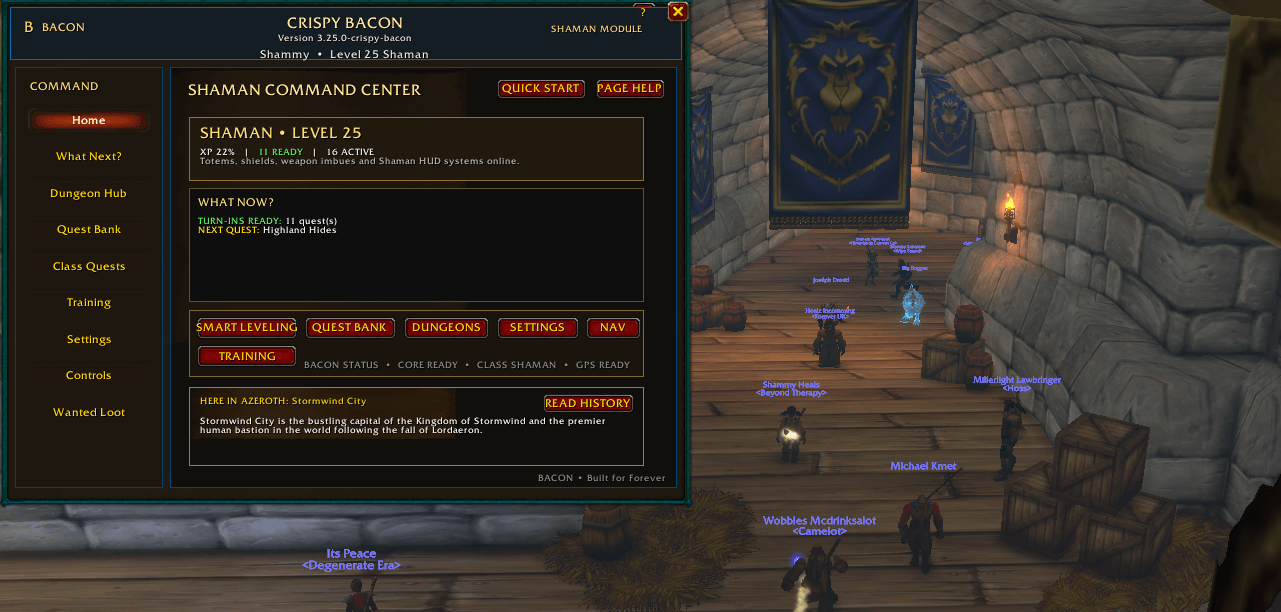
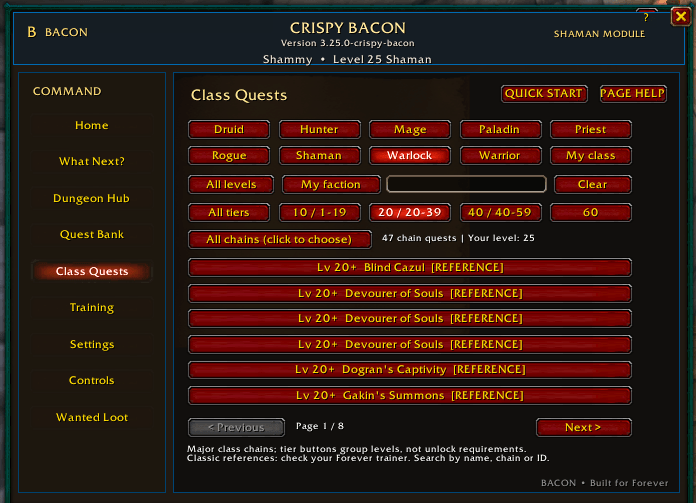
Crispy Bacon is a questing and exploration companion for World of Warcraft: Forever. It brings quest recommendations, map routes, navigation, dungeon guides, class training, and location lore into one interface.
Questing and navigation
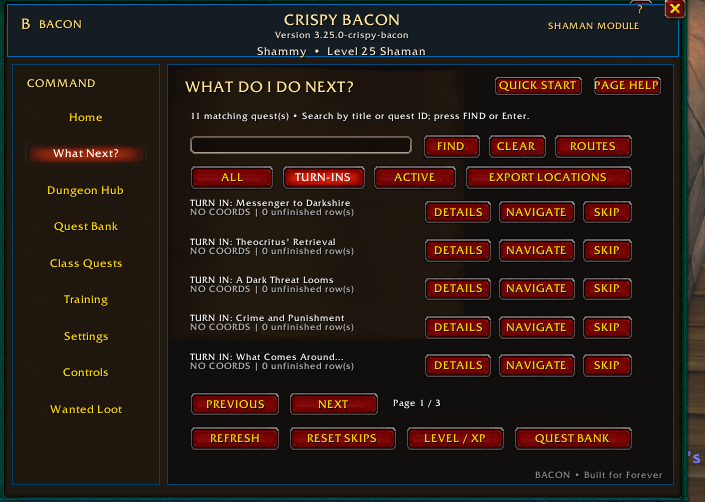
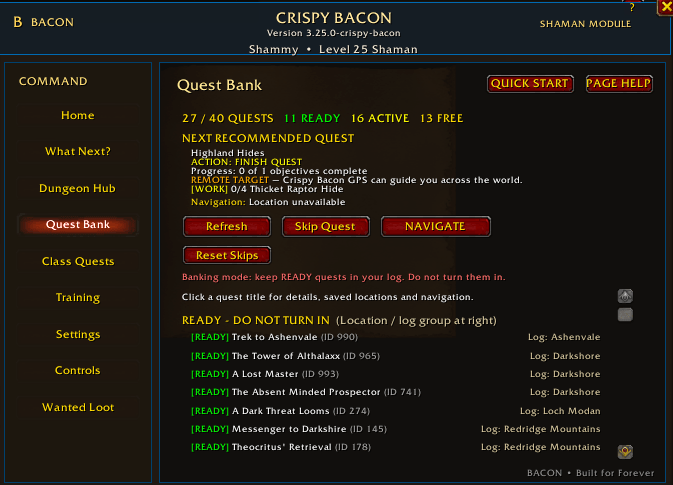
- Browse recommendations from your current quest log.
- Filter active quests and ready turn-ins, search by name, and view quest details.
- Save quest locations when automatic location data is unavailable.
- Follow available targets with a navigation arrow and coordinate displays.
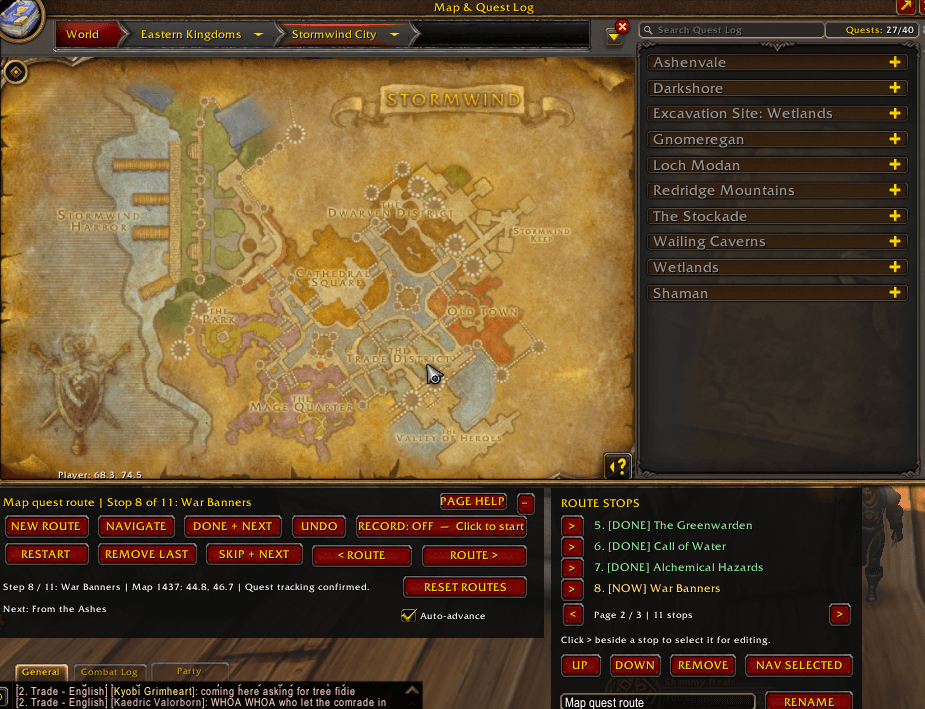
Build routes on the world map
- Create a route and turn recording on.
- Shift-click quest pins to add stops in your preferred order.
- Rename routes, reorder stops, remove entries, and undo the last edit.
- Navigate through your route using Done + Next or Skip + Next.
- Clear all saved routes for your current character with a confirmation prompt.
Stops save as you record them. Route advancement is manual, and connecting lines show the order of saved stops rather than terrain-aware paths.
Dungeon guides
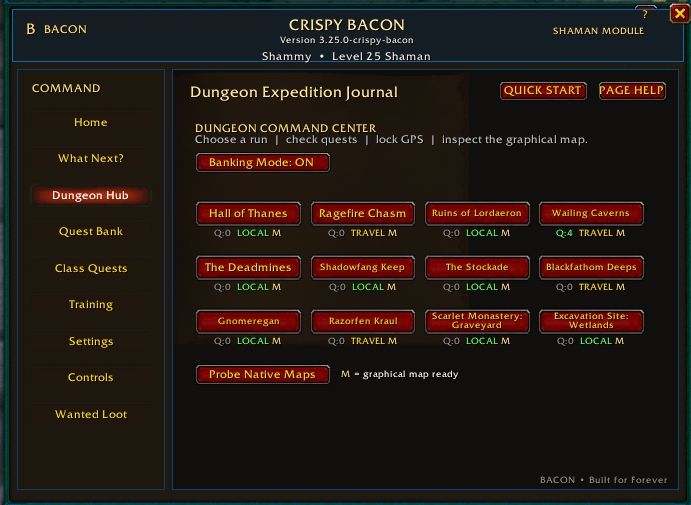
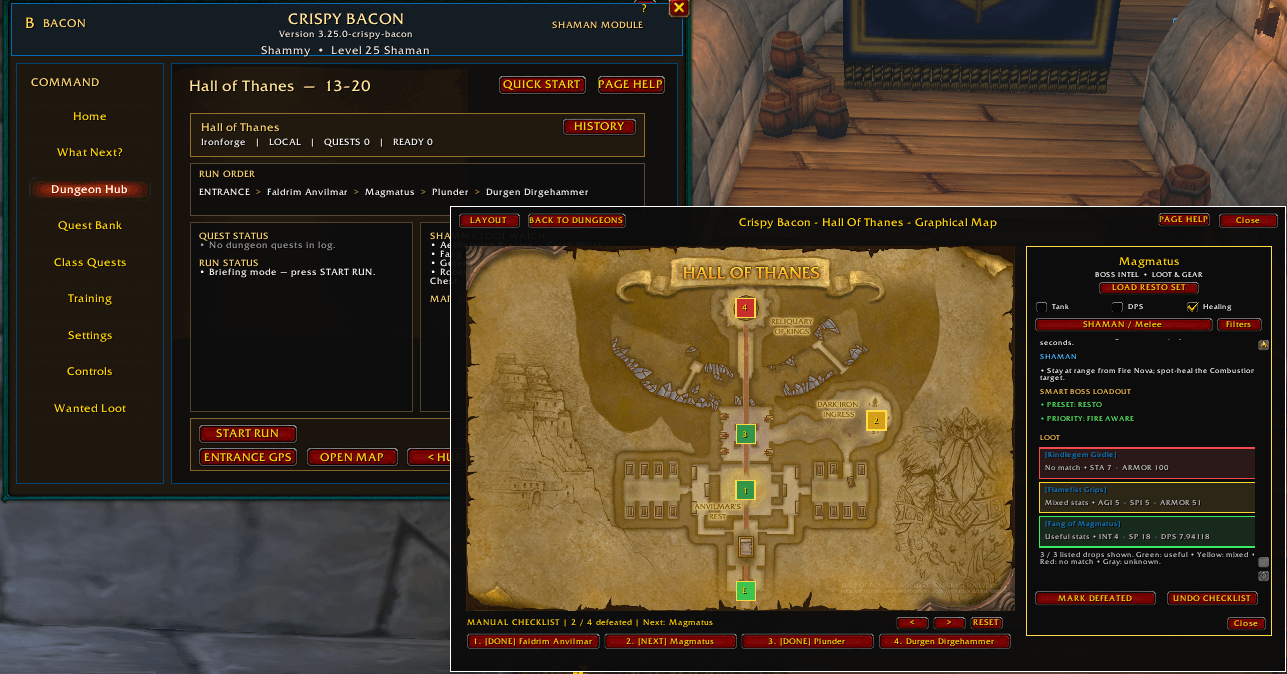
- Browse the Dungeon Hub to choose a run.
- Review available quest, travel, boss, and loot information.
- Open dungeon maps and switch between available floors.
- Select boss markers to view their details.
- Track defeated bosses with a manual checklist.
Dungeon coverage and available information vary by location.
Class training
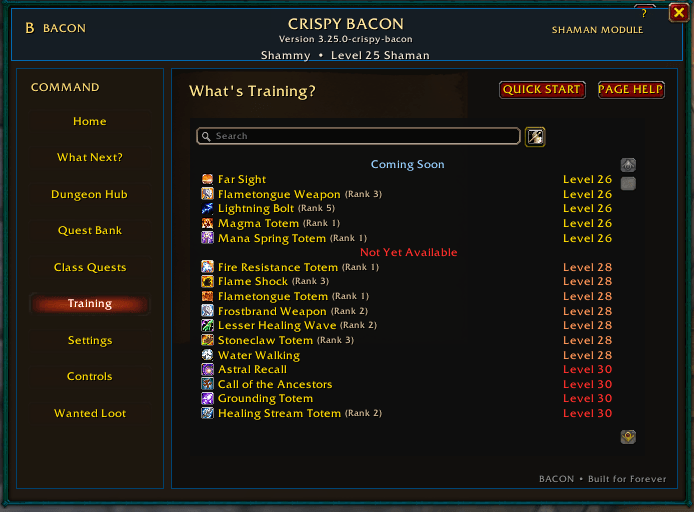
The embedded training view includes:
- Class spell lists organized by availability, level, and prerequisites.
- Spell-name search and scrolling.
- A weapon skills view.
- Training costs from the supplied training data.
- List updates after learning spells or leveling.
A separate What’s Training? installation is not required.
Explore Azeroth’s history
- Read location summaries through the History Journal.
- See a matching current-zone entry on Home when available.
- Open history from supported dungeon guides.
- View source article links and lore attribution.
When a current-zone entry is unavailable, Home displays a clearly labeled featured archive location.
Controls and customization
- Open the main window with
/fgor the minimap button. - Drag the minimap launcher and coordinate boxes to reposition them.
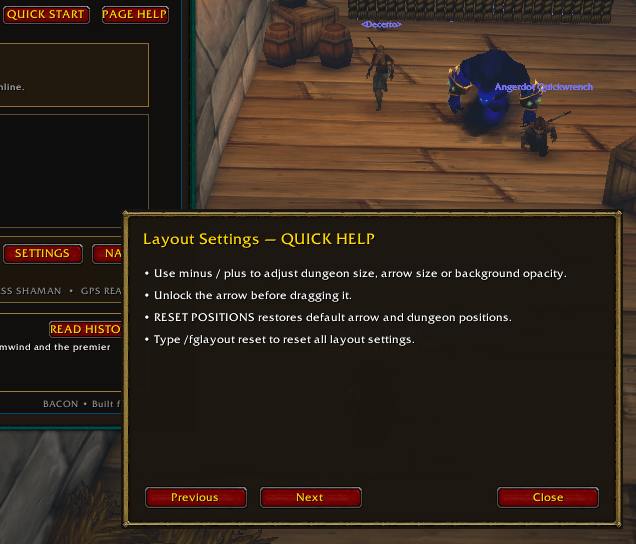
- Adjust dungeon window size, navigation-arrow size, opacity, and locking.
- Click Page Help for short instructions.
- Use
/fgmanualto open the current help topic.
Installation
- Exit World of Warcraft.
- Extract the ForeverGuide folder into your game client’s
Interface/AddOnsfolder. - Enable Crispy Bacon on the character-selection screen.
- Enter the game and type
/fg.
The installation folder remains named ForeverGuide for compatibility with earlier versions and saved settings.
Beta status
This build targets the supplied WoW Forever beta interface 16001. Compatibility with other WoW editions is not claimed.
Some quests may lack usable location data. Training, lore, and dungeon information may differ from current beta content. Restricted shield aura information displays as unavailable. Automated checks use mocked WoW APIs and do not replace in-game testing.
For bug reports, include the addon version, game build, the action that triggered the problem, and screenshots of all error pages.
Credits
- Embedded training is adapted from What’s Training? 11.0.0-beta10, credited to Sveng, with its supplied MIT license notice retained.
- Lore summaries are adapted by LoreForever from Warcraft Wiki under CC BY-SA 4.0, with attribution and article links included.
- World of Warcraft belongs to Blizzard Entertainment. Crispy Bacon is a fan-made addon and is not affiliated with or endorsed by Blizzard.
- Developed with AI assistance and iterative user testing.
You must be logged in to leave a comment.