
Coords Forever
Player and cursor coordinates on the world map, plus waypoints with arrow and distance.
Details
Expansion
 Forever
 Categories
Developers

Having issues?
Coords Forever
Coordinates on the world map and a /way command for WoW Forever.
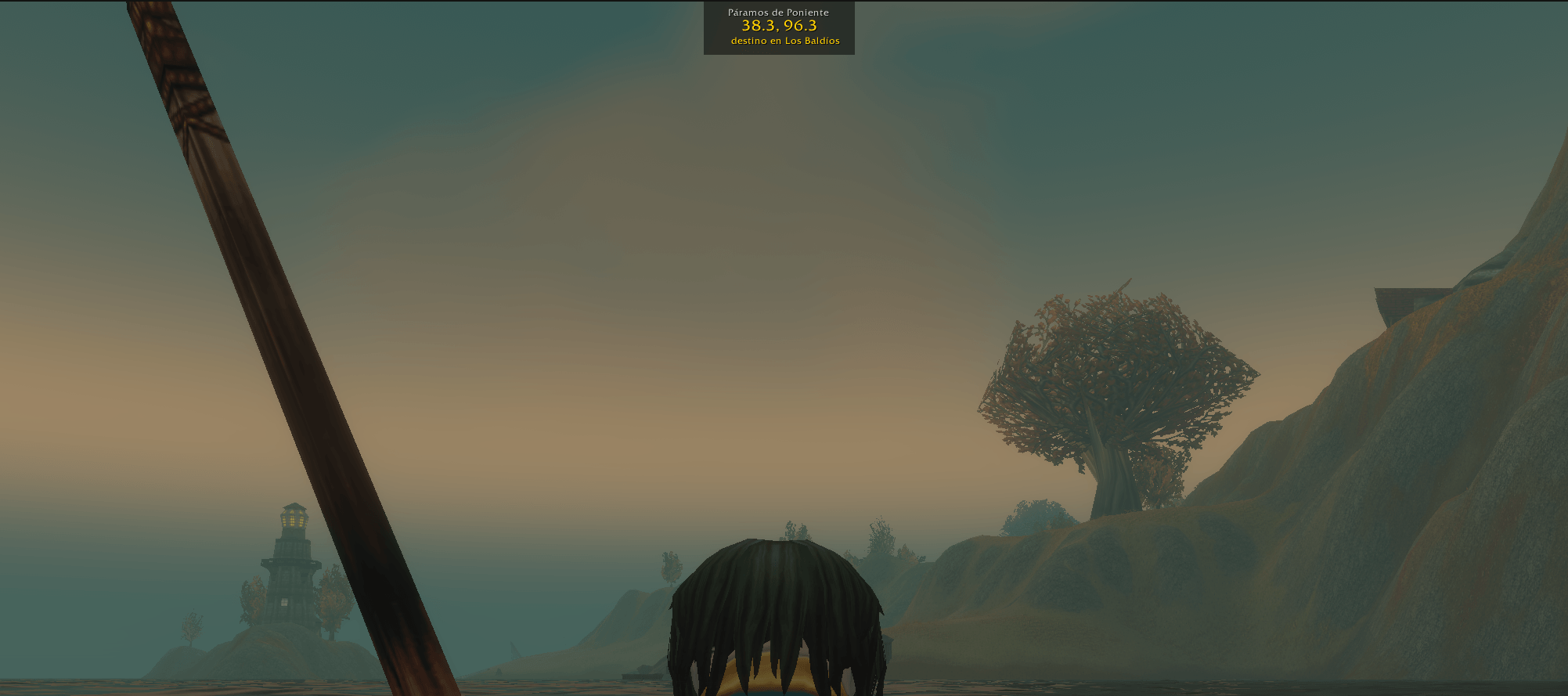
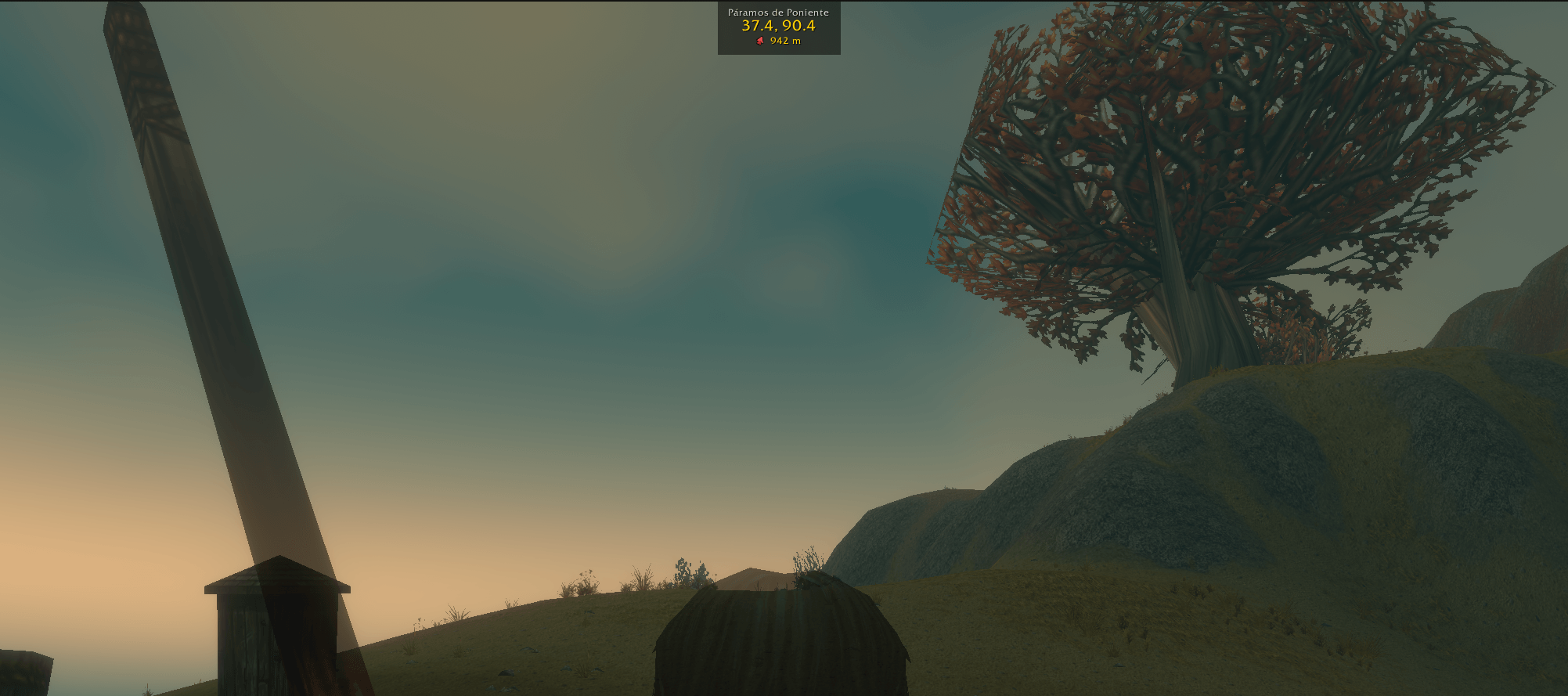
Your position shows in the bottom left corner of the map, and the cursor's in the bottom right. There's also a small box on screen with your zone and coordinates. You can drag it anywhere and it remembers where you left it on each character.
/way
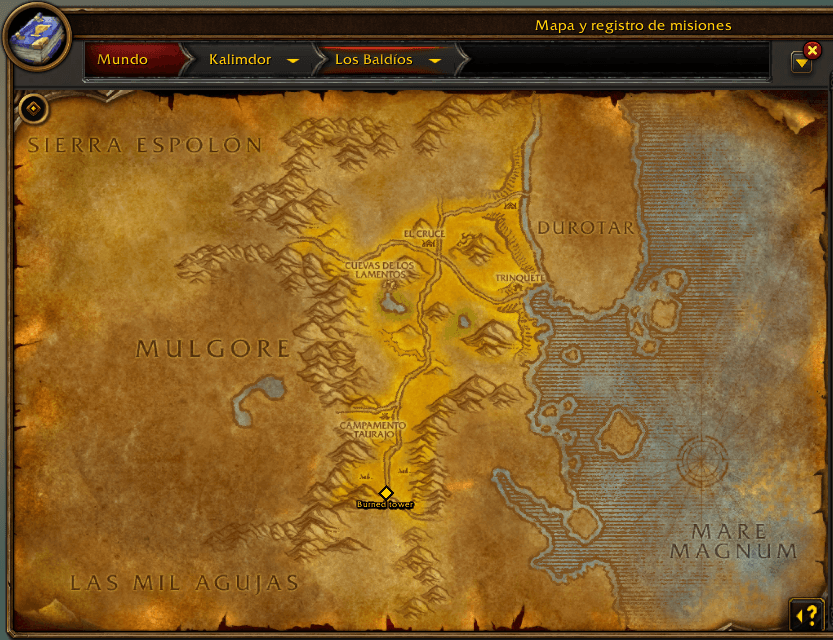
/way 46 74 puts a gold marker on the map. The box then shows an arrow and the distance, and the marker goes away by itself once you get there.
You can add the zone in front, so you don't need to be there yet: /way The Barrens 46 74. It takes the zone name in your client's language or in English, which is handy for English guides. Accents and capitals don't matter and part of the name is enough, e.g. /way barrens 46 74.
The waypoints you copy from Wowhead work as they are, with the map number: /way #1413 46.1 74.9. Brackets and commas around the coordinates are fine too, like /way [46.1, 74.9].
Anything after the coordinates is used as a label. It shows under the marker and in the message when you arrive:
/way The Barrens 46 74 Burned tower
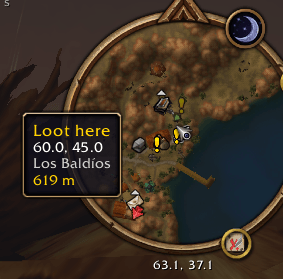
The waypoint also shows on the minimap. When it's further than the minimap reaches you get an arrow on the edge pointing at it instead, and hovering it tells you where you're going and how far it is. It follows the minimap if you have it set to rotate.
Options
There's a minimap button with the map icon. Left click opens the options window, where you can turn each part on or off, resize the box or centre it on screen. The commands are listed there too. Right click just hides or shows the box. You can drag the button around the minimap, or hide it and use /coords options instead.
Commands
| Command | |
|---|---|
/way 46 74 | waypoint in your zone, or in the one open on the map |
/way The Barrens 46 74 tower | in another zone, with a label |
/way clear | remove it |
/way status | info for bug reports |
/coords | show or hide the box |
/coords lock | lock or unlock the box |
/coords reset | put the box back at the top |
/coords scale 1.5 | box size, 0.5 to 3 |
/coords map | your coordinates on the map on or off |
/coords cursor | cursor coordinates on or off |
/coords minimap | waypoint on the minimap on or off |
/coords button | minimap button on or off |
/coords options | options window |
/ir and /cf also work. Commands are the same in every language.
The game has its own small coordinates on the map. They're hidden while the addon's are on, otherwise you'd see both.
If you also run TomTom, both addons use /way and only one of them gets it.
Languages
English, Spanish, German, French, Italian, Portuguese, Russian, Korean and Chinese (simplified and traditional). Anything else falls back to English.
Made for WoW Forever 1.60.1. Source on GitHub: https://github.com/APGM82/CoordsForever
You must be logged in to leave a comment.