

BanterBlocker
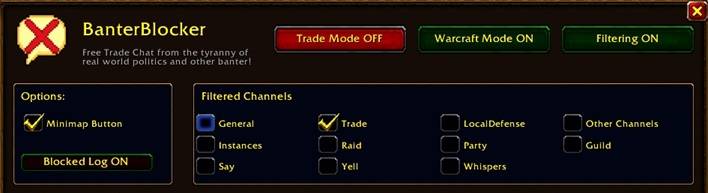
Free Trade Chat from the tyranny of politics and other banter!
Details
Addon ID:
26623
Addon Version:
BanterBlocker.zip
Expansion:
1.60
Upload date:
Oct 06, 2026
Last Updated:
Oct 06, 2026
Downloads:
Less than 100
Website:
Source Link
Expansion
 Forever
 Categories
Developers

Smellikat
Creator
Having issues?
Dev Notes:
This isn't a debate on what Trade chat was. It's just a tool to force Trade into what you want it to be.
Megaserver created a huge issue. There is no escape from the continual
So far… it works really really well.
Why did I make it?
- Megaservers and a single Trade Chat created a huge issue where there is no escape from the tyranny of people pushing real world and awful stuff into Trade.
- I play wow to escape the real world so I don't want to see most of what people want to show.
- I also can't have my kids absorbing all of the nonsense if they play with me.
- Sometimes i want to focus on Trading, so there is a mode for that.
What it is exactly?
- BanterBlocker is a mute button for the outside world.
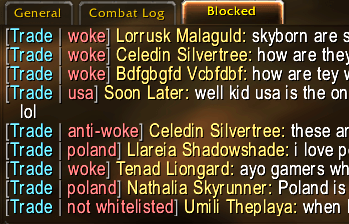
- It mutes real-world politics or other issues in General, Trade, and LFG so you can focus on the game.
- It doesnt care if you are left or right, up or down, or even sideways.
- You control everything.
- Turn packs on or off, add your own words, and keep playing.
Features
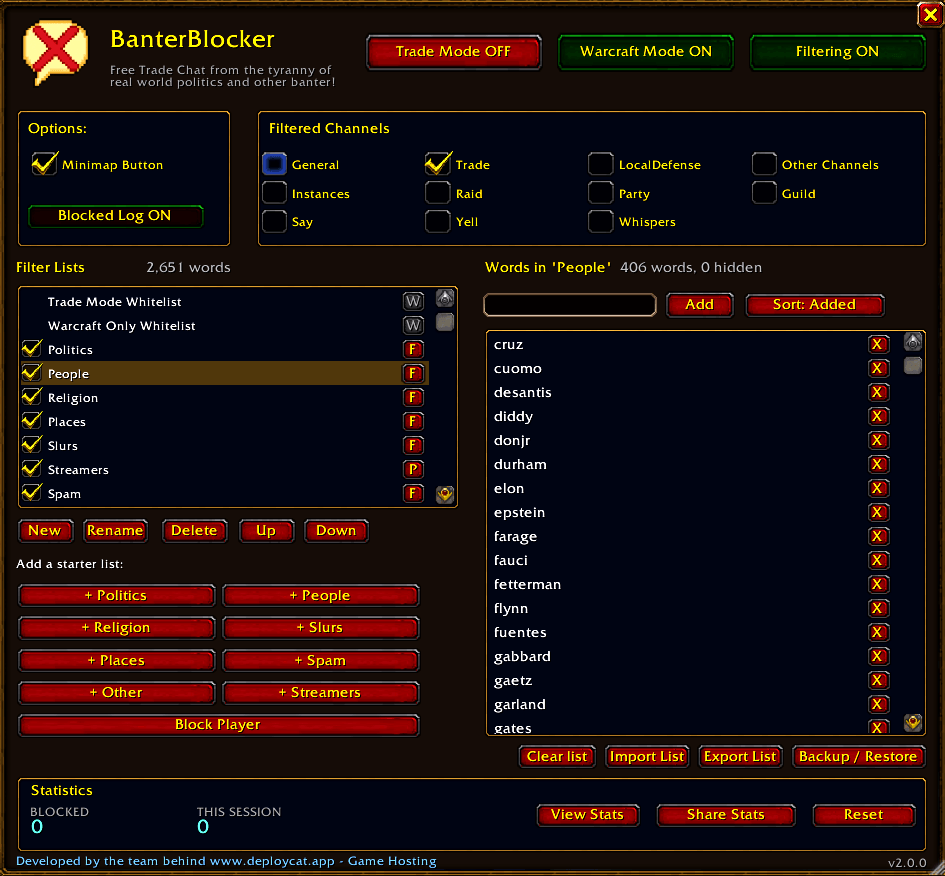
- Filters political, slurs, and other banter.
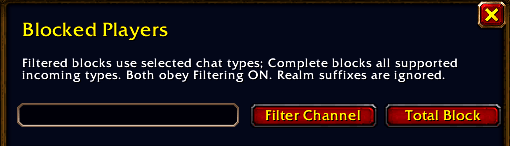
- Filters players from selected channels so you can still communicate with them if needed.
- Works in all chats.
- Whole-word matching so raid calls and normal chat still get through.
- Allows regular WoW talk.
- Help block gold sellers.
- Import and Export Functions for Community Sharing.
Highlights
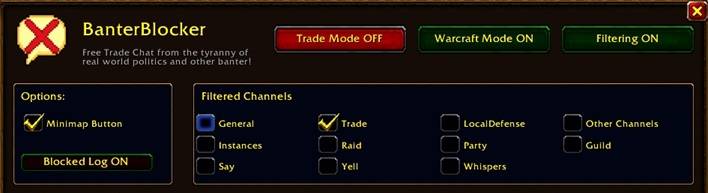
- Warcraft Mode: Hides anything that would be percieved as Warcraft related.
- Trade Mode: Hides everything except Trade related topics.
- Player Blocking: More options that a simple /ignore. Your control the level of blocking, whether its just in certain channels or completely.
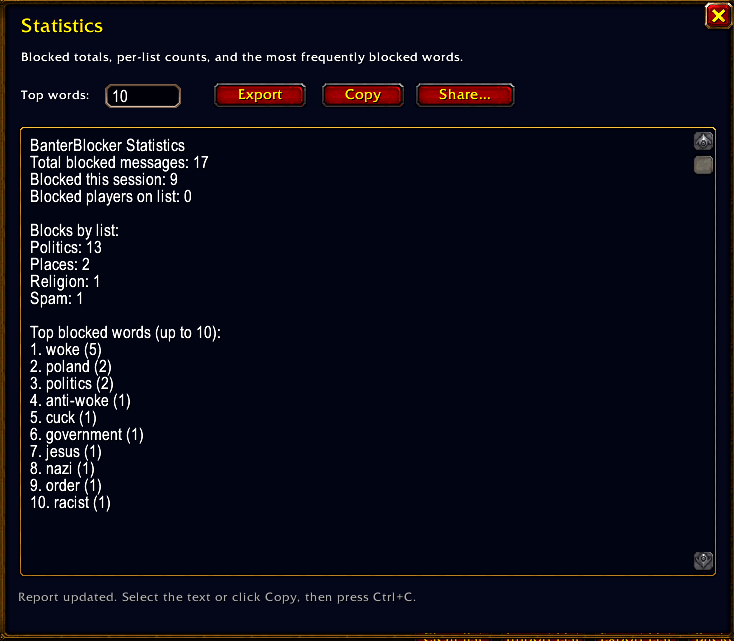
- Statistics: Lets you show off how special trade actually is!
Other projects by my team:
www.deploycat.app is the world's easiest server manager. Minecraft to Steam are all the same install method and you are up in a few minutes.

You must be logged in to leave a comment.