
Arc Auras
Cooldowns, auras, resources, castbars, swing timers and reminders for WoW Forever: icons, groups and bars you place anywhere.
Details
Expansion
 Forever
 Categories
Developers

Having issues?
Icons, icon groups and bars for WoW Forever. Track your cooldowns, buffs and debuffs, resources, casts and swings, and place them anywhere on your screen. Pick what you want straight from your spellbook.

Icons
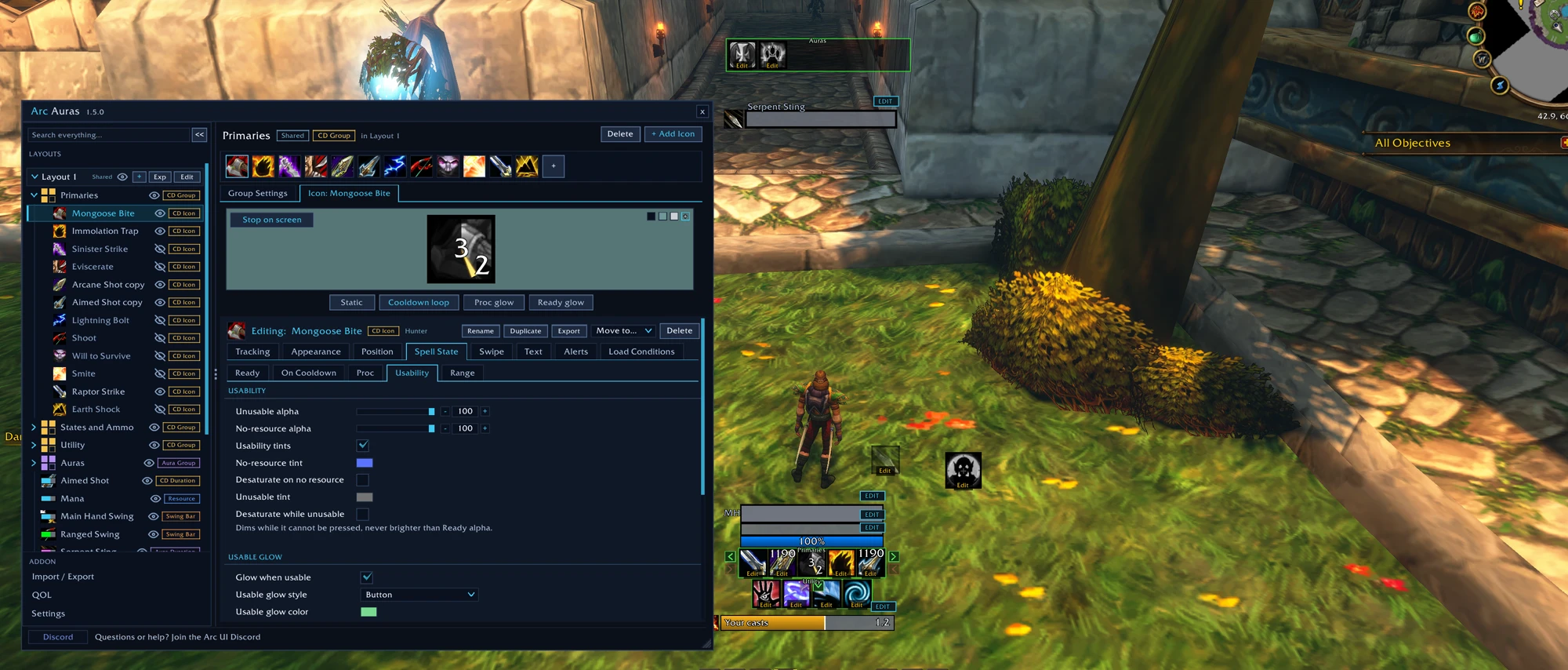
- Cooldowns and charges for spells, items, trinkets and ammo
- Buffs and debuffs on you, your target, focus, pet or party
- Missing buff reminders: an aura icon, glow or text that shows only while the aura is missing
- Group buff counts: see how many in your party or raid have a buff, shown while anyone lacks it
- Totems and weapon enchants with their time left
- Glows, sounds, countdowns, stacks and keybinds, with your own icon art
- Icon groups that close the gap when an icon hides
- Aura groups that show every aura on you, your pet, your target or your focus, or your debuffs on every enemy nameplate, with no spell IDs to add
- Reminder groups: spells, items and weapon enchants pulse in the middle of your screen when they're ready, or when a buff or debuff is missing, with sounds and text to speech
- Warnings: glow when your ammo runs low, your pet's health is low or your pet isn't happy
Bars
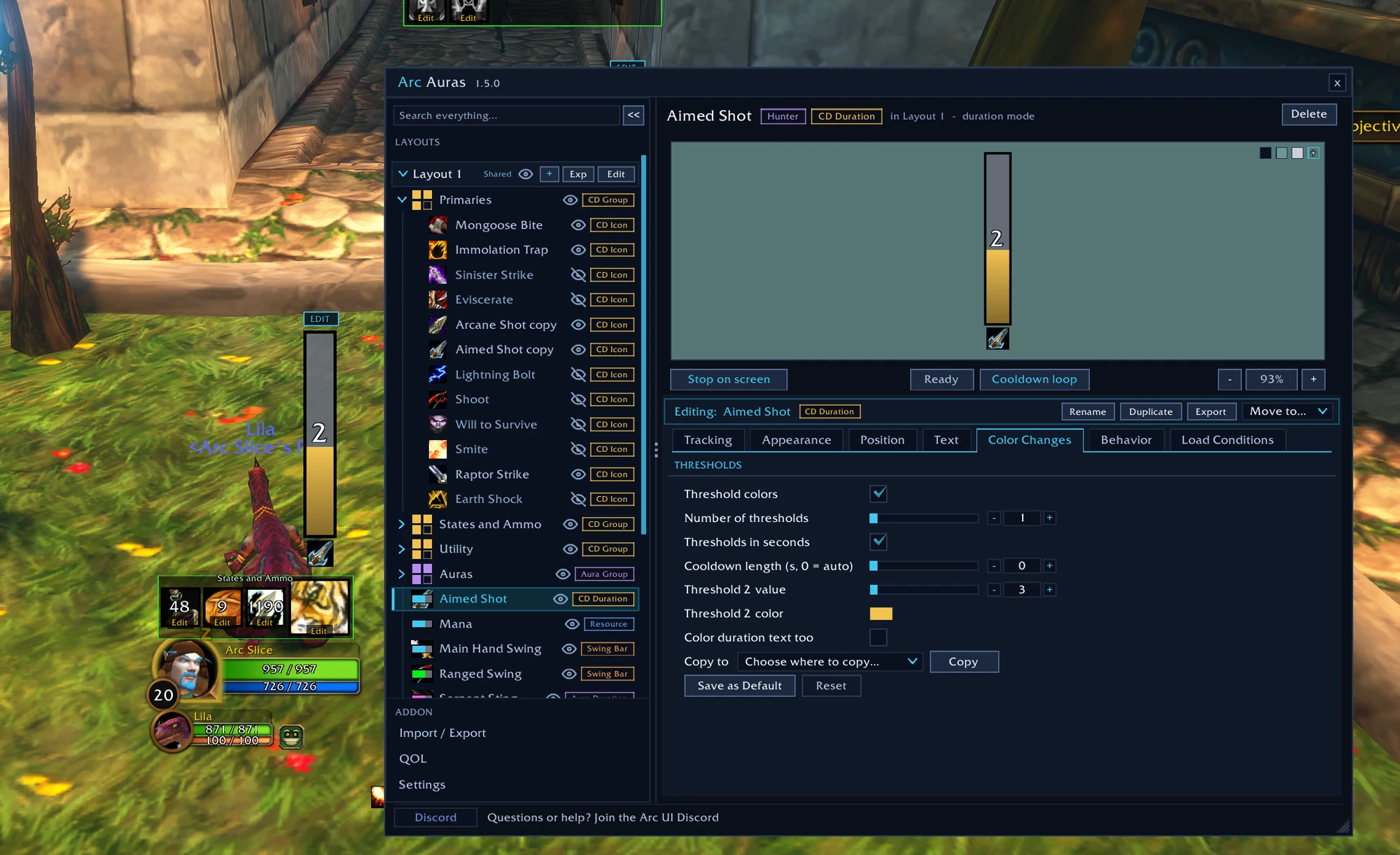
- Cooldown, charge and aura bars that change color as time runs out
- Resource bars with combo points as pips, and health bars with incoming heals
- Castbars for you, your target and focus
- Range bar: how far away your target is, with melee range on every class
- Text elements: health, power, combo points, a cooldown, an aura's time left or your own words, anywhere on screen
- Textures: a picture that shows with an aura or a cooldown, or fills and drains like a bar
- Clickable health bars that work as unit frames: click to target, right click for the menu, and click casting works too
Swing bars
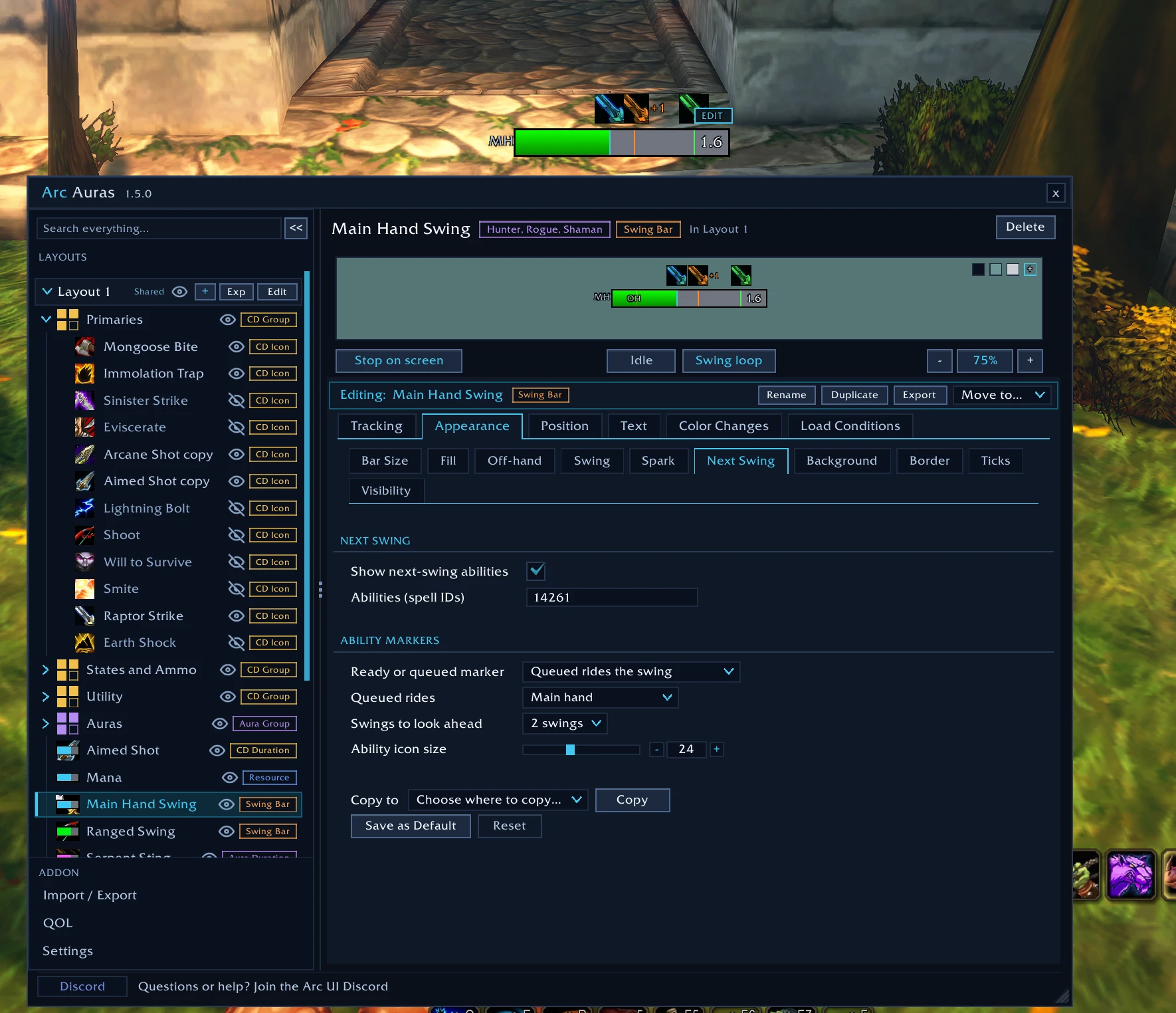
- Main hand, off-hand and ranged swings
- Next-swing abilities: see when Heroic Strike, Raptor Strike or Maul come off cooldown, and which one is queued
- Ticks, a spark and a dim when your target is out of reach
Add anything in a few clicks
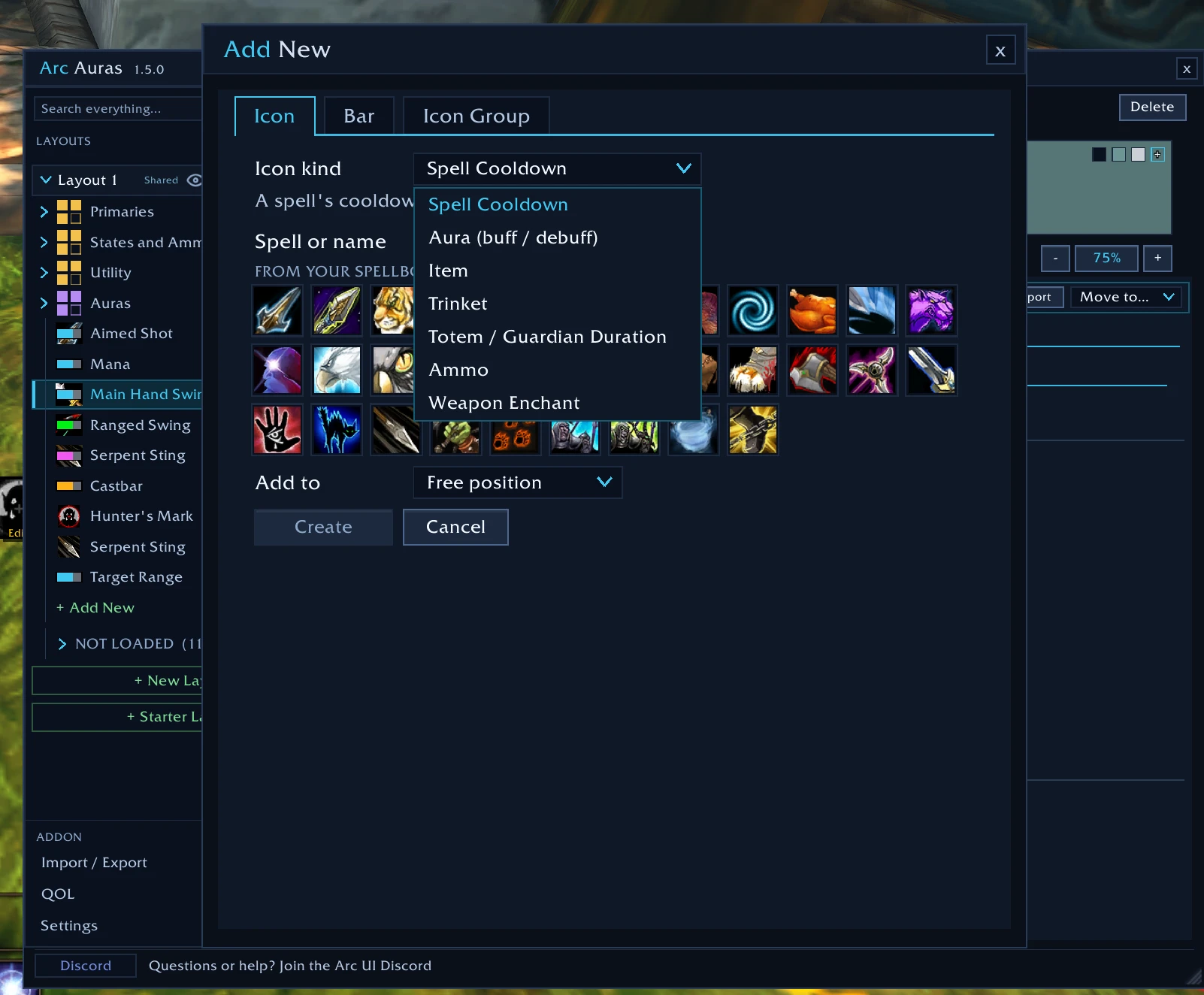
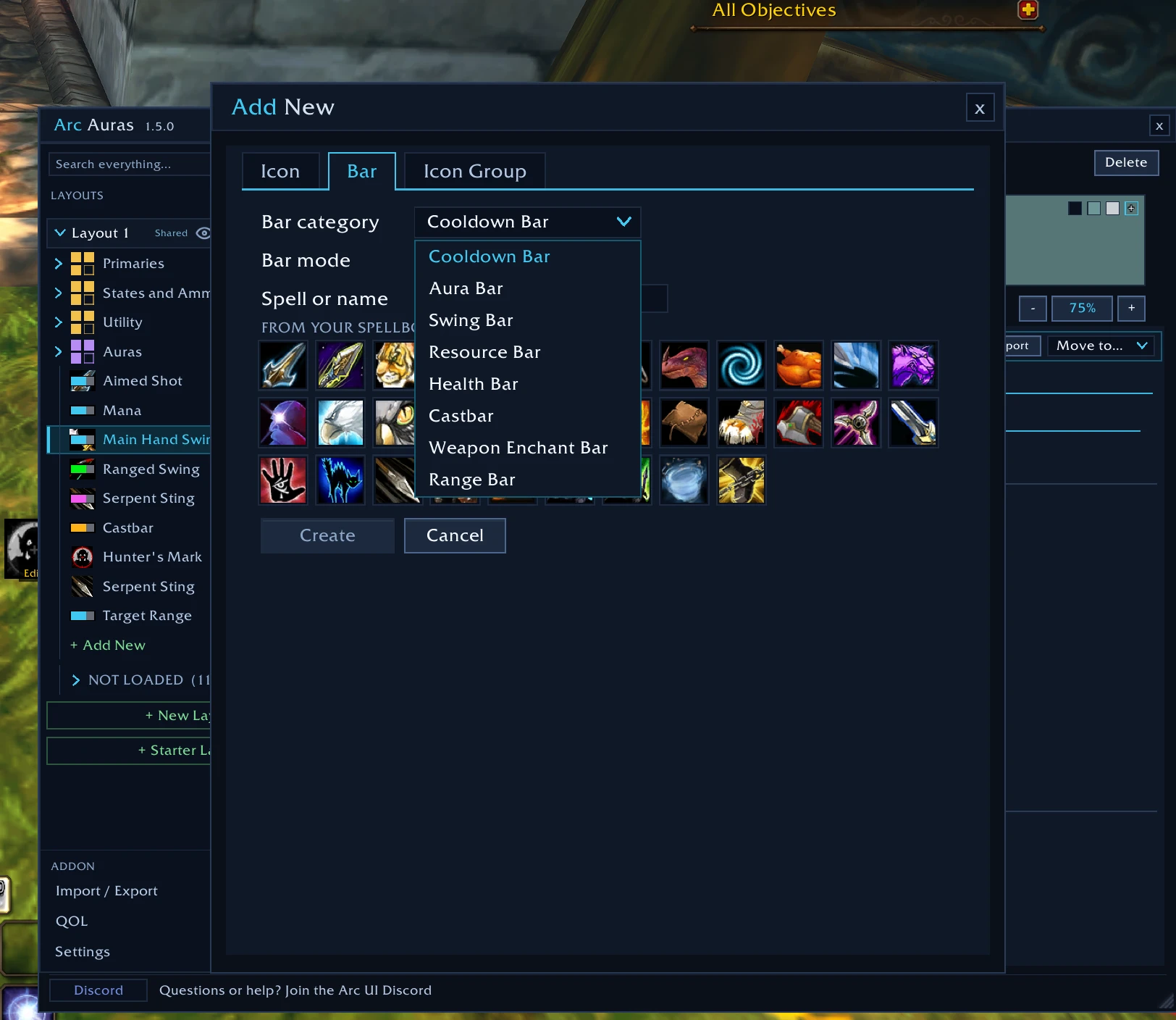
Pick an icon or a bar, click a spell from your spellbook, and it shows up on your screen ready to drag into place. Or fill a group straight from your action bars. New here? Click + New Layout and pick Starter Layout to set up Cooldowns, Utility and Buffs groups for you.
Make it yours
- Layouts and anchors: place things anywhere, or pin them to each other, to your mouse, or to any frame you click on screen
- Select several at once: move, export or edit many icons and bars together
- Load conditions: show things only for chosen classes, talents or known spells, in or out of combat, and more
- Sharing: export an icon, a group or a whole layout as an import string, and update your copy when its maker shares a new version
- Easy to find: options grouped by what you want to happen (Show & Hide, Glows, Sounds), and one search box that finds any option
Getting started
- Type
/arcaurasor click the minimap button. - Click + Add New and pick what to track.
- Drag it into place and style it in the options window.
Coming from Arc UI Forever? Arc UI Forever is now Arc Auras. Install it and your setup moves over by itself.
Found a bug or have an idea? Join the Discord and report it with the Arc Auras button.
If Arc Auras makes your game better, you can support its development:

You must be logged in to leave a comment.