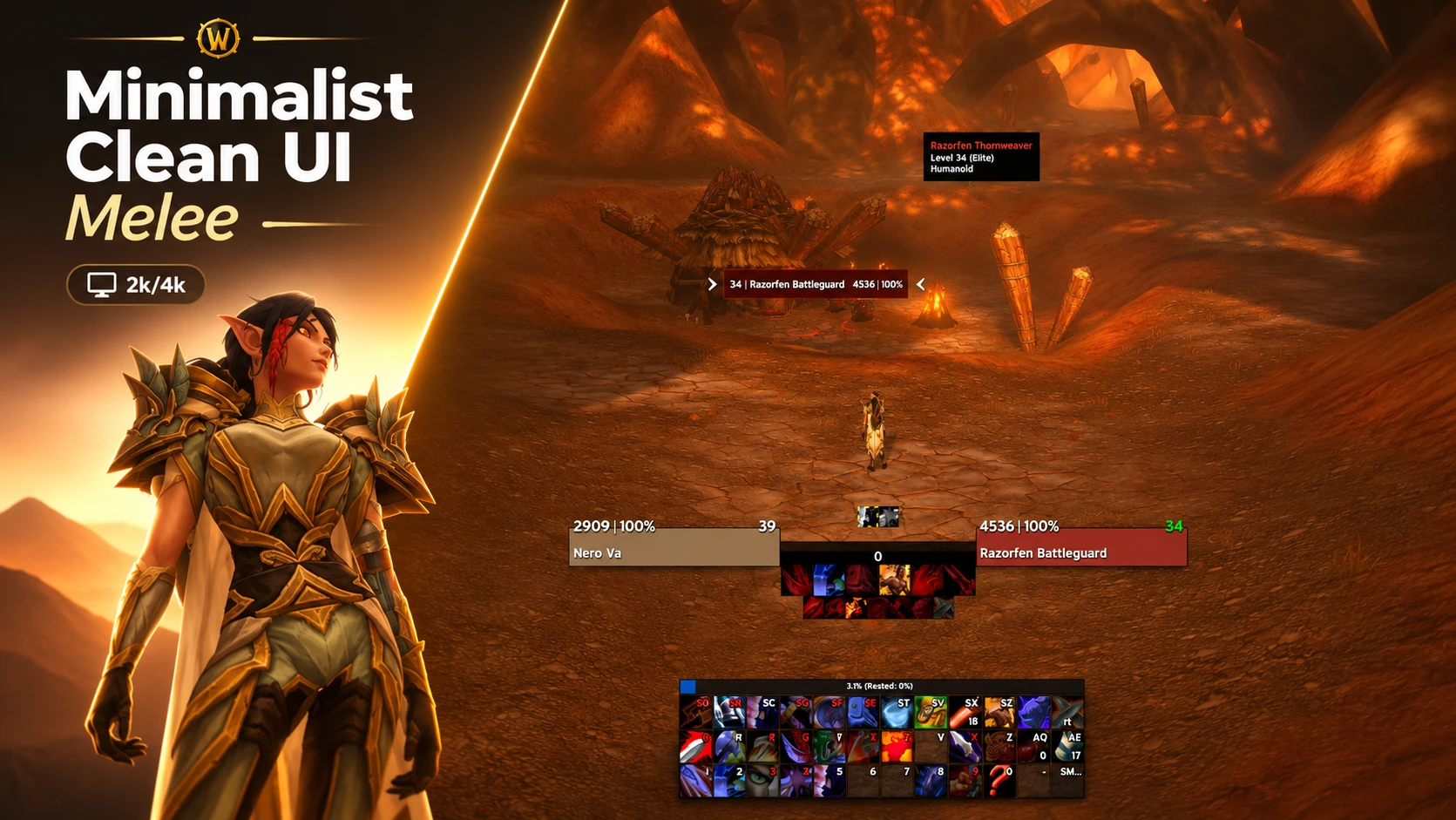


Minimalist Clean UI Melee
Profile Details
Profile ID:
29545
Uploaded:
Nov 16, 2026
Updated:
Nov 17, 2026
Installs:
12,718
Website:
Source Link
Theme & Expansion
Roles
Resolution
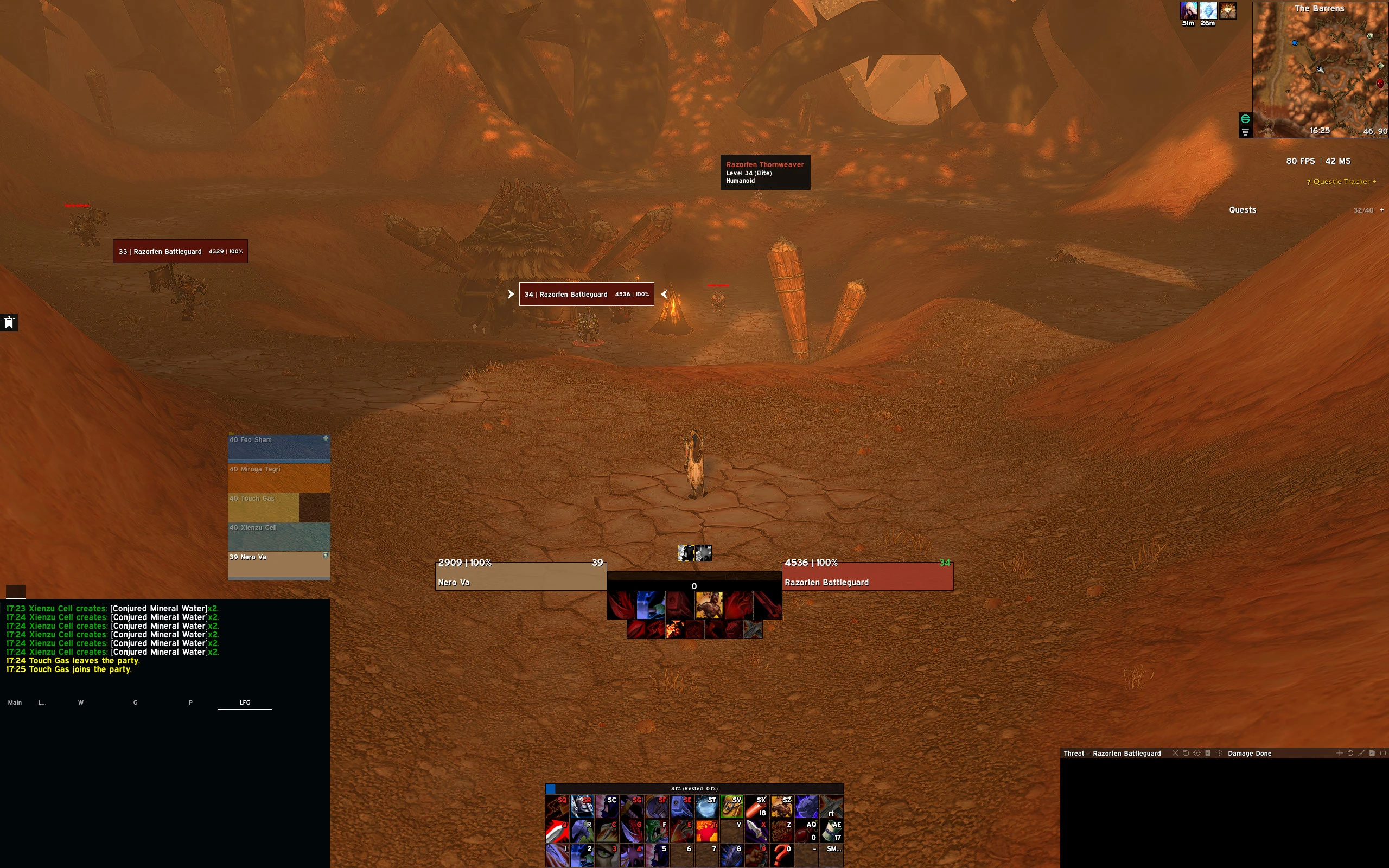
2K/4K, clean, adjusted, tweaked for personal way of playing
Mostly done for warriors/rogues/melee---- UPDATES ----4K is Out Now. Enjoy!Note:
- 2k import string: 16:10 (works on 16:9 with tiny adjustements, read issues below)
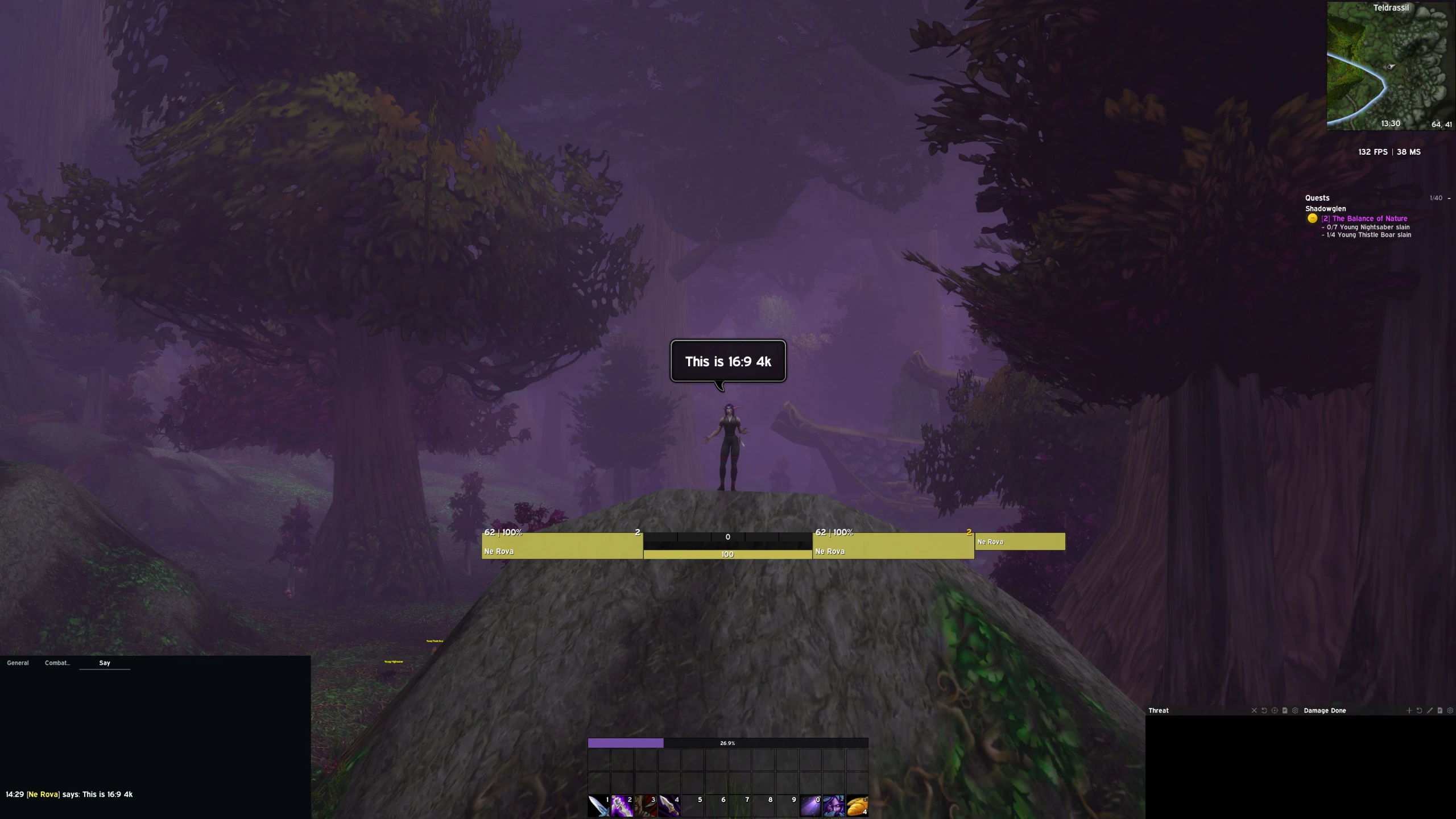
- 4k import string: 16:9 (for 16:10 need reverse adjustments)
- Chat tabs are cuistom per character, you will get a base alligned chat widnow. Example attached.Graphic settings tweak, what i'm using:
1. Optimize via EUI
2. Go to Graphic settings, find a view distance bar and set all three bars from top to bottom 4 6 6---- BACKLOG UPDATES ----- Updated chat/damage/threat metters
- Updated raid frames 10-40 man
- Frame grids adjustments
- Added bliz edit mode string
- Nameplates update
- Unit frames update
- SCT update
- 2k anchor palels updated---- ISSUES FAQ ----Q: Isn't working on 2k string?
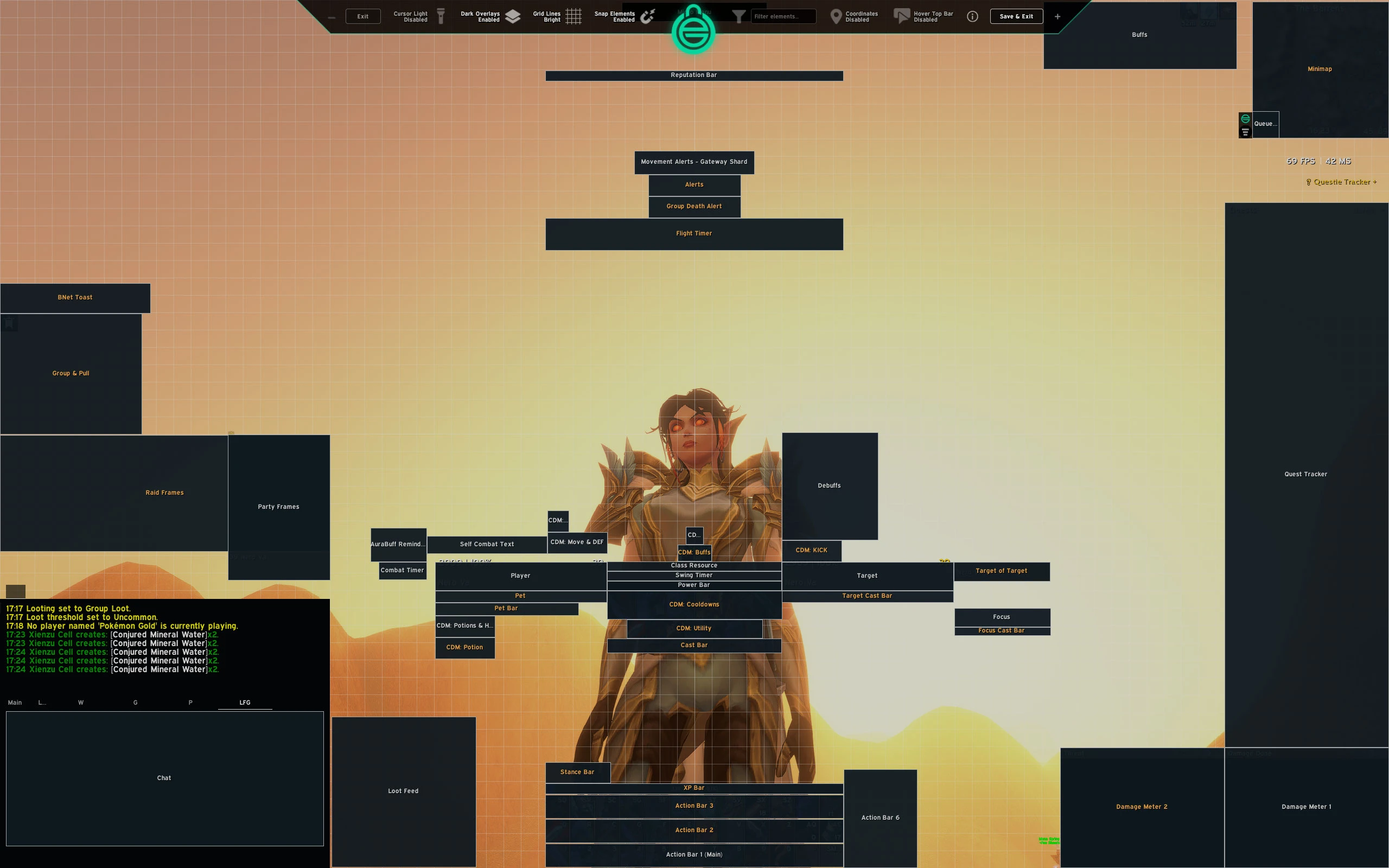
A: Some 16:9 aspect ratio installs require manual frame adjusments for quest/bufs/group finder. Just follow the screenshot placements on this page.Q: My CDM's are too big, how to fix?
A: When you will get your first trackable buffs/utility you need to "H Match" the CDM plate via unlock mode with Player/Target bar
Code
How to install
1 Copy the entire code string shown above.
2 Open World of Warcraft and open the EllesmereUI settings in the chat to open the EllesmereUI settings.
3 In the EllesmereUI window, go to Profiles → Import Profile.
4 Paste the code string into the box.
5 Click Import to apply the profile.