

ExadUI
Profile Details
 ElvUI for WOTLK
 Type & Expansion
Classes
-
 Death Knight
 -
Druid
-
Hunter
-
Mage
-
Paladin
-
Priest
-
Rogue
-
Shaman
-
Warlock
-
Warrior
 Death Knight
  Druid
Druid  Hunter
  Mage
Mage  Paladin
  Priest
  Rogue
Rogue  Shaman
  Warlock
  Warrior
 Categories
-
General
-
Raiding
 General
  Raiding
 Author

Exad UI
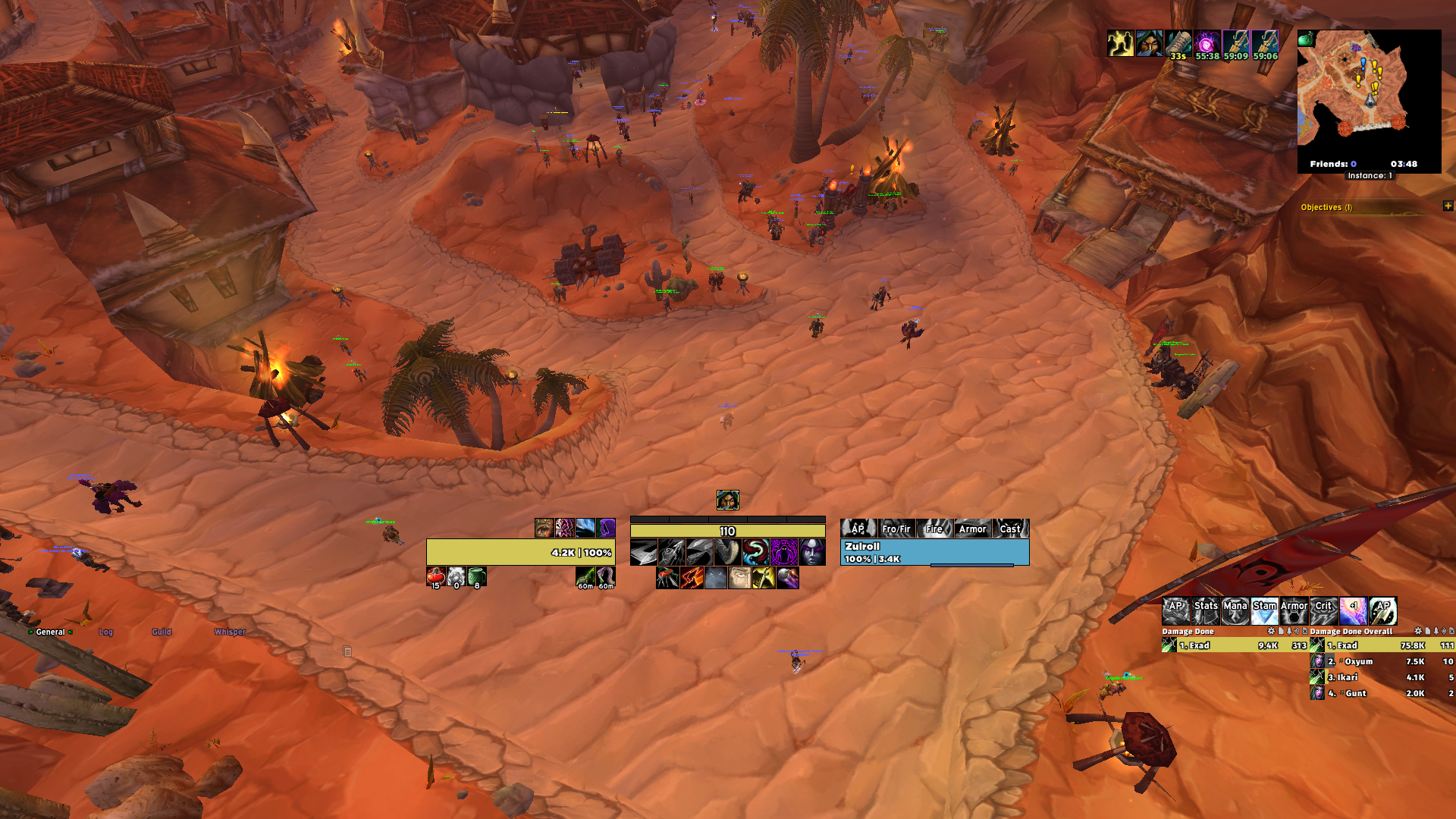
-> This is my UI for Bronzebeard Ascension server, based on atrocityUI from retail.
-> This UI is not free, you will have to support me on Patreon in order to get the UI and all the benefits.
-> Join my Discord through this link, more info and preview of the UI there: Discord.
-> Join my Patreon and get access to all the benefits here: Patreon.
-> You can also contact me through Discord by sending me a DM here: @exad1.
Benefits:
- Full access to my UI and WeakAuras, with every addon configurated and ready to use.
- WeakAuras HUD packs for every class.
- You can ask for custom WeakAuras tailored for you.
- You can ask me to fix/port addons that are not currently working in Ascension Bronzebeard.
- You can ask me for tips about how to improve your own UI (placement, Addons, WeakAuras, etc).
- Constant support to help you fix any problem you might have with my UI or the game in general.
Code
How to install
1 Copy the entire code string shown above.
2 Open World of Warcraft and type /elvui in the chat to open the ElvUI settings.
3 In the ElvUI window, go to Profiles → Import Profile.
4 Paste the code string into the box.
5 Click Import to apply the profile.
In addition to ElvUI, this profile requires extra ElvUI plugins to work properly. These plugins are essentially addons that need to be installed in the Interface/AddOns folder before importing the profile.