
Zwei UI | Tank DPS Profile 1440p Darkmode
Profile Details
Profile ID:
29439
Uploaded:
Nov 16, 2026
Updated:
Nov 16, 2026
Installs:
172
Website:
Source Link
Theme & Expansion
Roles
Content
Resolution
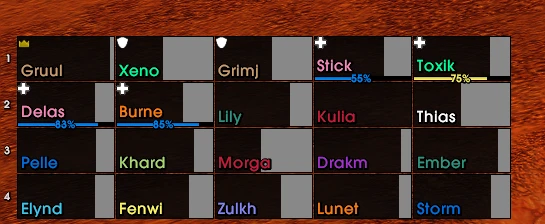
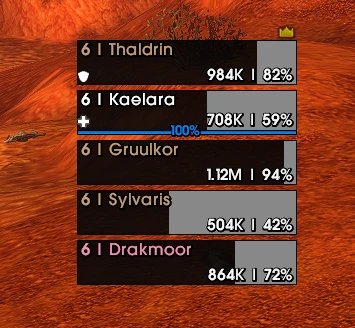
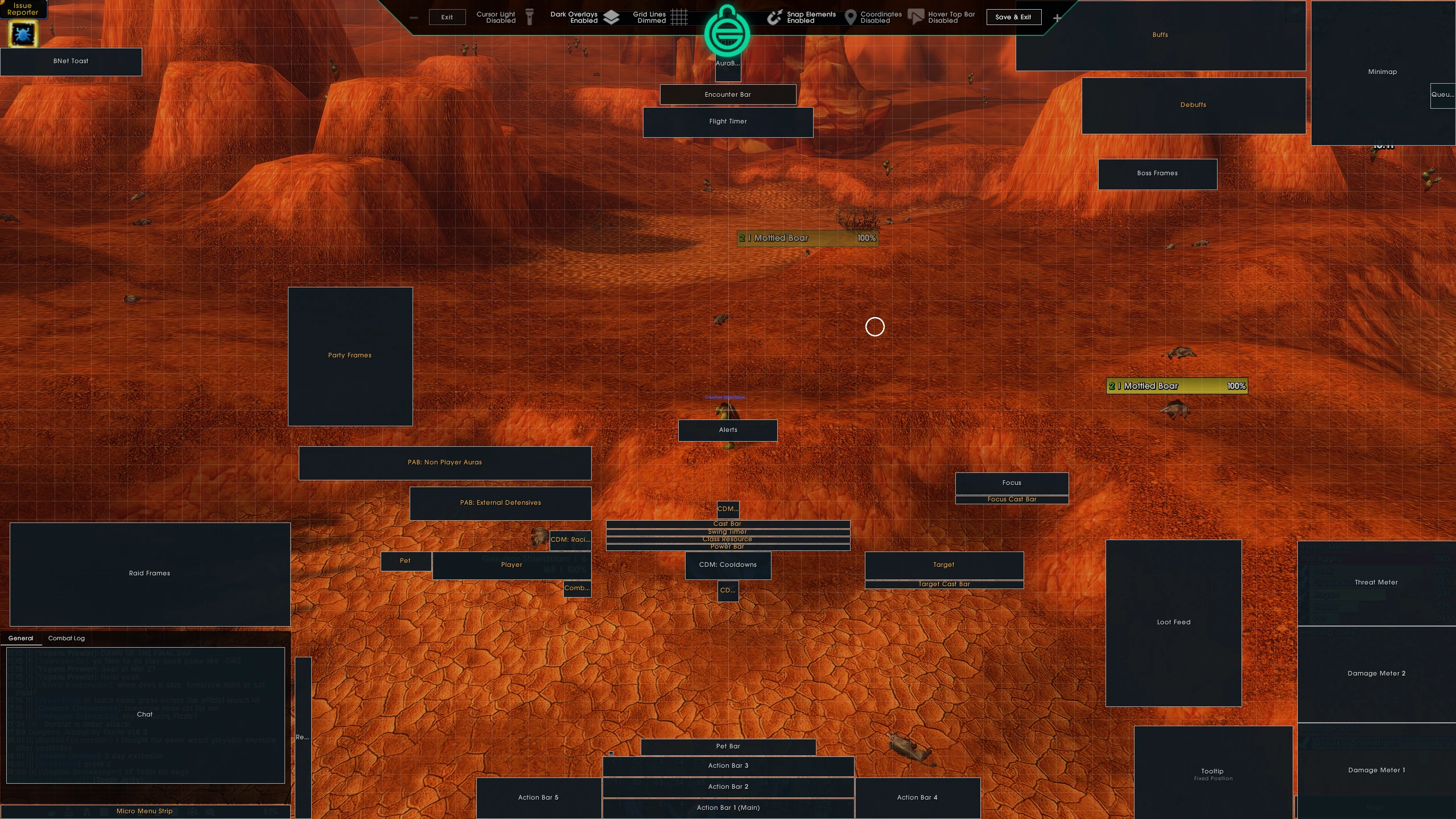
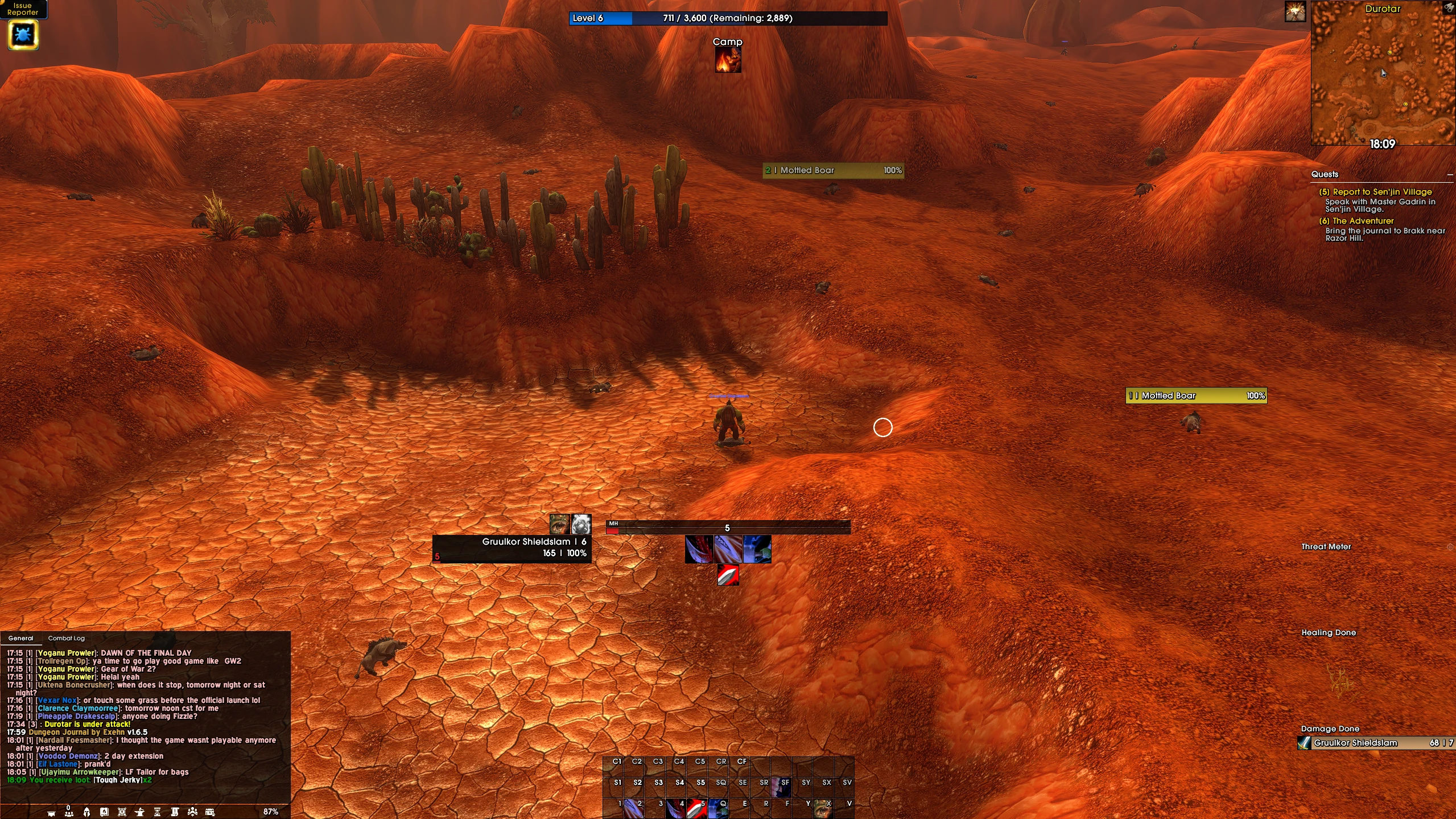
Since I wasnt very happy with the first version, I tried it again. And now I am happy to showcase my UI that I´ll be using for Forever. Firstly I want to thank Ellesmere and his team for this great Addon, it is incredible, and has so many QOL Things. I really like how the Addon itself looks, and even more how my UI Profile looks 😀I have a little bit of "experience" with Ellesmere UI´s settings, I know quite a few things, and therefor added some cool stuff such as 2 additional "Buffs and Debuffs" Windows, with External Defensives, and Non Player Auras, those I already have used in Retail, and are a great addition.Main focus is for Tanking, but it can also be used for DPS classes without any issue. Additionally, I tried to create the CDM and Resource / Classresource and Casting bar as fitting as possible, what do I mean with that? That the castbar is not floating around.I´ll maybe try to make an Heal UI too at some point, but as for now I dont really have the time for it. I am more than happy for what I´ve done here and hope you will like it.
Code
How to install
1 Copy the entire code string shown above.
2 Open World of Warcraft and open the EllesmereUI settings in the chat to open the EllesmereUI settings.
3 In the EllesmereUI window, go to Profiles → Import Profile.
4 Paste the code string into the box.
5 Click Import to apply the profile.