

UwUI – Rogue
Profile Details
Profile ID:
29739
Uploaded:
Nov 16, 2026
Updated:
Nov 16, 2026
Installs:
3,596
Website:
Source Link
Theme & Expansion
Roles
Content
Resolution
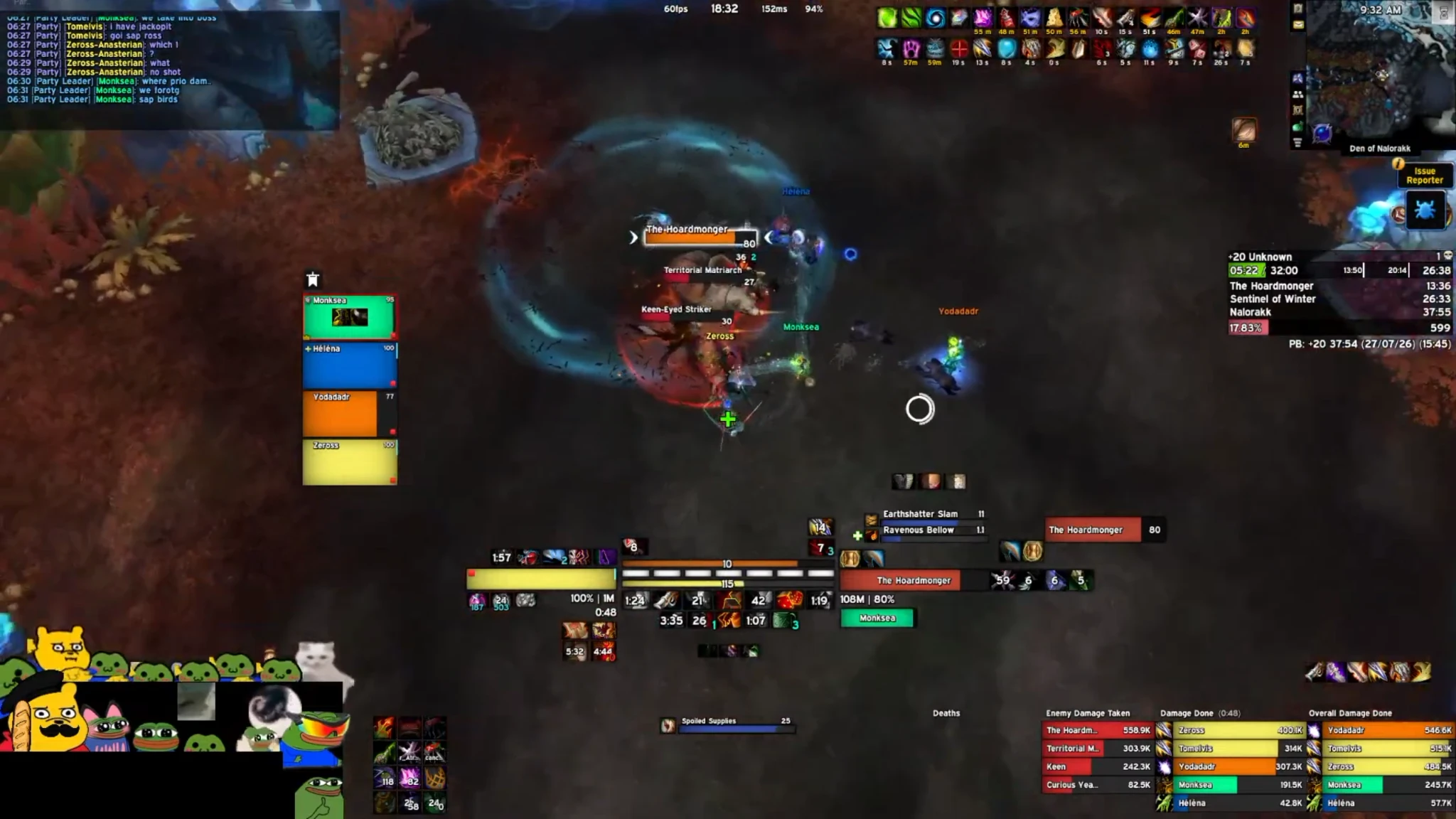
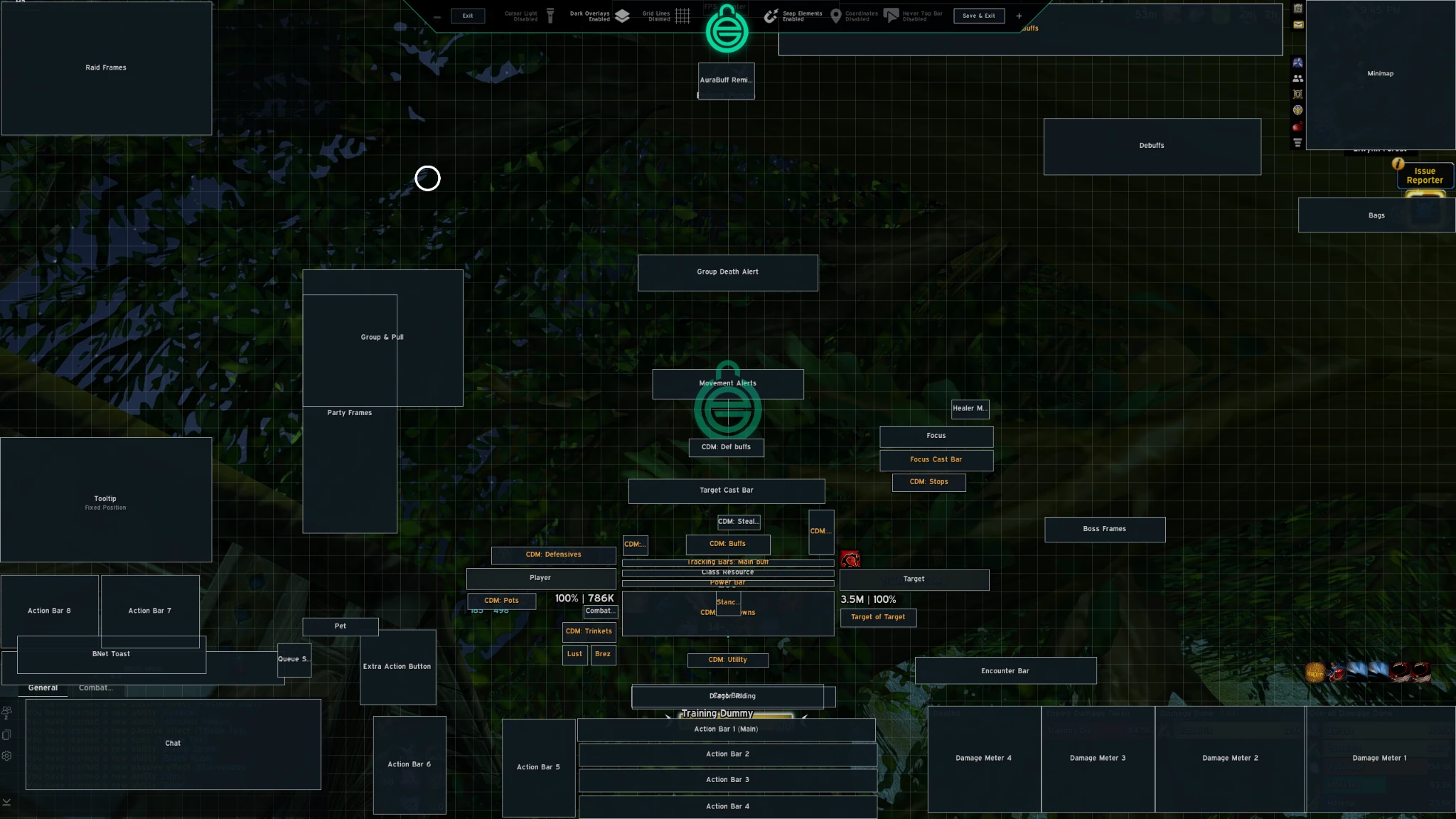
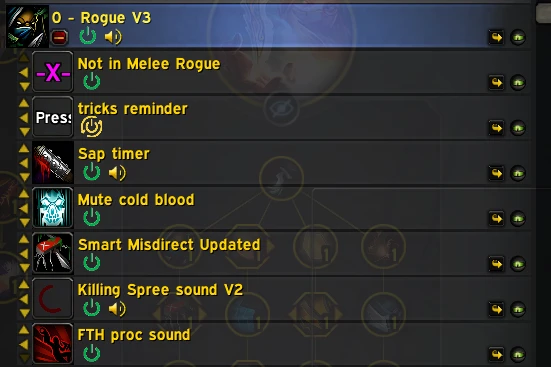
Hi this is my UI :3, it is made for rogue only
If you import it on a 1440p monitor use a UI scale of 71%I am using every module from EUI except bags and m+ timer.
Code
How to install
1 Copy the entire code string shown above.
2 Open World of Warcraft and open the EllesmereUI settings in the chat to open the EllesmereUI settings.
3 In the EllesmereUI window, go to Profiles → Import Profile.
4 Paste the code string into the box.
5 Click Import to apply the profile.