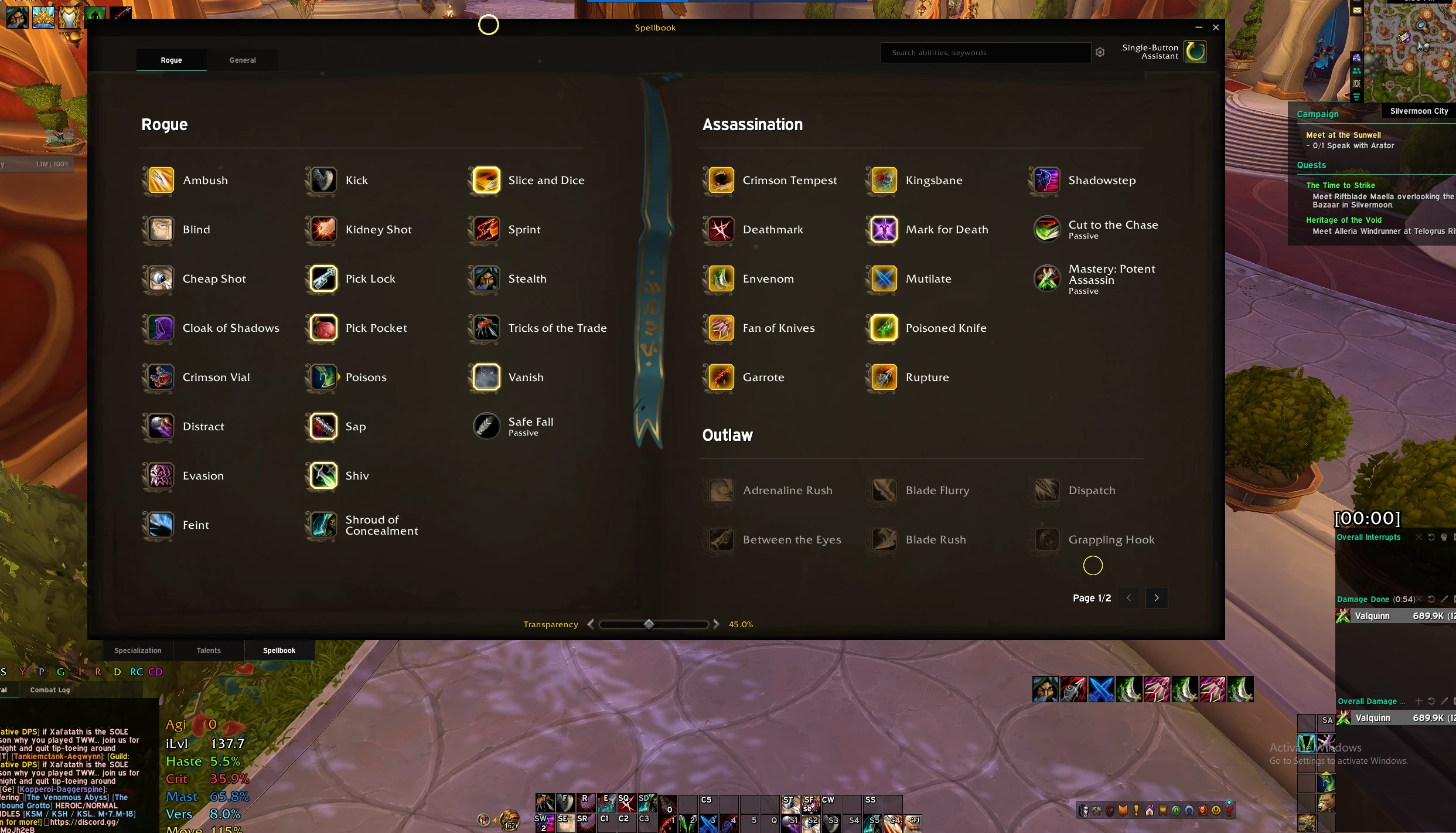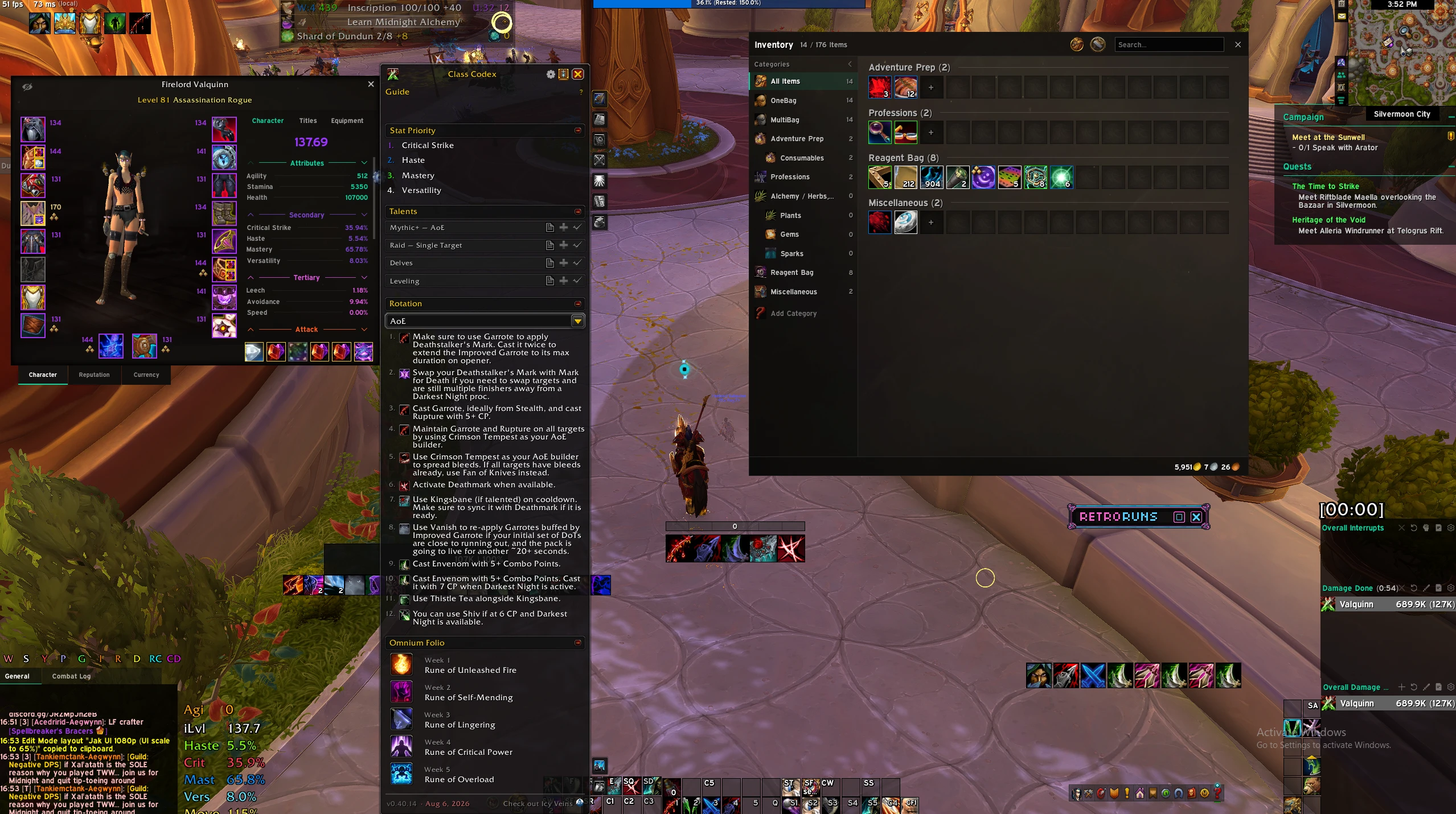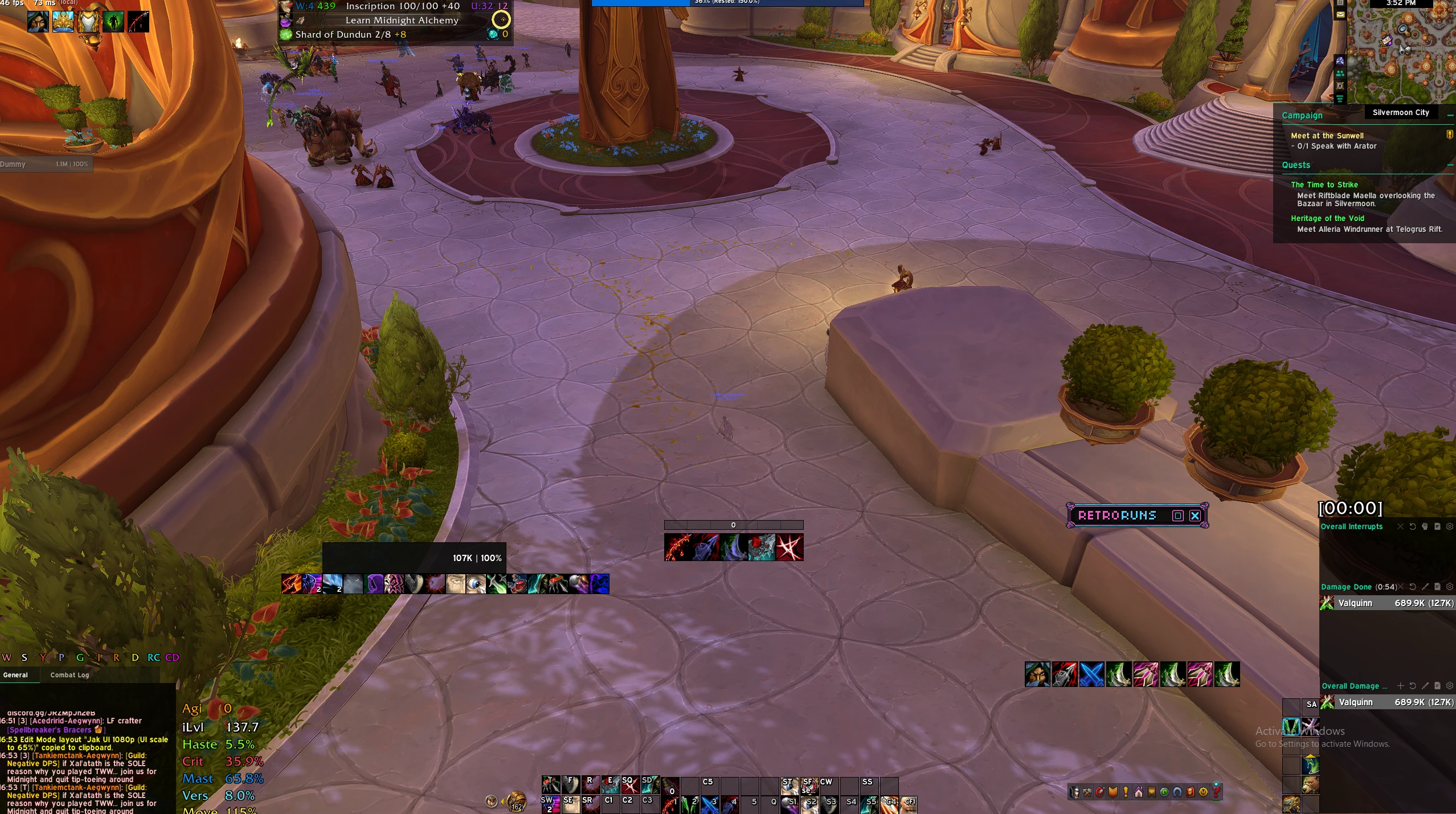


Lilly Dark w/ Jundies – Valglacius/Valestra Arcane Mage UI
Profile Details
Profile ID:
29675
Uploaded:
Nov 16, 2026
Updated:
Nov 16, 2026
Installs:
Less than 100
Website:
Source Link
Theme & Expansion
Roles
Content
Resolution
Dark, compact EllesmereUI profile for Mage gameplay, tuned around a clean center-screen layout, readable cooldown tracking, and a custom Arcane Soul tracking bar.- Dark compact EllesmereUI profile style
- Built around the lilly dark w/ jundies layout
- Tuned for Mage spec usage
- Shared layout approach for Valglacius and Valestra
- Clean cooldown-manager positioning
- Arcane Soul tracking via EllesmereUI/CDM Tracking Bars
- Class-colored Arcane Soul bar
- Iconless 270x24 tracking bar style
- Timer right, spell name left
- Hidden when inactive to reduce clutterImport through EllesmereUI options > Profiles > Import. If using the matching Edit Mode layout, import the Blizzard Edit Mode string separately through Edit Mode > Layout dropdown > Import.
Code
How to install
1 Copy the entire code string shown above.
2 Open World of Warcraft and open the EllesmereUI settings in the chat to open the EllesmereUI settings.
3 In the EllesmereUI window, go to Profiles → Import Profile.
4 Paste the code string into the box.
5 Click Import to apply the profile.